
Feature releases September 2024
Table of contents
Qargo Email Intelligence: new functionality!
Make changes in bulk
How to: generate invoice XLS/CSV export
Fuel surcharge: configure per customer
Support third-party non-transport-related costs/tasks
Introducing the carrier portal
Understanding icons in Qargo
New order field for contact emails
Bulk printing from invoice list
ADR enhancements
\
Qargo Email Intelligence: new functionality! {#h_93680e179e}
Qargo Email Intelligence is a new feature designed to streamline email communications in the logistics industry. It integrates email communication with the transportation management system (TMS) and automatically links and saves transport-related emails. This makes email correspondence accessible to the entire team and eliminates lost or scattered messages. To learn more about this powerful tool and how it can benefit a business, click here.
Make changes in bulk
The following changes can now be made in bulk:
➡️ Update rate cards
➡️ Cancel orders
➡️ Update stop dates
Each option is described in detail below:
💰 Update rate cards in bulk:
The feature is accessed via the quick actions on the Orders page:
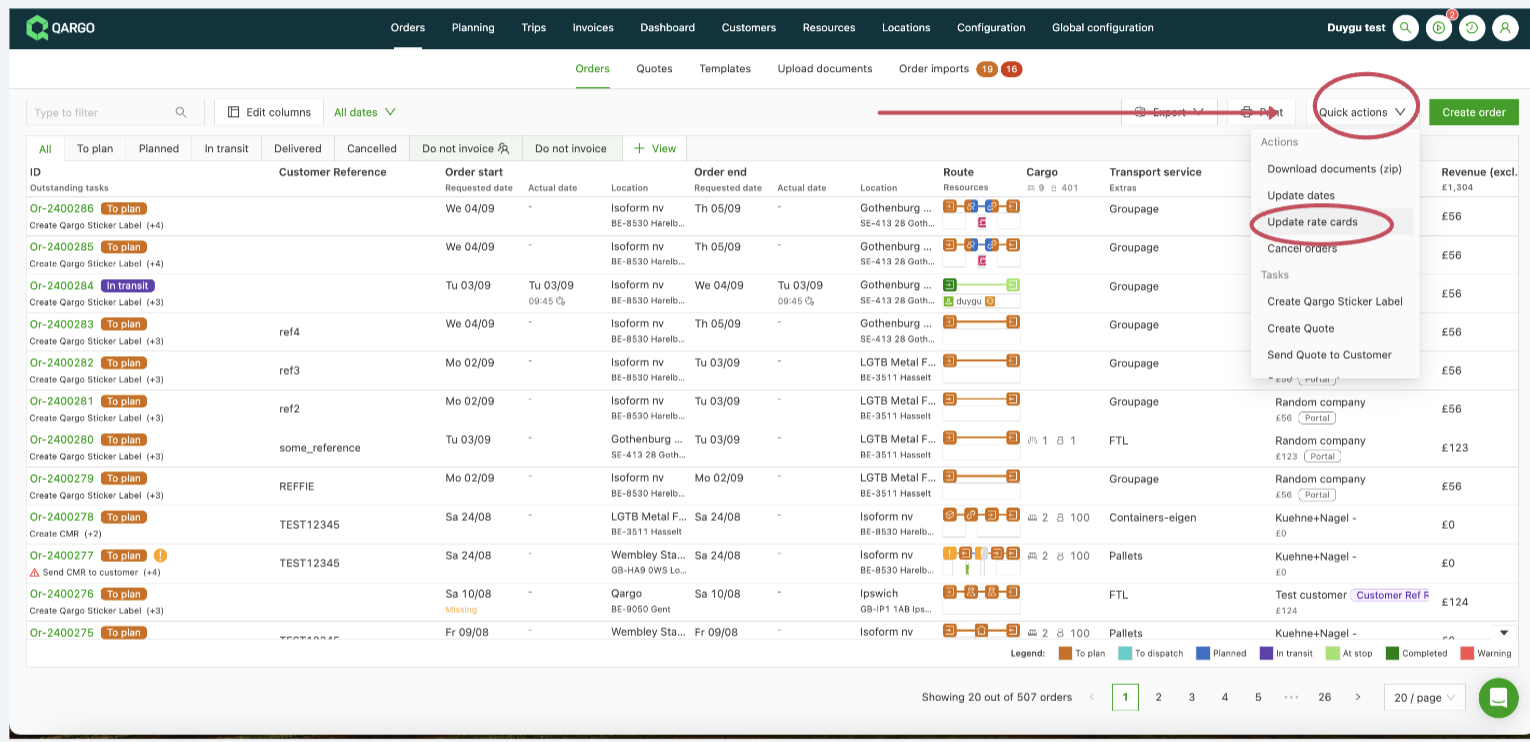
The Update rate cards quick action (new name: Update order/shipment fields) opens a modal, similar in design to the print document option.
Within the modal, users can choose the relevant rate card to apply to orders.
After a rate card is selected, the list of orders is automatically filtered to show only the orders that are eligible to be switched to the chosen rate card.
Select the orders that need a rate card update and click the Update rate cards button in the bottom right of the modal to start the update process.
The updates are processed asynchronously, with progress shown in the top right corner of the page.

Once all orders have been updated successfully, the order list refreshes automatically to reflect the changes.
_______________________________
🔴 Cancel orders in bulk:
The feature is accessed via the quick actions on the Orders page:
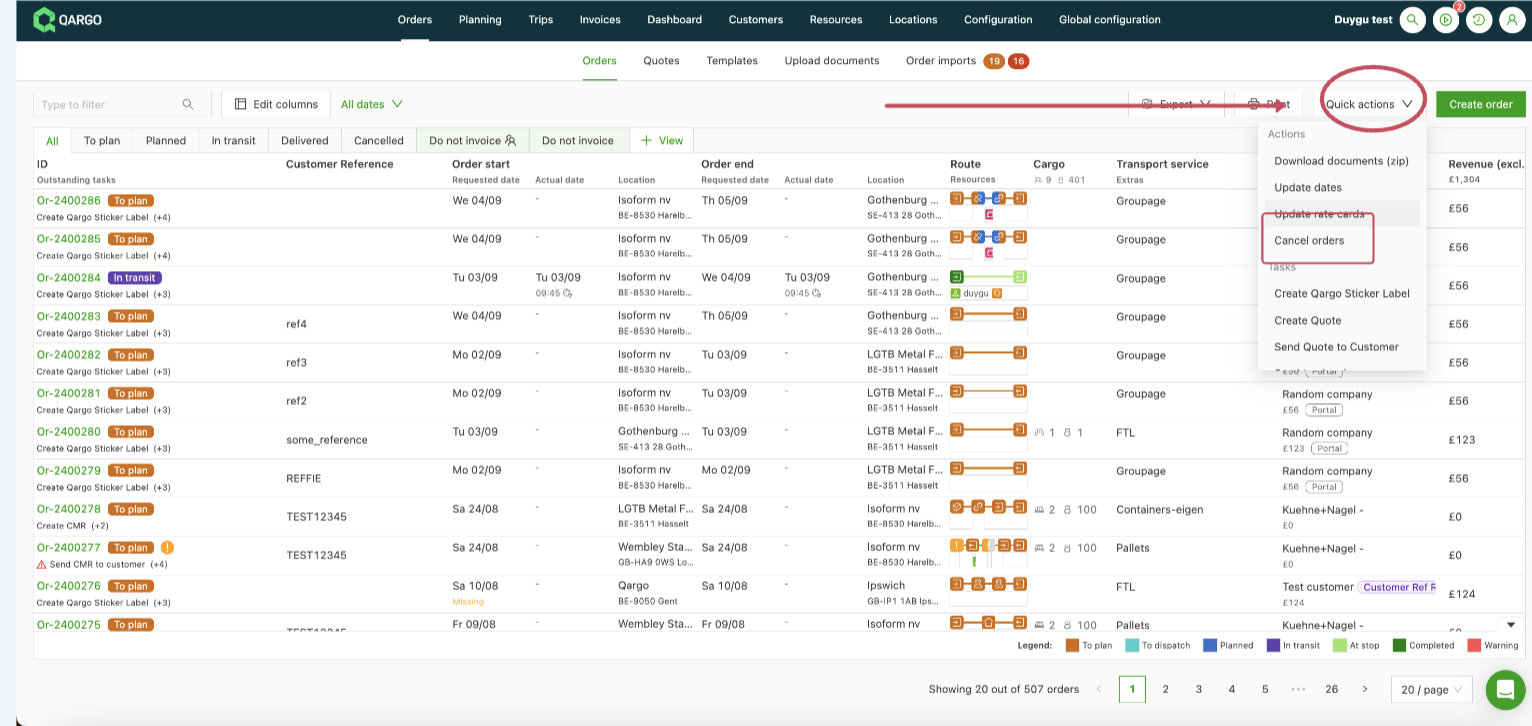
After clicking this option, select the orders to cancel and click the Cancel orders button in the bottom right to start the bulk cancellation process.
The selected orders are updated asynchronously, with progress shown in the top right corner of the page.
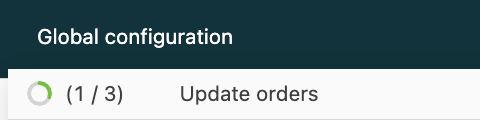
Once all selected orders have been canceled successfully, the order list refreshes automatically to display the changes.
🗒️ If needed, orders can be uncanceled from the Canceled tab, where a bulk action to uncancel orders is available:
________________________________
📆 Update stop dates in bulk:
This feature complements the existing option (see here) to update all stops for a single order. It provides even more flexibility and efficiency.
The feature is accessed via the quick actions on the Orders page:
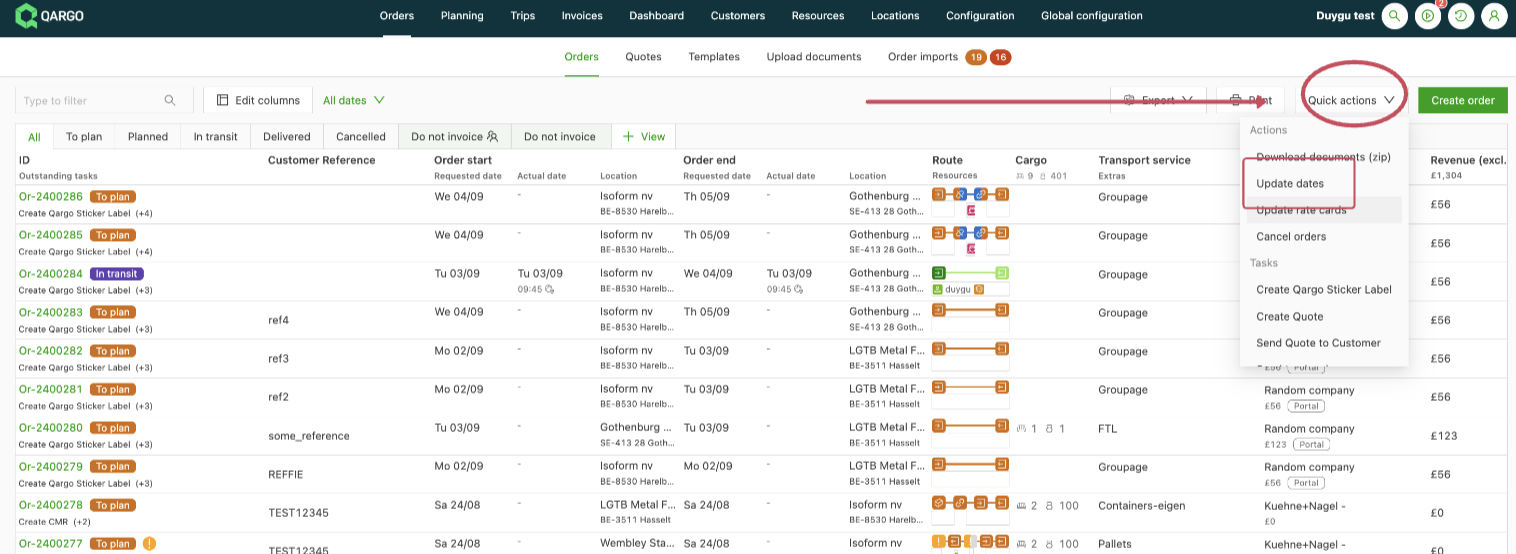
The Update dates quick action opens a modal similar to the print document flow.
Within the modal, users can specify which activities need to be updated (e.g., Pickup stops, Terminal: unload stops).
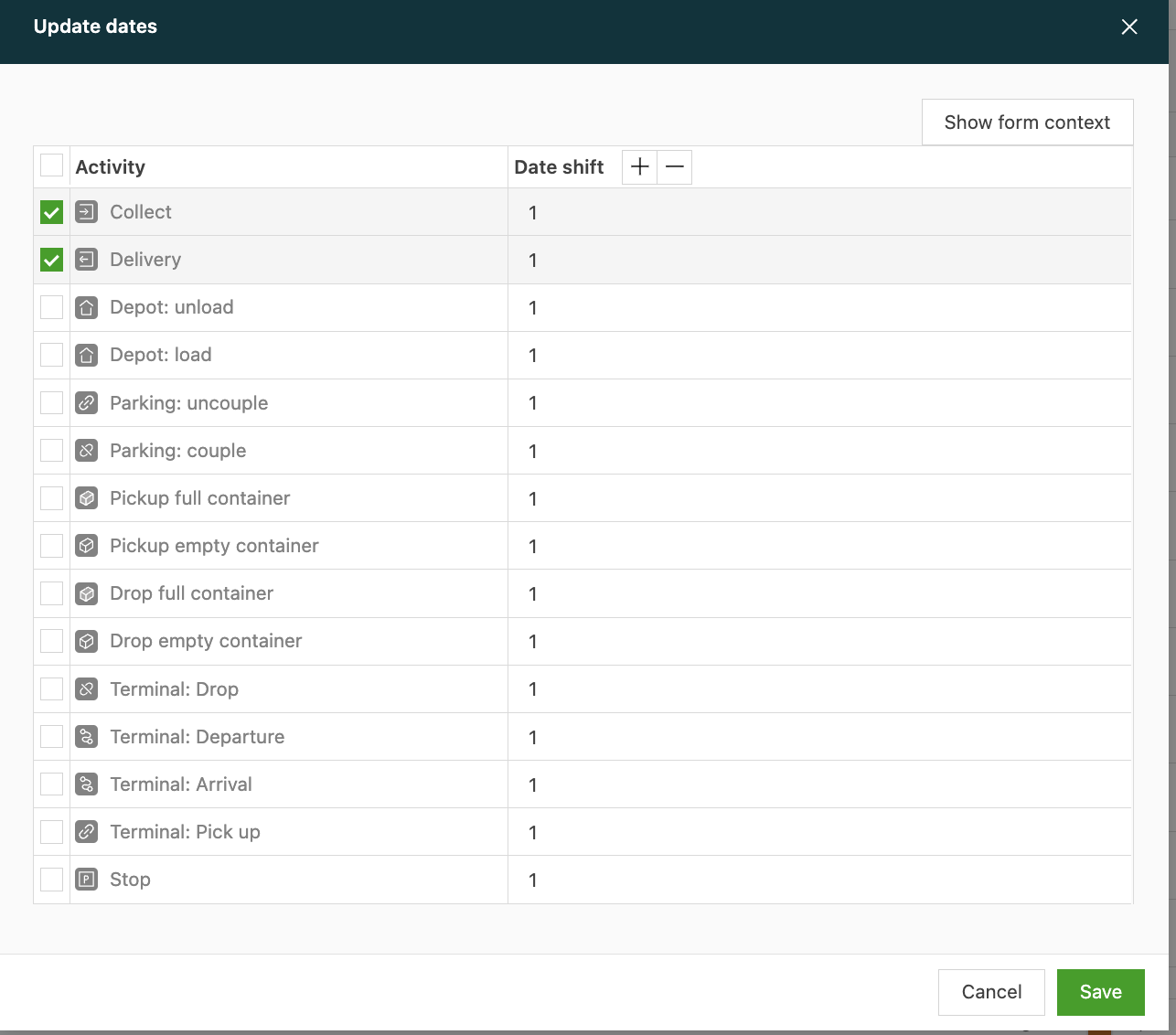
In this view, users can define how far each activity should be shifted.
For example, all Pickup stops can be shifted 2 days forward and all Terminal: unload stops 4 days backward.
After configuring the shifts, click the Save button in the bottom right to start selecting the orders to change.
Select the orders that need to be updated and click the Update dates button in the bottom right to start the process:
The updates are processed asynchronously, with progress shown in the top right corner of the page.

Once all stops have been updated successfully, the order list refreshes automatically to display the changes.
Best regards
\
How to: generate invoice XLS/CSV export {#h_f986e3e846}
Document generation tasks can now be configured on invoices and carrier invoices using the custom charge exports. This is useful for customers that need to send an invoice breakdown/list of charges in CSV or XLSX format to their own customers.
The short video below shows how to configure this:
To learn more about how this works, click here.
Fuel surcharge: configure per customer
Previously, a specific surcharge line had to be created for each customer and linked to a separate rate card. It is now possible to create customer-specific indexes under a single fuel surcharge configuration!
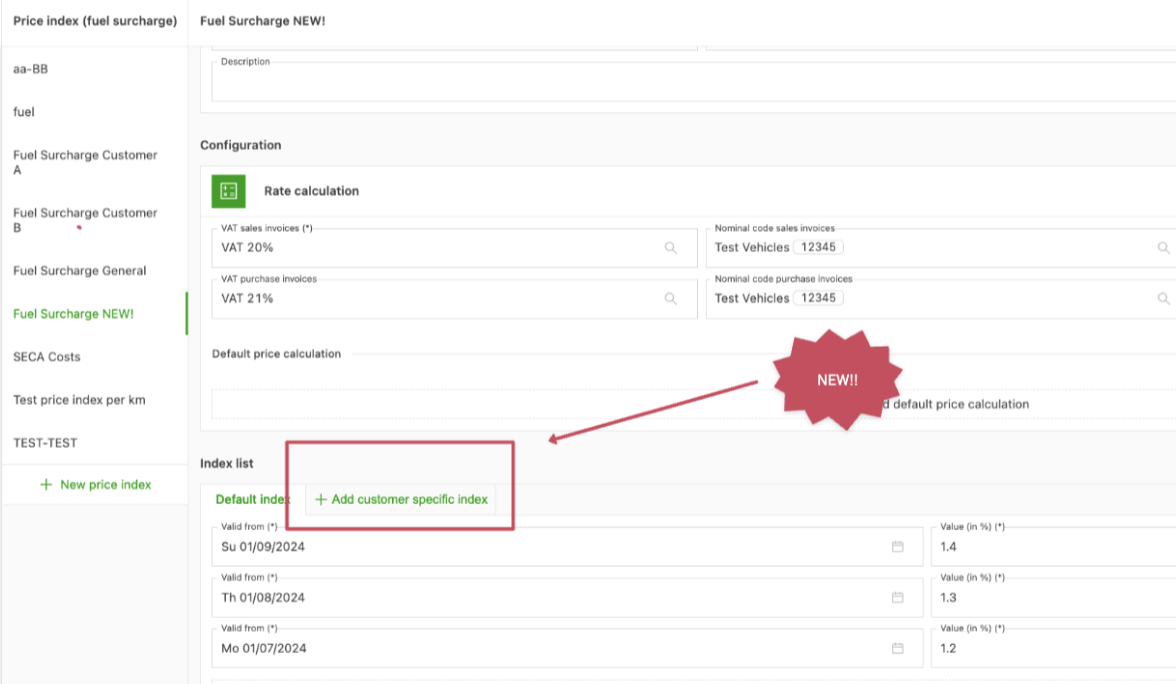
To learn more about this, click here.
Support third-party non-transport-related costs/tasks
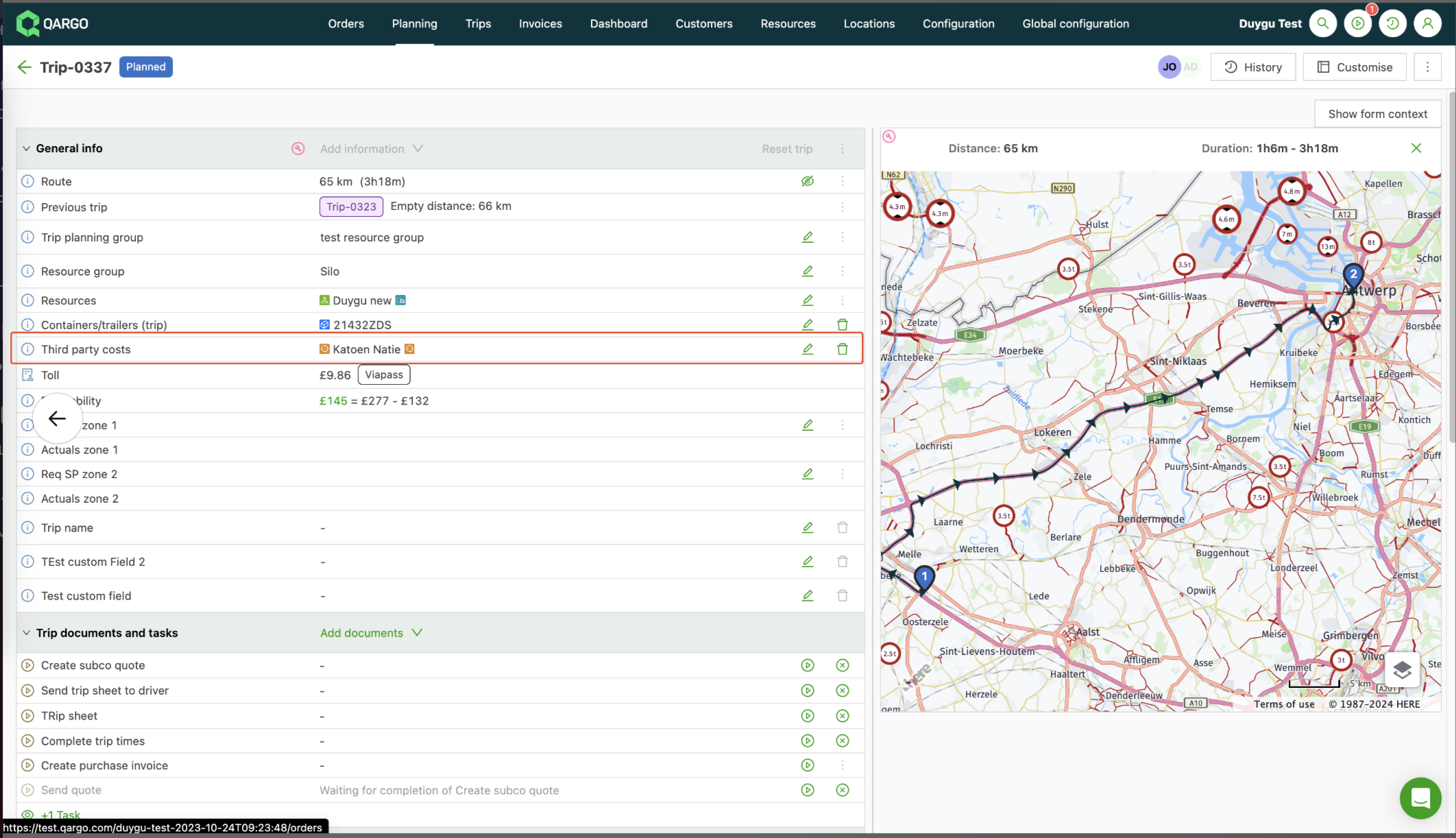
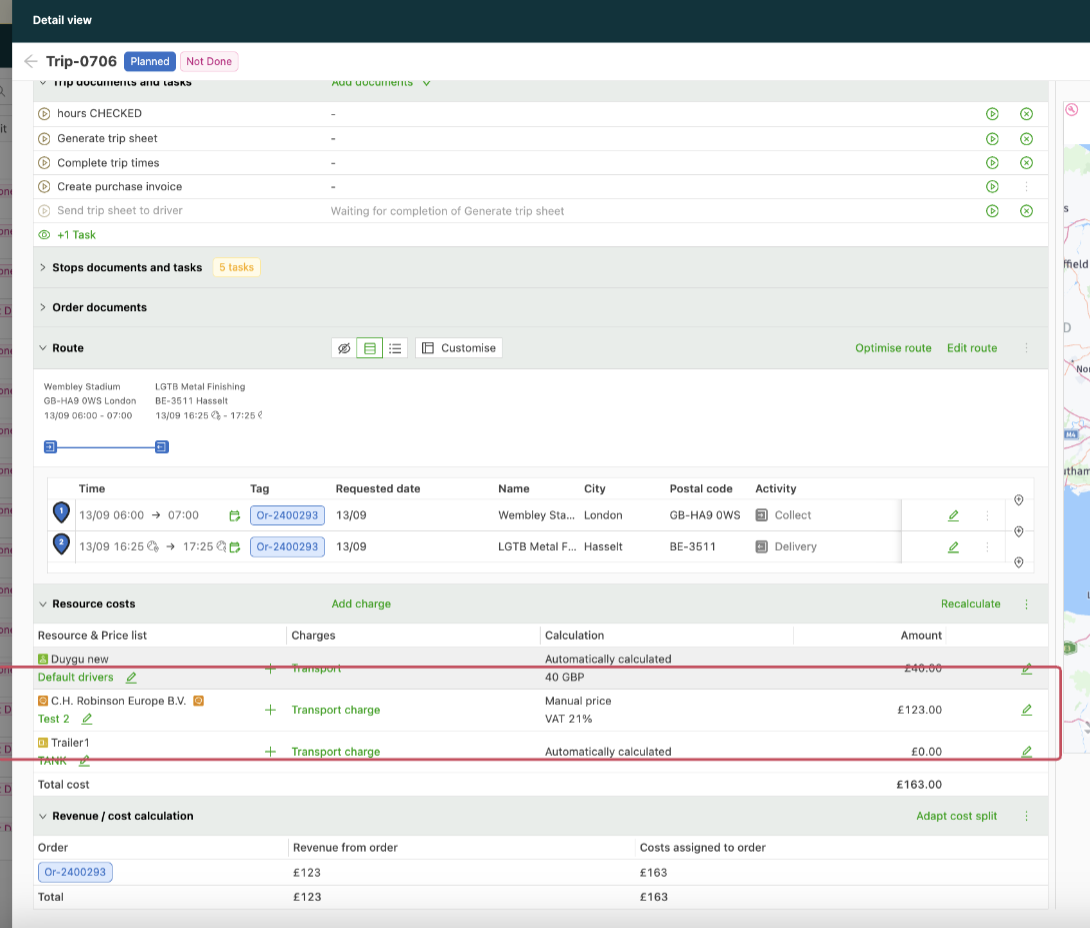
Users can now assign costs to external third parties, even if those parties are not the ones executing the load (this includes services like cleaning, heating, handling, etc.).
The system now supports adding third parties (listed under Contract carriers) as a secondary resource type at load level. This allows users to attribute costs to these external parties more accurately.
The third-party company can be linked to the load as shown below:
An extra cost line is then available on the load page to assign costs to the assigned third party:
Note: check with the support team to confirm whether this functionality is enabled in the environment.
Carrier portal: empowering customers! 🎉
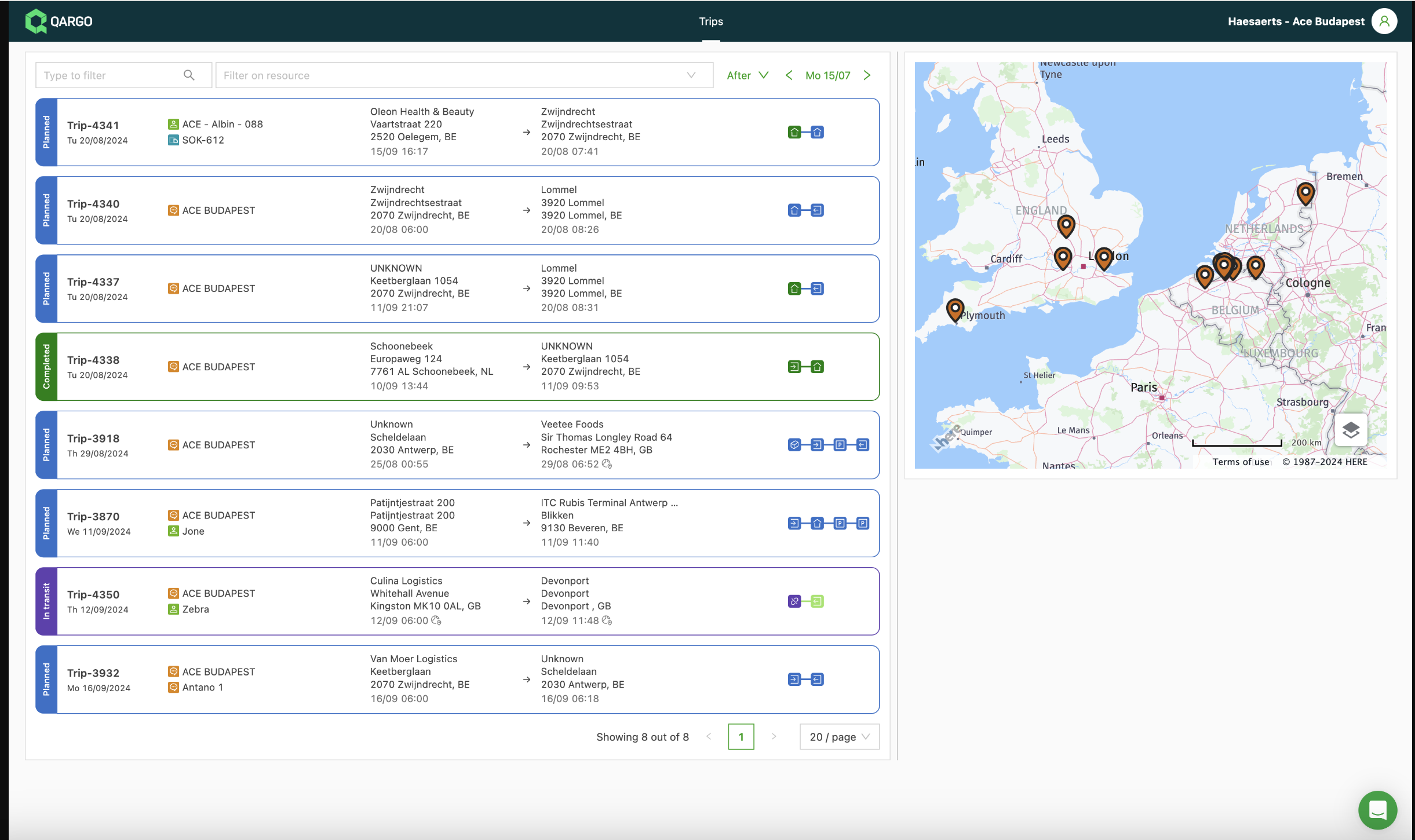
Qargo is excited to announce the launch of the new carrier portal. It is designed to enhance collaboration and streamline operations for the partners of Qargo customers.
Key features:
- Shipment overview.
- Real-time updates.
- Document management
- User-friendly interface.
Benefits:
- Improved communication.
- Increased efficiency.
- Enhanced transparency.
The carrier portal is now live and ready for use. See below for more information on how to use the portal.
Access & configuration
Contract carrier view
Document configuration
Understanding icons in Qargo.
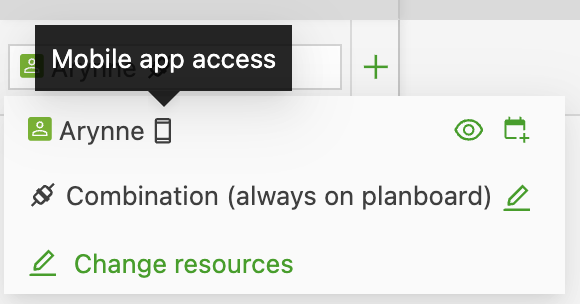
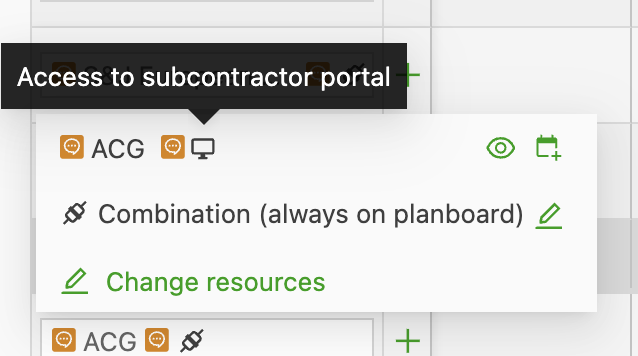
Some new icons may now appear on resources. These icons indicate an active integration.
Qargo driver mobile app:
Carrier portal:
Telematics integration:
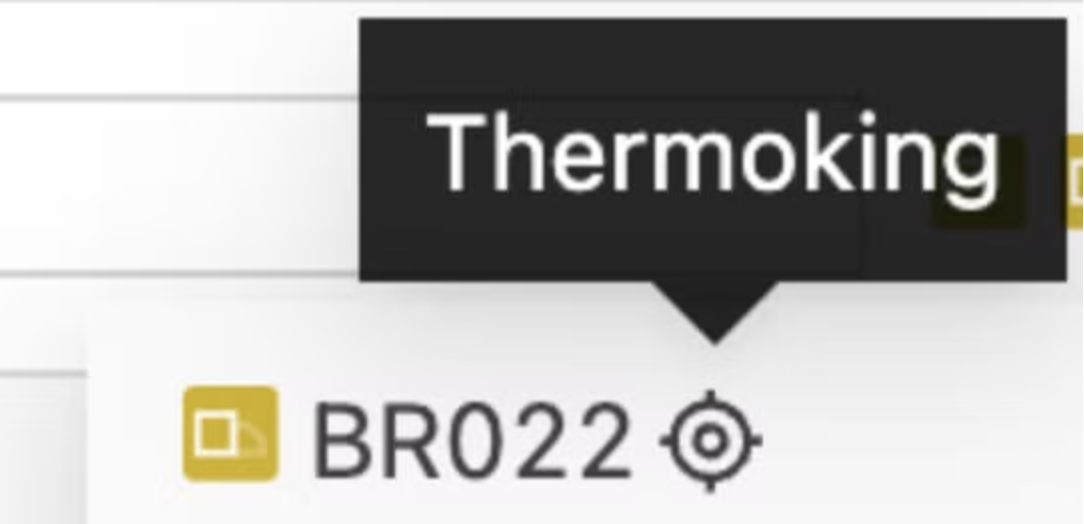
Fleet management integration:
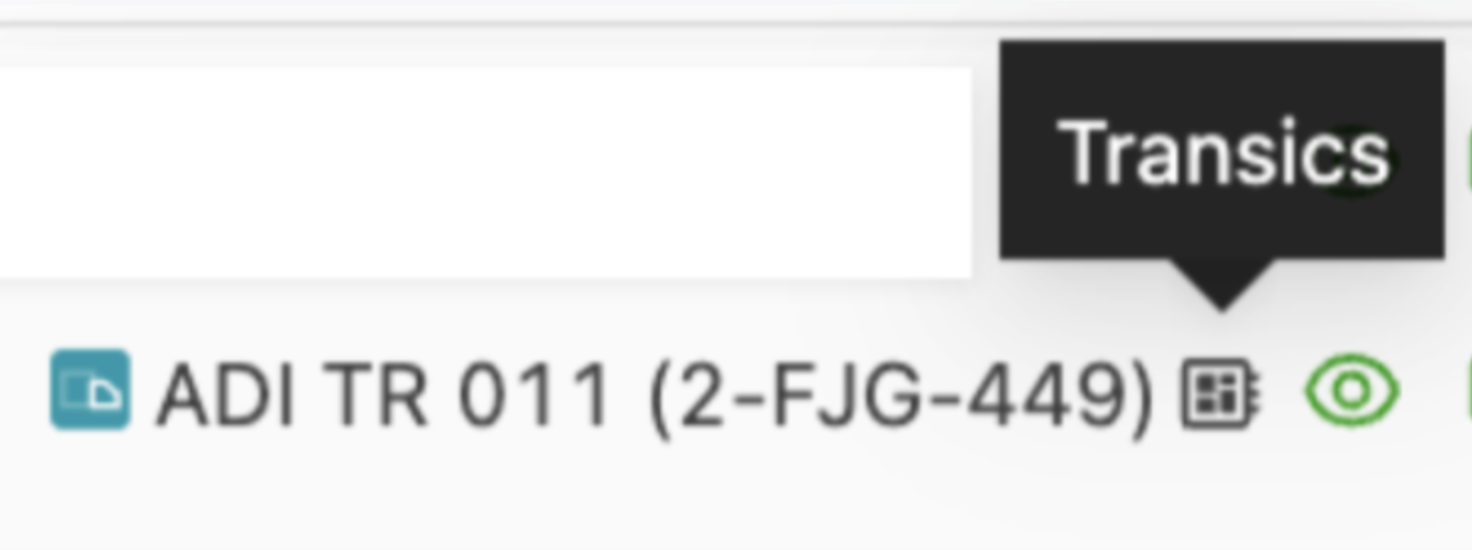
Click here for more information about this.
New order field for contact emails
Sending emails to a dedicated role in a company (e.g., Operations) is not always suitable. Not every user in that department handles every aspect of each order.
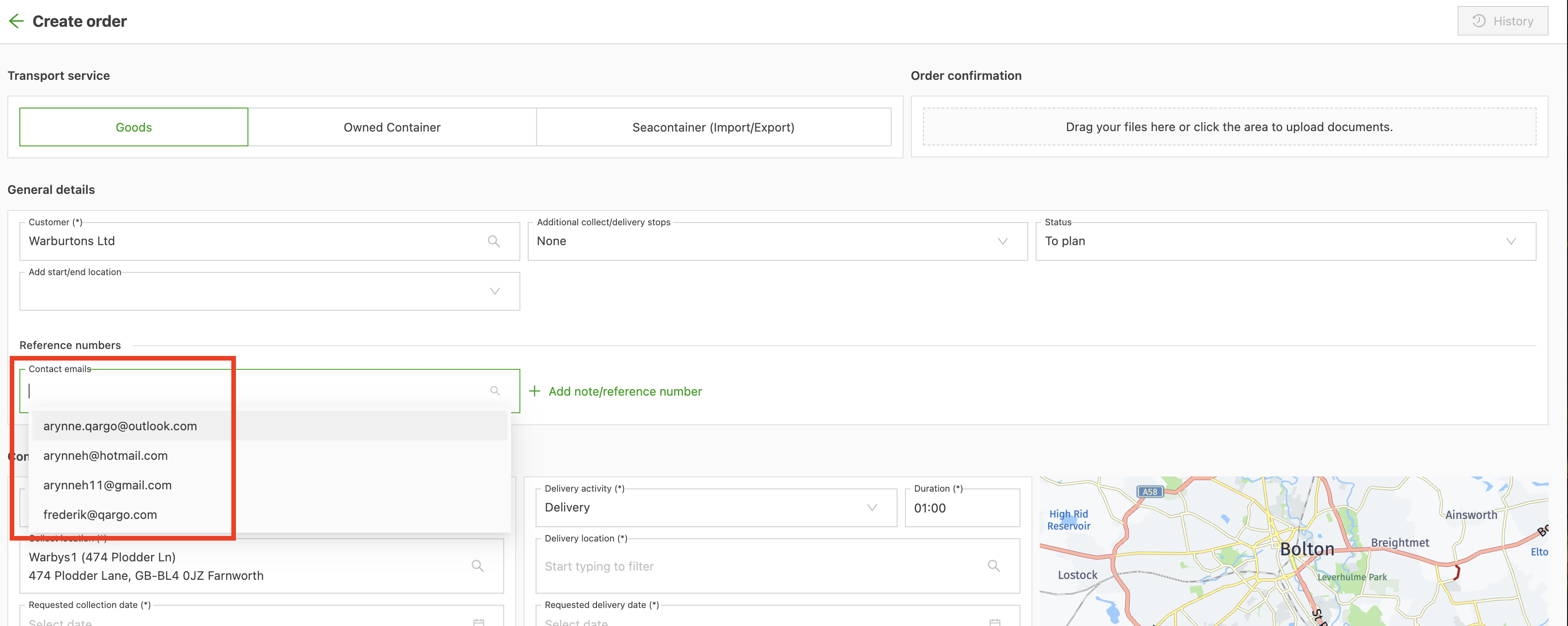
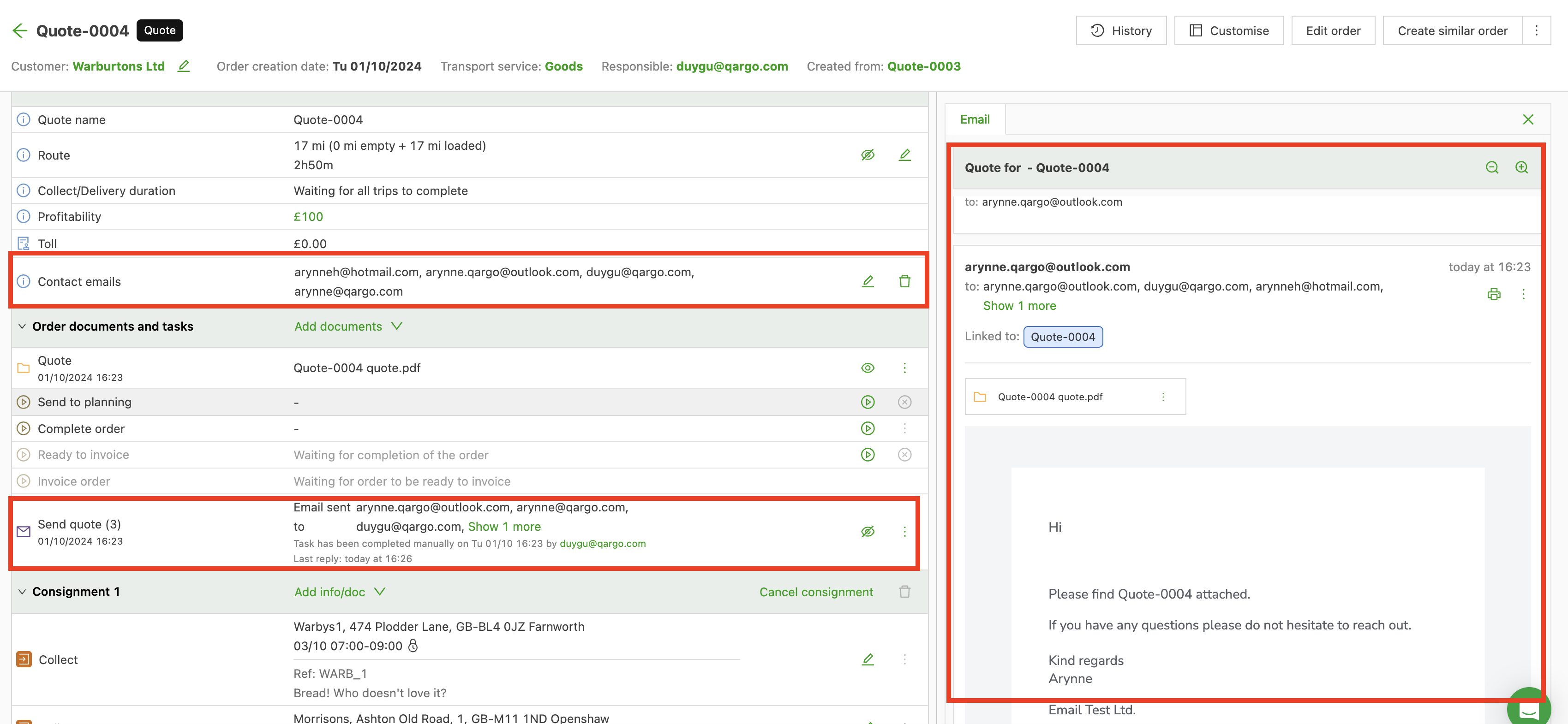
A specific Order contact can now be entered for contact tasks on a related order/shipment/stop. This new field allows a specific contact at the customer to receive the email task directly.
To learn more about how this works, click here.
Tip:
Emails can be linked directly to quotes and orders using Qargo Email Intelligence.
Bulk printing from invoice list
The new Print button on the invoice screen gives users a more streamlined process when multiple invoices need to be printed at once.
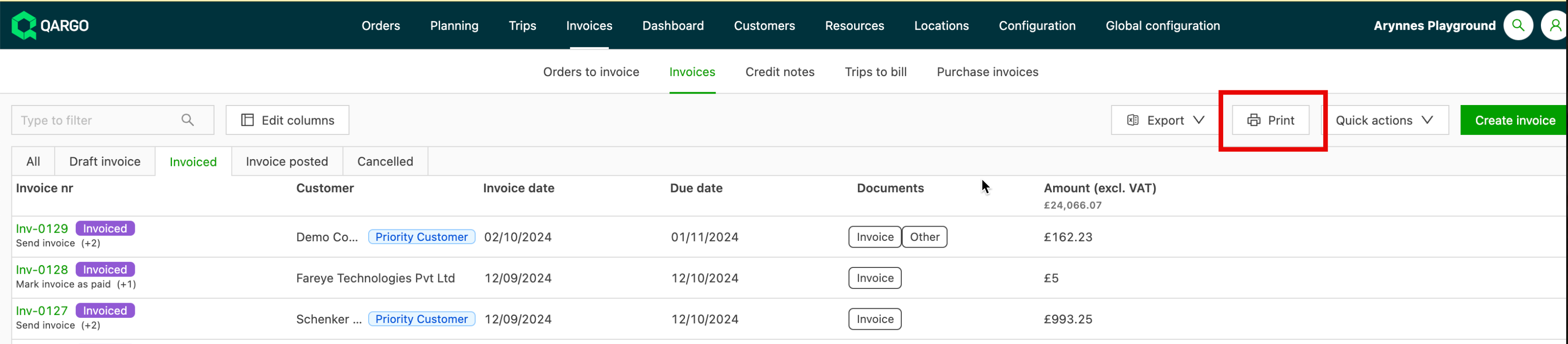
Users can search or filter by customer to find all associated invoices easily, then select all invoices or individual invoices to print.
The documents are consolidated into a single PDF file, which can be downloaded and/or printed. The file includes all documents associated with the invoices in the initial print selection.
To learn more about how this works, click here.
Payant-Pour & Pour-en-Pay
This price calculation mode prevents under- and overcharging near range limits in per-metric rate tables. This ensures fairer charges.
With per-metric price calculations (e.g., per kilogram or per loading meter), each range has an associated cost per unit. The price is determined by where the metric value falls within these ranges. This approach offers alternative methods to calculate costs and helps minimize discrepancies that can arise at the boundaries of the ranges.
To learn more about how this works, click here.
ADR enhancements
This month has seen several enhancements to the ADR functions in Qargo. These include:
- The ADR section can now be configured to show or hide on the order. If shown, it can be set as a required field. If ADR is selected but information is missing, an alert is shown. This will impact the customer portal. Read more about this here.
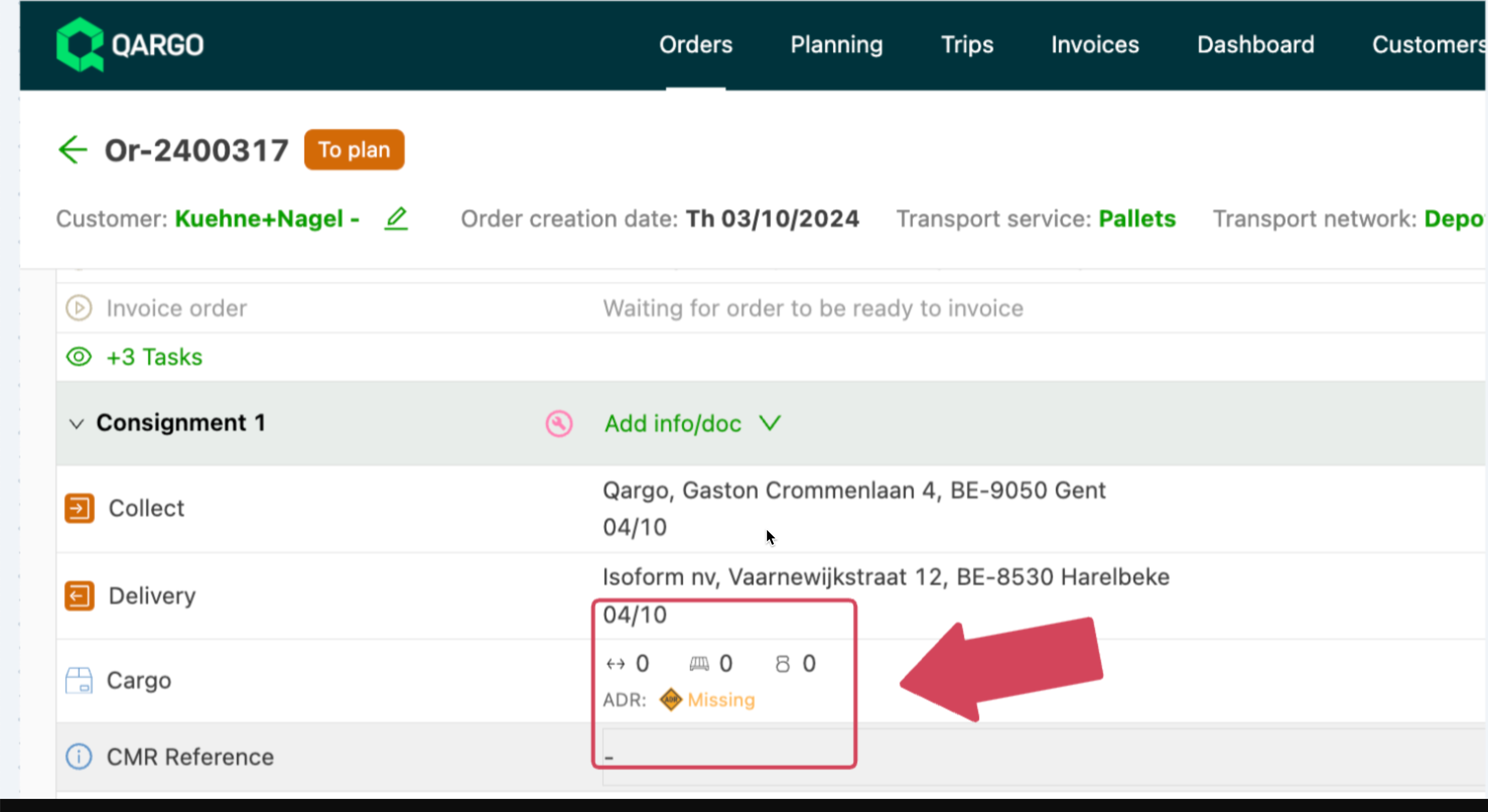
- Streamline planning and reduce errors! Certain resources, such as drivers, vehicles, and contract carriers, can now be restricted to ensure they are compatible with ADR hazardous materials (HazMat) transport. Click here for more details.

- Qargo now supports cost/revenue charges for ADR and allows users to configure restrictions on ADR, similar to extras or time windows.
This new feature saves time and effort and ensures accuracy in rating. No more double selections or confusion: simply select Hazardous materials and the rating is applied automatically.
*For more information, including a short tutorial video, click here.