Rate card: fixed amount calculation metrics
This article covers the calculation metric options that are available when configuring price lists based on a fixed amount.
Table of contents
Price list calculations can be set up based on a Fixed amount, Formula or Rate table. Each calculation method has additional metrics that are used to calculate the final price.
This article looks at the options available when using the Fixed amount calculation as the basis of the customer price list.
When creating a new price list, turn the toggle on if the new price list is to be used For all customers.
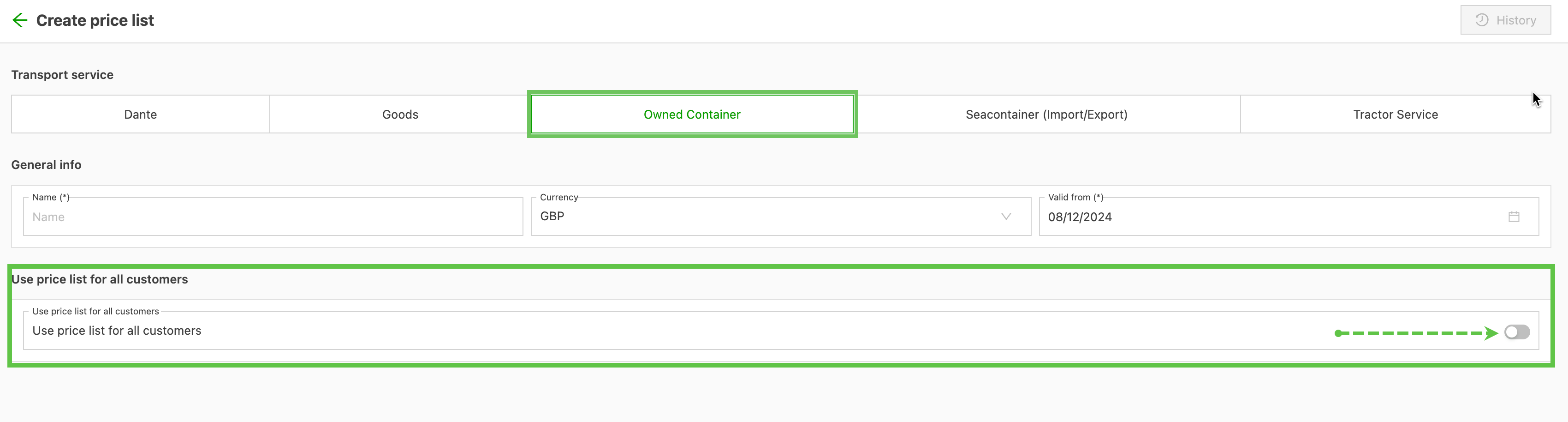
If the toggle is off, the price list is for a specific customer or set of customers. In that case, the customer needs to be linked to the price list.
Add metrics / options
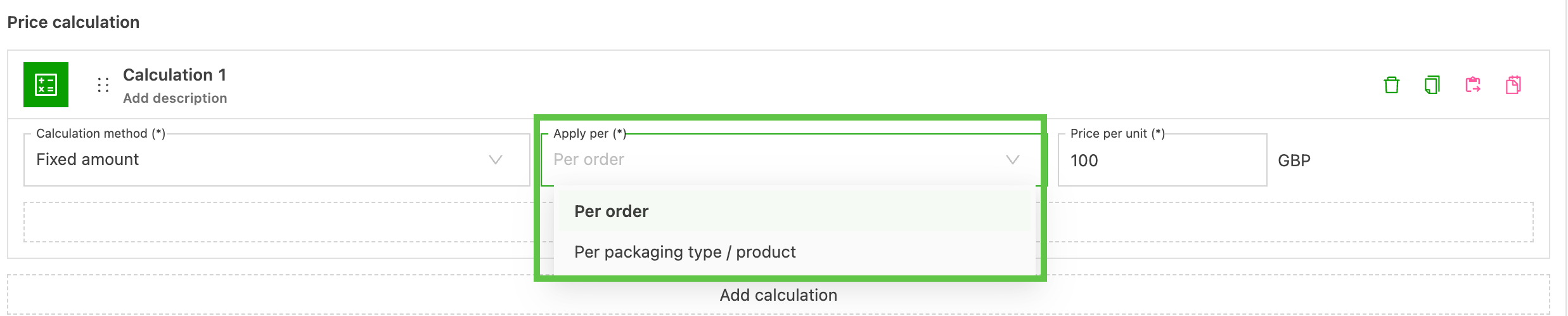
Select the Fixed amount calculation method. The Apply per dropdown offers 2 options:
- Per order
- Per packaging type / product
Calculation per order
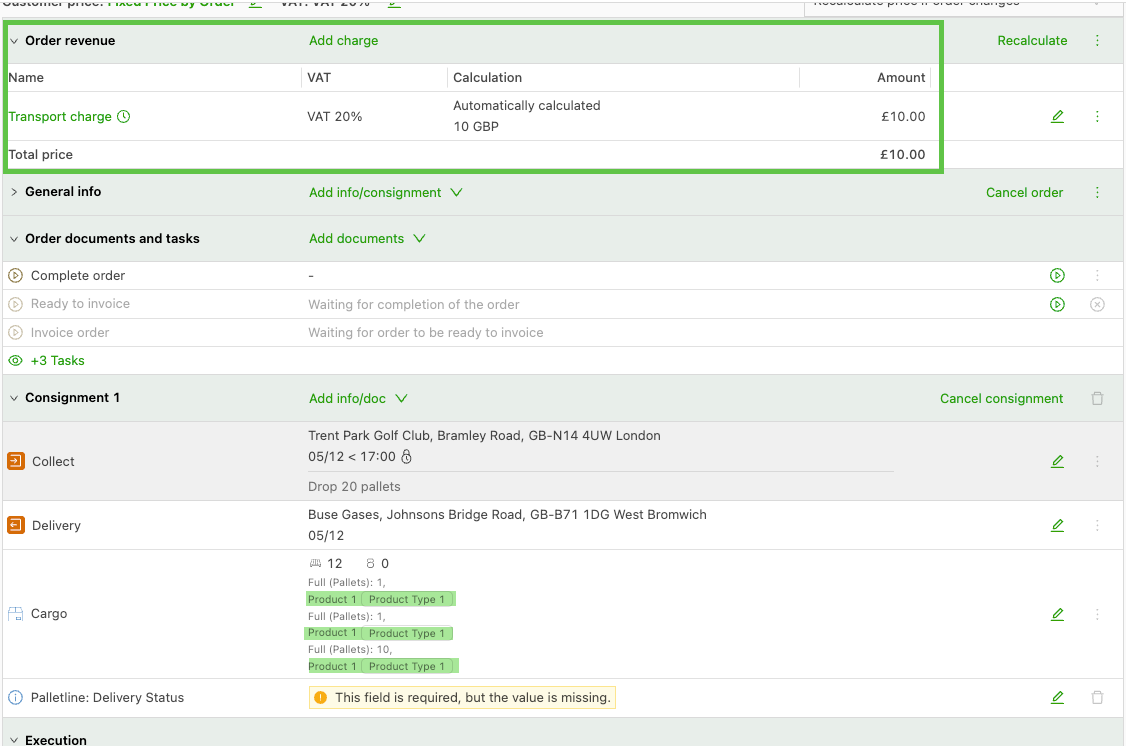
This option assigns the price entered in the Per unit field to the total order. The order automatically includes the transport charge set in the price list.
Calculation per packaging type / product.
This option calculates based on the Product type associated with the order. It is based on the products set up in the configuration for order entry.
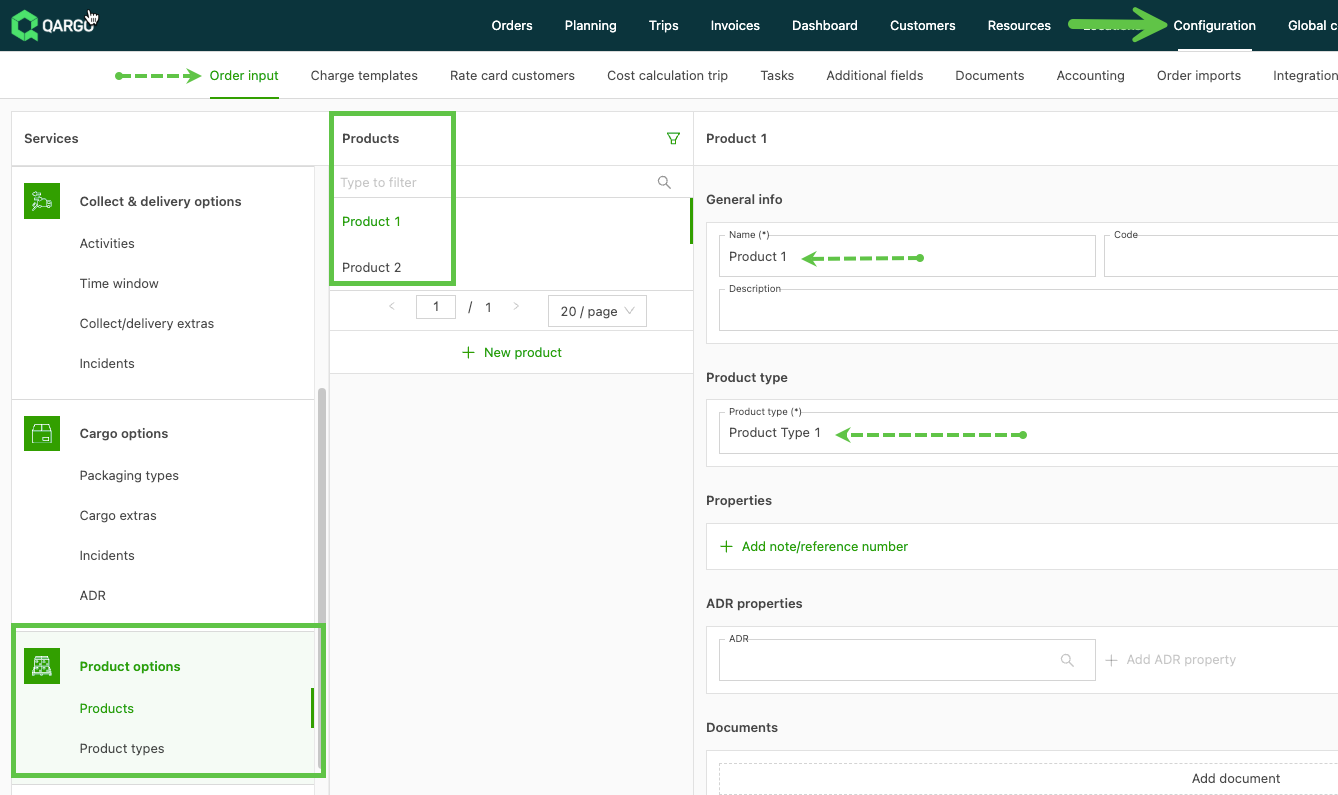
Example 1: 2 shipments, with 2 different product types included in the order. The rate applies Per type and calculates the amount based on the number of product types on the order (2).
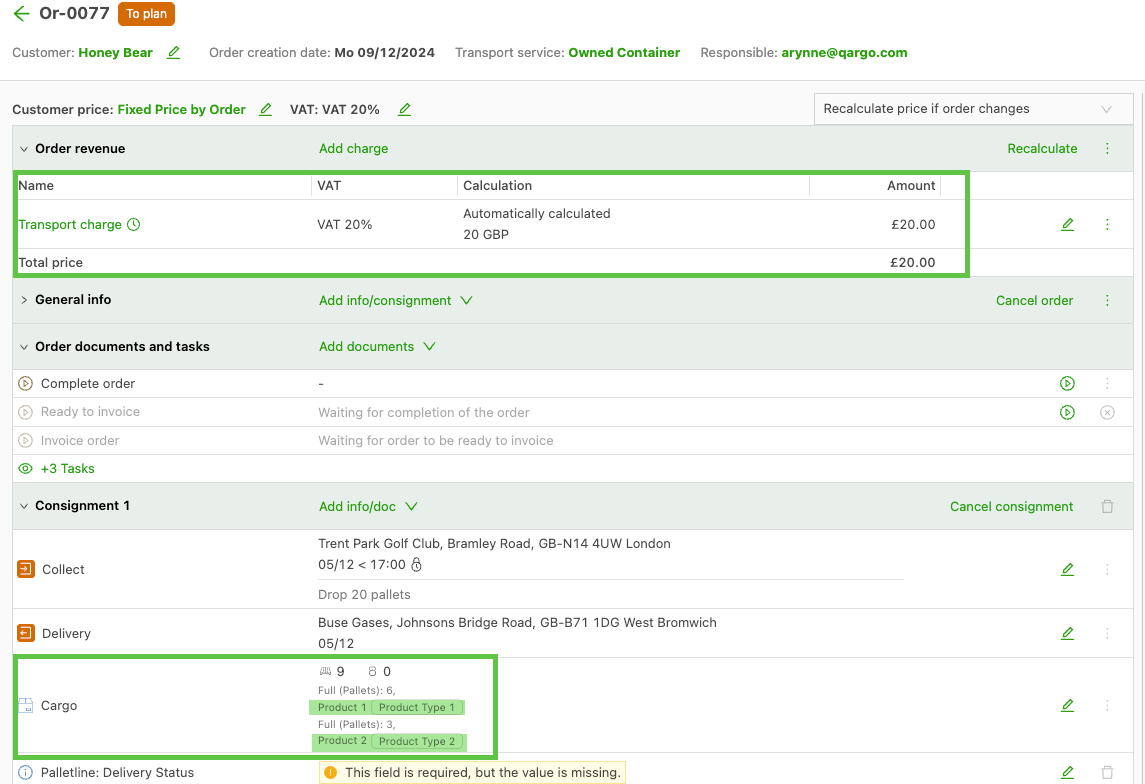
Example 2: 3 shipments, with 1 product type included in the order. The rate applies Per type and calculates the amount based on the number of product types on the order (1).