FAQ: Why can't an email order be dragged from Outlook
This article explains how to resolve the problem of not being able to drag and drop an email to create an order in Qargo.
A common question is why an email cannot be moved from Microsoft Outlook into Qargo using the drag-and-drop feature.
If an email is sent with a file as an attachment, the file can be dragged to create an order. However, if the details are in the body of the email, this function cannot be used. Unfortunately, this is due to a limitation in Outlook that is outside Qargo’s control.
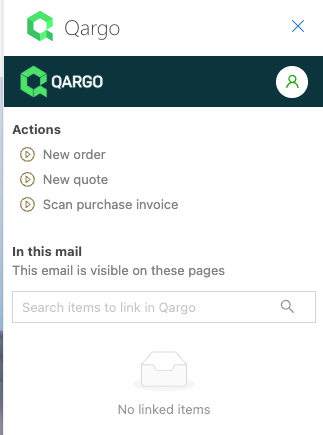
For customers using Outlook mailboxes, an Email Intelligence solution is available. It allows a seamless connection between the Outlook mailbox and Qargo. Users can create quotes, orders, and invoices directly from their own email.