
FAQ – Why is the Qargo email add-in not working?
If email threads do not update or work as expected, this article covers email intelligence connection issues.
Q. The Qargo add-in is in use through Outlook email. Problems keep occurring when sending and receiving emails through the plugin. Sometimes emails take a while to update in the plugin.
A. If email functions do not work as expected (for example, delays or failures in sending or receiving emails), this may be a connection issue. The first step is to verify that the Outlook email is included and configured correctly in the organization settings.
From Configuration, navigate to the Organization settings tab.
Scroll to the Linked mailboxes section. This section lists the mailbox addresses that have been added.
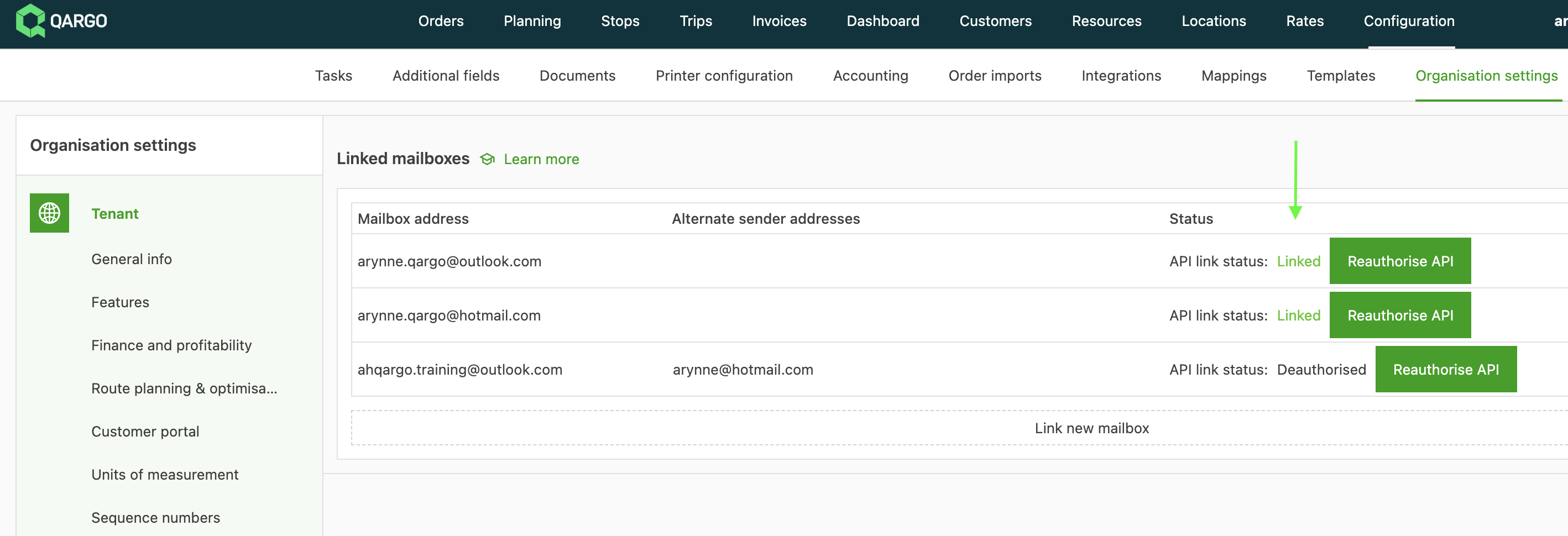
Status:
-
Linked: The email address has been successfully linked and authorized. The Qargo plugin should work successfully.
-
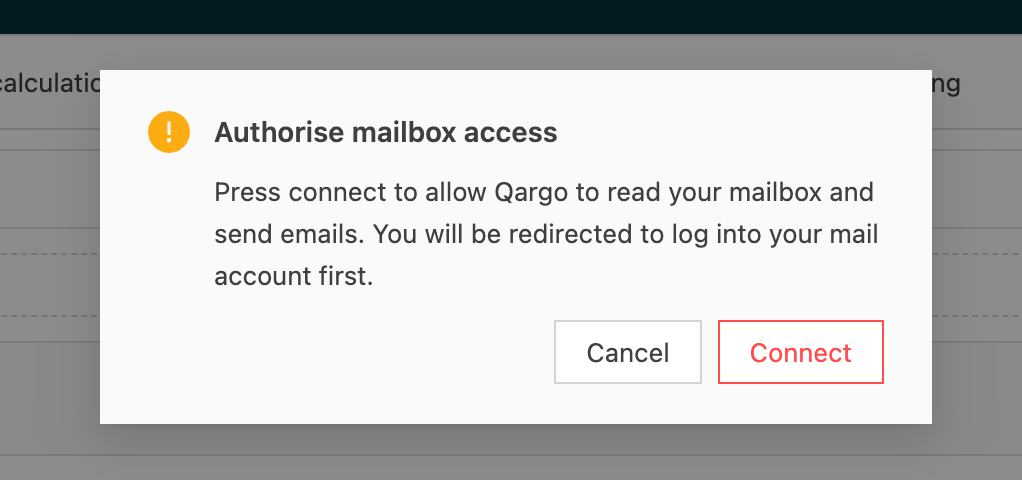
Unlinked: The email has not been linked successfully. Click the Authorize API button to begin the setup process. A popup asks to connect to the mailbox and redirects to the email login. Follow the email provider’s prompts to allow Qargo Tech Ltd access, and complete the setup.
-
Pending authorization / Reauthorize API (green): The mailbox was previously linked but requires reauthorization. Click Reauthorize API. A popup asks to connect to the mailbox and redirects to the email login. Follow the email provider’s prompts to allow Qargo Tech Ltd access, and complete the setup.
-
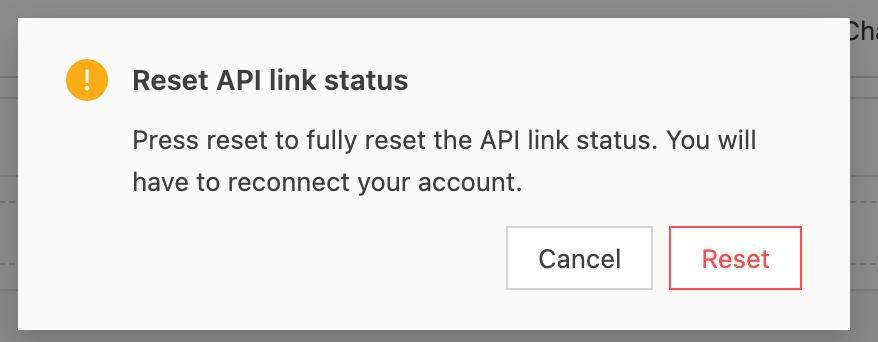
Pending authorization / Reset API link status (red): There was a problem linking the mailbox and the process was not completed. The mailbox is not linked and the status needs to be reset. Click the Reset API link status button. A popup asks to reset the API link status. Click Reset to confirm. The status resets back to the Unlinked / Authorize API option. Click it to complete the authorization process.
If the email shows as linked with no errors, it is still possible to select Reauthorize API. This follows the same authorization flow, requiring the user to log in to their email and confirm permission. Reauthorizing the link updates it to the latest connection settings.