
FAQ – Bank holiday condition for rating setup
A quick-reference FAQ about the bank holiday condition for the rating feature.
Bank holiday condition for rating setup video (click to watch)

Q. Is the bank holiday rate condition available in standard Formula calculations?
A. Yes, the bank holiday condition is available in all primary rate calculation methods, including Fixed amount, Percentage of charges and Rate table calculations.
To use the metric in a Formula condition:
1. Go to the relevant Rate card and select the charge calculation to edit.
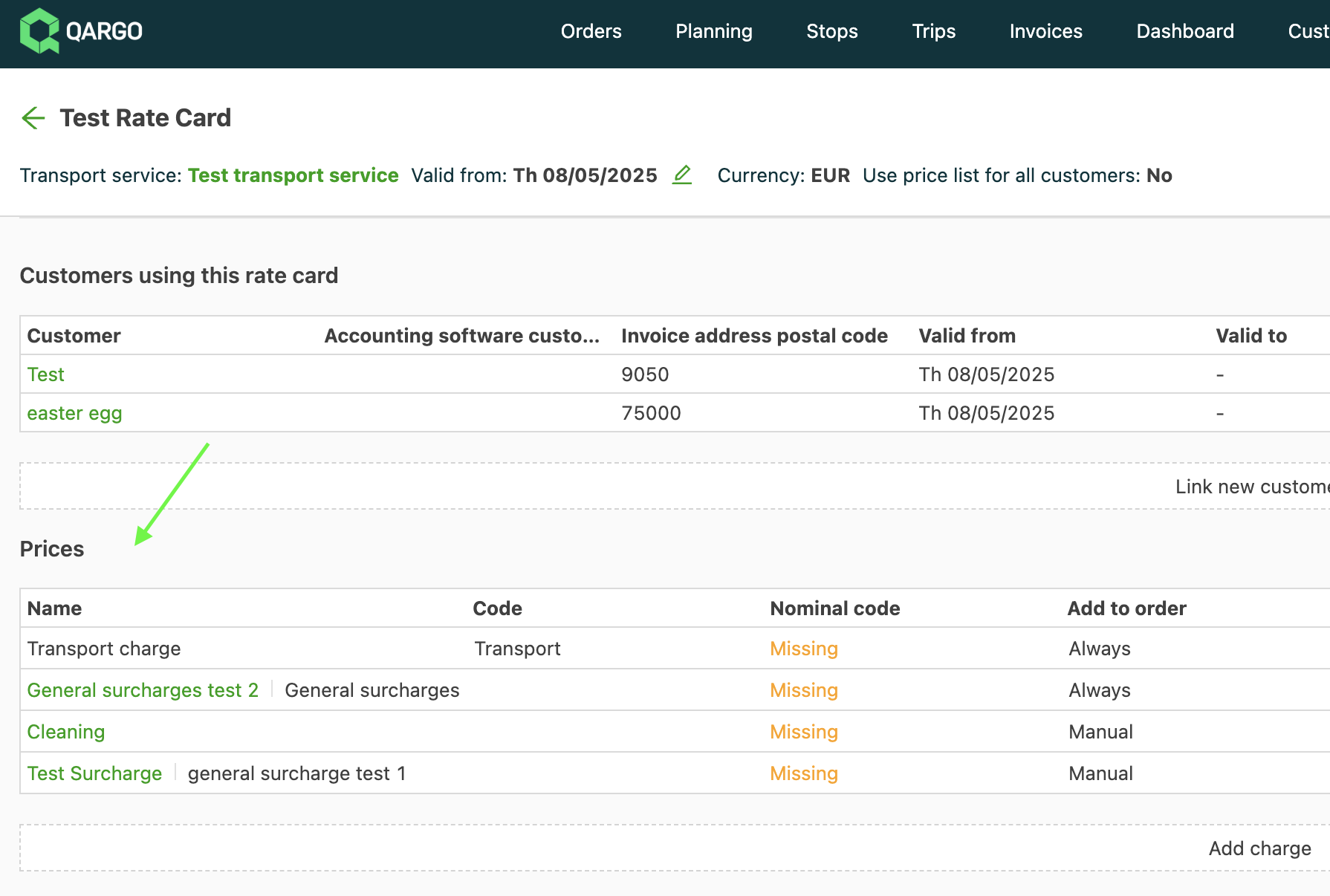
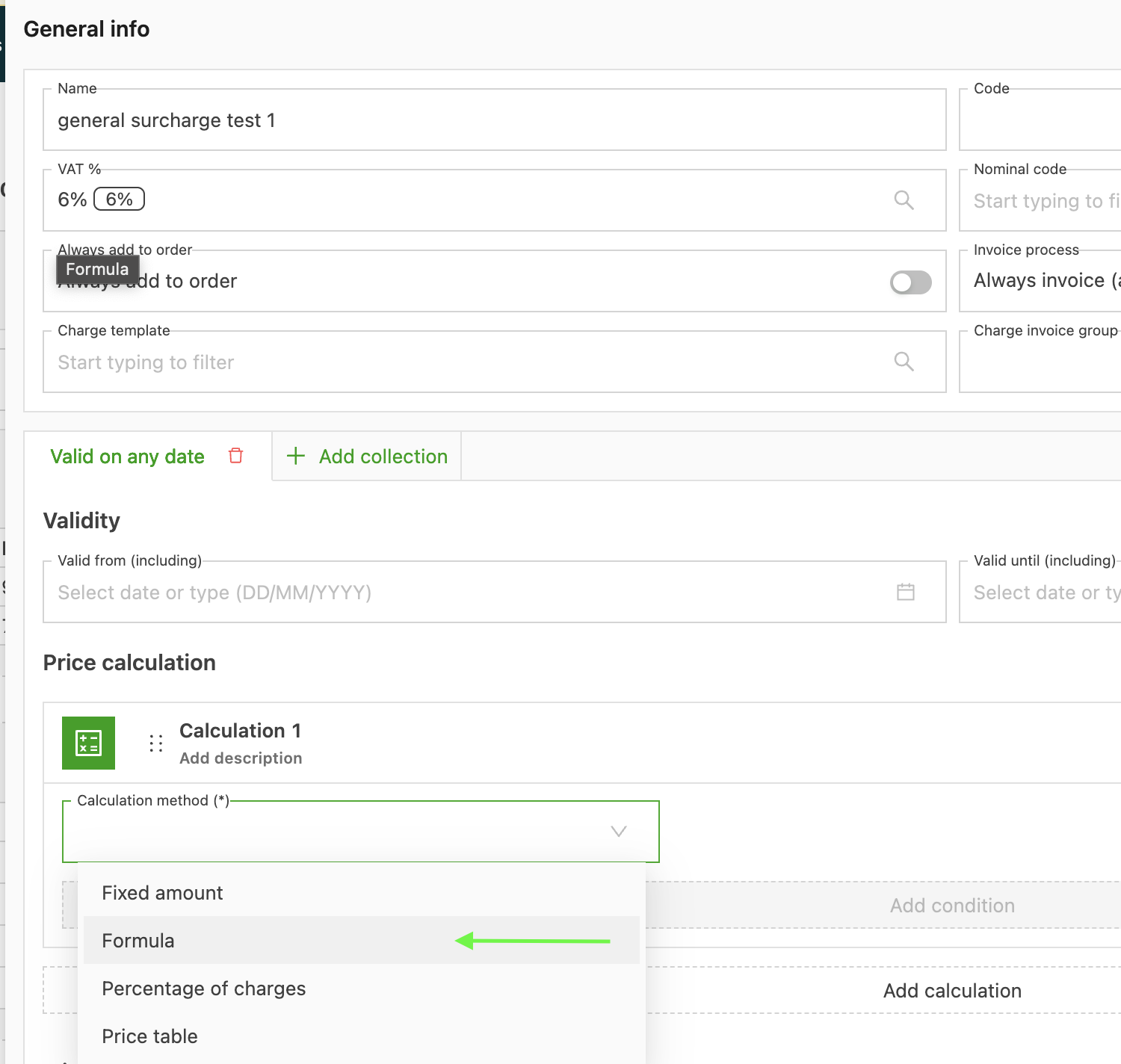
2. Add the charge and select the Formula calculation.
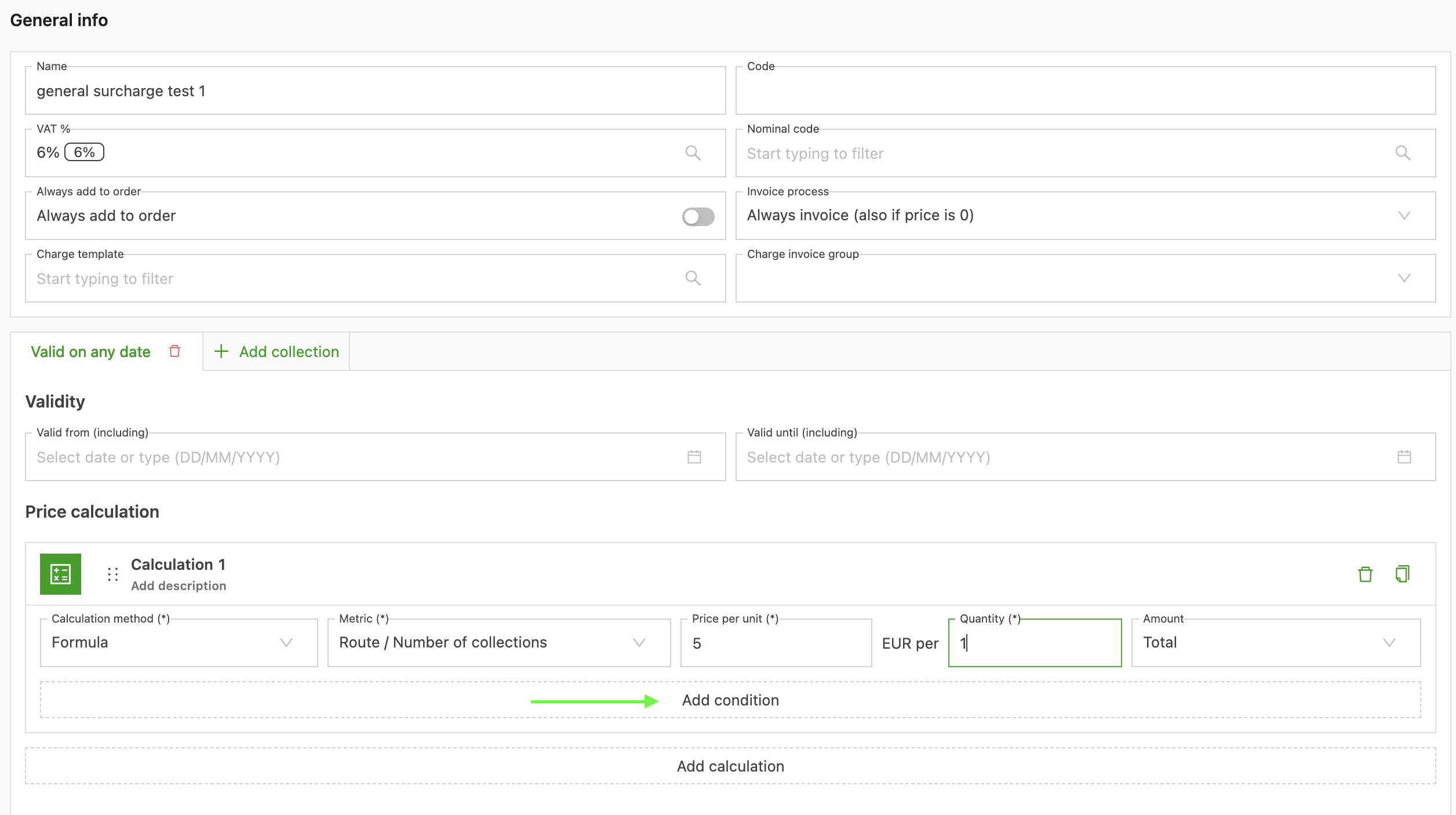
3. Click Add a condition.
4. In the metric selector, go to Route > Stops > Requested day is a bank holiday.
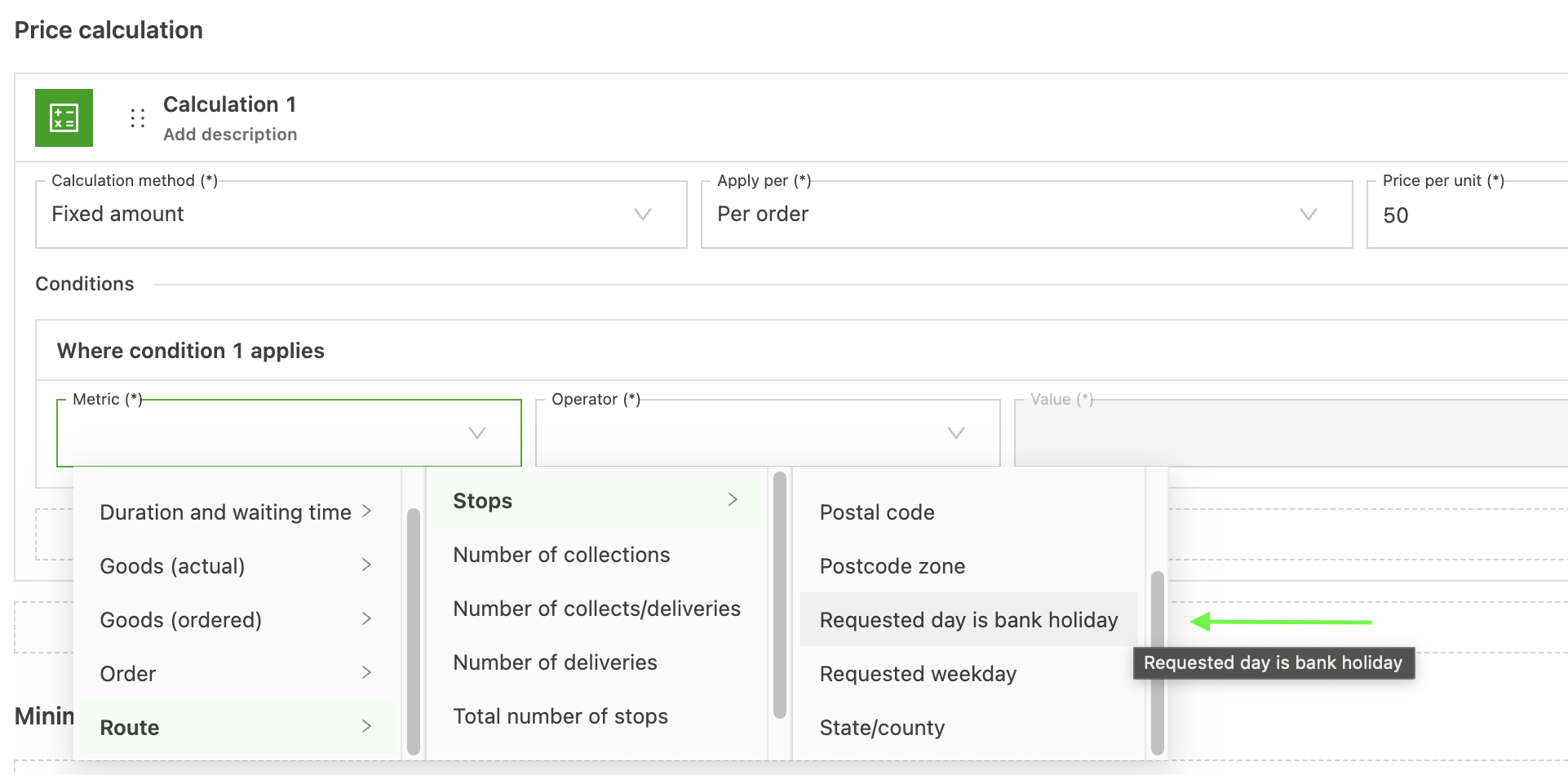
This applies a surcharge (for example, an extra £50) to the final price calculation only if the stop date matches a national bank holiday.
Click the link below to learn more about customer rate cards.