FAQ: Resolving errors.
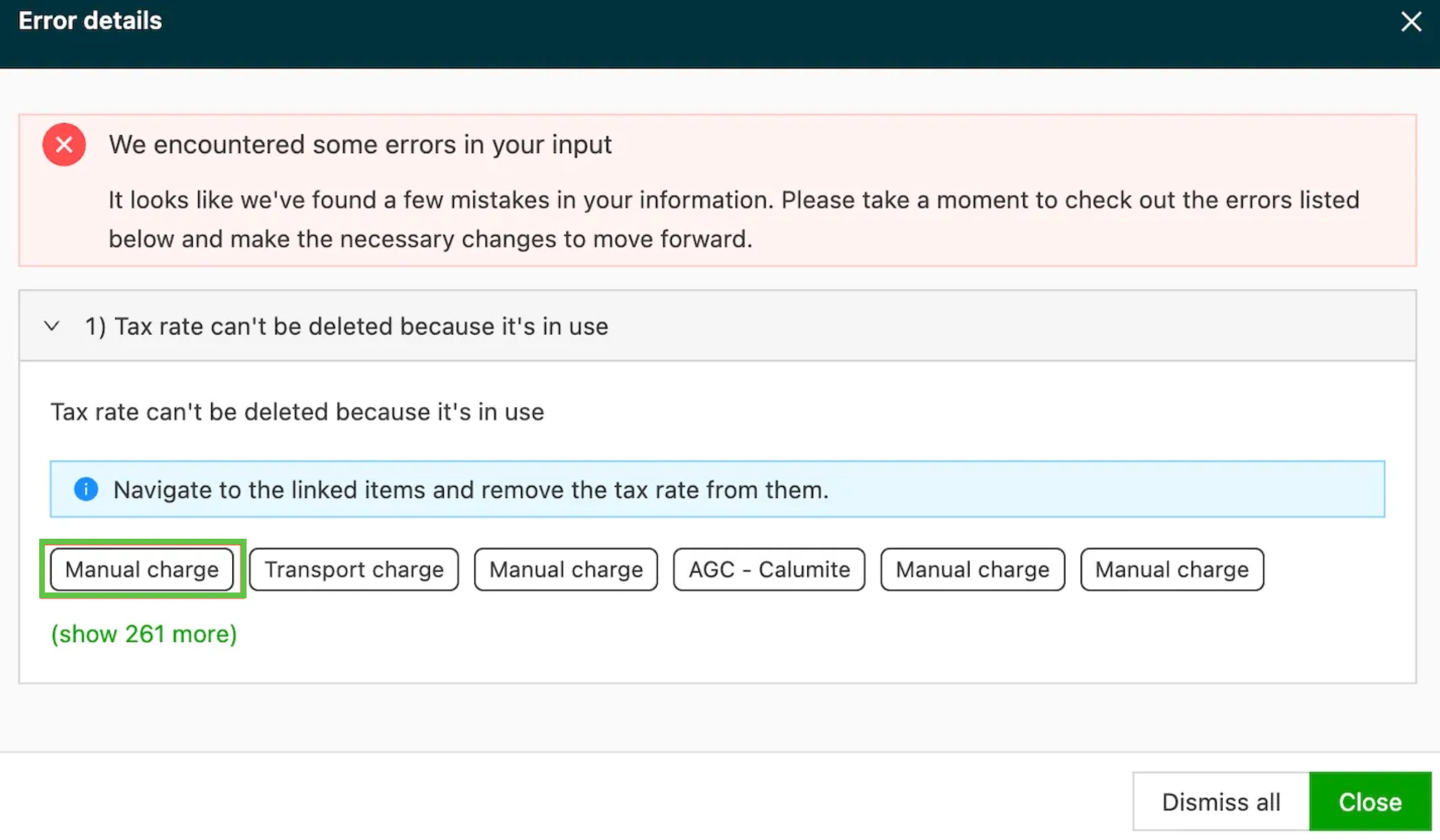
System validation errors now include direct links to the objects that cause them. Click "Show more details," then the object tags to open them in new tabs.
Q. An error message appears in the corner of the screen when trying to save. What is the error and how can it be resolved?
A. The system generates a validation error when a request cannot be saved because of a conflict.
When a validation error occurs, it is now much easier to find the object that caused it, because the error includes a link to that object. When a validation error is shown, there is an option to navigate directly to the objects causing the error.
- Click Show more details. The error details page opens and lists all the objects that caused the error.

- On the error details page, click the object tags. The system then opens a new tab for the object causing the issue.
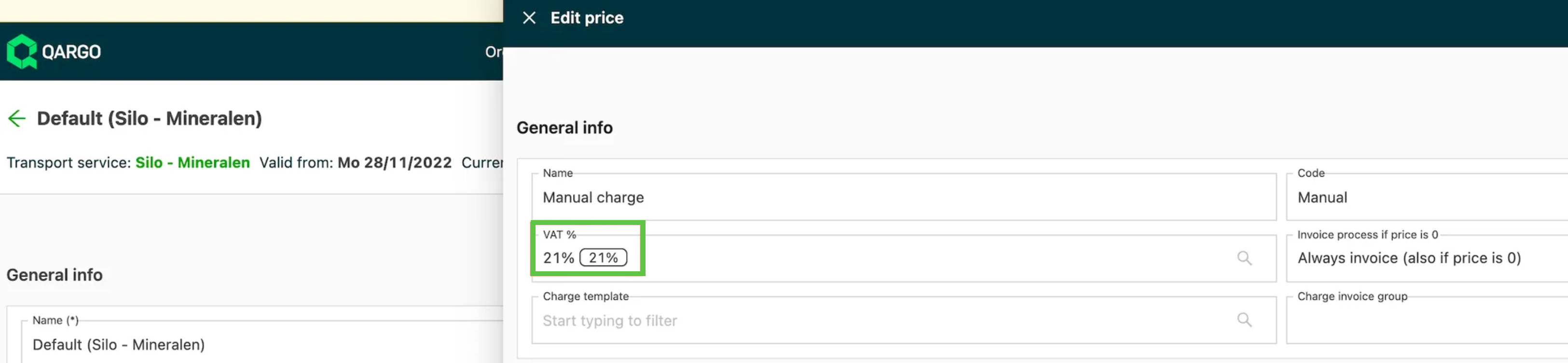
The new tab opens directly on the object that is causing the error, so the user no longer has to search for it: