Documents in Configuration
This article shows how to enable document types so they can be used in the tenant, customer, and carrier portals.
For each category in the app, it is possible to configure which documents can be added.
- Navigate to Configuration
- Click Documents in the header
- Click the category to edit on the right side.
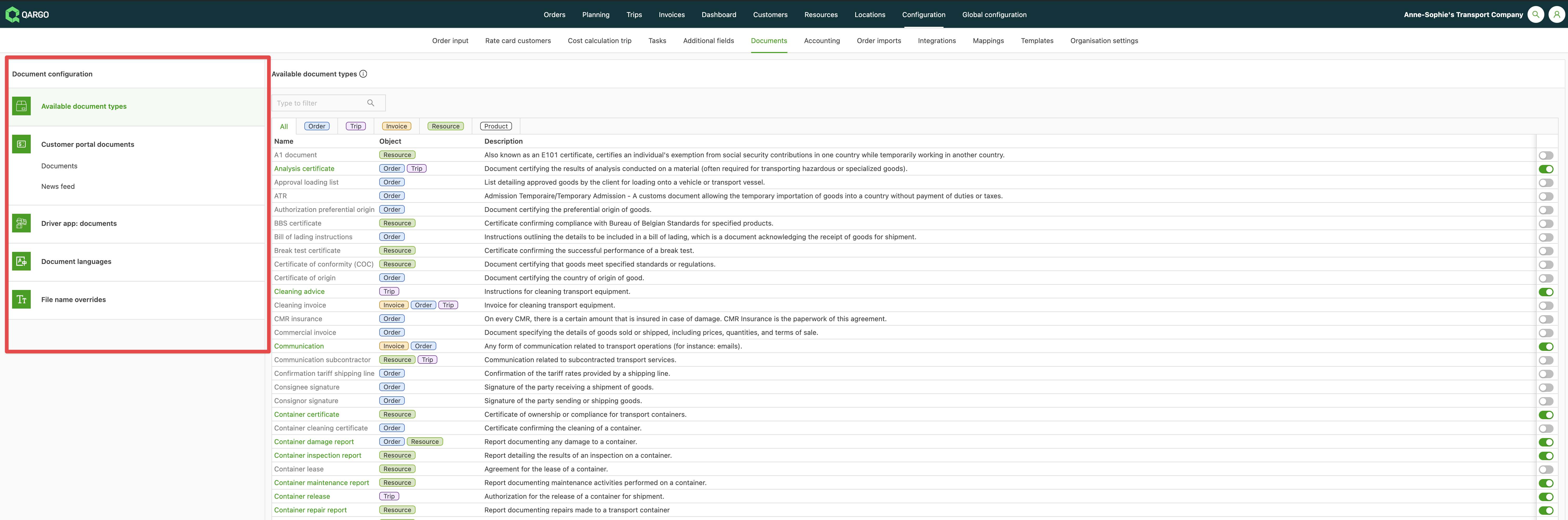
The filters in the header can show only the document types attached to a certain object (Order, Load, Invoice, Resource, or Product) or only the active objects.

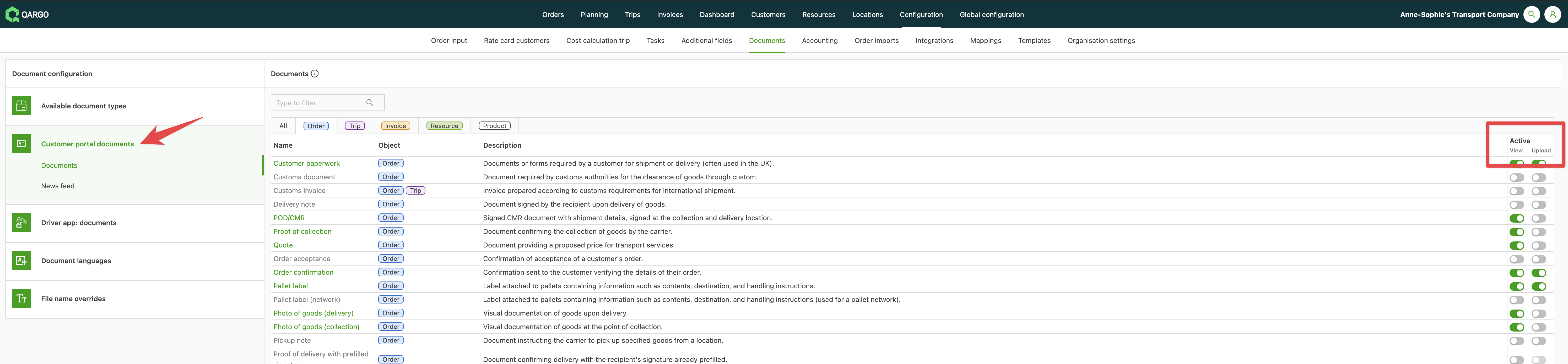
Once the document types are enabled in the Available document types section, they can be configured for the customer portal. A document type can be made available both for viewing and for uploading.
- View: the customer can view a document and download it.
- Upload: the customer can upload a document.
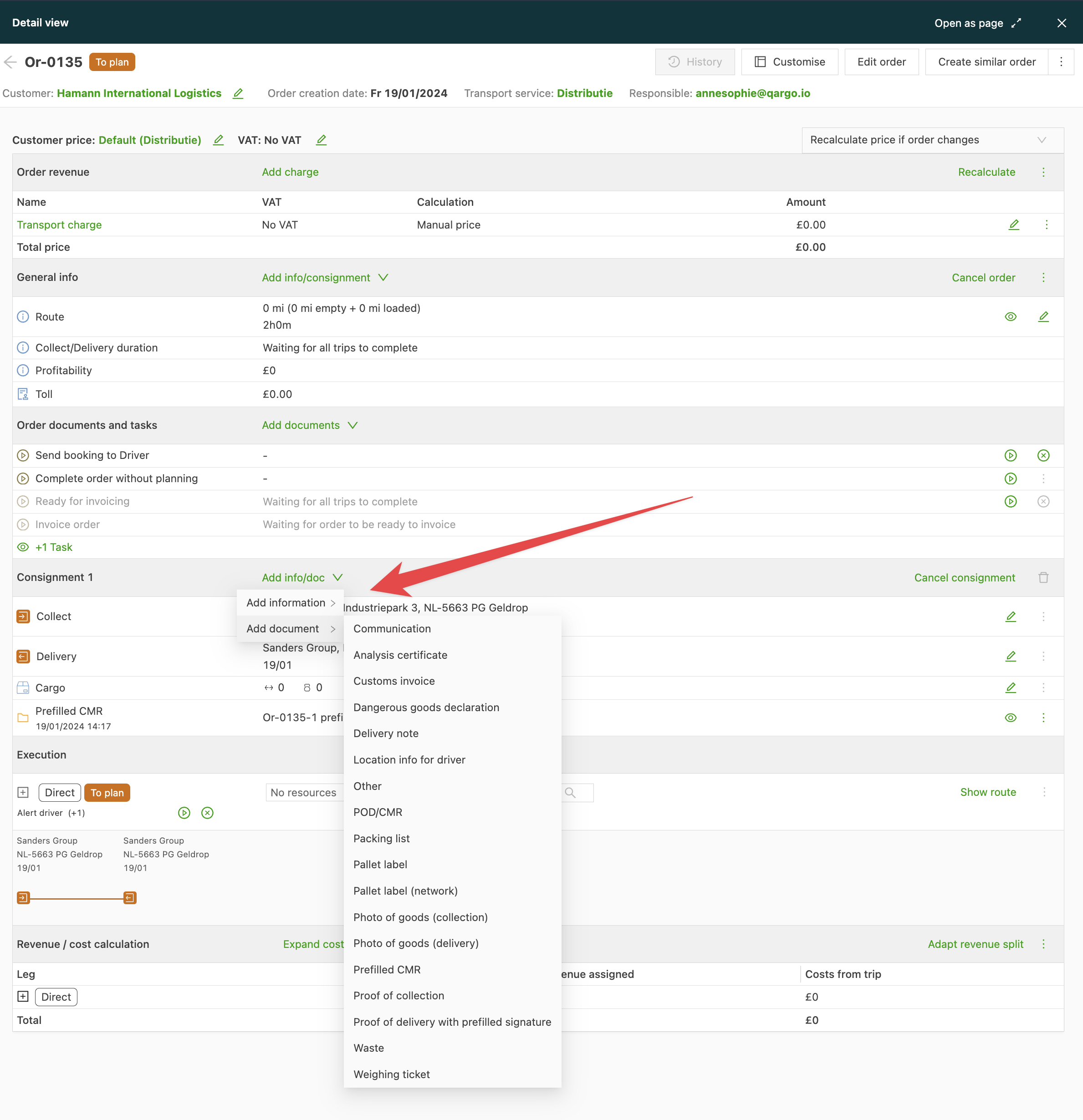
Once configured, documents can be added in that category. For instance, documents can be added to the shipment (load) on the individual order page based on the documents configured under Load in Configuration.