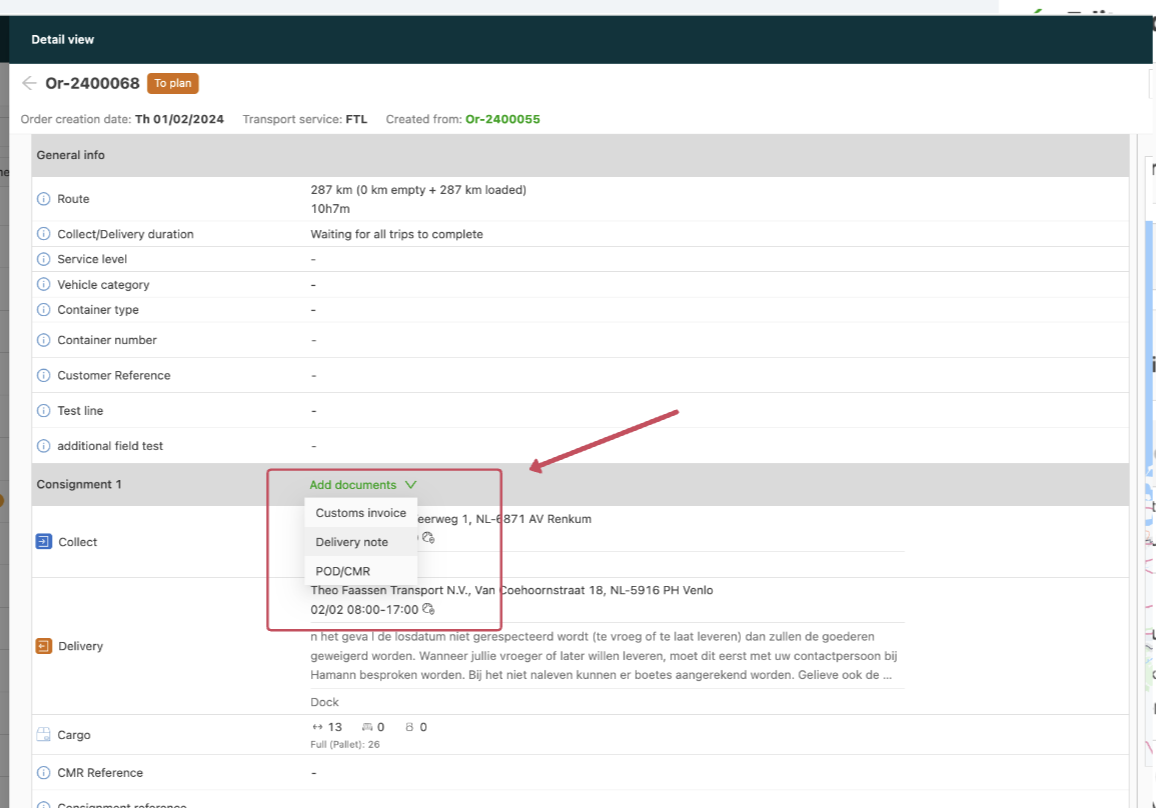
- Navigate to Configuration > Documents.
- Select the View or Upload options located under the Customer portal field.
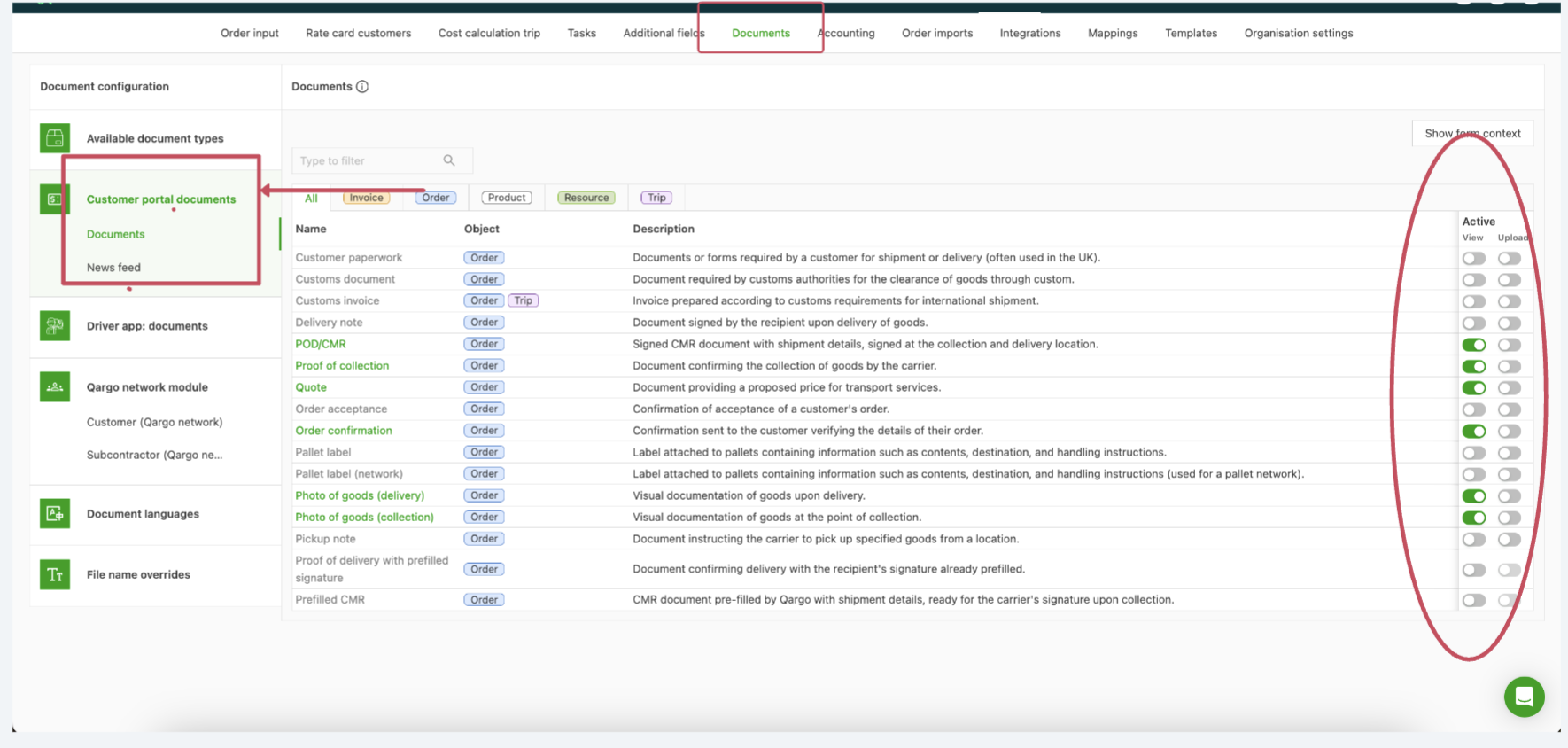
- Activate the documents that should be visible or uploadable for customers by toggling them on or off.
- Save the changes.
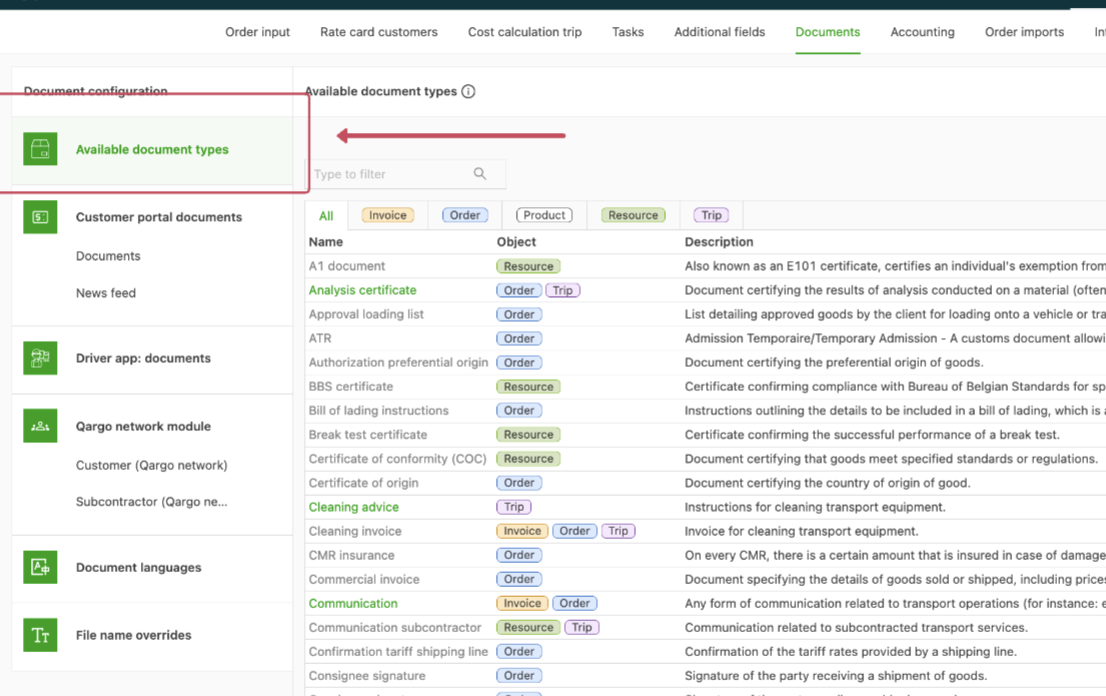
- The following warning message is displayed if the document has not been set to active in Available document types.
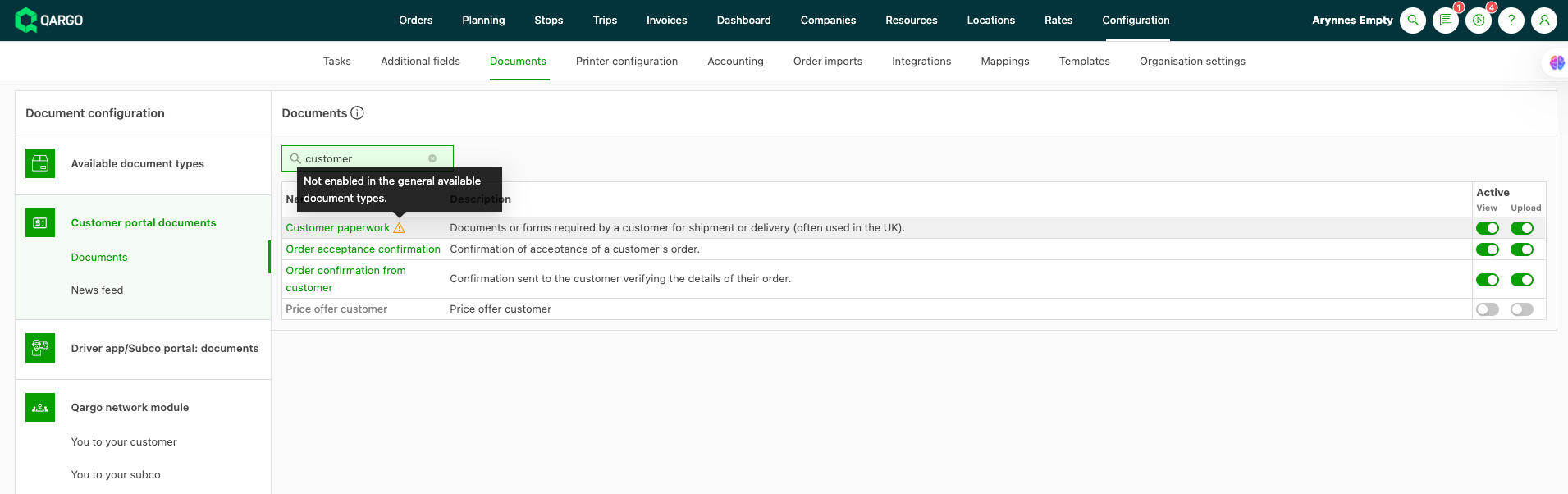
- Customers can then upload or view the related documents on their portal pages.