
Palletline: self bill and billing comparison
How to import sales and purchase self bills from Palletline and compare the costs
Table of contents
Introduction
Both of the following can be downloaded from Contrado:
-
Sales self bill

-
Purchase self bill
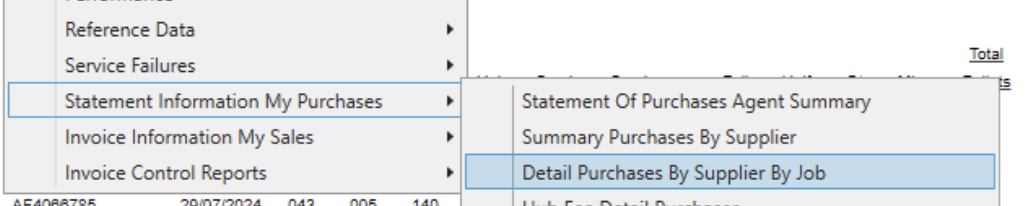
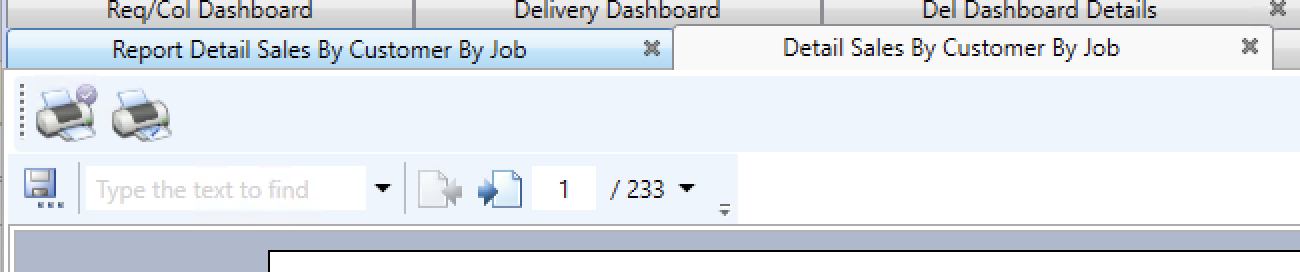
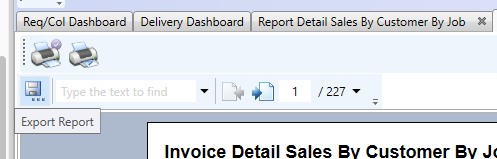
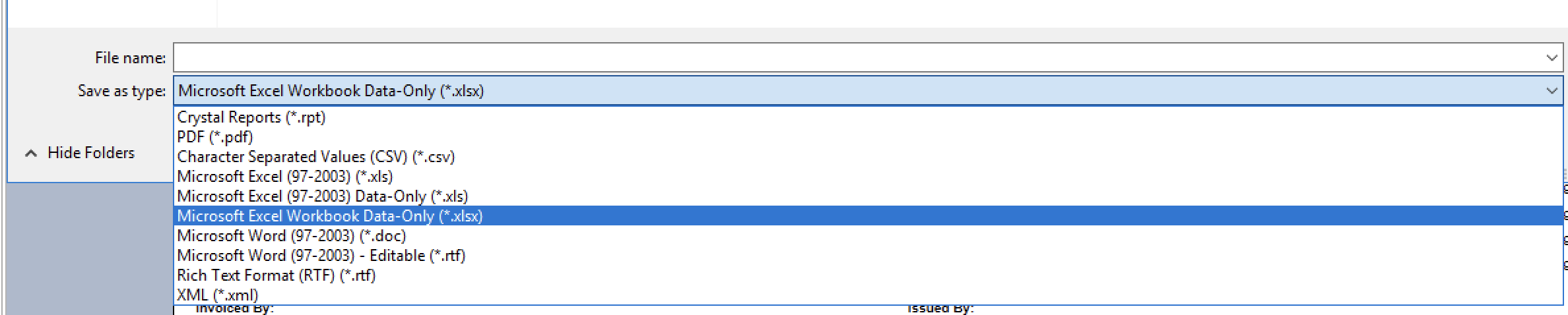
Next, download the self bill by clicking the save button and selecting the Excel format (make sure to select xlsx):
Sales self bill
Open the Excel file and click filter:

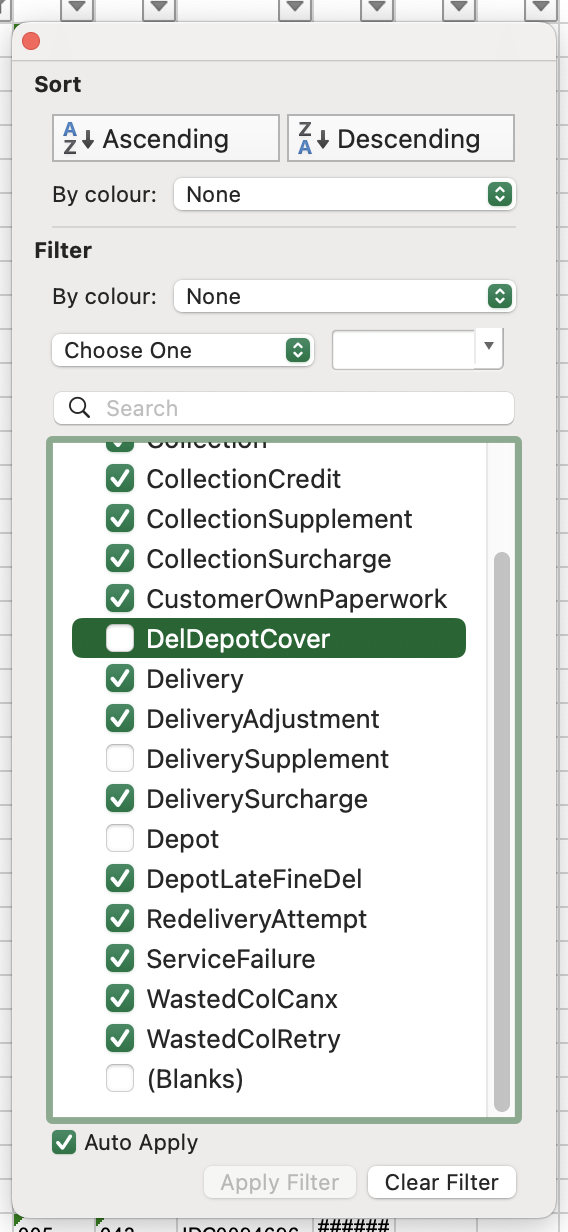
Then filter on column Q and make sure to deselect the following:
- Depot
- (Blanks)
- DeliverySupplement
- DeliveryDepotCover
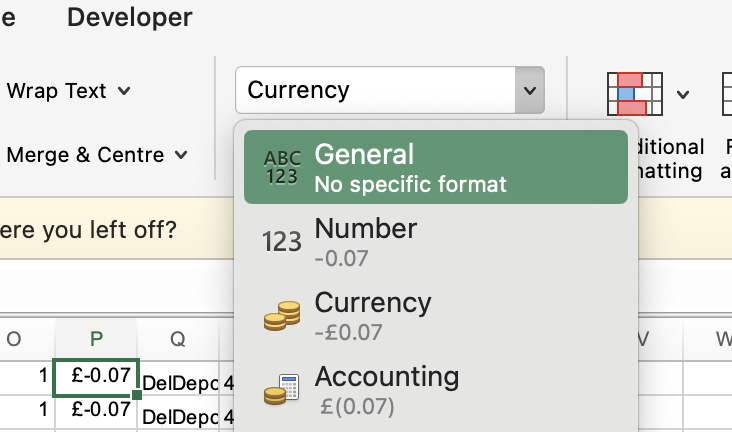
Next, select all the charges in column P and make sure to change the format to General:
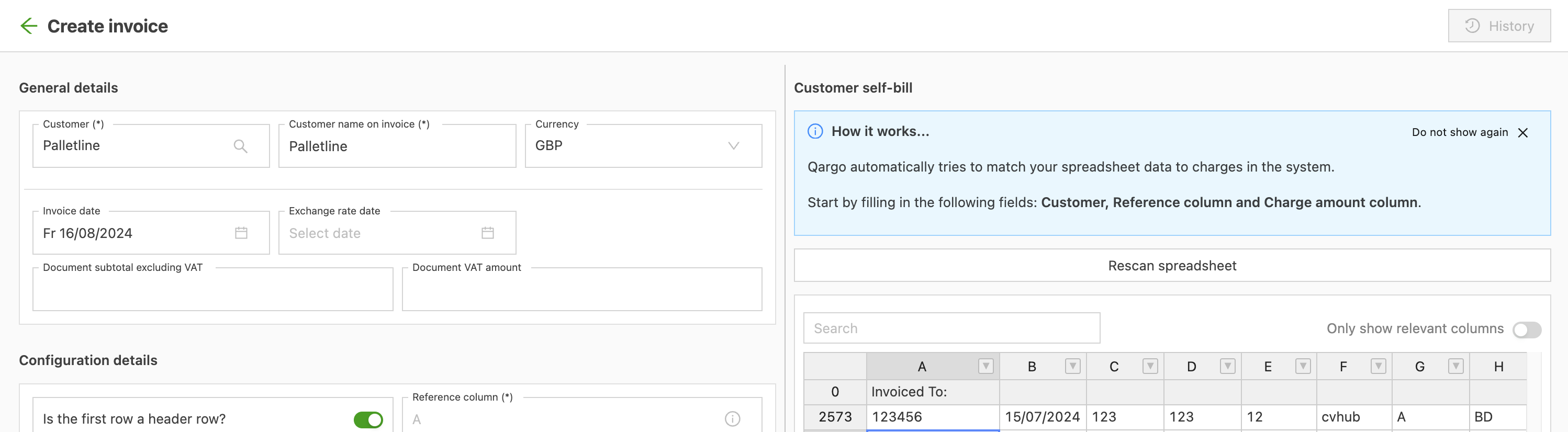
Then create a new invoice in Qargo by clicking Create invoice:

Select Palletline as the customer and click Upload spreadsheet:

Select everything in the Excel sheet (after filtering!), copy it and then paste it into Qargo:
Then select reference column: A and charge amount column: P
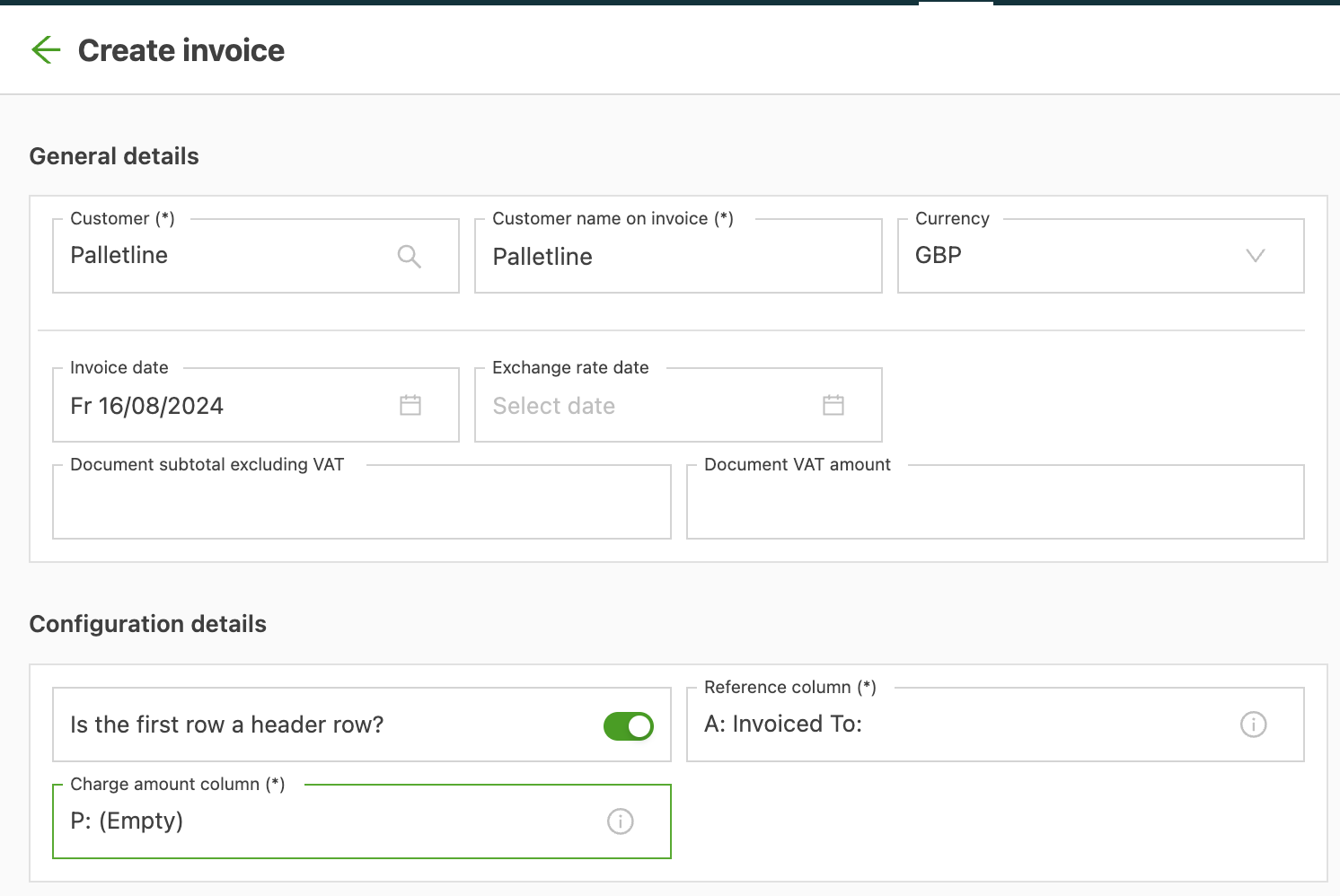
Finally, click save. Qargo automatically compares the self bill with the amounts in Qargo.