See everything with a Contrado label that is not going to palletline
Shows all pallets for which a palletline web label has been generated but that are not going to palletline
Transport companies often have customers print Contrado web labels for all freight that could potentially go to palletline. If a pallet is not going to palletline, the transport company needs to print its own label to stick on top of the Contrado web label. This way, the yard staff knows which pallets not to load onto a palletline trunk.
The best way to get this overview is to go to the orders screen:

Then apply the following filters to the orders table:
-
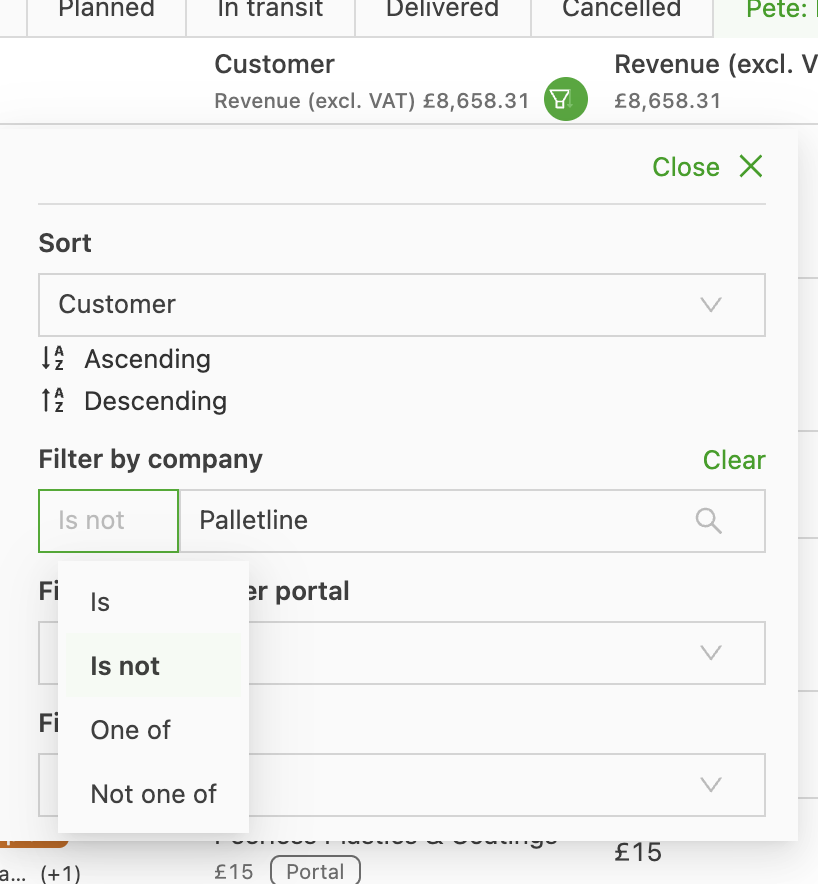
Under Customer, select Is not Palletline. This is necessary to filter out all inbound orders from palletline:
-
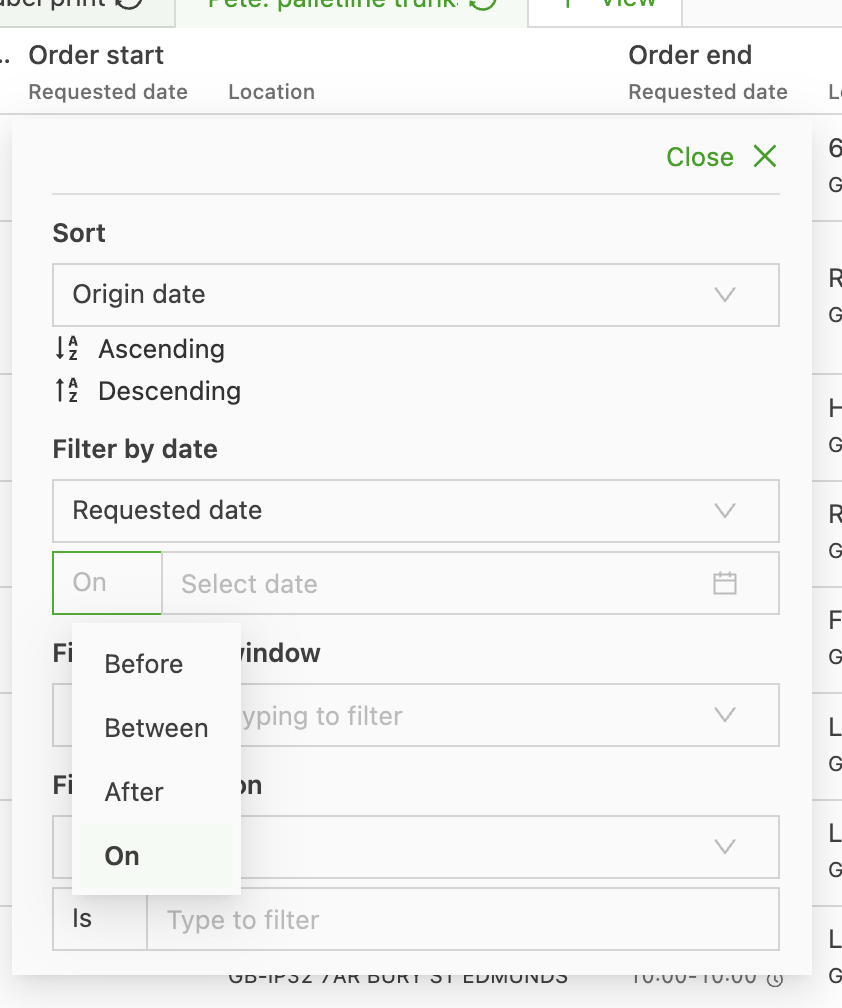
Next, select today’s date as the pickup date to see everything that is going out tonight. To do this, click the filter on Order start and then select On
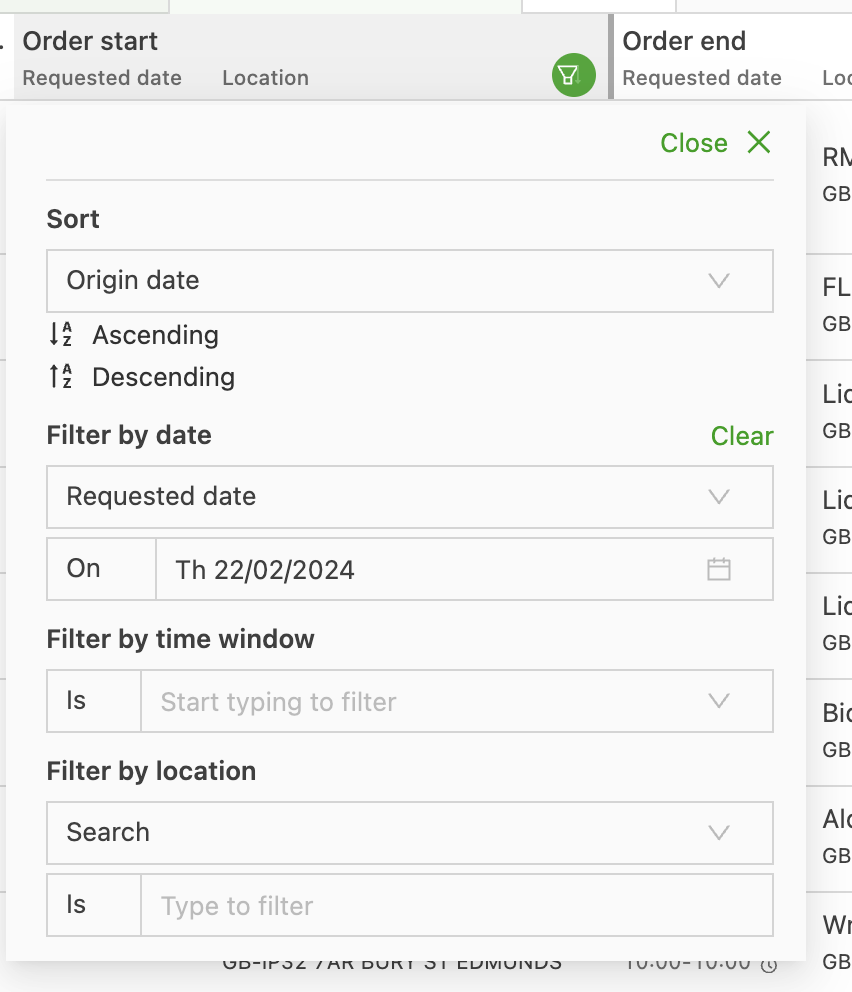
Then select today’s date:
-
Under Route, select Resource is not Palletline (export) so that everything going to palletline is filtered out
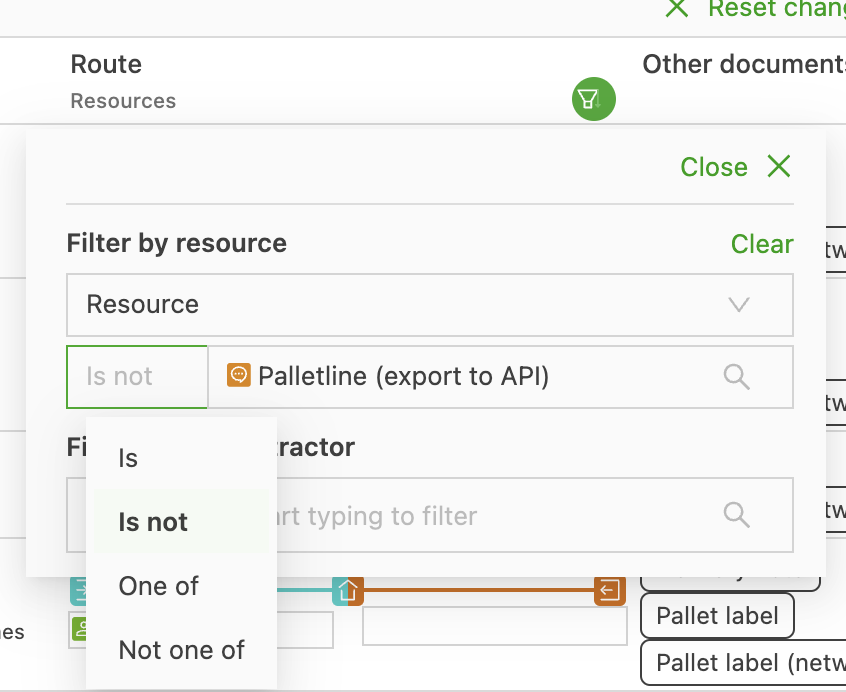
-
Under Transportation service, select the transportation service used for Palletline orders.
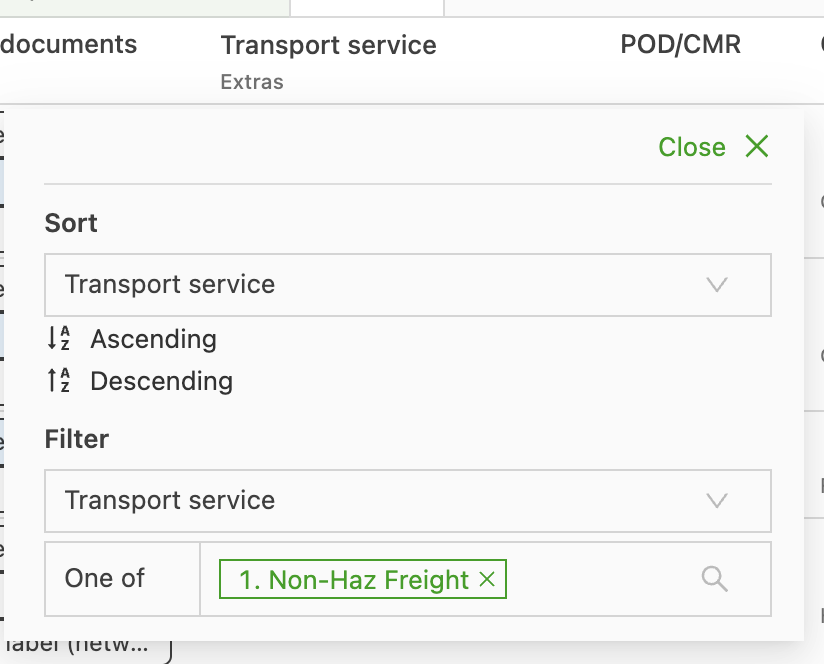
Then generate the own labels by clicking Quick actions and then Generate own labels (this task can have a different name on each tenant):
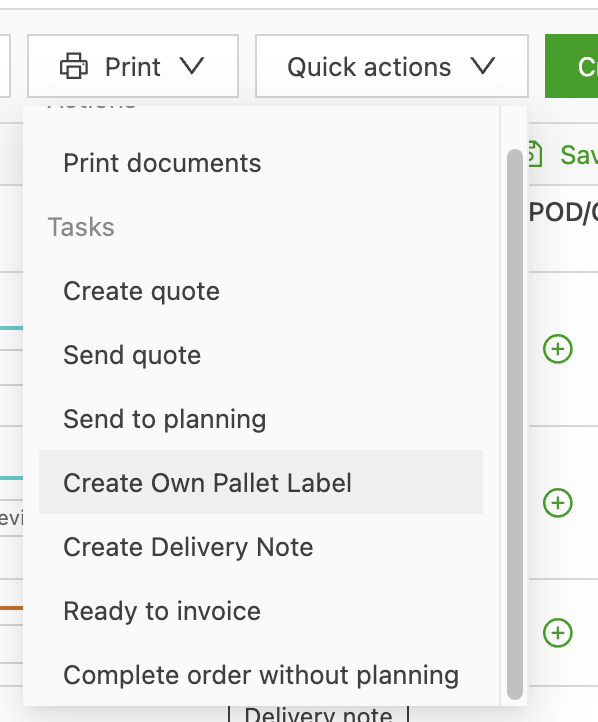
Then select all the orders in the view and click Complete Own pallet label

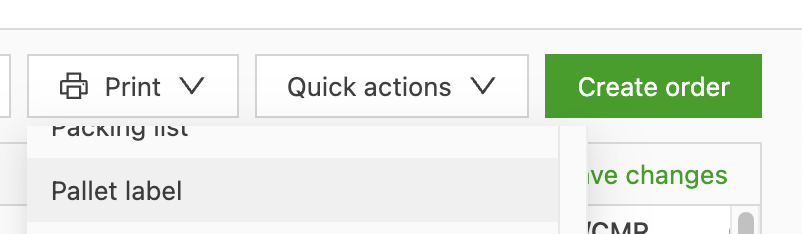
Once those documents have been generated, click the print button and then select Pallet label: