View outbound trunk orders
How to see all the orders that are going on outbound trunks tonight
A clear view of all the orders and pallets going to palletline tonight can be important for the following reasons:
- To verify that enough trunks are booked for all the pallets
- To print palletline labels if customers print the company’s own labels.
The best way to get this overview is from the orders screen:

Then apply the following filters to the orders table:
-
In the route table, select “Delivered by”.
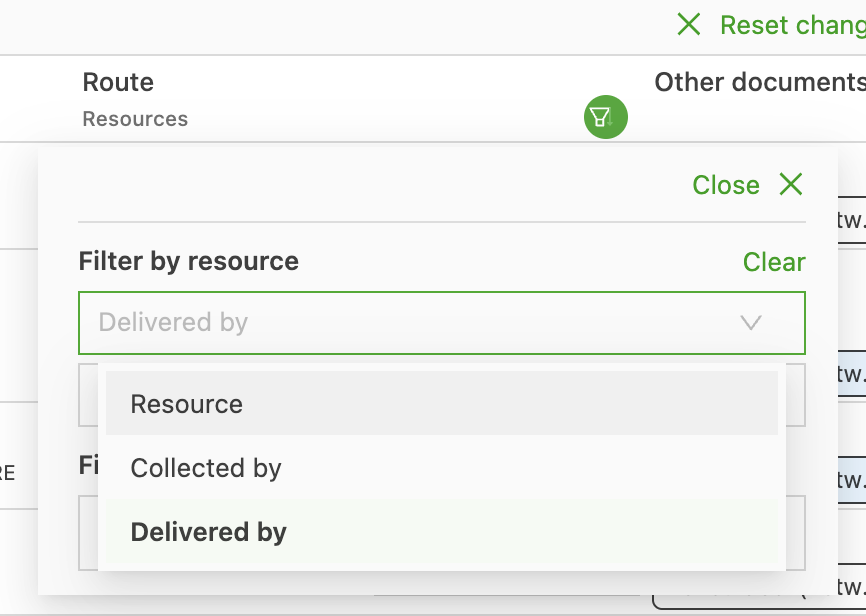
Then select “Is” “Palletline (export to API)”.
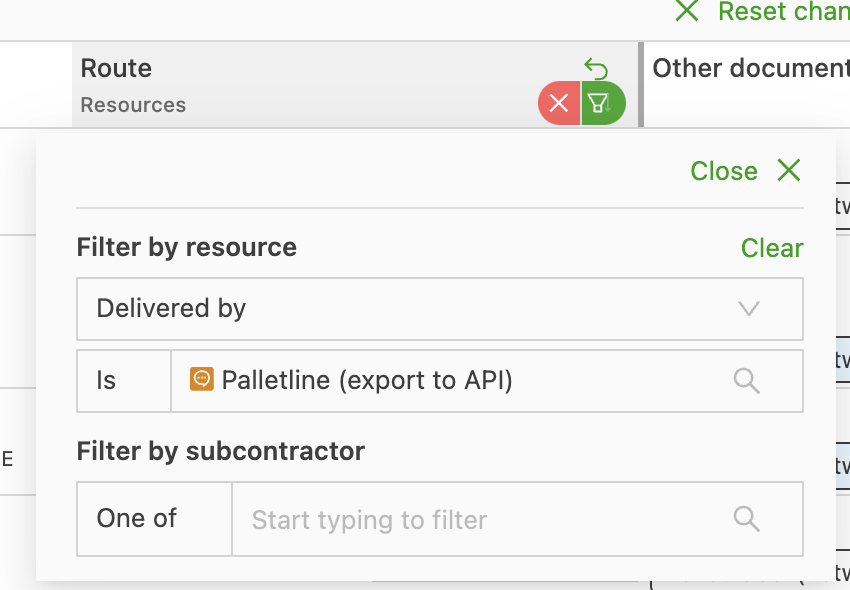
This already shows everything that is going to palletline on a trunk.
-
Next, select today’s date as the pickup date to see everything that is going out tonight. Click the filter on “Order start” and then select “On”.
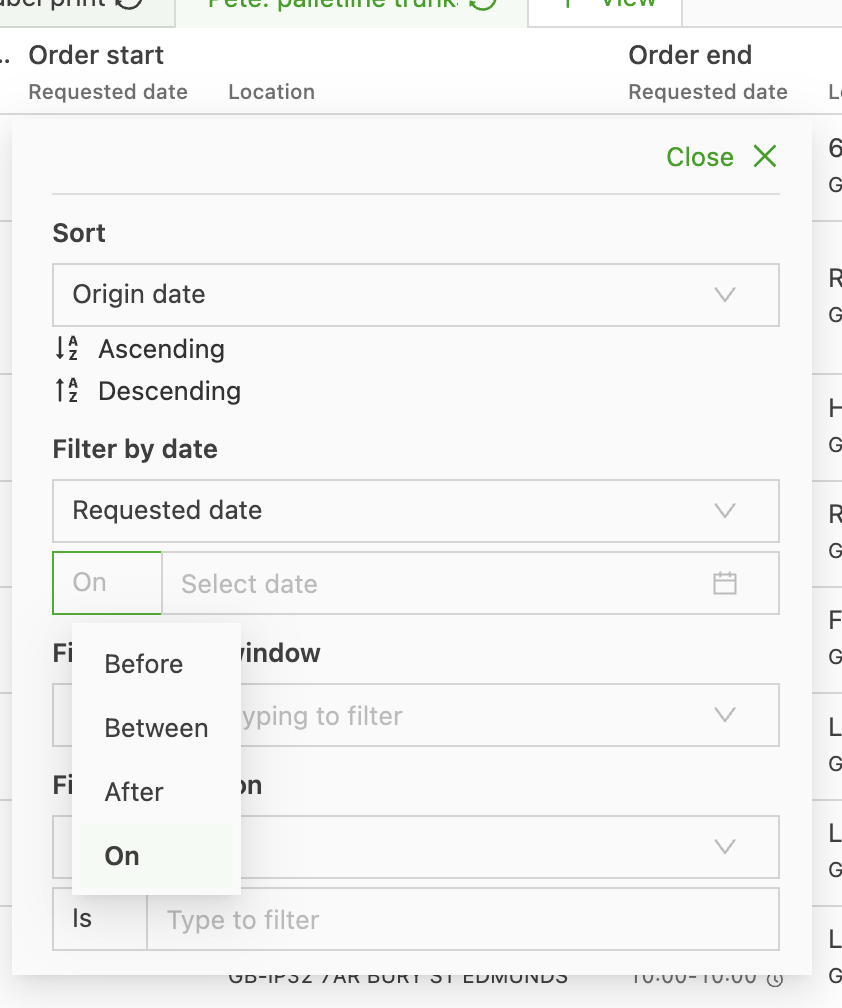
Then select today’s date:
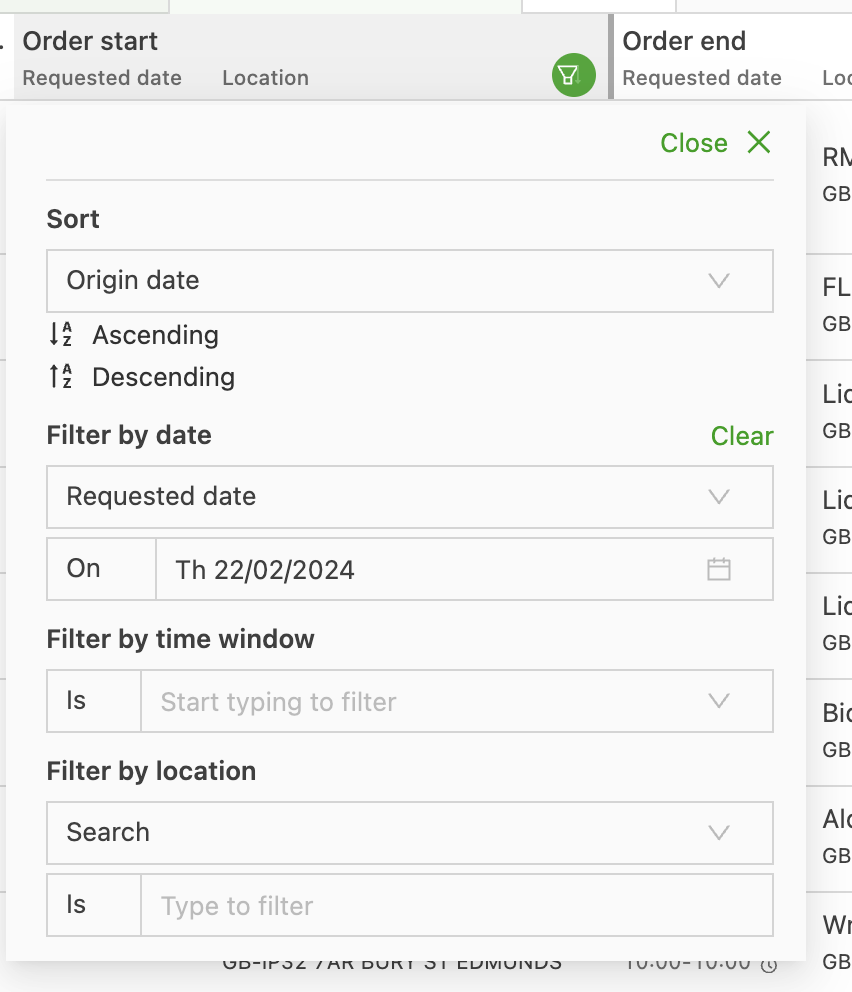
This gives an overview of everything that is going to palletline on a trunk on the selected date.
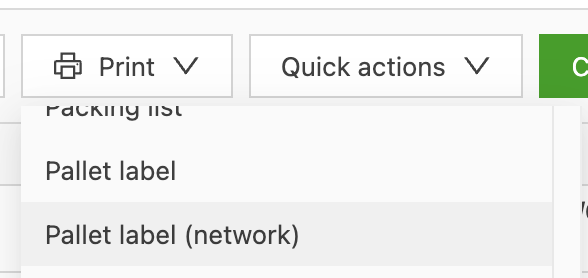
To print labels, click the print button and then select Pallet label (network).