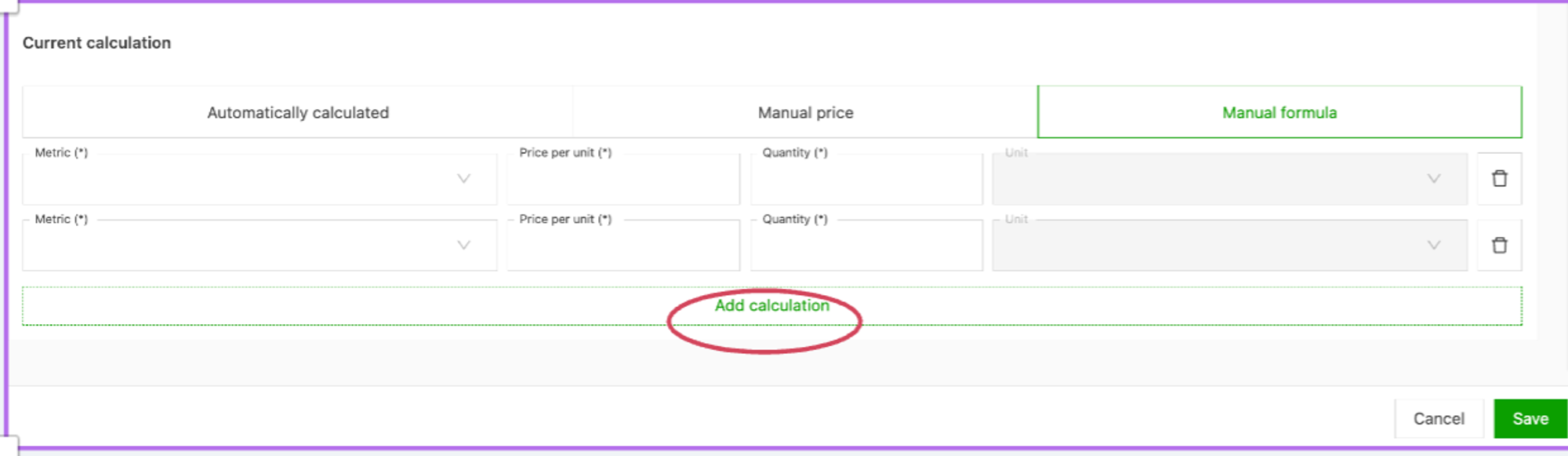
Set a manual formula in edit price
When editing the price in an order, a manual formula can be chosen to calculate the price.
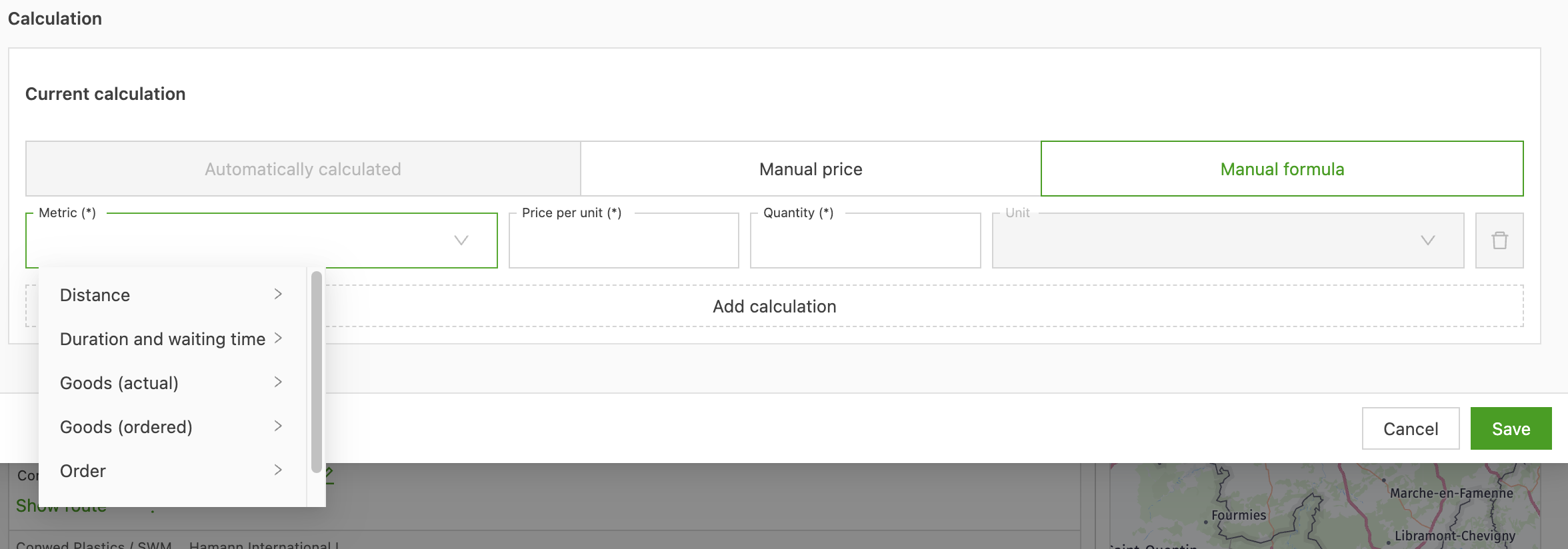
With the manual formula, a metric can be set based on a number of items:
- Select whether the price is linked to goods (number, weight, loading meters, etc.), distance or time. This means the number of goods, distance or time does not need to be taken over yet.
- Price per quantity: this is the amount per unit. This can be an hourly price, price per kilometer, pallet price, price per weight, etc.
- Quantity: this is the number of units, i.e., number of hours, kilometers, pallets, etc. Hours must be expressed as decimals: 1 hour 15 minutes is 1.25
- Unit: for information only, this records whether the values are in minutes or hours, kilograms or metric tons, kilometers or meters, etc.
To add an extra price line to the price calculation, click Add calculation.