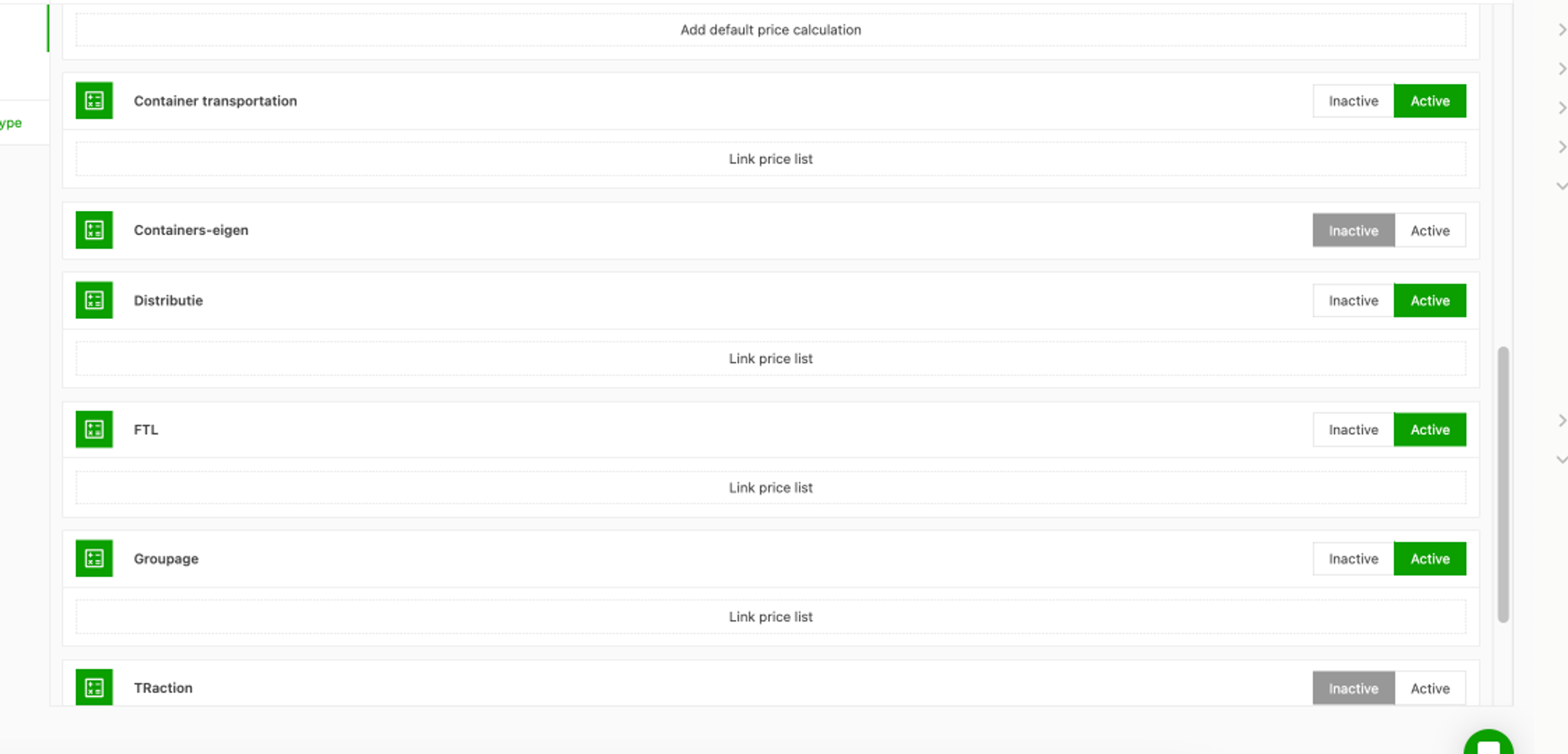
Add a packaging type
When creating an order or editing an order afterward, the user can add the packaging type it contains. Once selected, the packaging type automatically completes several important details to save time. These details can be added in Configuration.
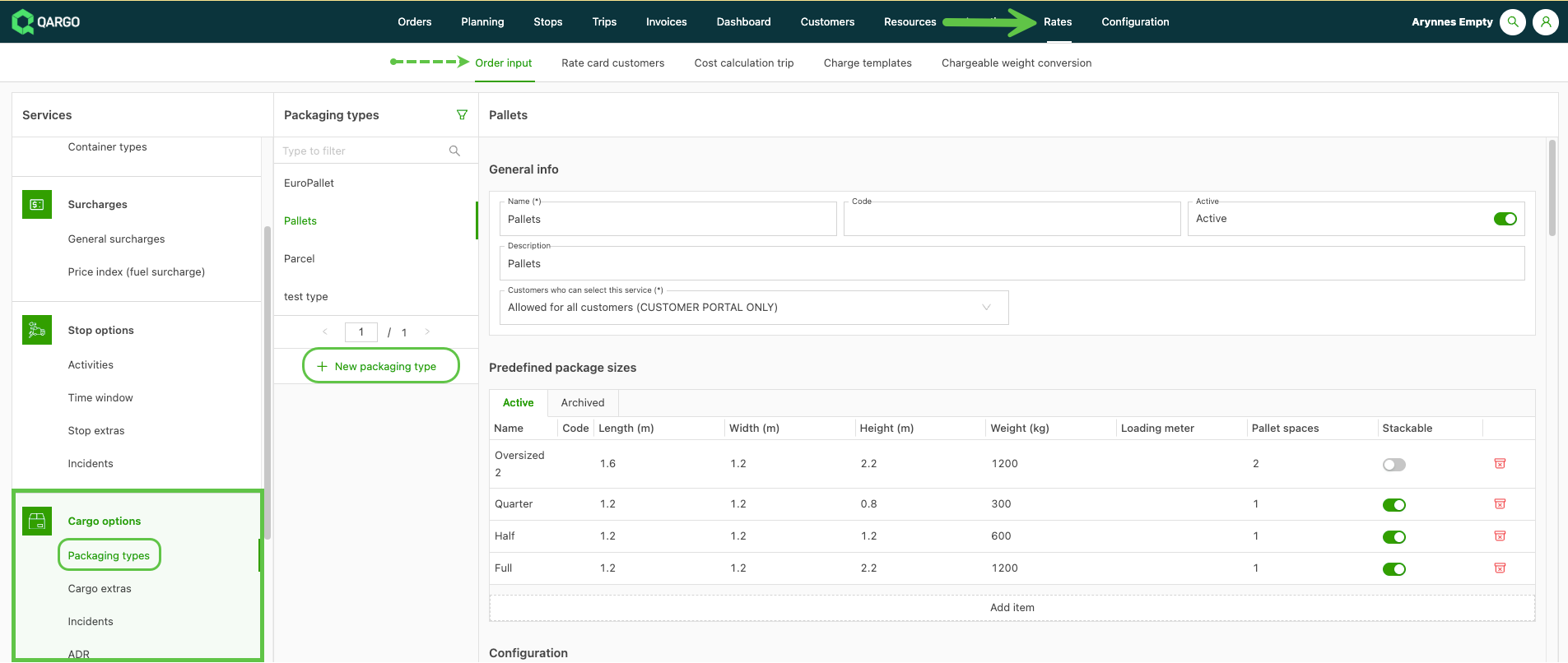
- Navigate to Rates > Order input > Freight options
- Click Packaging types in the left sidebar.
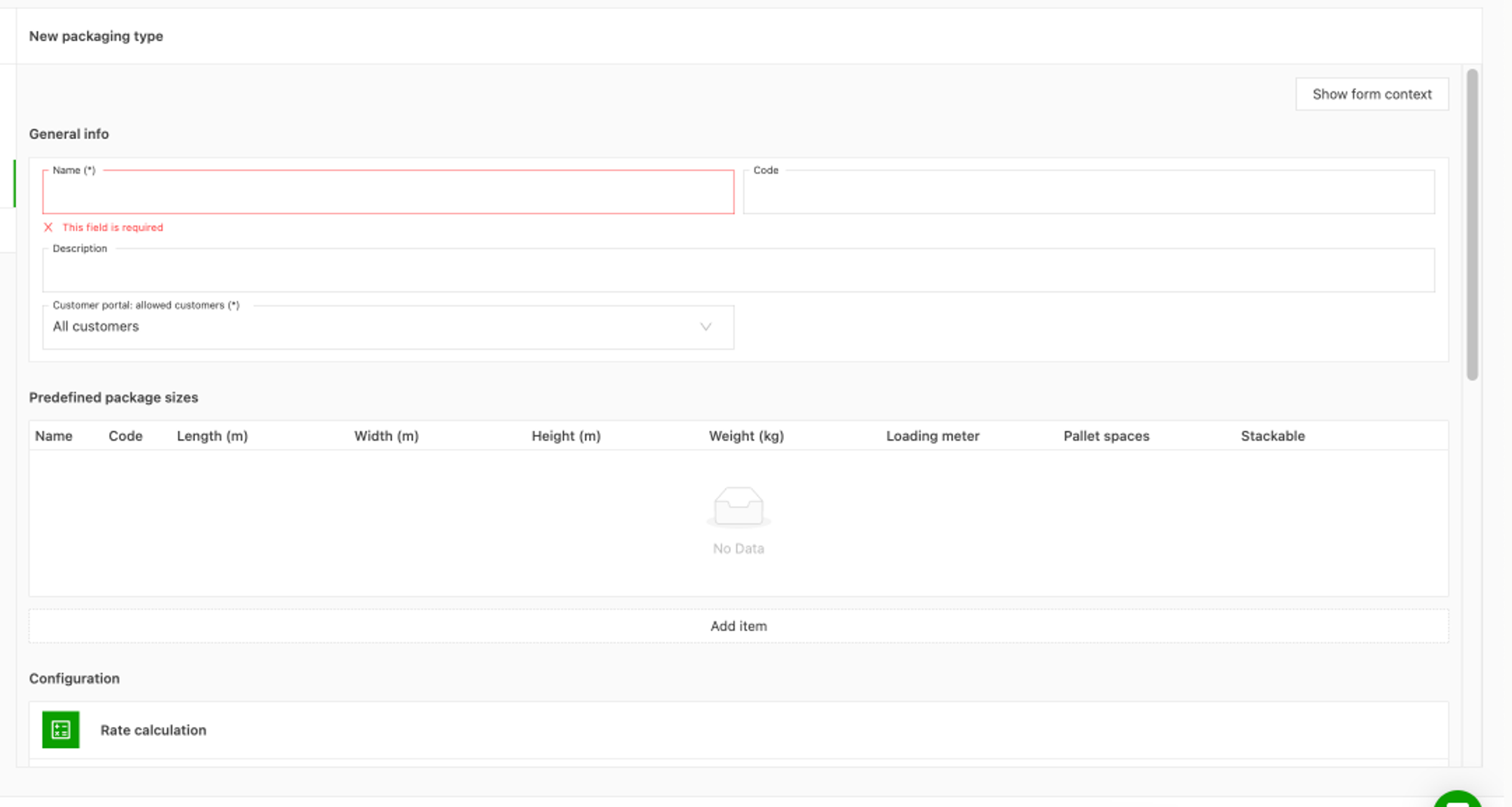
- Click New packaging type
- Add the relevant packaging types.- Adjust the predefined packaging weight settings if applicable, to prevent unintended auto-completion of weight fields.
The name of the packaging type, a code, a description, etc. can be added. The packaging type can also be linked to certain rate cards if an extra charge applies when this packaging type is used.
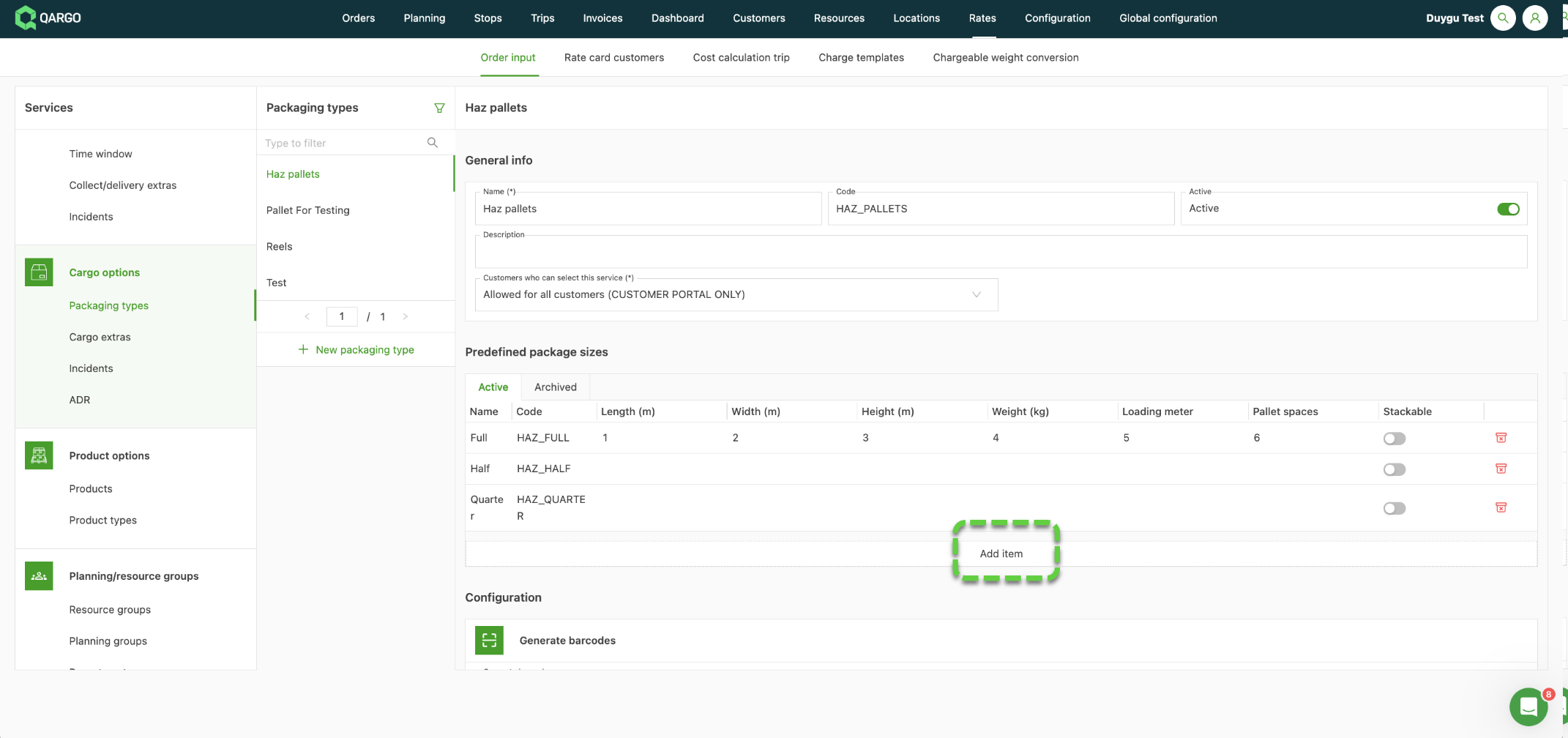
In addition, various sizes can be added in Predefined package size (length, width, loading meter, etc.).
A product type can also be restricted to limited vehicles, drivers, contract carriers, or containers. A product type can also be limited to a certain transportation service.