
FAQ: How can users find out about the latest Qargo releases?
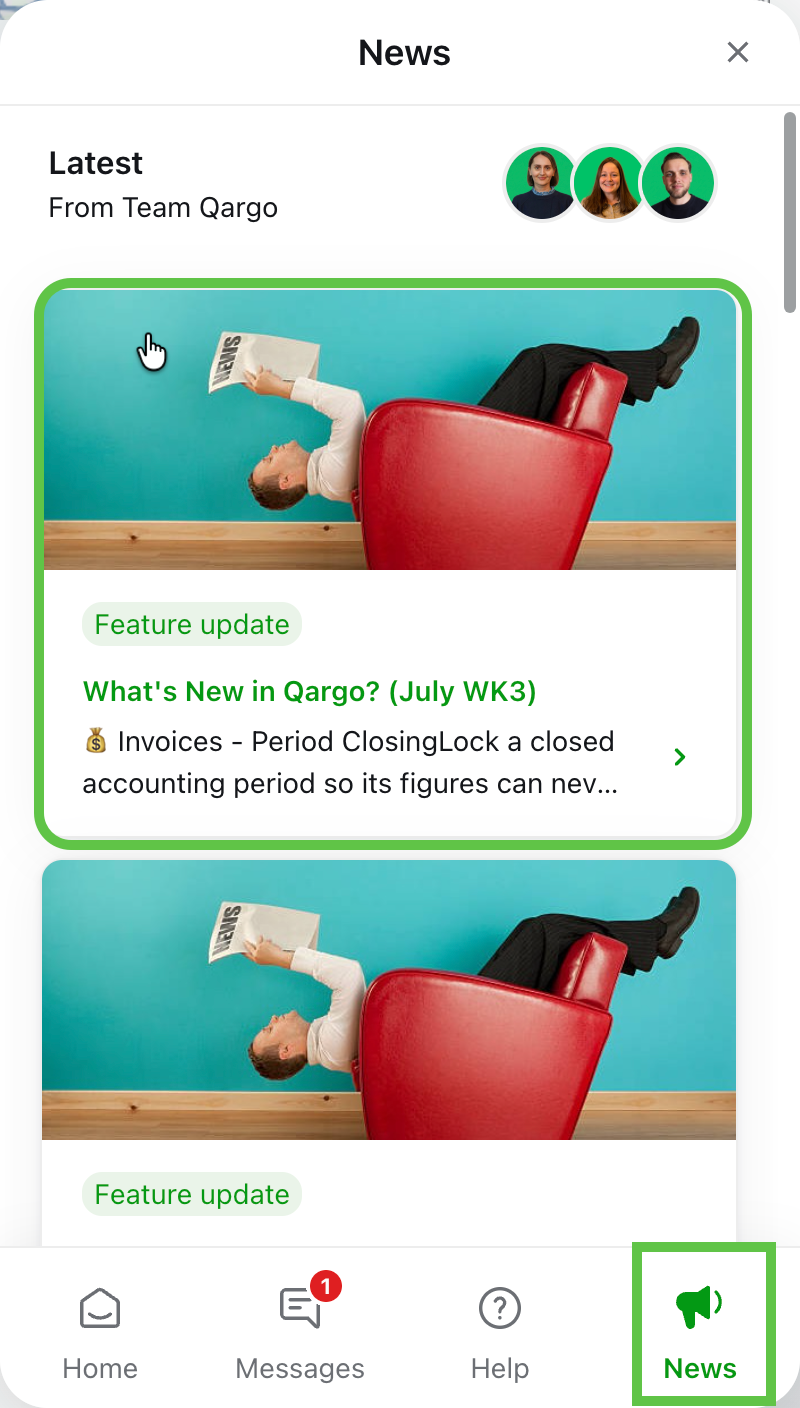
Qargo ships new features and updates on a regular basis. Customers can see the latest details in the Feature Release articles, updated weekly. Updates are sent by email and are available in the Newsfeed, via the Knowledge Hub.
Q. How often does Qargo release updates, and how do users get notified? Some colleagues receive notifications, but others do not.
A. Qargo releases updates to its software on a regular basis. Once a feature is ready for deployment, it is rolled out. There is no waiting weeks for the next “scheduled” release.
To keep users updated, Qargo publishes a “feature release” article every week. It includes updates on some of the latest features released, along with links to the dedicated user manual article.
To announce each article, Qargo’s Enablement team sends an email to all active users. The team also posts an update on the Newsfeed, which can be found in the Qargo Knowledge Hub.
Troubleshooting
| Issue | Resolution |
|---|---|
| The email has never arrived. | Weekly release notifications are sent to the email address registered for the user in Qargo. Emails are sent from arynne@qargo.com, so search for emails from this sender.\ |
| 1.) Check that the email address in Qargo is correct.\ | |
| 2.) Emails may be misfiled into Spam/Junk folders. Check these folders, move any emails into the Inbox, and mark them as “not spam” | |
| The emails used to arrive, but they stopped. | Emails are sent to “Active” users. Users are marked as active if they have logged in to Qargo at least once within the past 14 days. Users who have not logged in to Qargo within the last 14 days are not considered active for the purpose of this email.\ |
| After logging back in to the application, the user receives the next feature release email. |