
Intermodal: create and update intermodal timetables
Table of contents
Intermodal operators maintain fixed schedules for their connections between transport hubs, which makes departure and arrival times predictable. These timetables can be integrated into shipping orders, enabling precise planning of multimodal transport chains across rail, ferry, and other transportation modes.
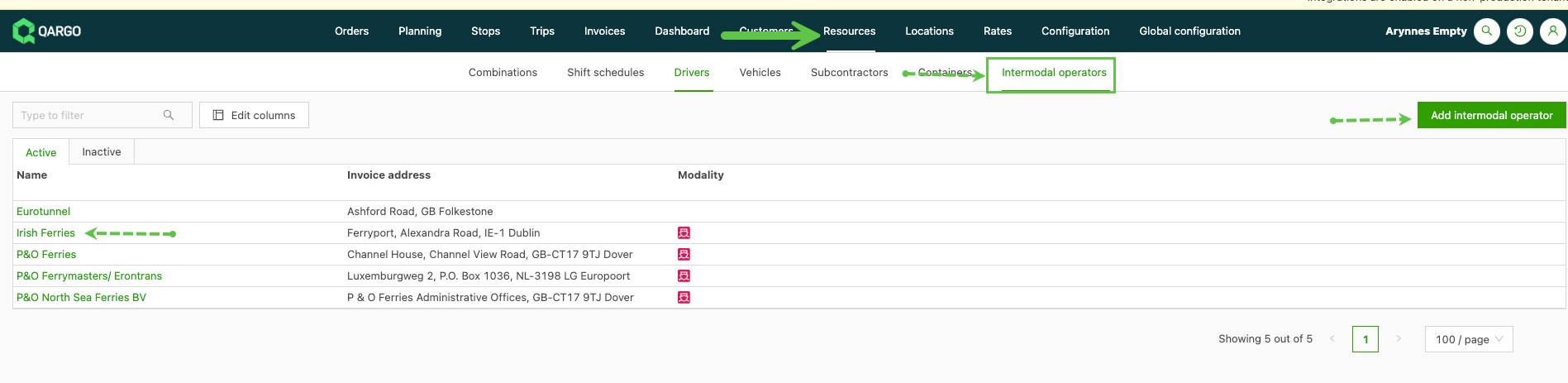
- Navigate to the Resources > Intermodal operators menu.
- Locate the intermodal operator whose connection needs updating.
- Or click Add intermodal operator to add a new resource.
- Click the operator to open the operator page.
If a connection timetable already exists, it appears in the Intermodal connections panel.
- Click the pencil icon to update an existing schedule.
- Click Add intermodal connection to add a new connection.
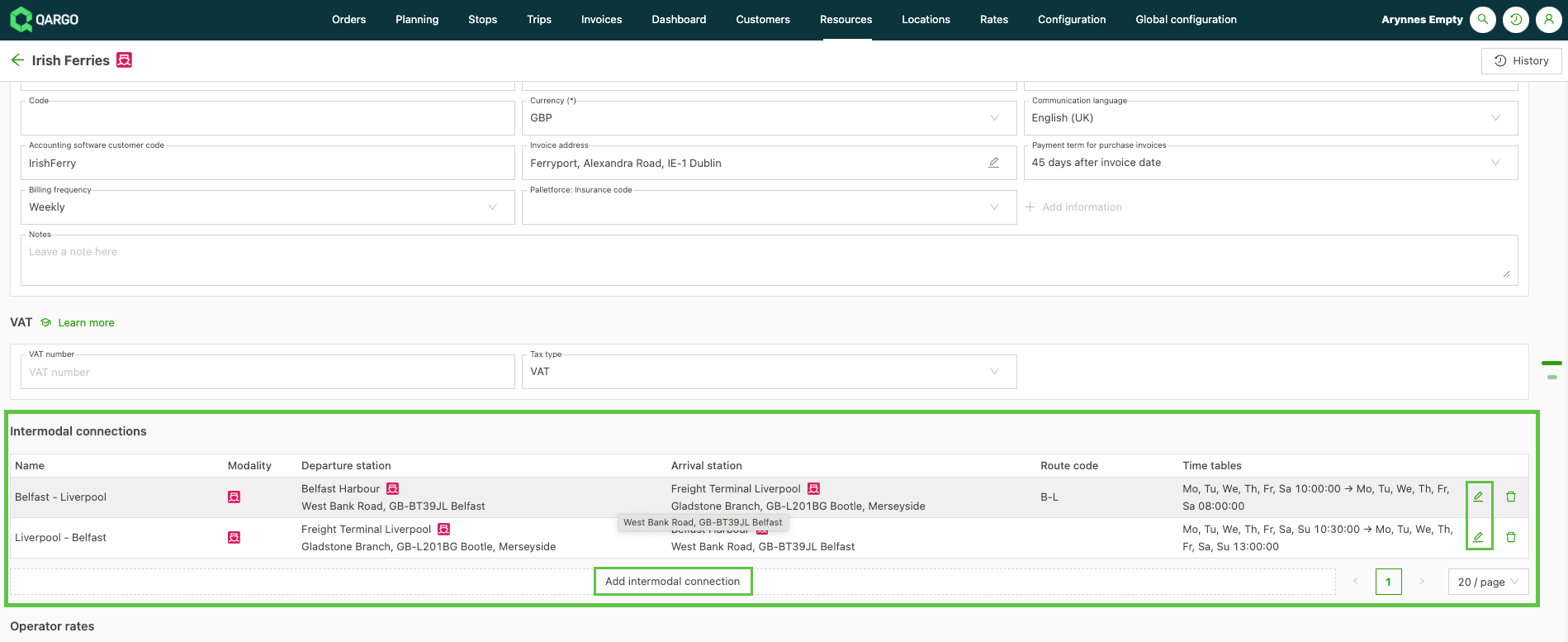
Add a new connection:
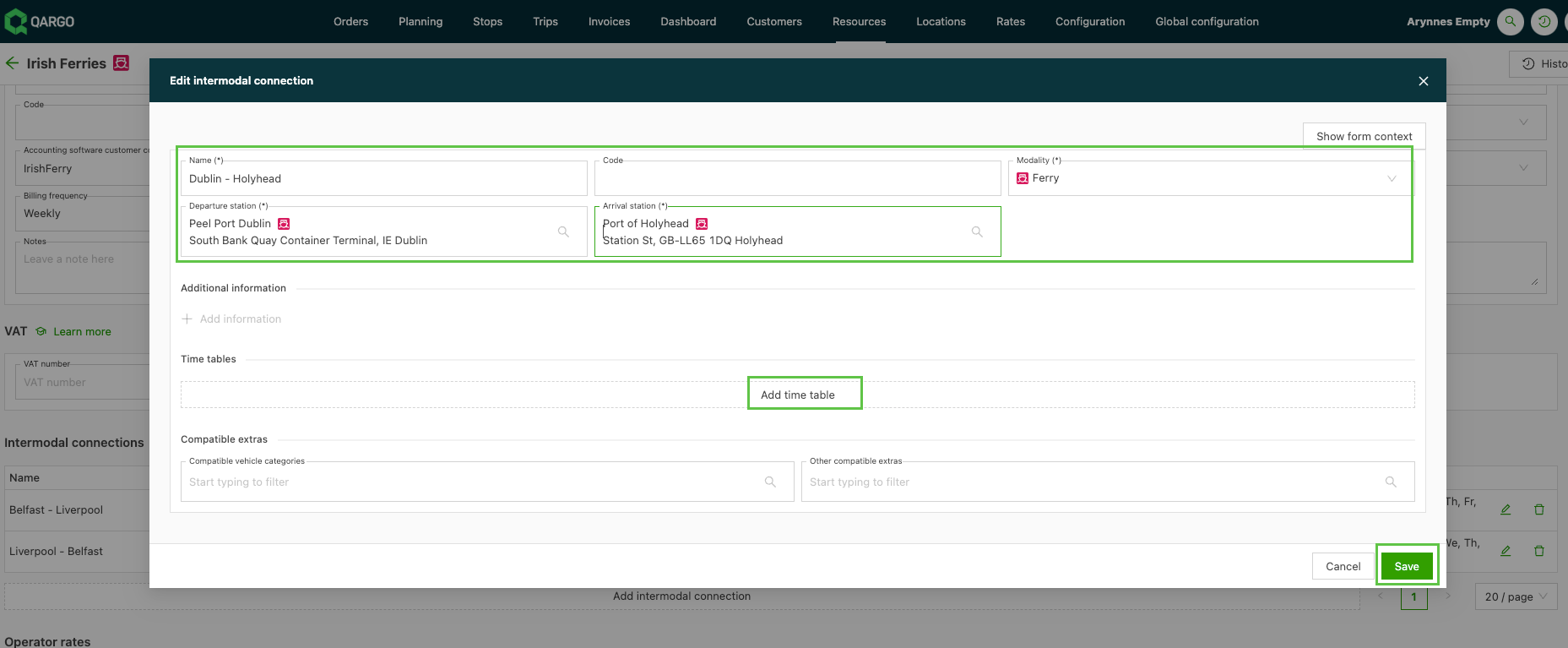
-
Name: the name should identify the connection route.
-
Modality: ferry or rail.
-
Departure station / Arrival station
-
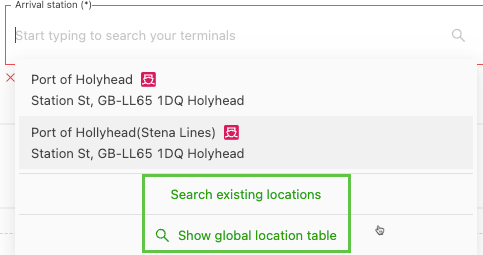
These should already be in the Qargo database. If the location is missing, use the search location / database options to find and add the location.
-
Add a timetable to a connection:
-
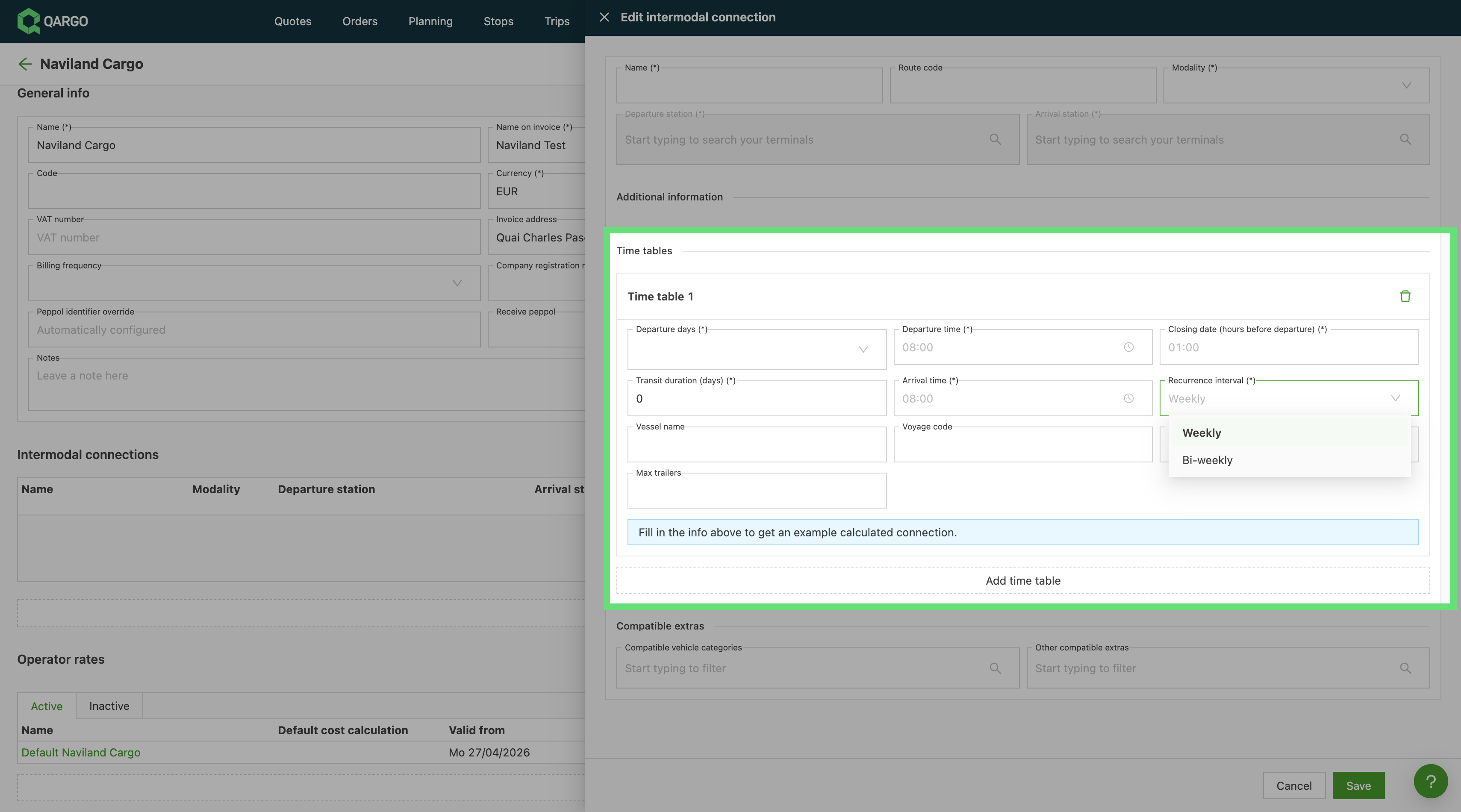
Click Add timetable.
-
For each timetable, configure:
- Days of the week.
- Recurrence: weekly (default) or biweekly. Biweekly departures occur every other week.
- Start date (biweekly only): pick any date in the week the pattern should begin. Qargo uses the Monday of that week as the anchor, and the load date picker only shows valid departure dates.
- Departure / arrival times: the scheduled sailing times.
- Closing date (hours before departure): how many hours before the scheduled departure the freight needs to arrive.
- Transit time (days): the number of days needed for the transit (0 is acceptable).
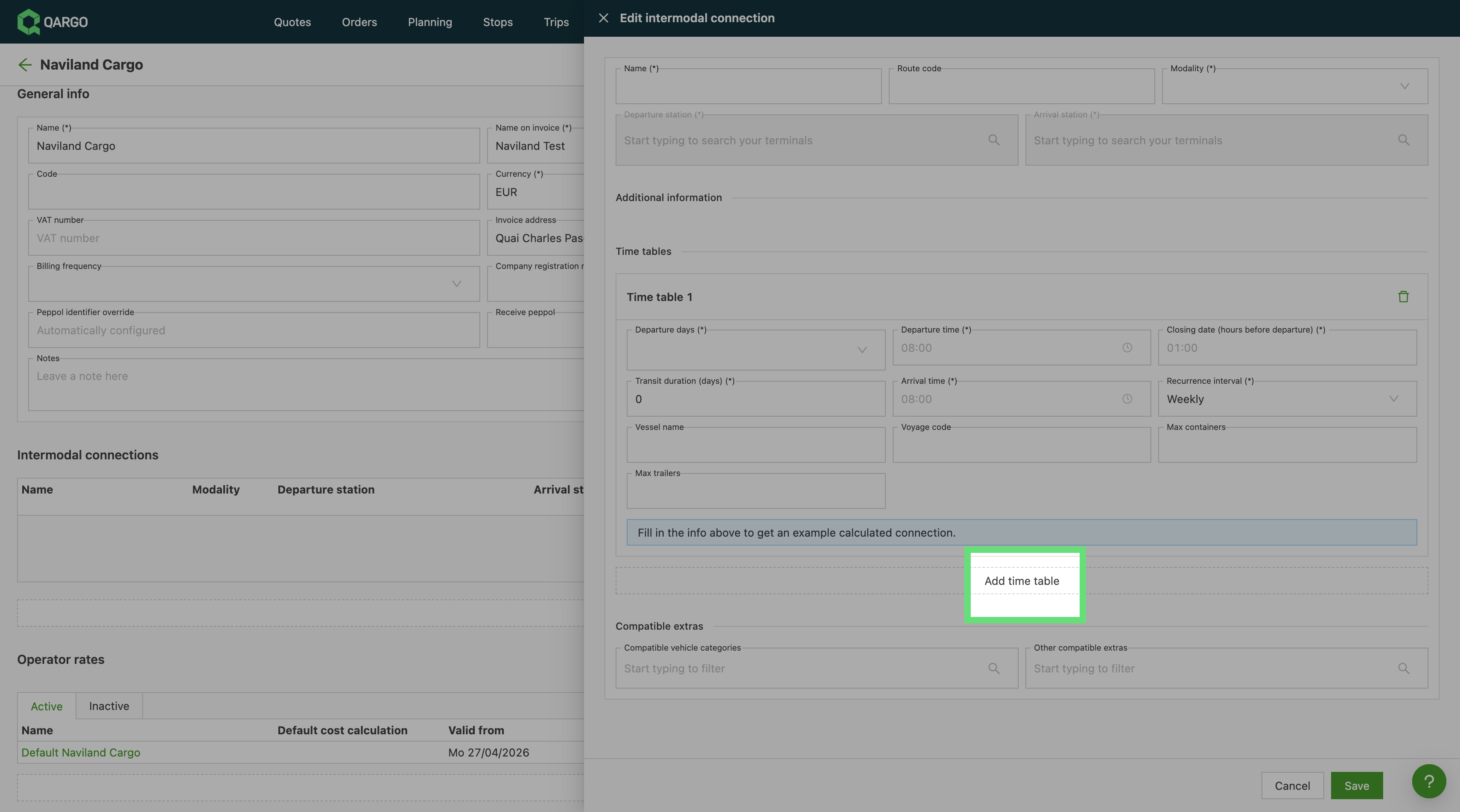
- If additional schedules are required, click Add timetable to add them.
- Routes are created as one-way routes. Any return routes need to be added individually.

Update an existing connection
When a connection already exists, it can be updated by clicking the pencil icon next to the specific connection.
- Edit any details, including timetables, and click Save.