Tasks: undo order/invoice tasks in bulk
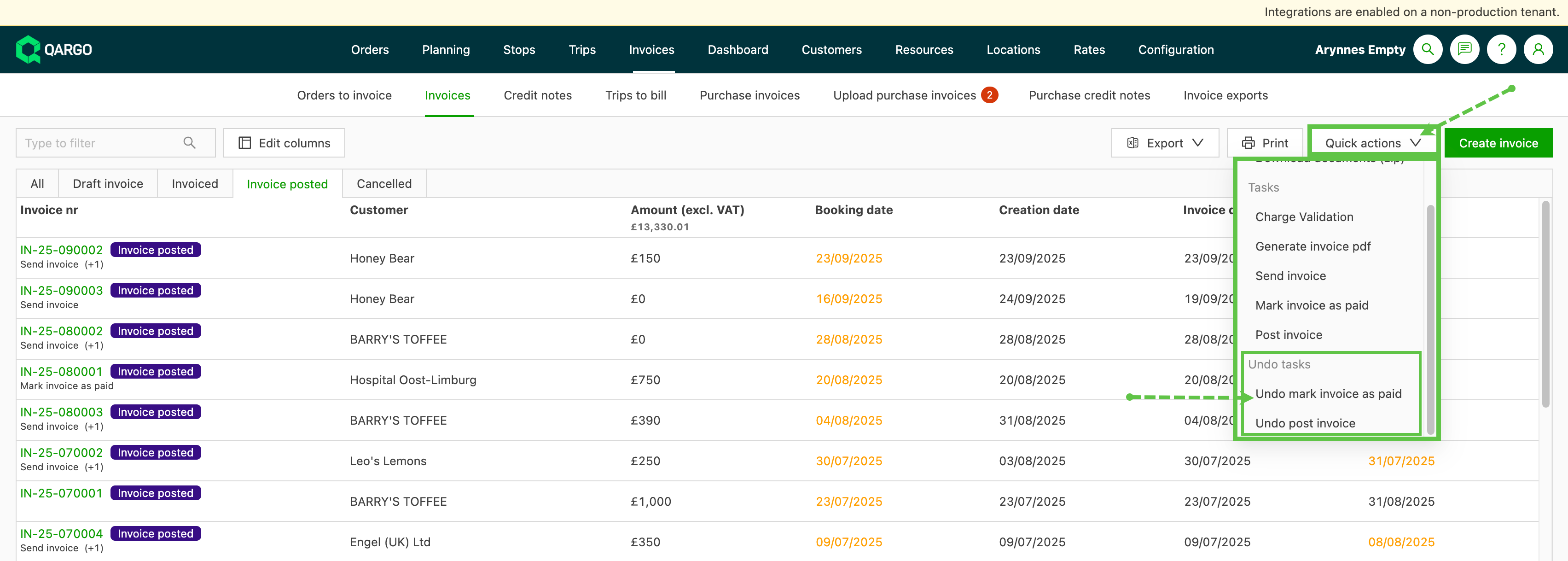
Use quick actions to undo tasks. Some undo options are restricted to super admin users.
The quick actions include a section for undoing the following tasks:
- Undo ready to invoice (order)
- Undo mark invoice as paid (invoice)
- Undo post invoice (invoice – super admin user only)
- Undo post credit memo (credit memo – super admin user only)
- Undo mark credit memo as refunded (credit memo)
- Undo mark carrier invoice as paid (carrier invoice)
- Undo post carrier invoice (carrier invoice – super admin user only)
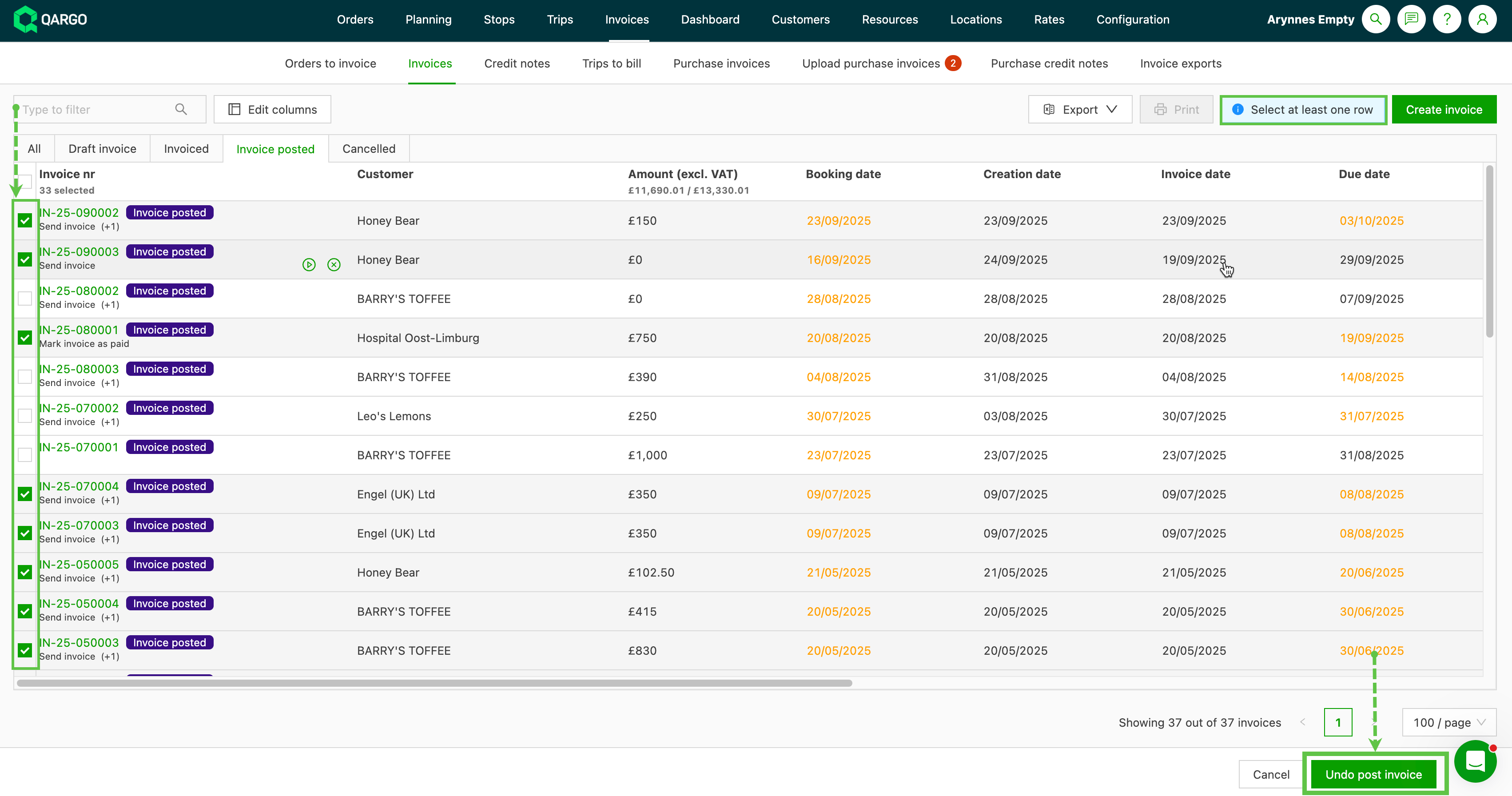
To undo a task, click Quick actions on the page and select the action.
- Select the rows to perform the action on
- Click Undo [Task] in the bottom right of the screen