Contact roles
Company contacts can be assigned roles like Billing, Operations, Sales or Customs, so Qargo emails reach the right people and workflow tasks target the correct contacts.
Contacts can be added to company profiles. These contacts can be given certain roles, which are automatically pre-filled when certain emails are sent from Qargo. Once added, contact roles can be edited from the company or contact details.
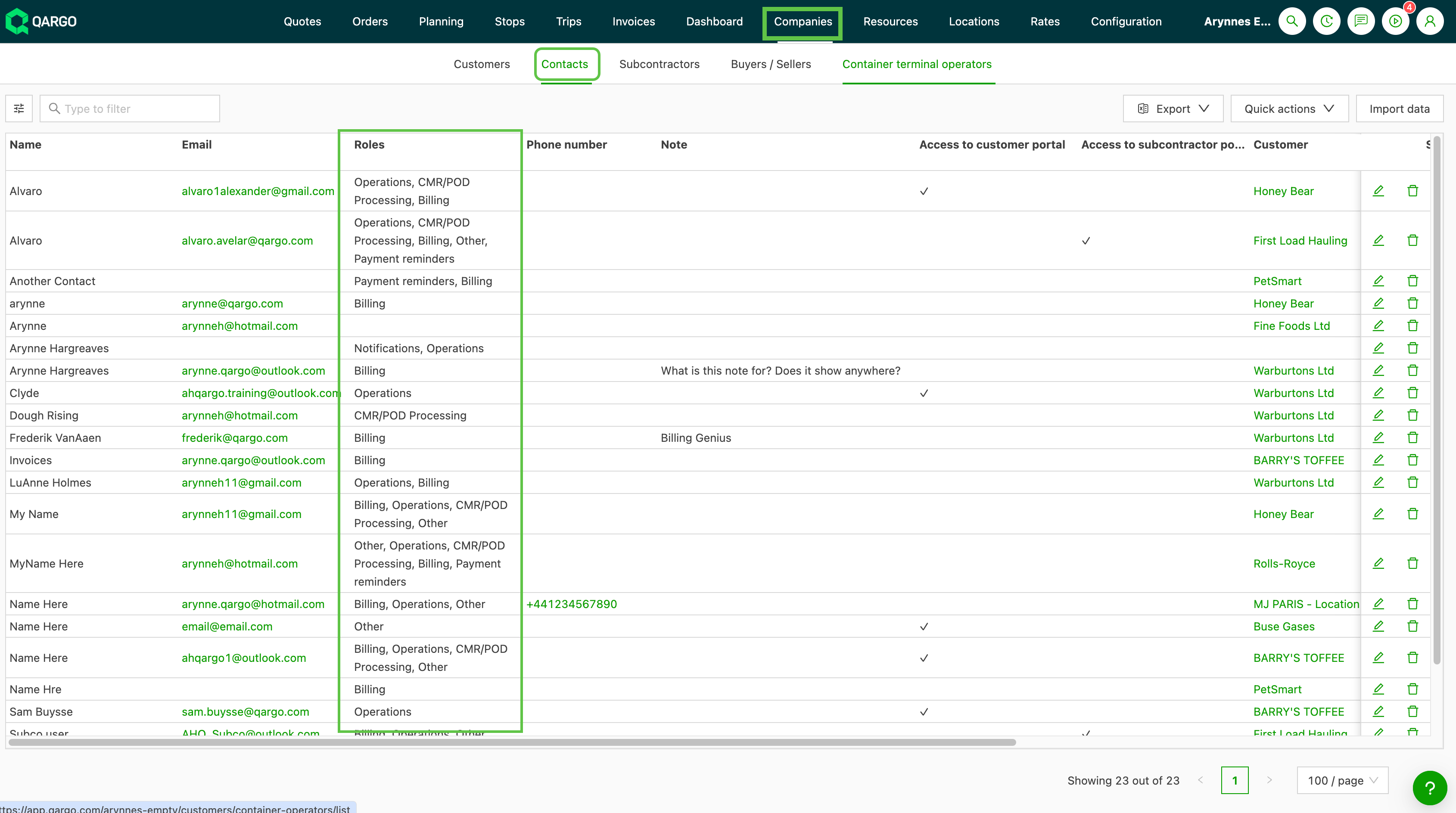
- Each contact role on a customer is displayed in the Roles column in the contacts list view.
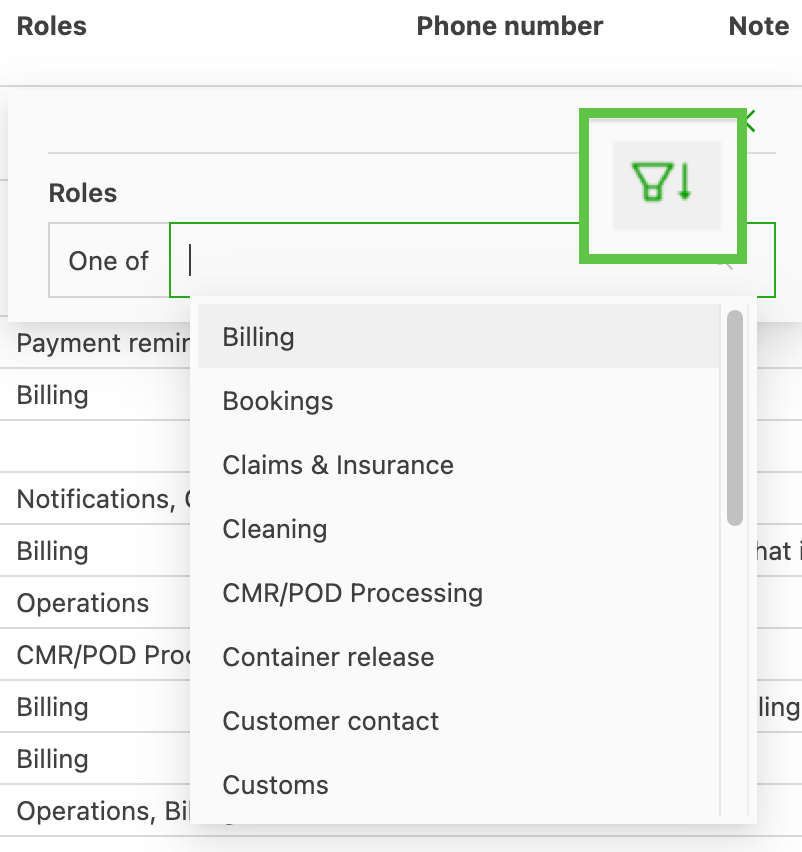
- Filtering the column by role shows the contacts assigned to that role across all companies.
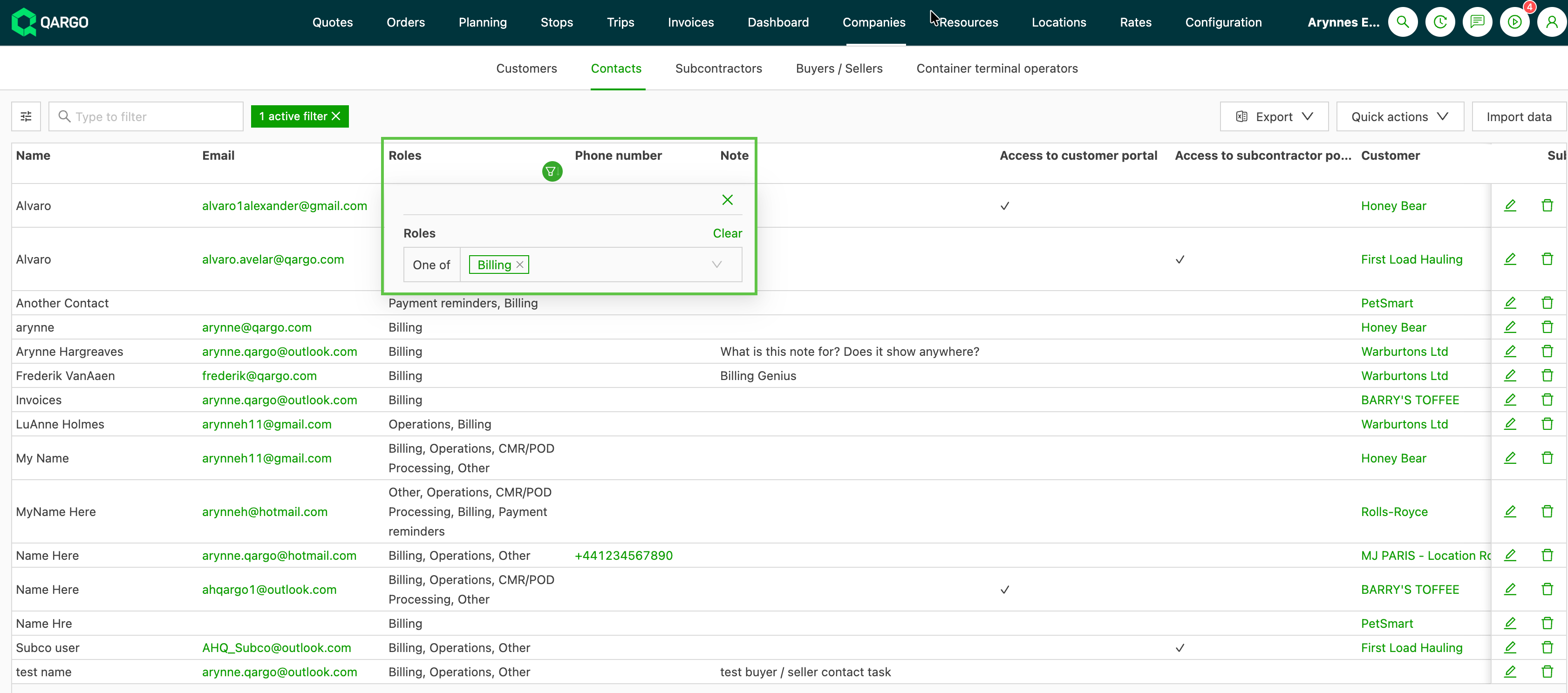
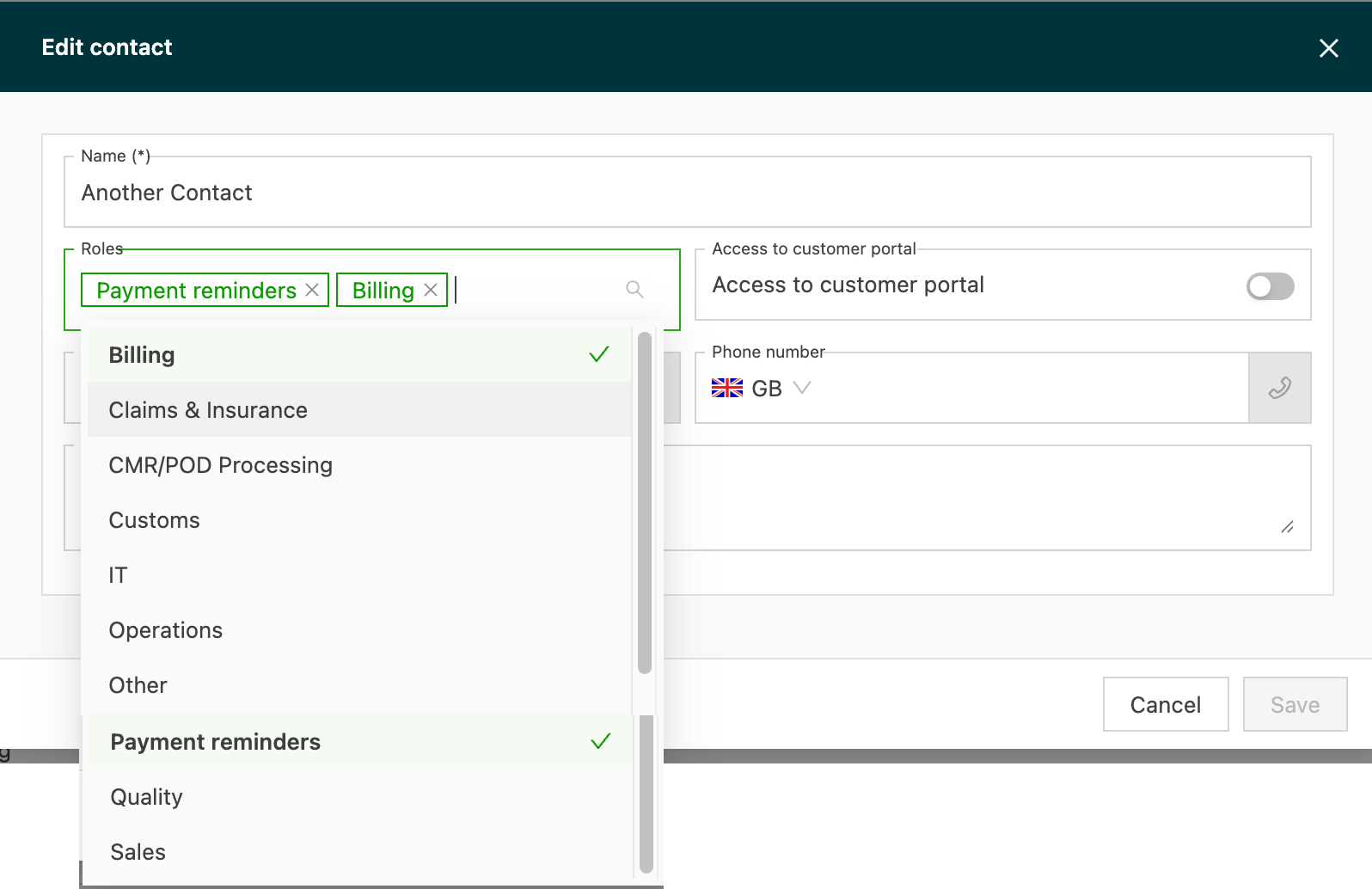
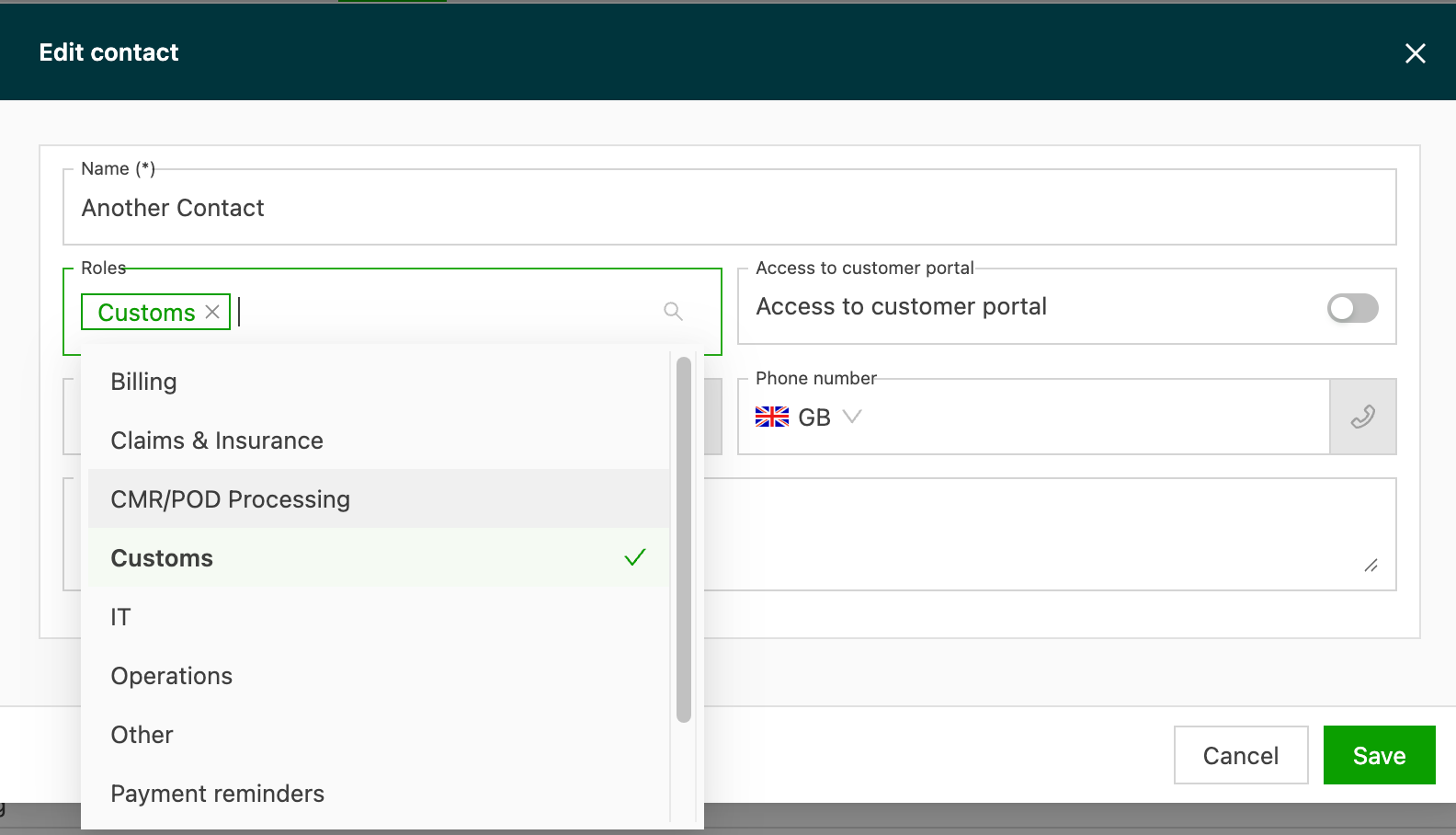
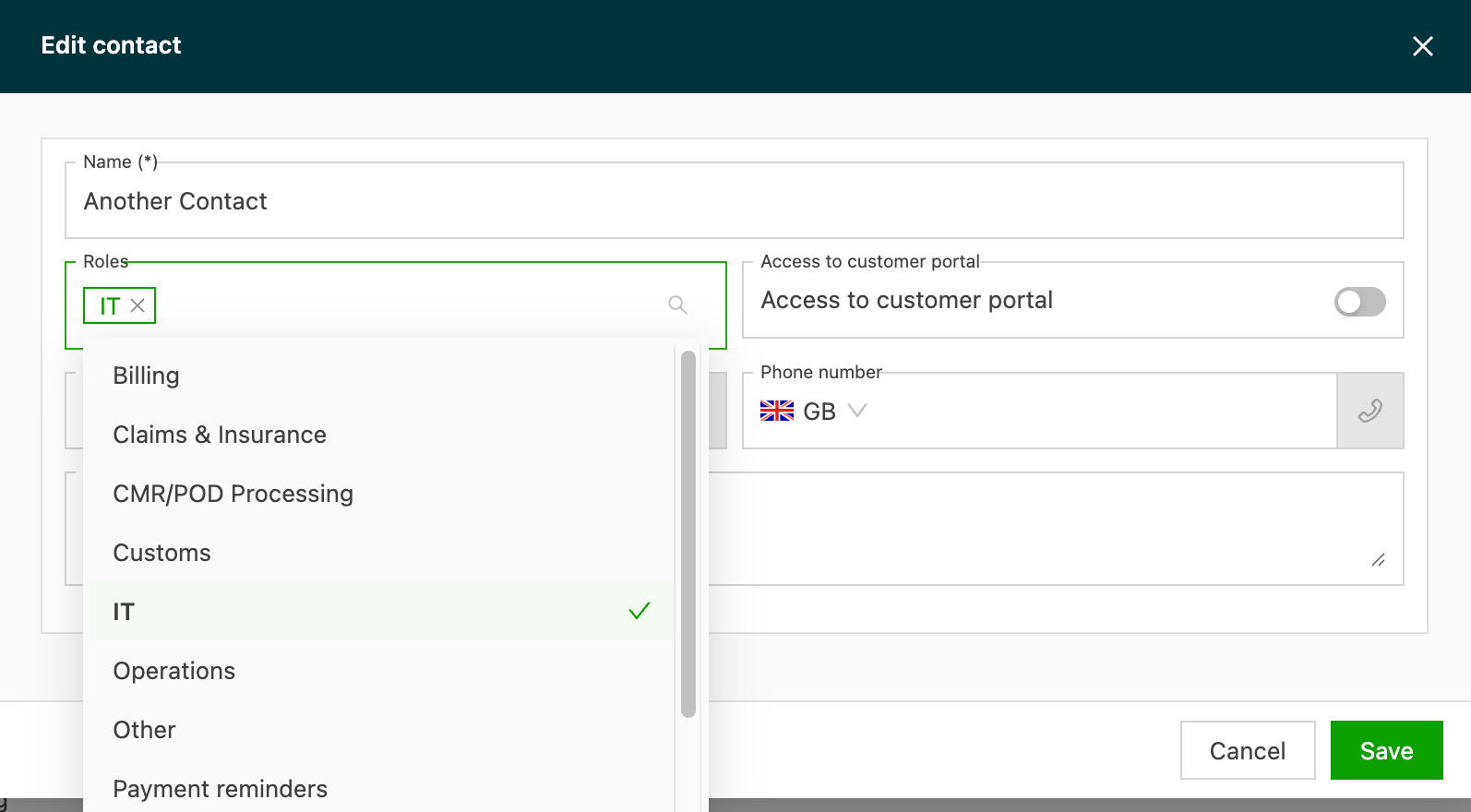
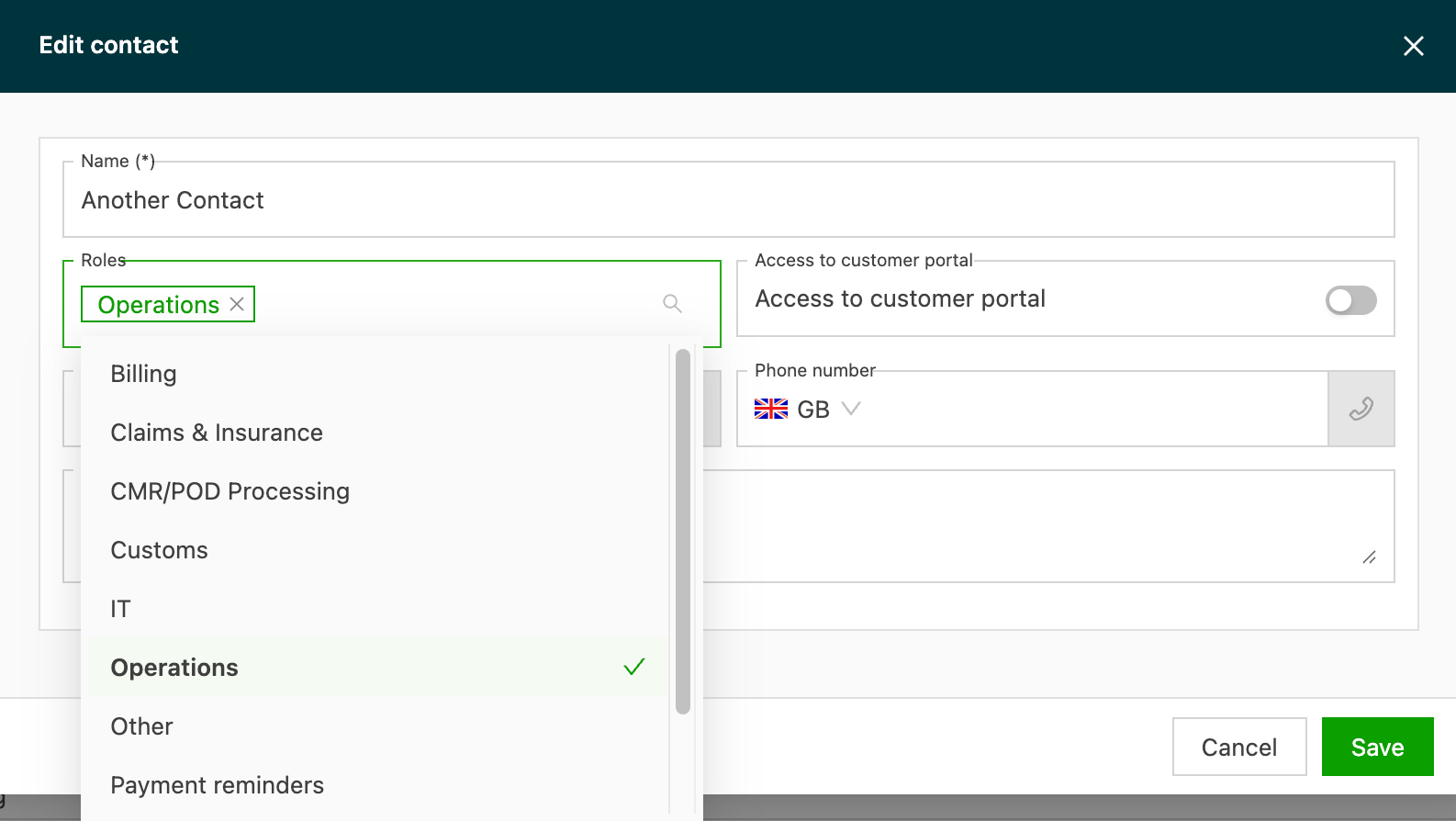
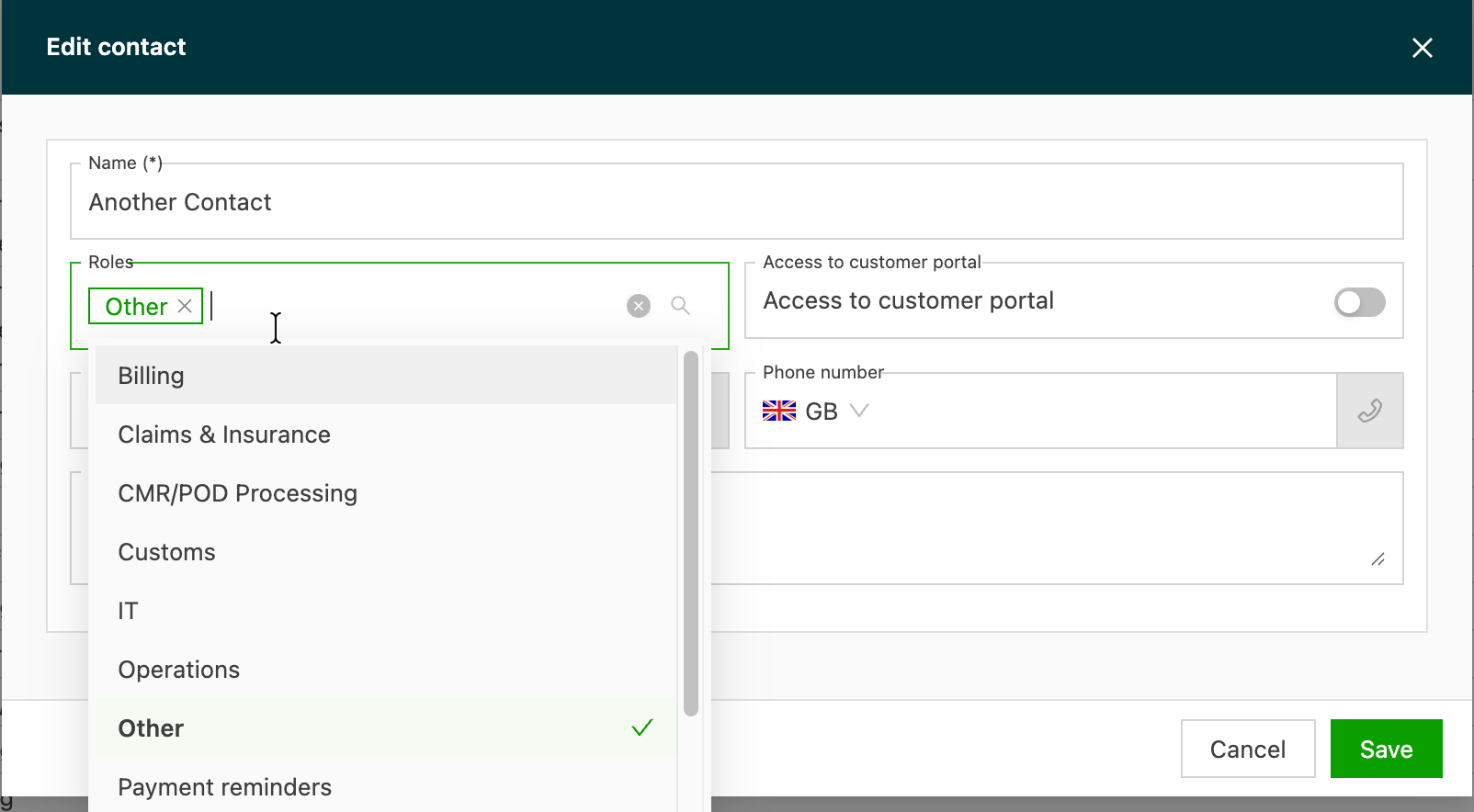
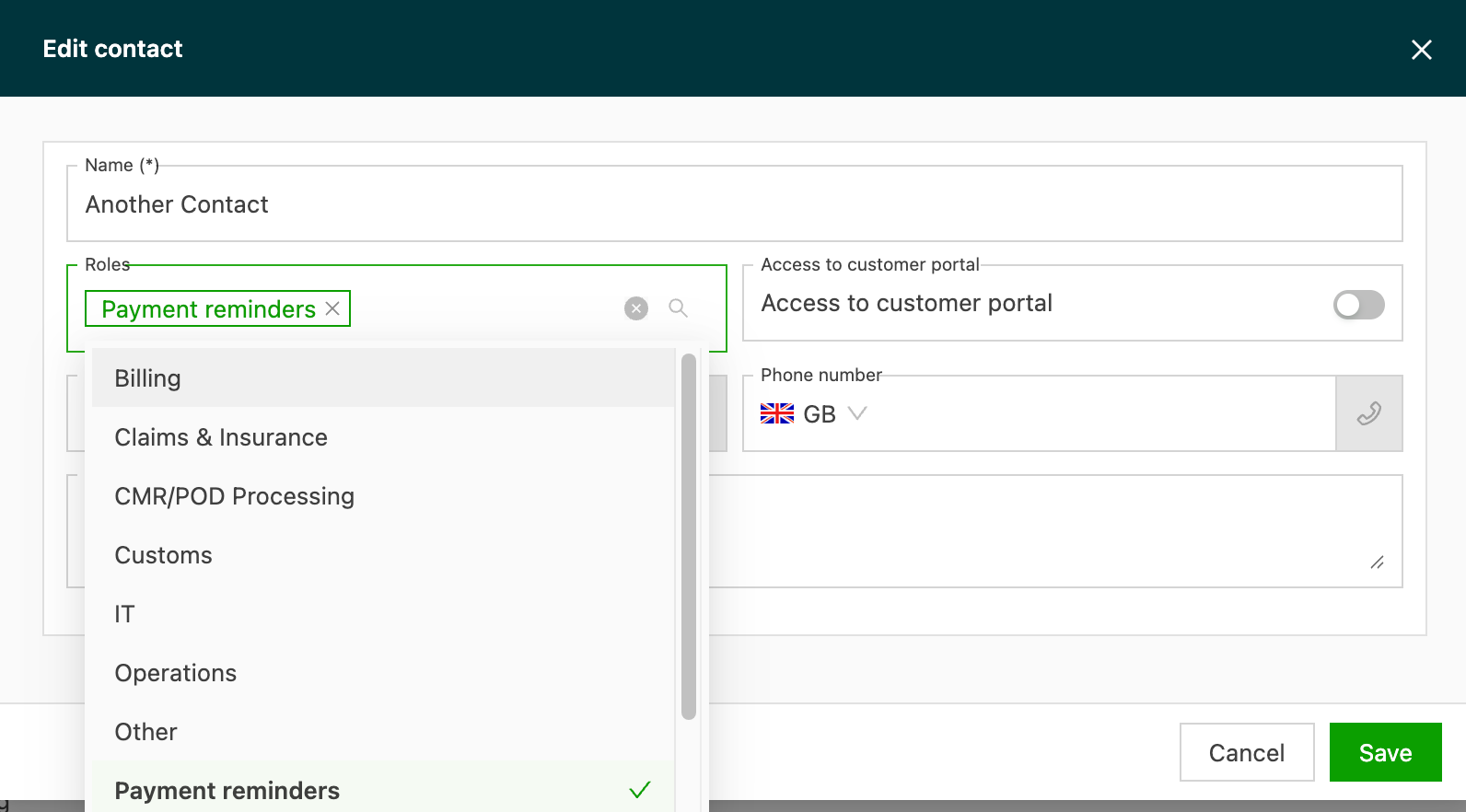
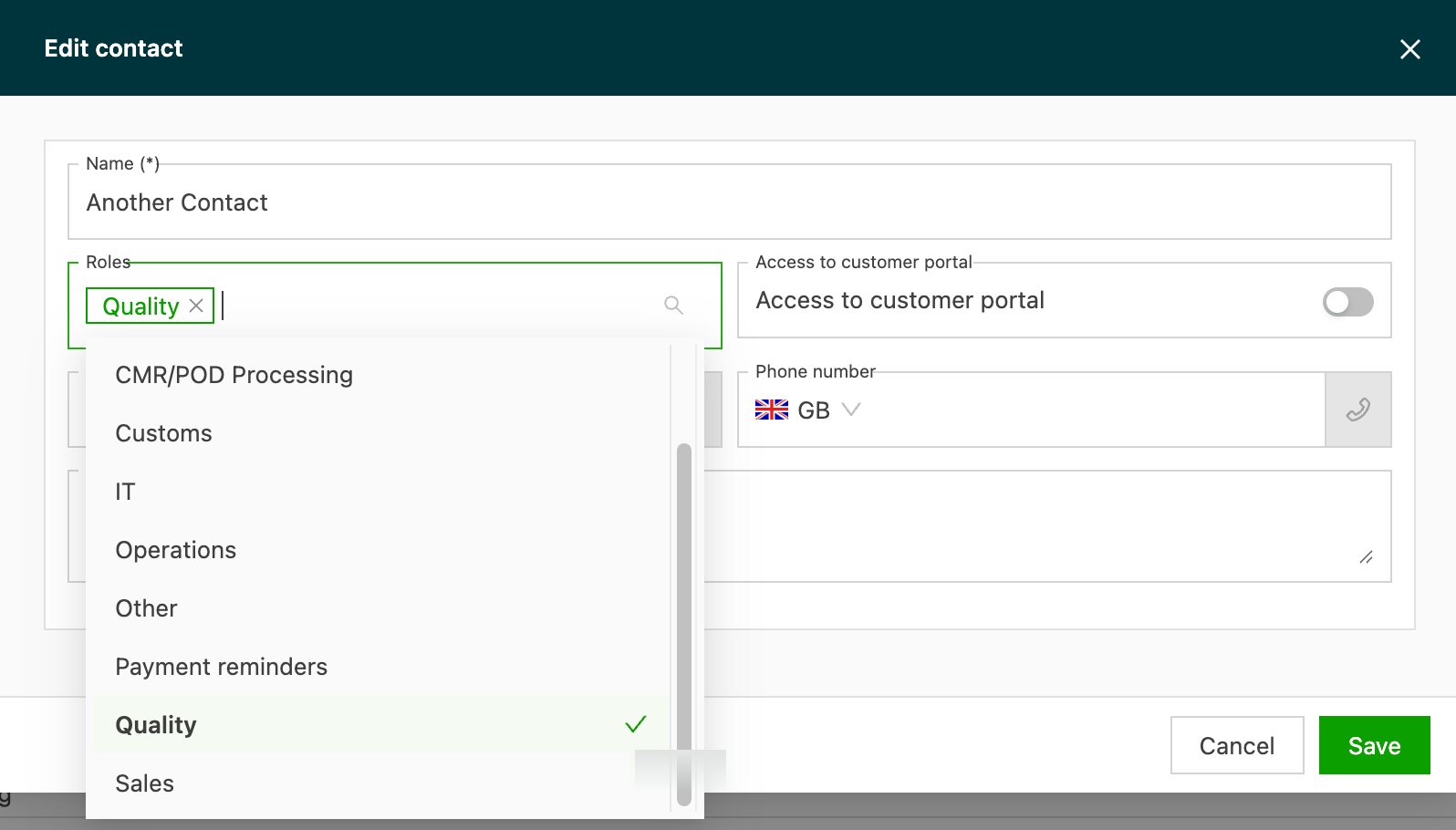
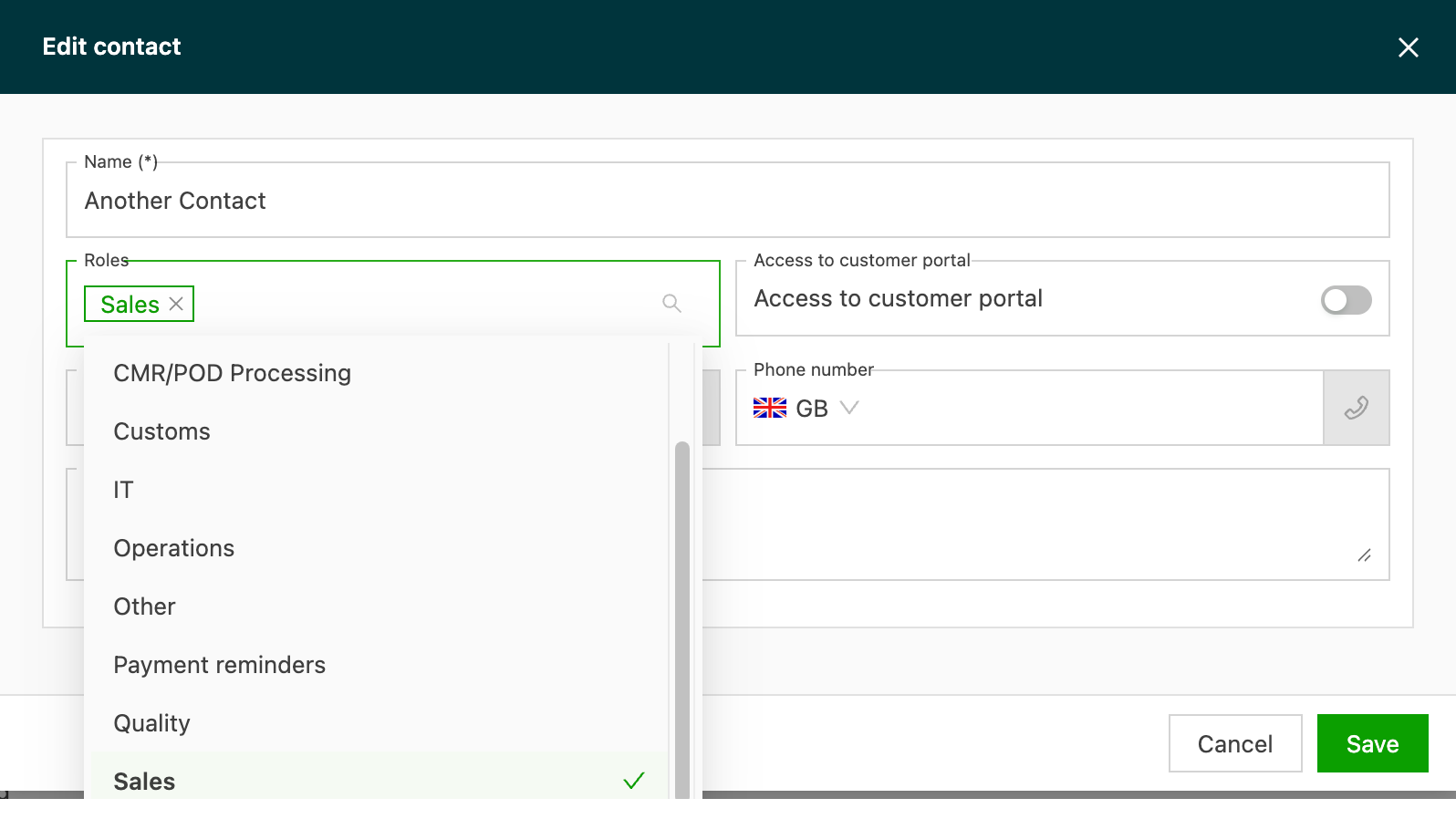
The green check mark indicates that the role is assigned to the contacts. Contacts can have multiple roles assigned.
The roles available:
- Billing
- Claims & insurance
- CMR/POD processing
- Customs
- IT
- Operations
- Other
- Payment reminders
- Quality
- Sales
This video explains the purpose of each available contact role:
Billing
This role is used by default for tasks configured to send out invoices.
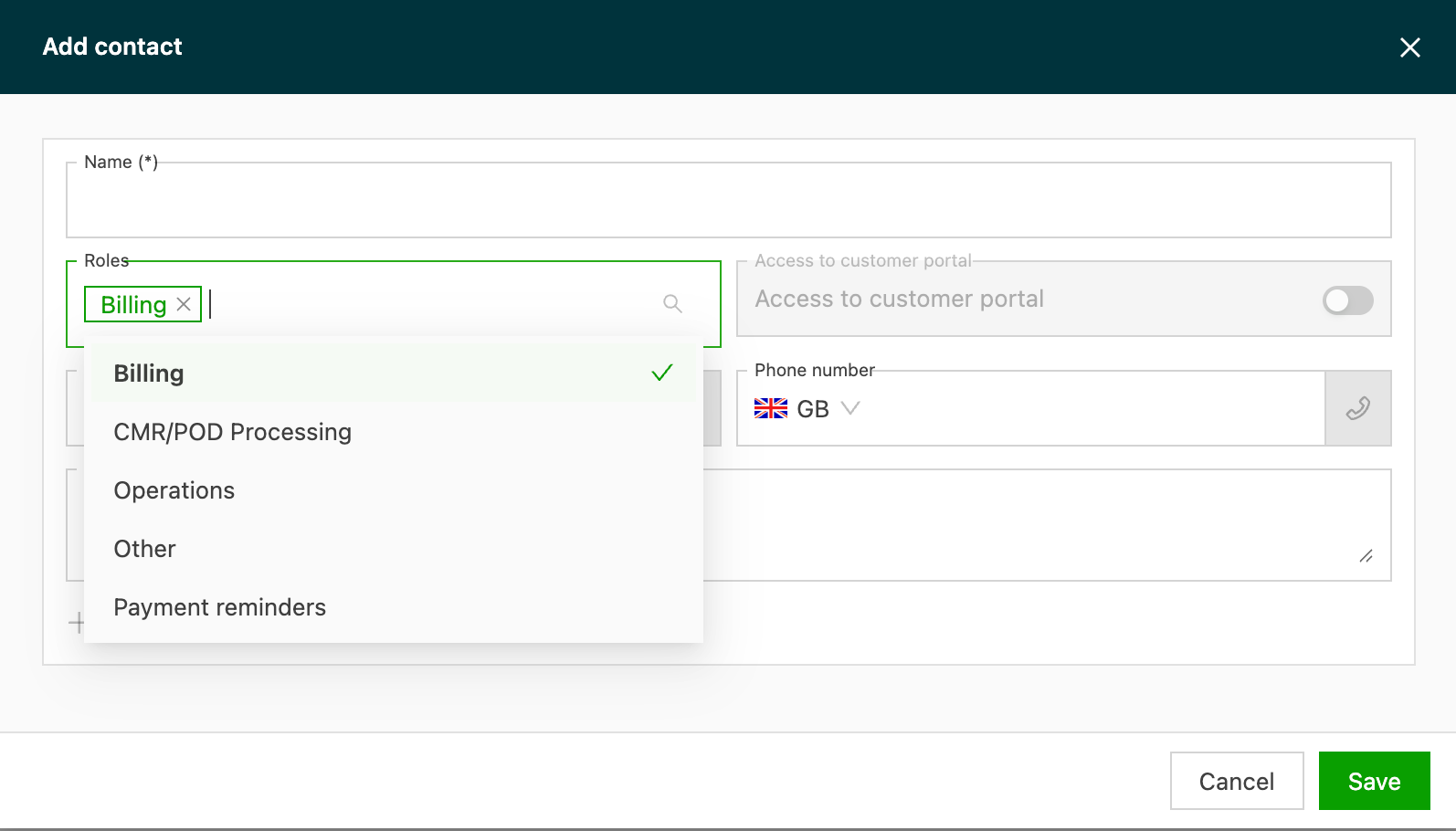
Claims & insurance
This role identifies the contact responsible for handling damage claims and insurance matters at the customer or contract carrier. Tasks configured to send claim notifications or insurance documents target the contacts assigned this role.
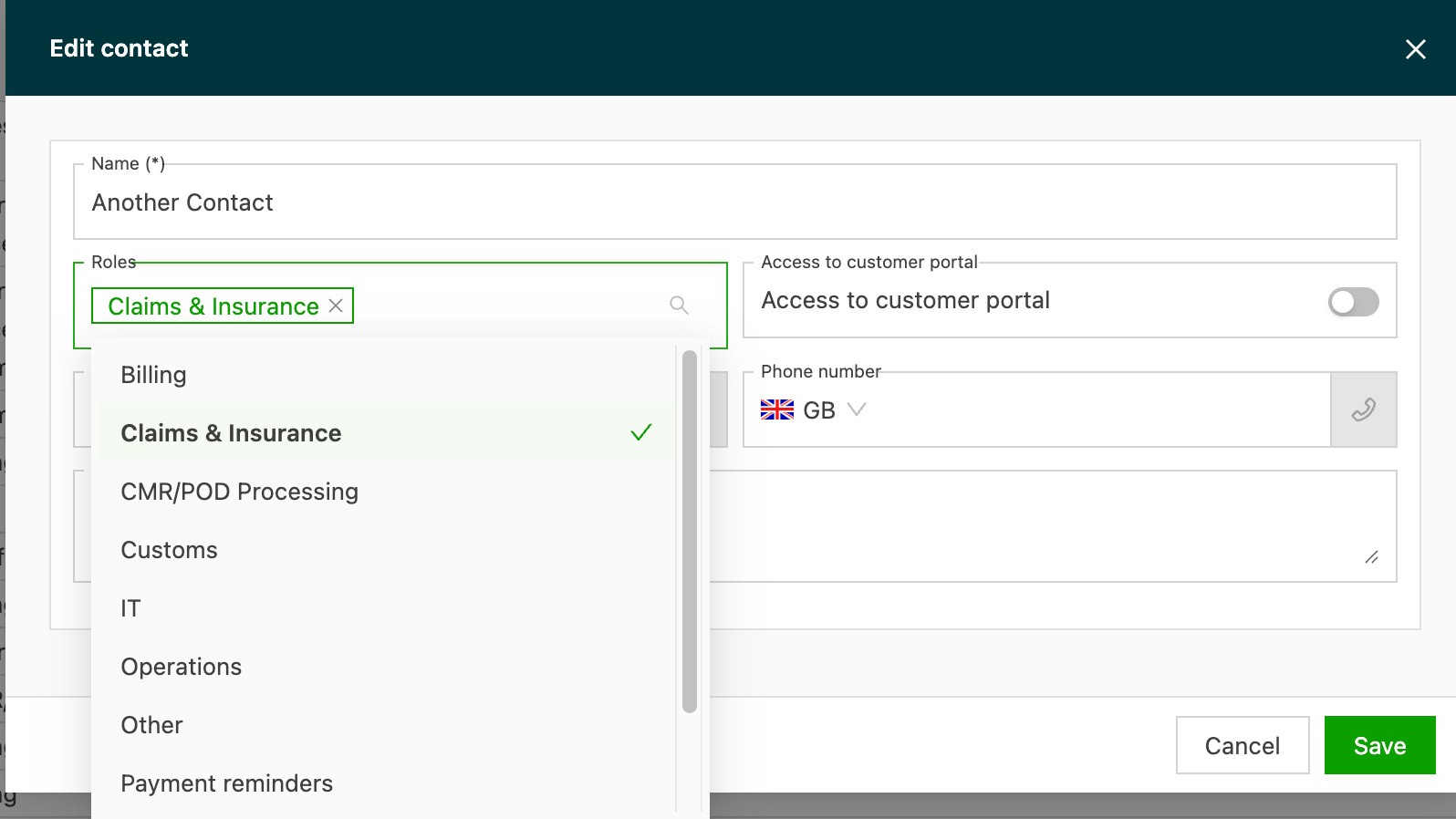
CMR/POD processing
-
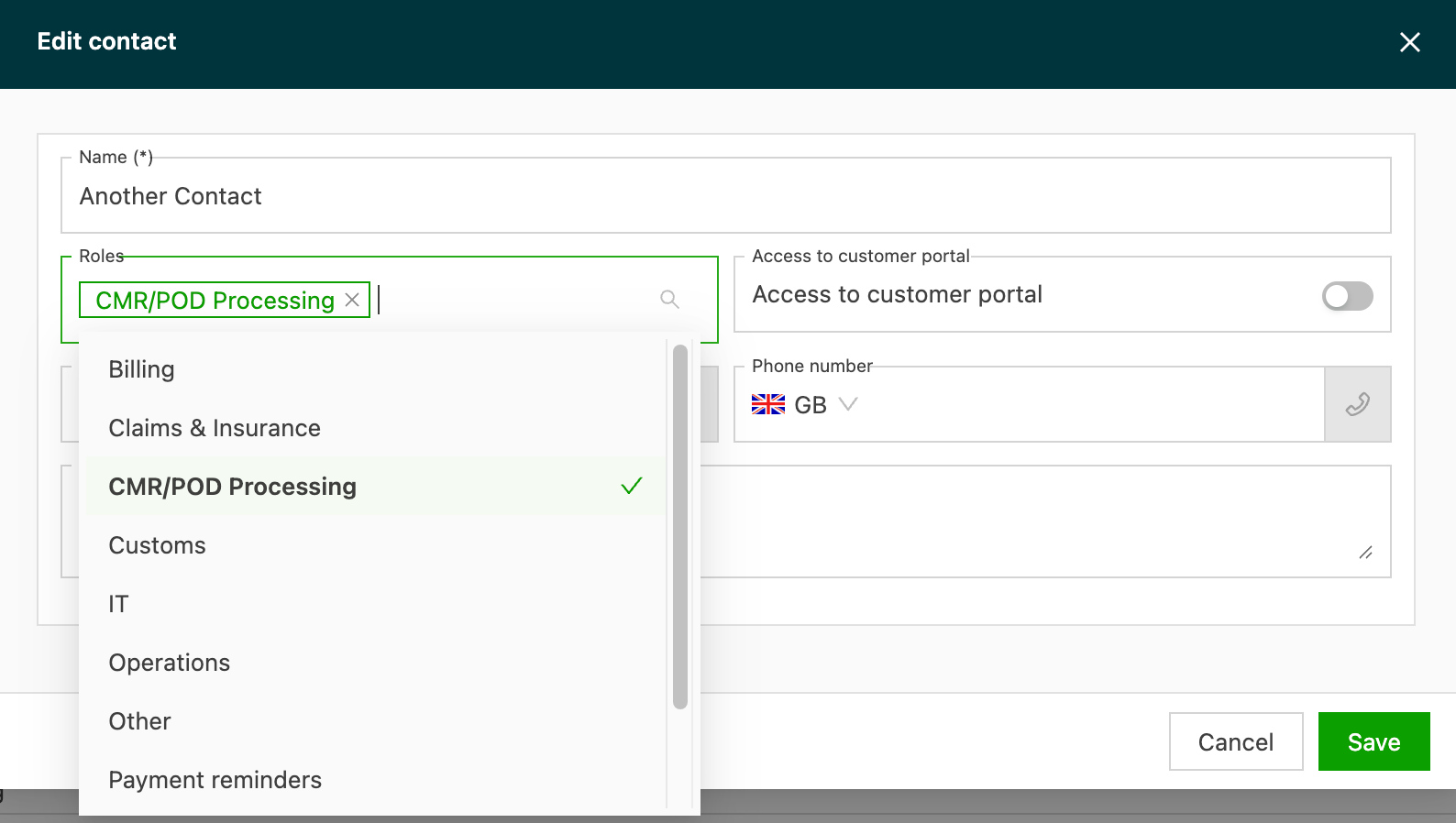
Direct all CMR/POD-related communications to the right contact and email.
-
Tasks configured to send CMRs/PODs after upload or load completion use the contact(s) with this role as email recipients.
- If no contact has this role, the email may go to a fallback contact, such as Billing (depending on the configuration).
- If no contact has this role, the email may go to a fallback contact, such as Billing (depending on the configuration).
Customs
This role targets the contact responsible for customs clearance and compliance communication. It is useful for tasks that send customs documents, declarations or compliance updates.
IT
This role identifies the technical contact at the customer or contract carrier. It is typically used for system integration, EDI setup or API-related communication.
Operations
This role is used by default for tasks that send out transport orders to contract carriers.
Other
This role can be configured for any other email tasks added to the system.
Payment reminders
This role makes it easy to send reminders to the person responsible for payments at the company.
Quality
This role targets the contact responsible for quality control and compliance topics at the customer or contract carrier.
Sales
This role identifies the commercial contact at the customer or contract carrier. It is used for sales and procurement-related communication.
Roles for location contacts
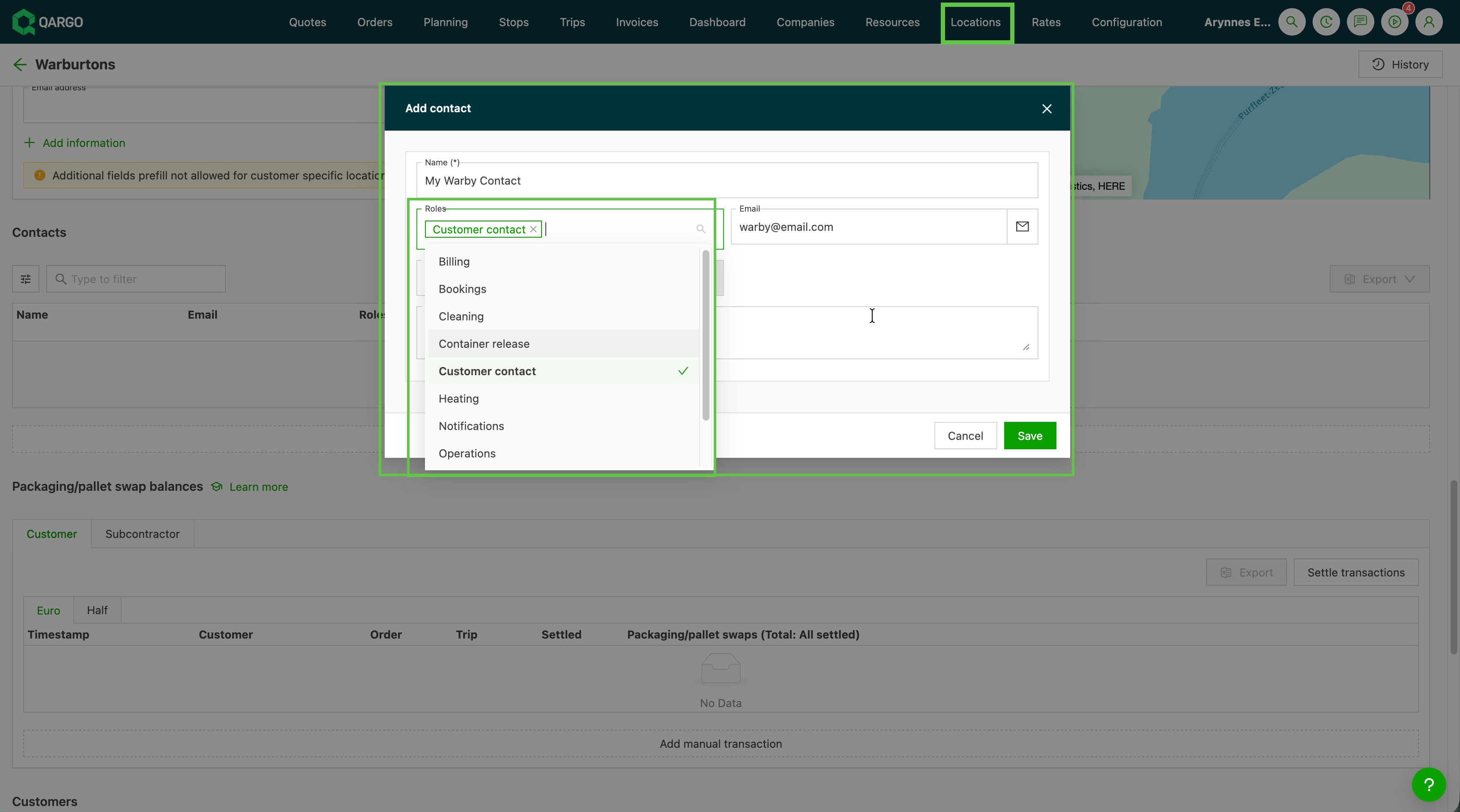
Location contacts use a separate set of roles, distinct from those available on customer and contract carrier contacts. Some roles overlap (Billing, Operations, Other), but most are location-specific.
The roles available for location contacts:
- Billing
- Bookings
- Cleaning
- Container release
- Customer contact
- Heating
- Notifications
- Operations
- Other
- Storage
Location customer contact
The Customer contact role is a general-purpose contact at the location level. It is used for operational communication with the customer at that specific location. It can be selected when configuring location-targeted workflow tasks.
This video explains the purpose of each location contact role and how these roles differ from contact roles at the company level:
Customer list view columns
Each contact role on a customer can be displayed as a configurable column in the customer list view.
- The column shows how many contacts at that customer have the given role assigned. This makes it quick to spot gaps in role coverage.
To enable role columns:
- Navigate to Companies > Customers
- Open the Edit column menu
- Select the role columns to display and toggle them on
- Drag the columns to the preferred position in the table view (optional)
Using contacts in tasks
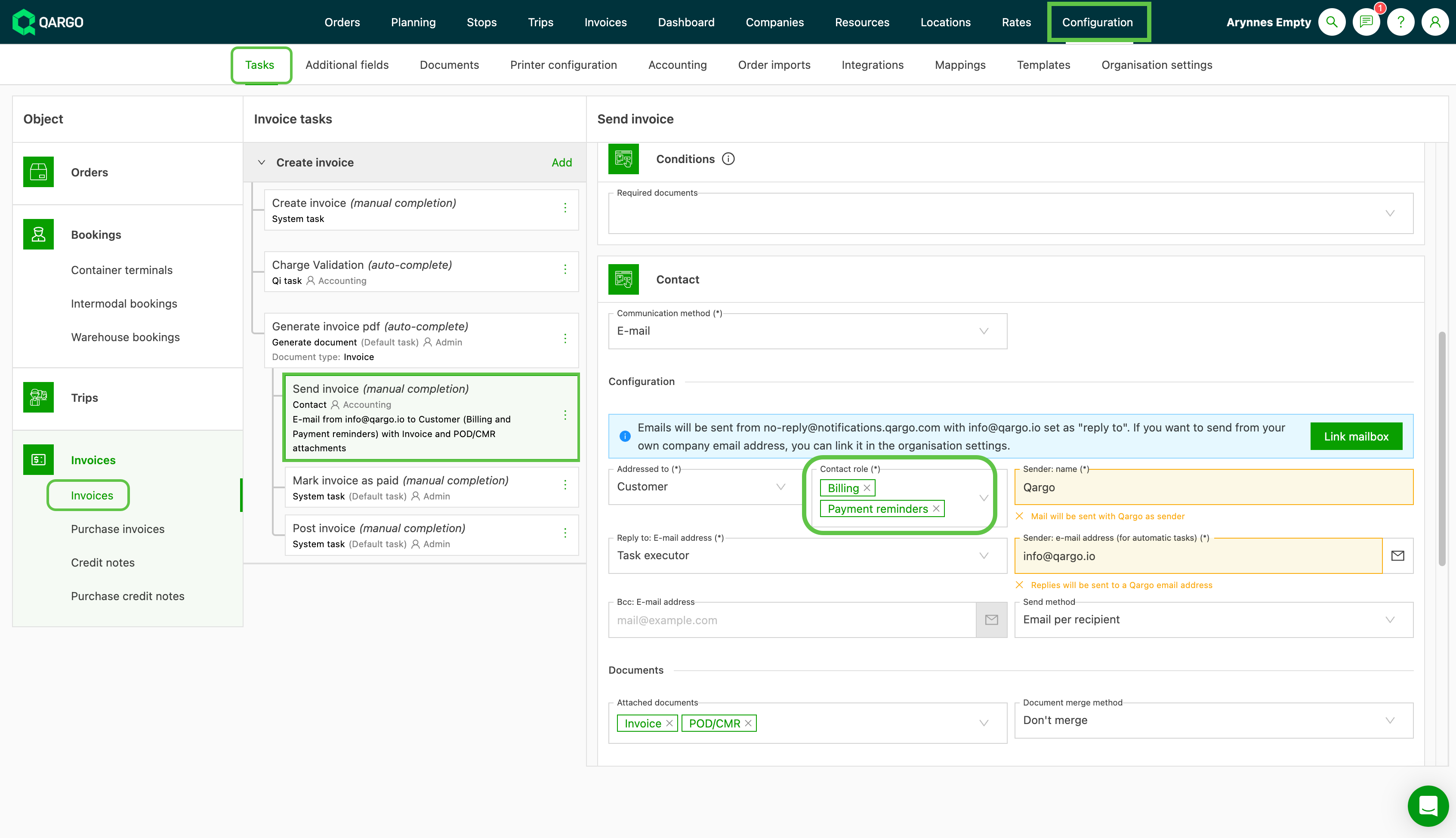
- To find which task uses which contact role, navigate to Configuration > Tasks
- Locate the related task:
The task example below indicates that invoices are sent to contacts that have Billing and/or Payment reminders assigned as a role: