
Transics error for loads: resolution
The following error can sometimes appear when dispatching the load to Transics: This load was canceled on the tenant’s Transics environment. Please check the status of the load in Transics
Other reasons for dispatch failures may include mismatched terminal IDs, insufficient permissions, or issues related to re-dispatching completed loads.
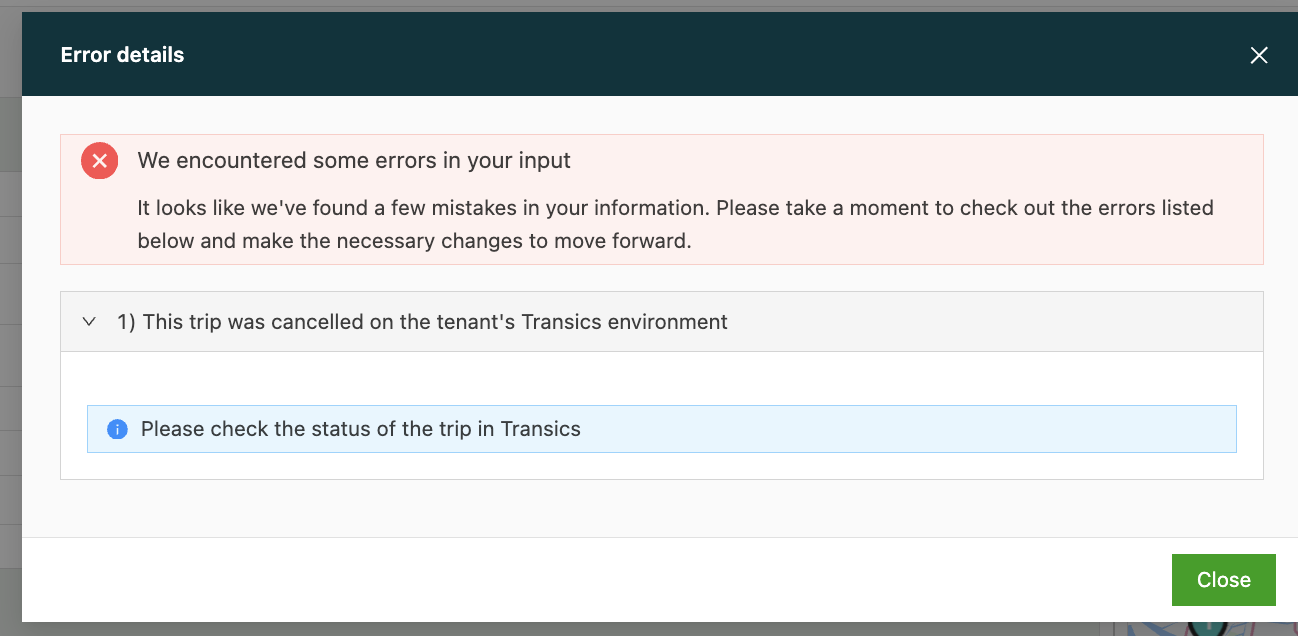
This error has one of the following causes:
-
The load has been canceled on the Transics side. In that case, the solution is to re-plan the resource and try dispatching the load again (remove the resource, add it back and resend).
-
Missing rights (the load is not visible). The solution is the same: re-plan the resource and try again (remove the resource, add it back and resend).
Please check the status of the trip in Transics to see if it was (manually) cancelled in TXConnect.Cancelled trips cannot be resent and have to be replanned. To send the trip to Transics, first remove the Transics resource from the trip in Qargo, re-add the Transics resource and send the trip again to Transics. If it cannot be seen in Transics, please contact Transics support.