
Amazon pickup/delivery extra
Explanation of how to set it up and how to help customers not forget it
Table of contents
Operational workflow
An Amazon location that needs to go to Palletline requires the following details:
-
Select the Amazon pickup/delivery under the extras.
-
Make sure the following fields are filled in:
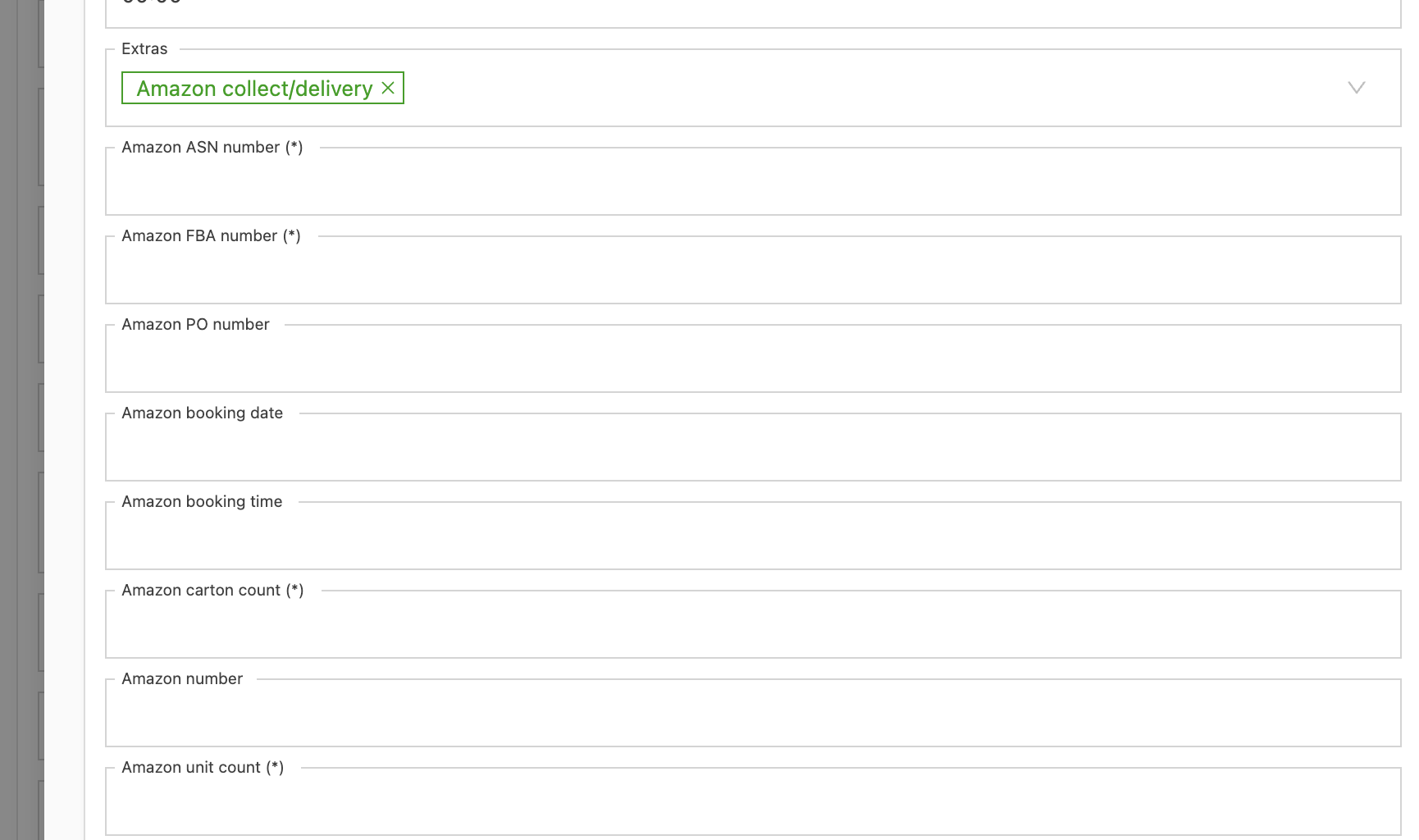
| Field | Required? |
|---|---|
| PO number | - |
| ASN number | Required (*) |
| FBA number | Required (*) |
| Carton count | Required |
| Unit count | Required |
| Amazon # | - |
| Booking date | - |
| Booking time | - |
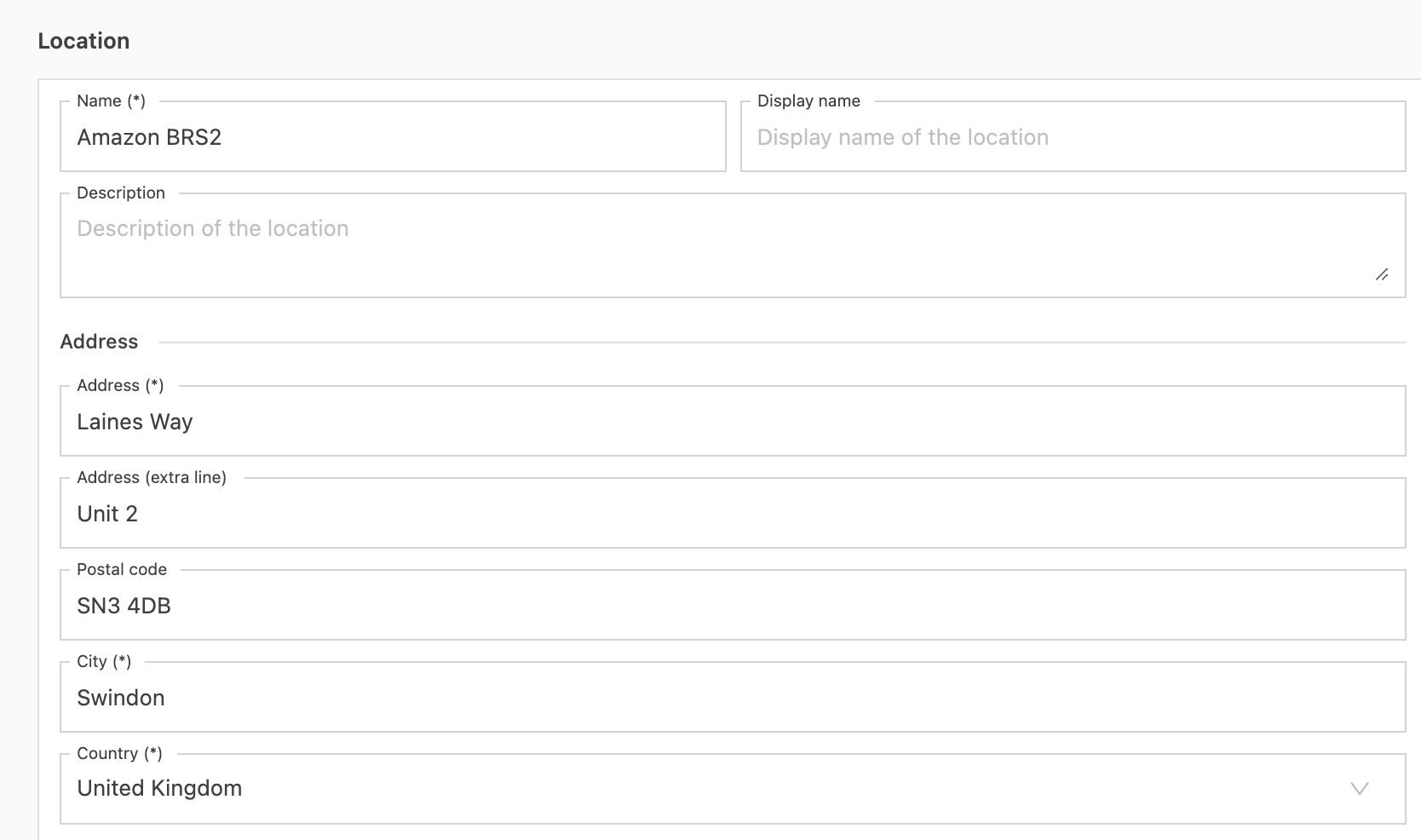
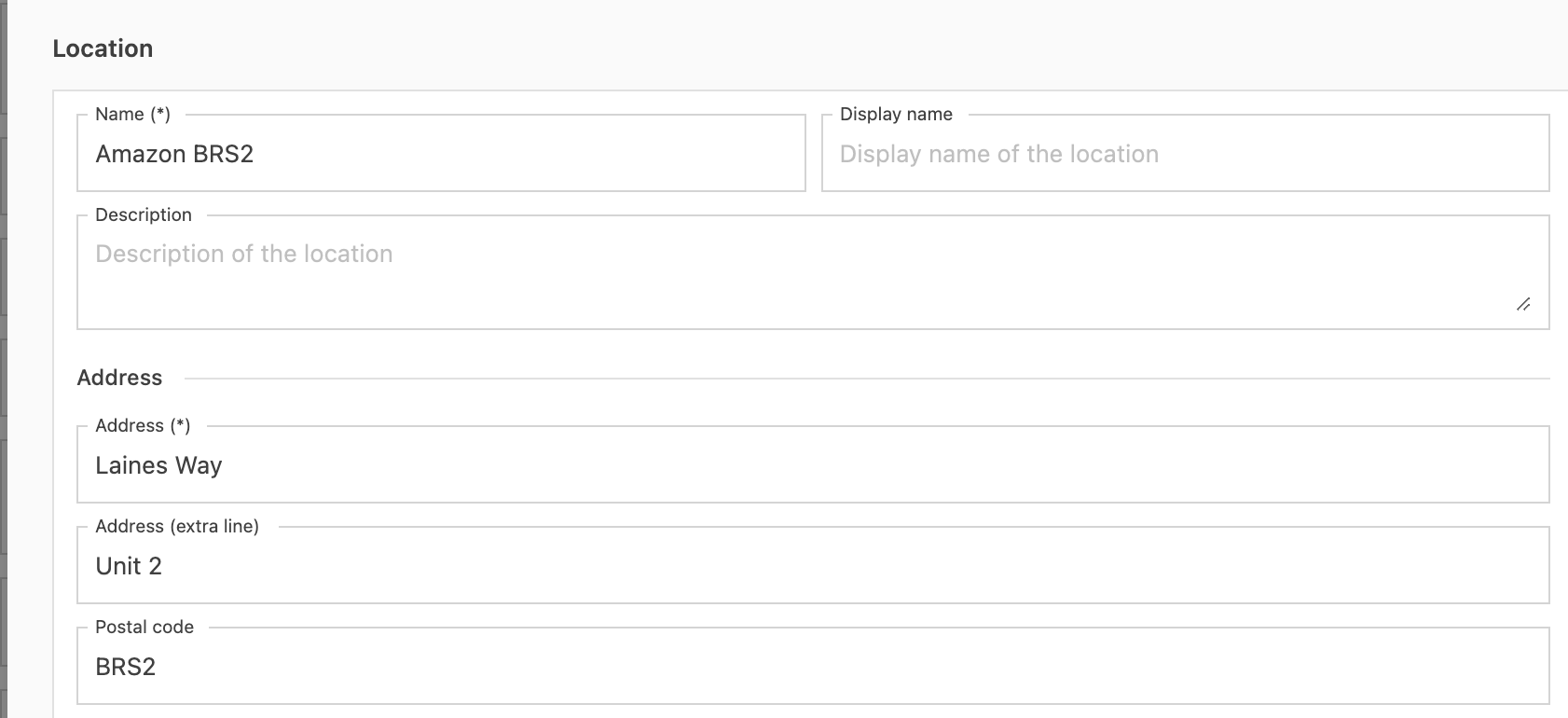
There are two ways to fill in the ZIP code of the location:
-
Fill in the real ZIP code. Qargo automatically maps it to the Palletline ZIP code.
-
Fill in the Amazon code in the ZIP code field:
Customers are forgetting to add the Amazon extra
It is best to predefine the extra on each Amazon location. When the customer selects this location, the extra is filled in automatically.
To do this, go to the Locations tab and search for Amazon:
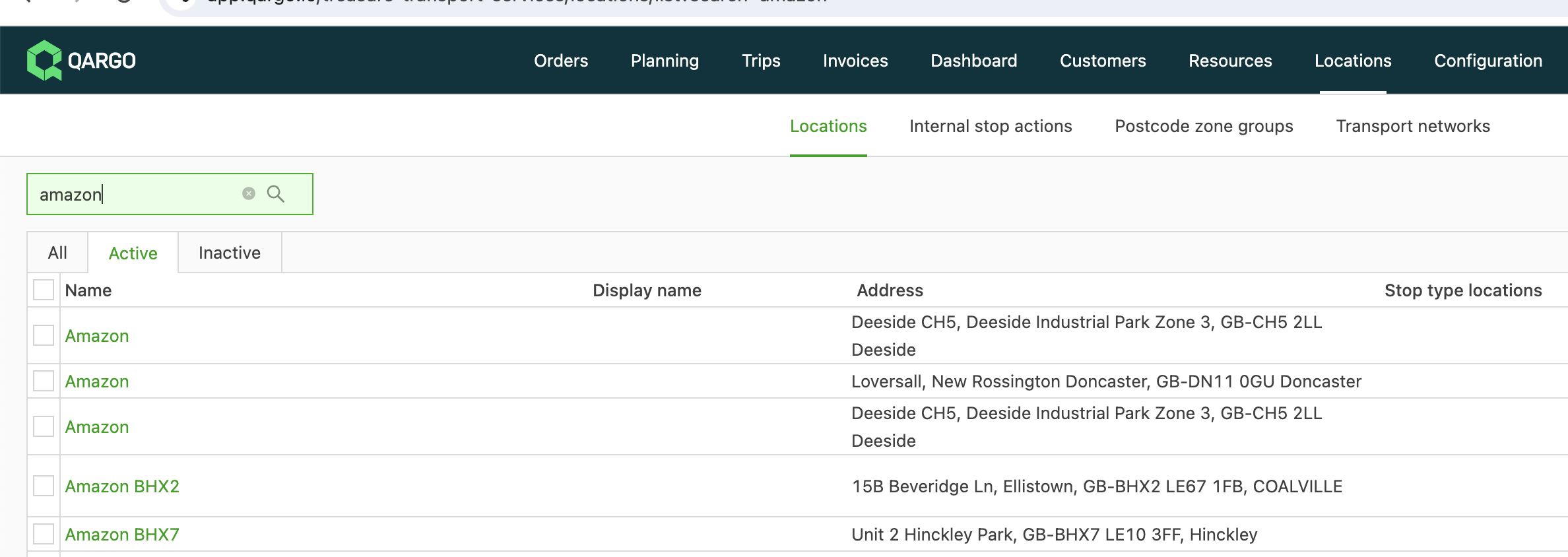
Then open the Amazon location and add the extra. Remember to click on delivery first:
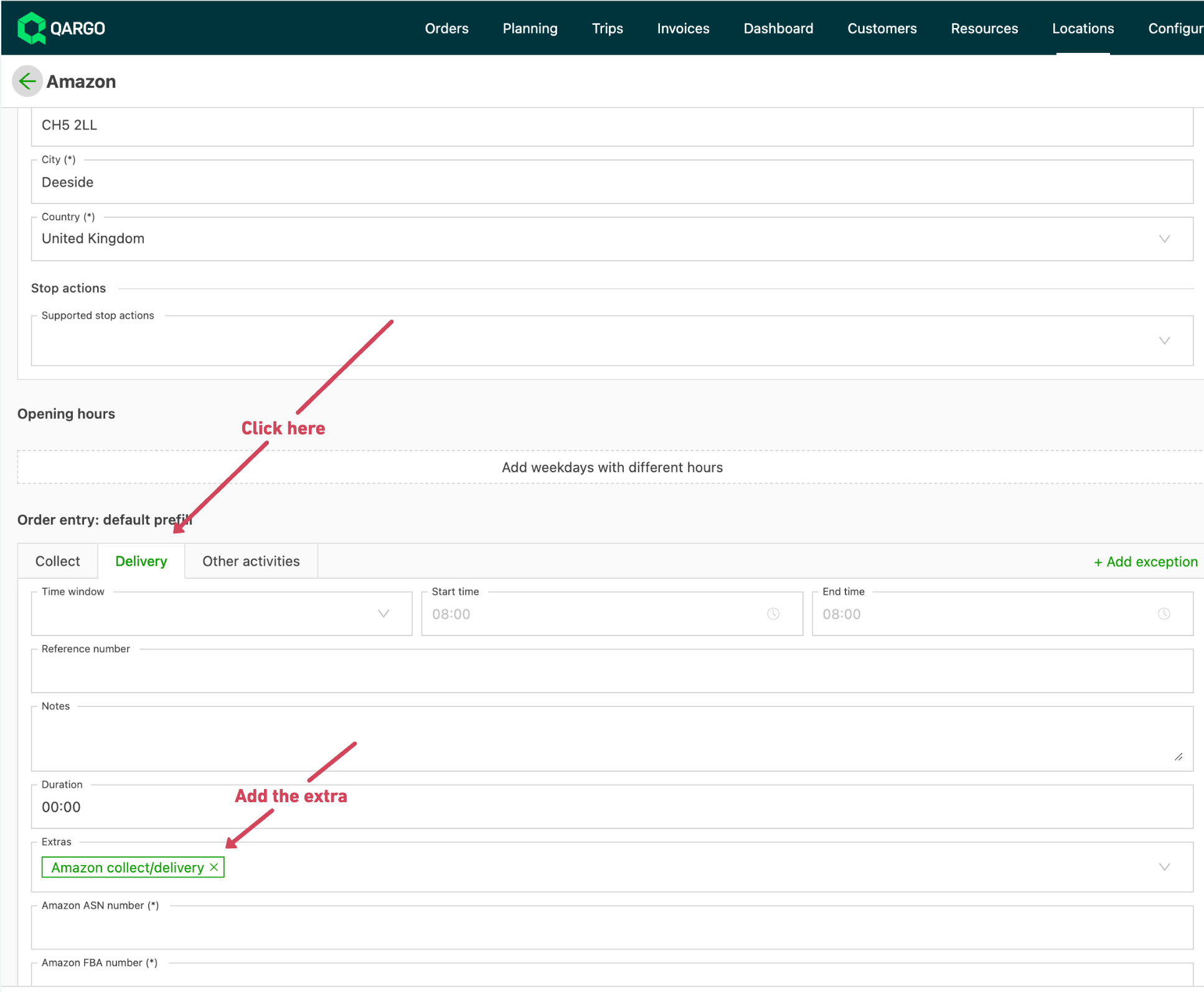
Finally, save the changes. Every time someone uses the Amazon location, the extra is added automatically.