
Invoices: period closing (what, why and how)
Period closing lets finance teams lock a completed accounting period in Qargo, so the figures already invoiced, declared and reported can never change afterward.
Table of contents
Summary
-
What is period closing?
- It is the Qargo equivalent of “closing the books,” a familiar step in accounting packages. A Super Admin sets a Revenue period closing date and a Cost period closing date per billing entity. Every charge dated on or before that date becomes final. It can no longer be created, edited or deleted.
-
Why was it introduced?
- After a month has been invoiced, declared for tax and sent to the accountant, a late edit to a charge in that month makes Qargo disagree with the figures reported externally. In addition, charges used to inherit operational order dates. As a result, late corrections silently landed in the wrong financial period.
-
How does it work?
- Every charge line carries a Charge date. It is filled in automatically using a rule chosen per billing entity (for example, the actual end date of the transport). Closing a period simply means moving the closing date forward, typically once a month after billing is finished. Accounting periods always close in sequence, so one date is enough. Everything before it is final, and everything after it stays open. Late corrections are automatically dated on the first open day. They land in the current period instead of rewriting a closed one.
Prerequisites
- Super Admin access is required to configure the charge date defaults and the period closing dates on a billing entity.
- The Default charge date and Default invoice booking date should be configured before a closing date is activated for the first time.
Use cases
- Month-end close. A transport company finishes billing for June on July 3, files the tax return and sends the figures to the accountant. Finance then sets the Revenue period closing date to June 30. From that moment, June’s revenue in Qargo always matches the reported figures, no matter what anyone edits later.
- The late surcharge. On July 5, a dispatcher notices that an order delivered on June 28 is missing a 50 EUR waiting-hour surcharge and adds it. June is closed, so Qargo automatically dates the new charge July 1. The surcharge lands in July’s figures, exactly as an accountant would book a late correction, and June stays untouched.
- Cost closes later than revenue. Supplier invoices for June keep arriving well into July. Finance closes the revenue side on June 30 but leaves the cost side open until mid-July. The separate Revenue period closing date and Cost period closing date make this possible per billing entity.
Terminology
| Term | Definition |
|---|---|
| Billing entity | The legal entity in Qargo that invoices are issued from. Closing dates and charge date rules are set per billing entity. |
| Charge date | The date on a charge line that determines which accounting period the charge belongs to. It is set automatically when the charge is created, based on the rule configured per billing entity. |
| Revenue period closing date | The date up to and including which all revenue charges are locked. |
| Cost period closing date | The date up to and including which all cost charges are locked. |
| Booking date | The date used when an invoice is booked. It can never fall inside a locked period. |
Configuring period closing
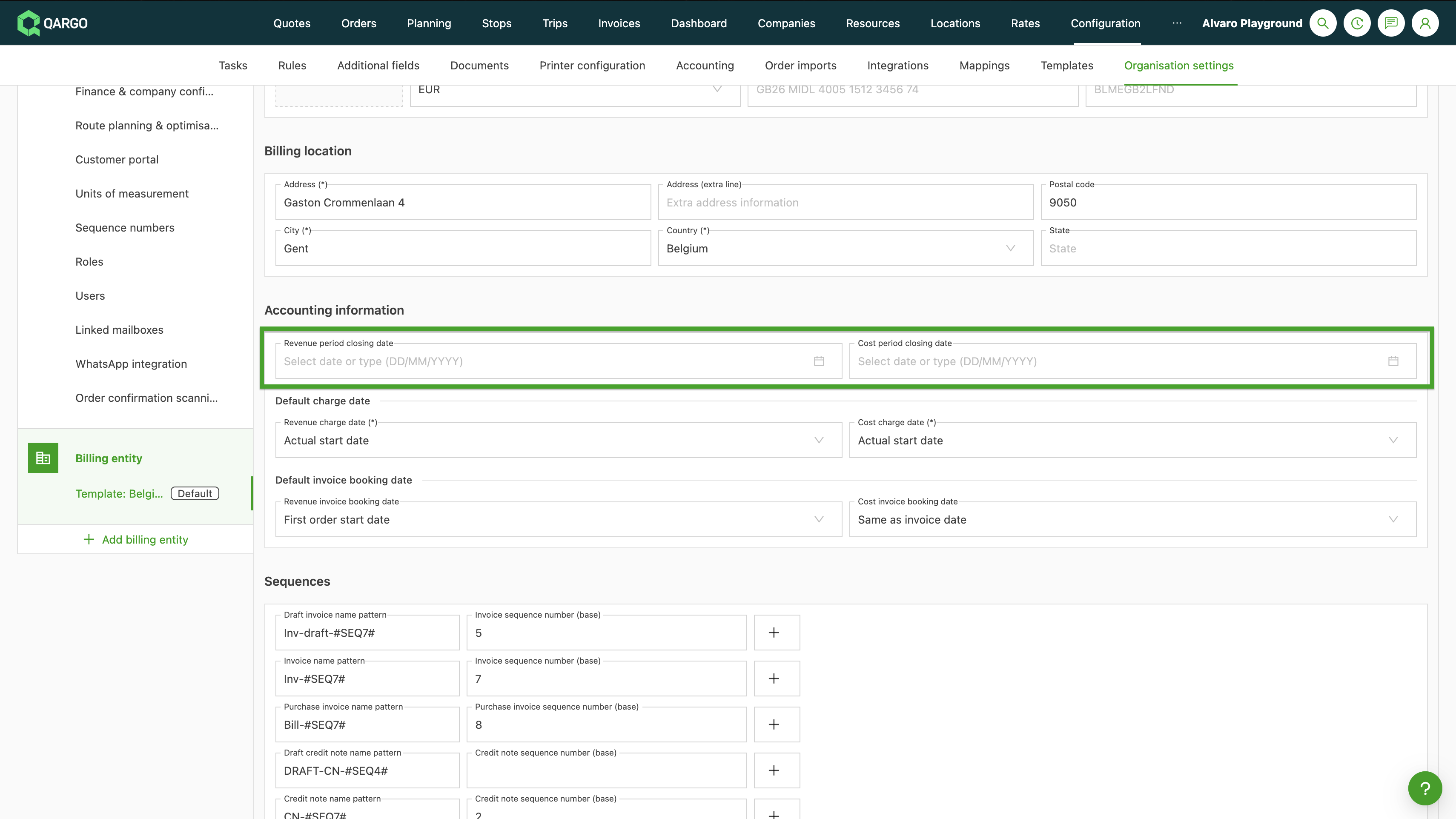
All settings are in one place: Configuration > Organization settings > Billing entity, in the Accounting information section.
Closing a period
-
Navigate to Configuration > Organization settings > Billing entity and open the Accounting information section.
-
Set the Revenue period closing date and/or the Cost period closing date to the last date of the period to close, for example June 30.

-
Save the configuration. All charges dated on or before that date are now locked.
Setting the charge date defaults
-
Navigate to Configuration > Organization settings > Billing entity and open the Accounting information section.
-
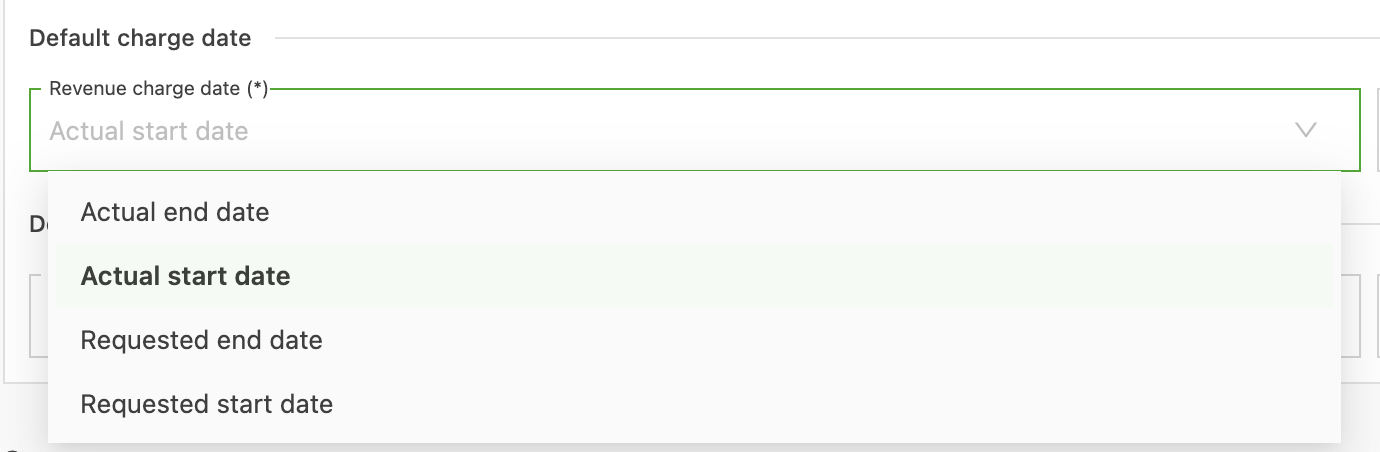
Set the Revenue charge date and Cost charge date under Default charge date. Available options for Revenue charge date:
-
Actual start date
-
Actual end date
-
Requested start date
-
Requested end date
-
-
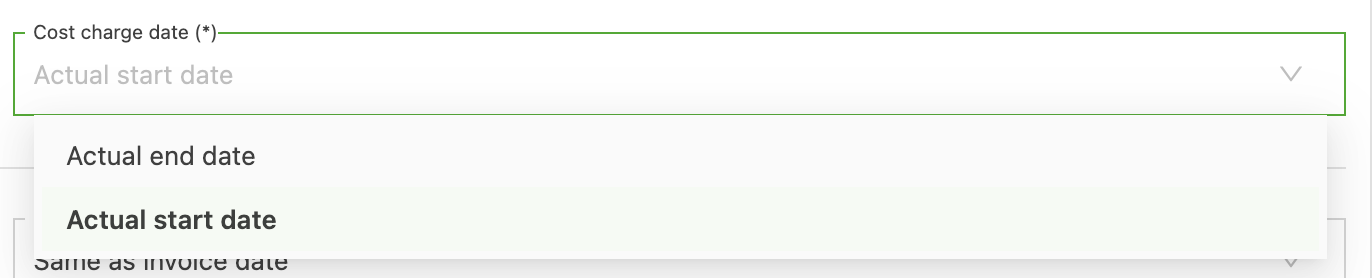
Available options for Cost charge date:
-
Actual end date
-
Actual start date
-
-
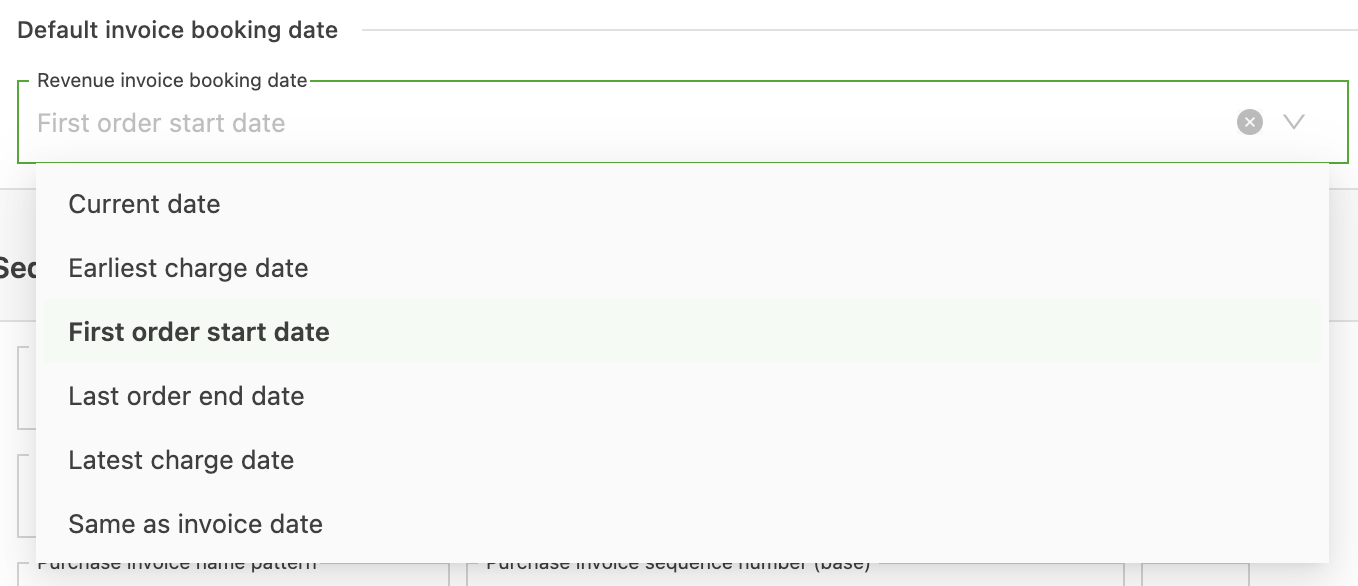
Set the Revenue invoice booking date under Default invoice booking date. Available options:
-
Current date
-
Earliest charge date
-
First order start date
-
Last order end date
-
Latest charge date
-
Same as invoice date
-
-
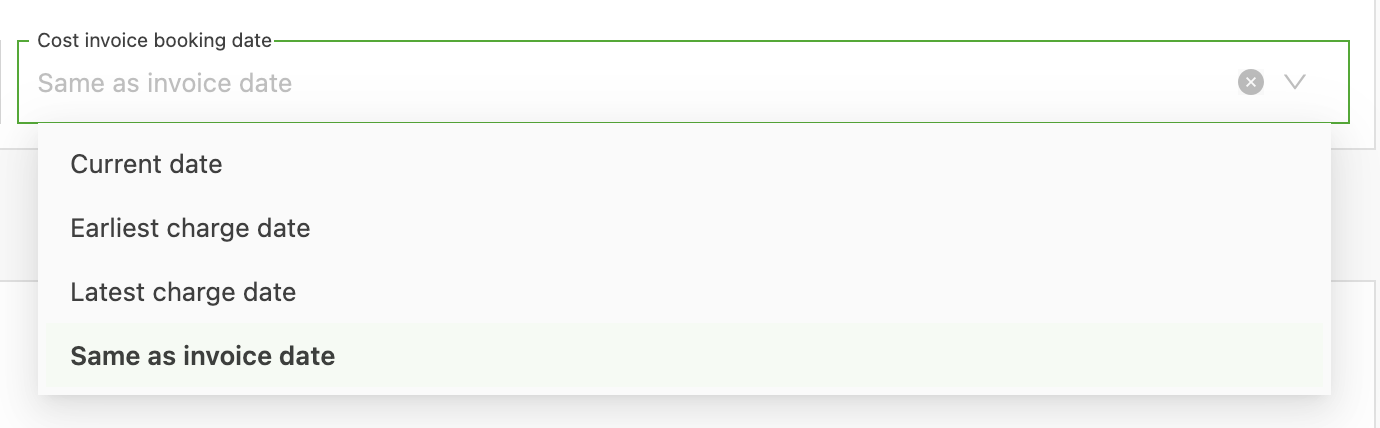
Cost invoice booking date under Default invoice booking date. Available options:
-
Current date
-
Earliest charge date
-
Latest charge date
-
Same as invoice date
-
-
Save the billing entity configuration.
What changes day to day
For most users, nothing changes until a correction touches a closed period. Then:
- Locked charges cannot be edited or deleted, and cannot be marked as Do not invoice.
- A new charge that would land in a closed period is automatically dated on the first open day. No manual workaround is needed; the correction simply shows up in the current period.
- An invoice cannot be booked with a booking date inside a closed period; Qargo moves the booking date forward automatically.
- An order with locked, uninvoiced charges cannot be canceled. Those charges must be invoiced first, and credited if needed.
- Operational work is not affected: delivery dates, stops and planning stay editable. Only the financial side is frozen, and operational edits never move a charge date back into a closed period.
- The Charge date column in the order revenue section only appears when it is relevant, that is, when charges fall in a closed period or carry a custom charge date.
Troubleshooting
| Issue | Resolution |
|---|---|
| A charge cannot be edited or deleted | Its charge date falls in a closed period. Book the correction in the open period (credit and re-invoice), or have a Super Admin temporarily move the closing date back. |
| A new charge appears with an unexpected date | The charge would have landed in a closed period, so Qargo dated it on the first open day. This is intended behavior; review the closing date if the period should still be open. |
| An invoice cannot be booked on the intended date | The booking date falls inside a closed period. Use a date after the closing date, or have a Super Admin adjust the lock. |
| An order cannot be canceled | The order contains locked, uninvoiced charges. Invoice those charges first, and credit them if needed. |
| The closing date fields are not visible | The fields are in Configuration > Organization settings > Billing entity > Accounting information and require Super Admin permissions. |