FAQ: Tickets portal
Super Admins can track feature requests via the Ticket Portal, which shows status and priority as view only. New requests are submitted via support chat.
Table of contents
Q. What is the Ticket Portal on the Help page for, and how is it used?
A. The Ticket Portal shows the requests a company has made for new features or integrations.
This portal is only for viewing and tracking requests. Requests cannot be submitted here.
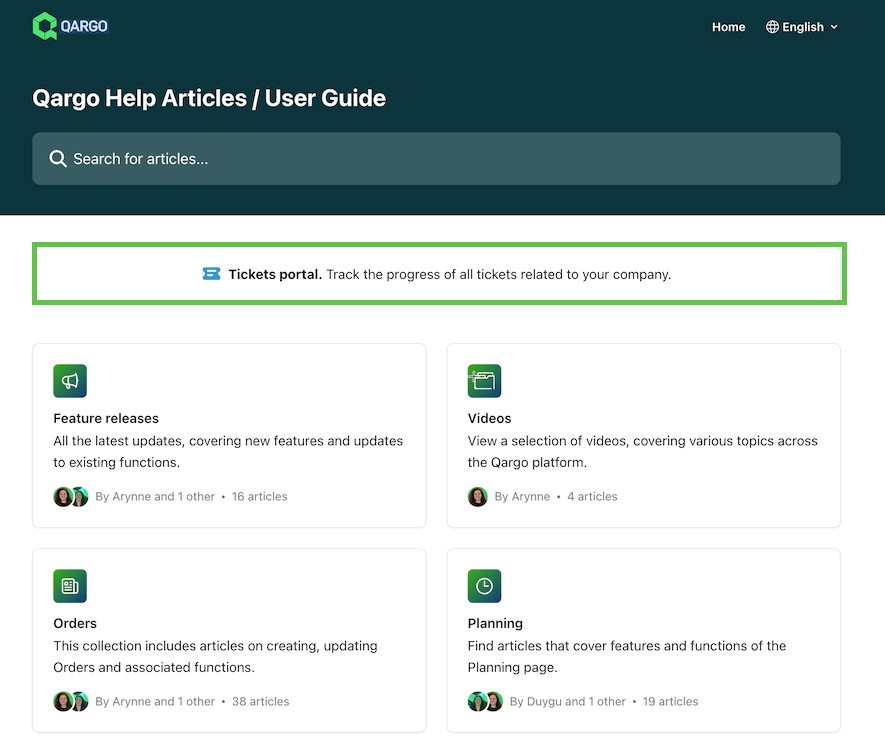
- Access to the portal is restricted to the account’s Super Admin user or the designated main contact for the account. Users who have submitted a request but cannot see the details need to check internally first.
- The portal can be found in the user manual, which is accessed via the Support Center.
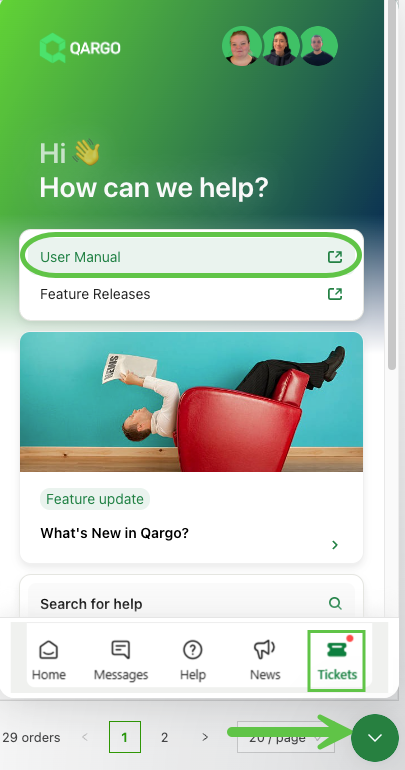
-
Super Admin users can also access it directly from:
Ticket statuses
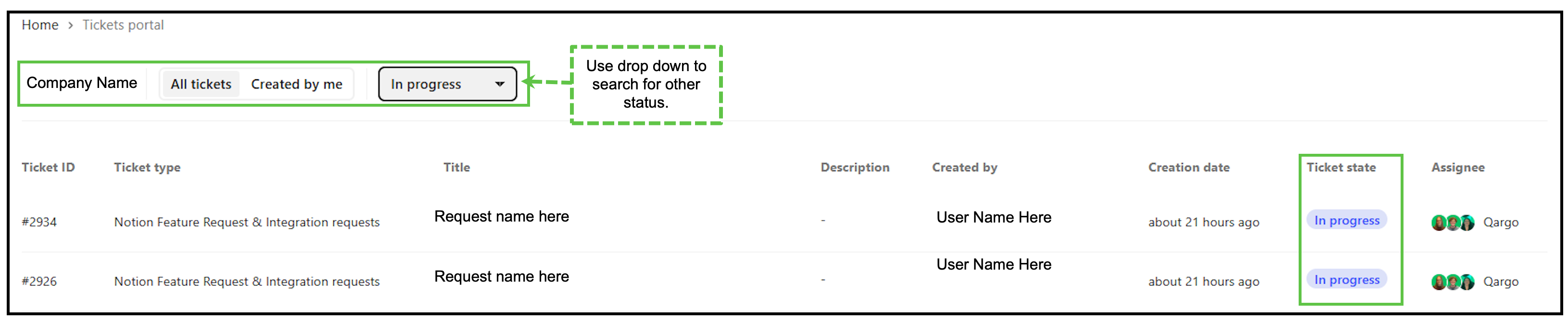
Each ticket shows a progress status, indicating where the request is in the process. The statuses are:
- Submitted. The request has been submitted but work has not started yet.
- In progress. The request has been reviewed and work on it has begun.
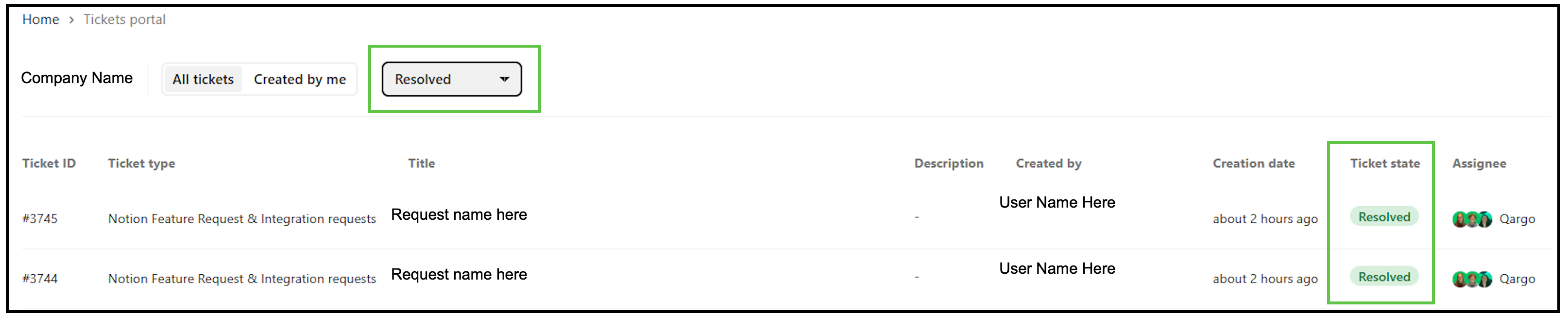
- Done. The request has been completed.
Notifications of status updates are provided.
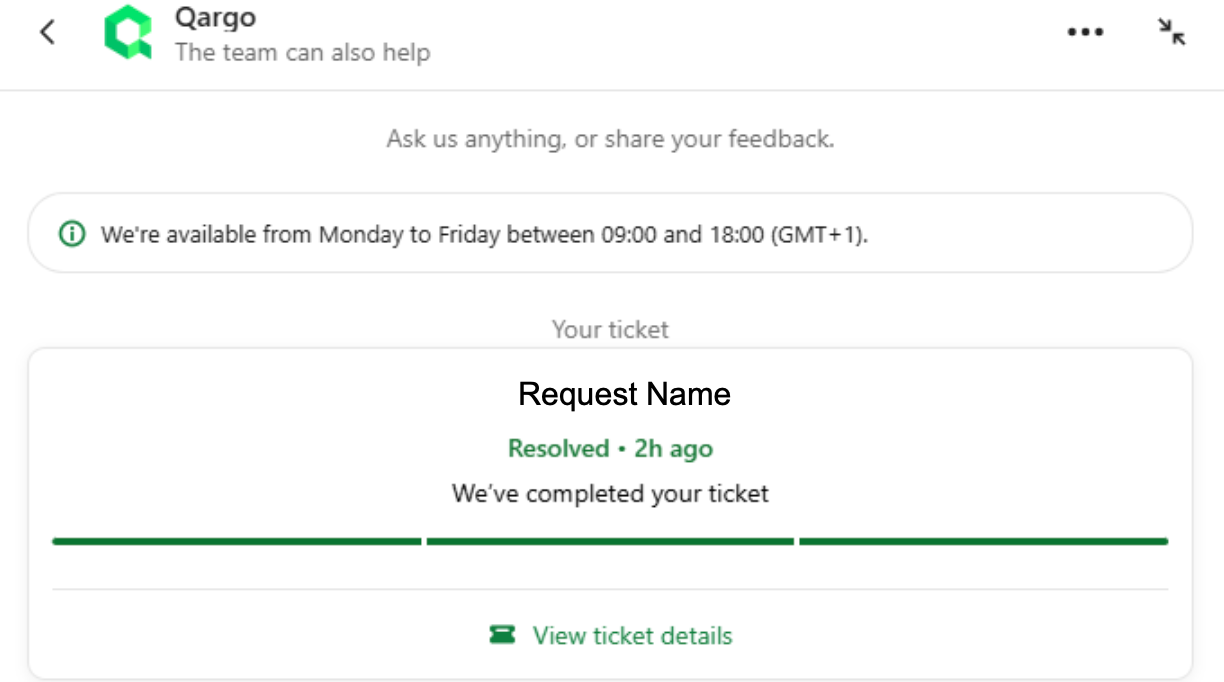
Tickets can be filtered by these statuses, which makes it easy to see any outstanding requests.
Ticket details
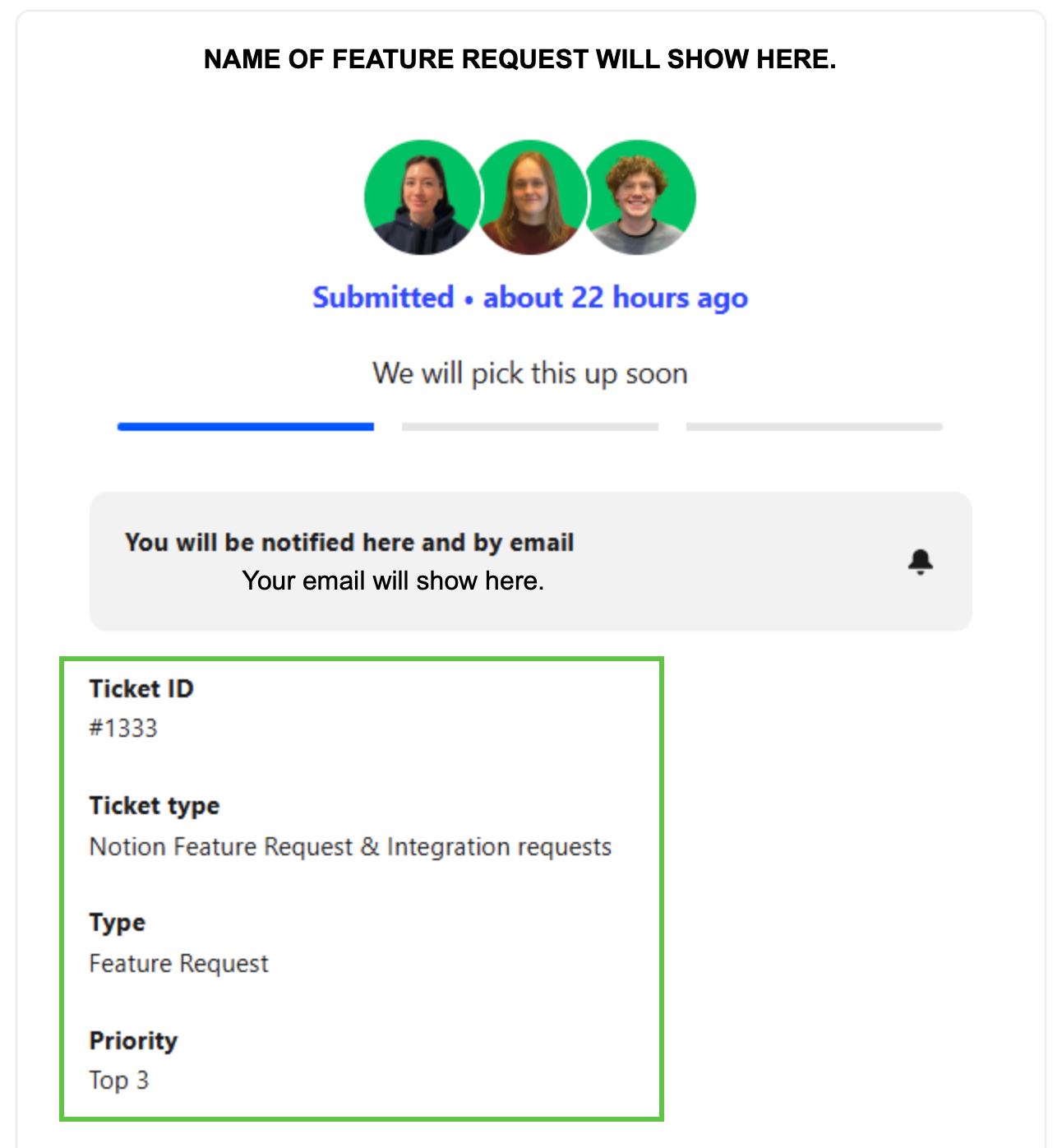
Tickets are for viewing only and show the following details:
- Name of the feature request
- Status of the request (Submitted / In progress / Done)
- Email of the user who will be notified
- Ticket ID: unique identifier of the request in the Qargo system.
- Request type: Feature / Integration
- Priority