Charge template FAQ: updated rate shows incorrectly in order
The rate in a charge template was updated, so why is the rate wrong in a new order?
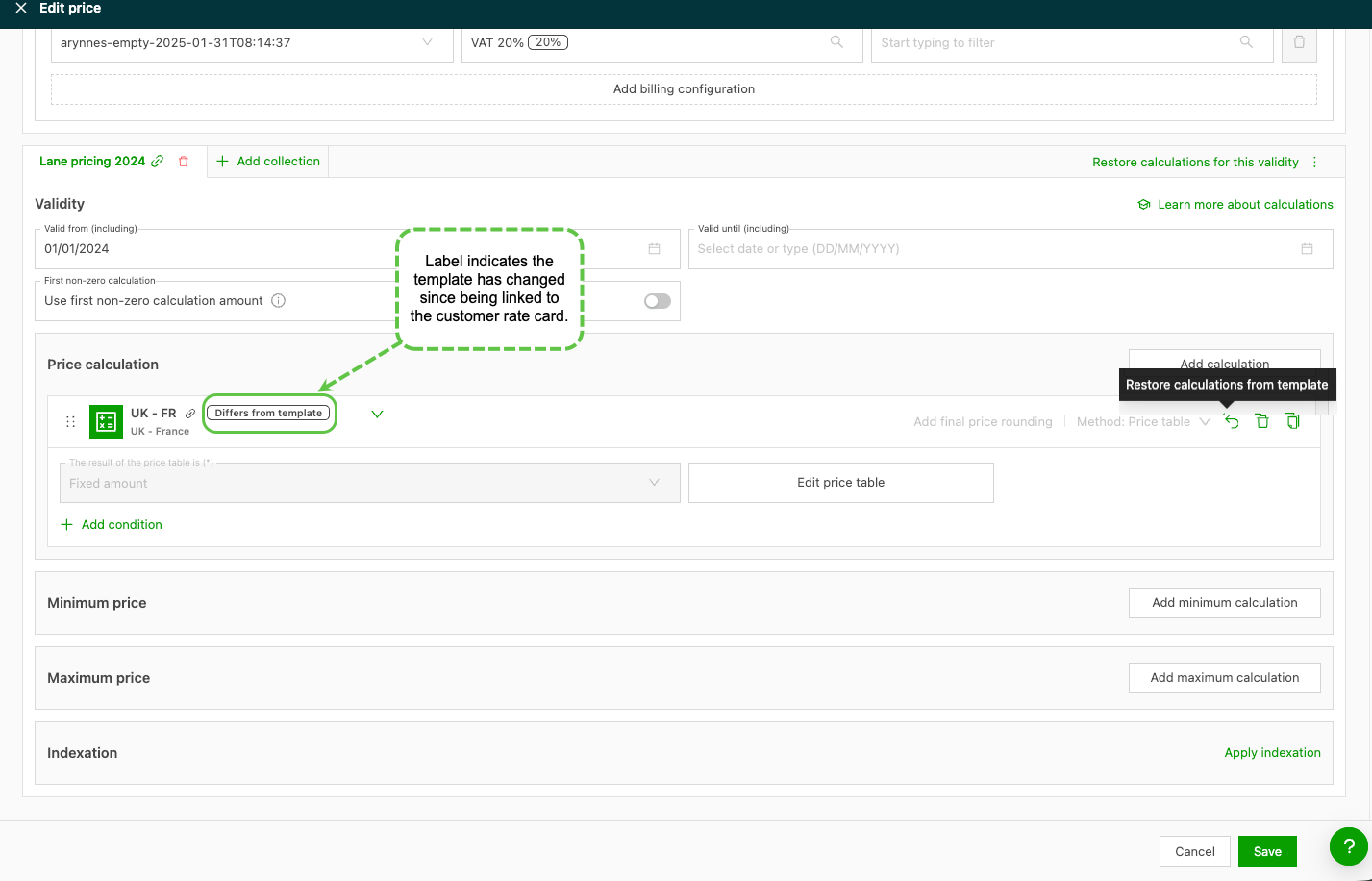
Once a template is linked to a rate card, any updates to the template must also be updated in the rate card. Any discrepancy is shown by the label ‘Differs from template’.
To resolve this, click the ‘Restore calculations’ link. This updates the price list to match the latest version of the template. If the price doesn’t update in the order, use the ‘recalculate’ link.