
Destin8: container terminal statuses
Destin8 is a UK platform for container terminals and ports that trucking companies can use to get information about the status of their containers.
Table of contents
Introduction
To get API credentials, contact Destin8. Destin8 charges a fee for this. Once the API credentials have been received, contact the Qargo support team to set up the integration.
Communication with Destin8 flows only one way: from Destin8 to Qargo. Qargo only receives statuses from Destin8.
The two systems are linked by the container no., so this value has to be exactly the same in both systems.
There are three types of messages currently supported:
- RRA01: release authority - sets customs cleared for the handling
- RAM01: release amendment - sets the released status for the handling
- OTA01: out turn amendment - sets the container landed status for the handling
Supported terminals and operators
The terminals currently supported and configured are:
Felixstowe – Port of Felixstowe:
- Port of Felixstowe, The Dock, Felixstowe, Suffolk IP11 3SY
- Landguard Terminal, Berths 8 and 9, 72 Park, The Dock, Felixstowe, Suffolk IP11 3SY
- Trinity Terminal, 36 Park, The Dock, Felixstowe, Suffolk IP11 3SY
Bristol – Bristol Port Company:
- BRISTOL PORT COMPANY, BERTH 1, ROYAL PORTBURY DOCKS, BRISTOL, BS20 7XQ
Grangemouth – Forth Ports Grangemouth:
- Grangemouth Container Port, Central Dock Road, Grangemouth, Falkirk FK3 8UE
Liverpool – Peel Ports Group:
- Liverpool Container Port, Royal Seaforth Terminal, Liverpool, Merseyside L21 1LA
Teesport – PD Ports:
- PD Teesport, Tees Dock, Grangetown, Middlesborough TS6 6UD
Tilbury – Forth Ports:
- Tilbury Container Terminal, 39 Berth, Tilbury Docks, Tilbury RM18 7HX
Operational/day-to-day use
Order detail
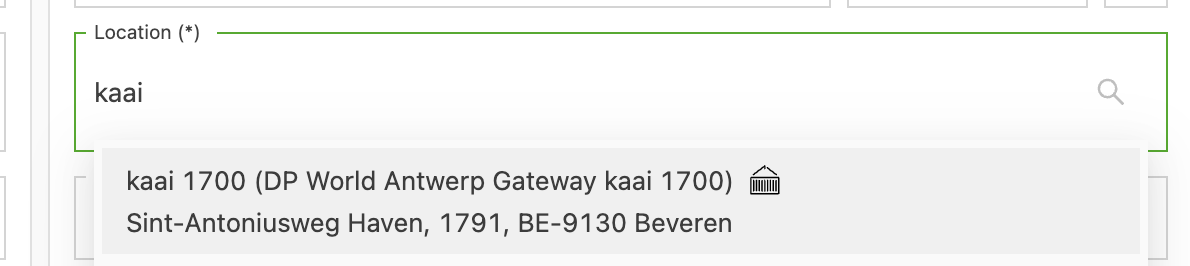
When a new order is created and a terminal is selected, the terminal container icon appears:
After the order is saved, a booking object also appears:
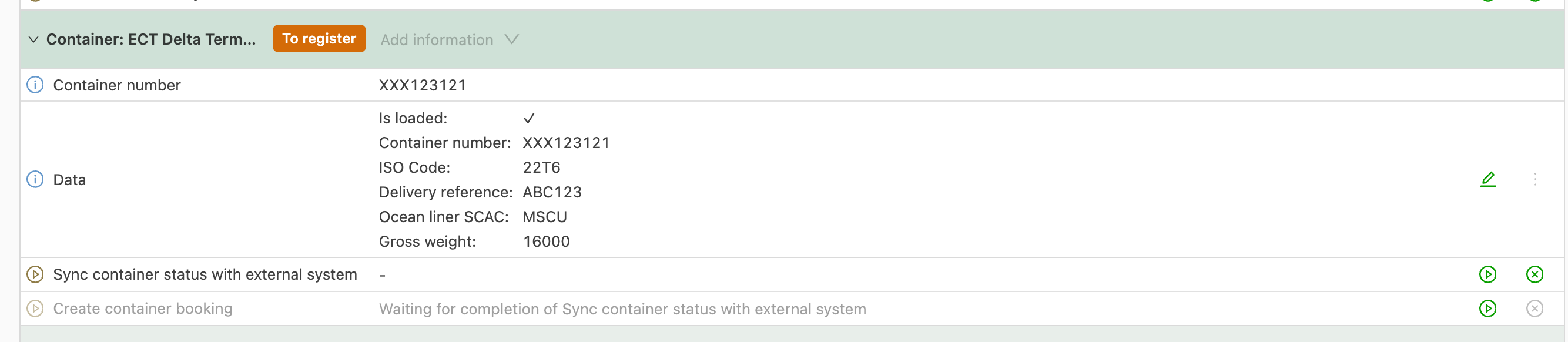
The booking has the status to register, which means the statuses haven’t been requested from Destin8 yet.
Once the “Sync container status with external system” task is completed, the status updates start coming in and the status changes from to register to registered.
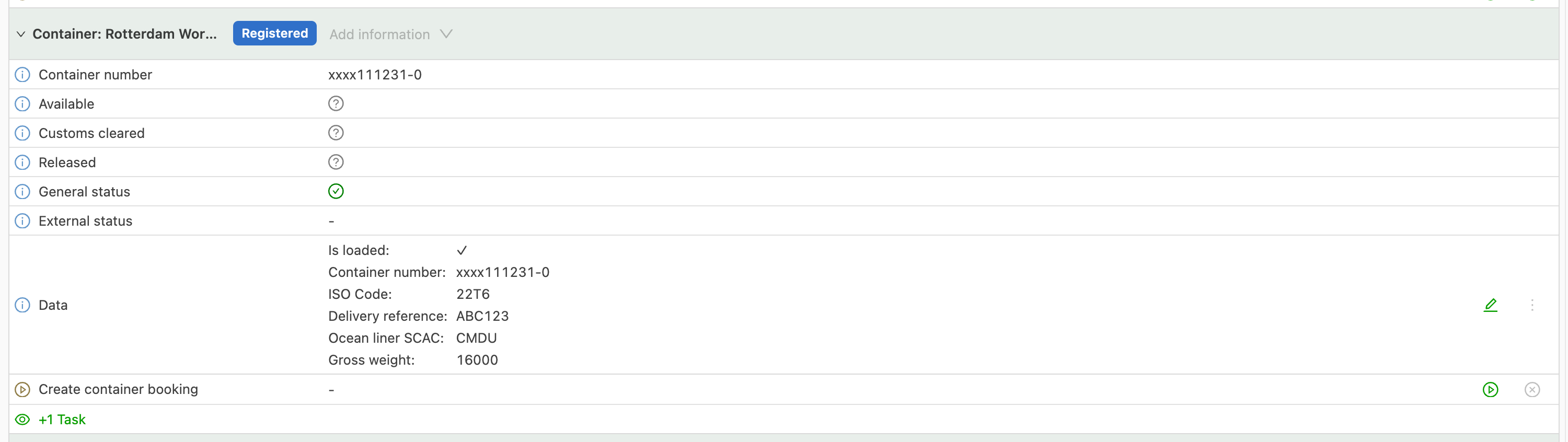
The statuses are the following:
- Arrived: the container has arrived at the port
- Cleared: the container has gone through customs clearance
- Released: the container has been released
- Executed:
Icons:
- Question mark: no status information is available
- Green: everything is OK
- Red: there is an issue
This is similar to what Destin8 shows.
Planning
In the To plan section, click Customize:
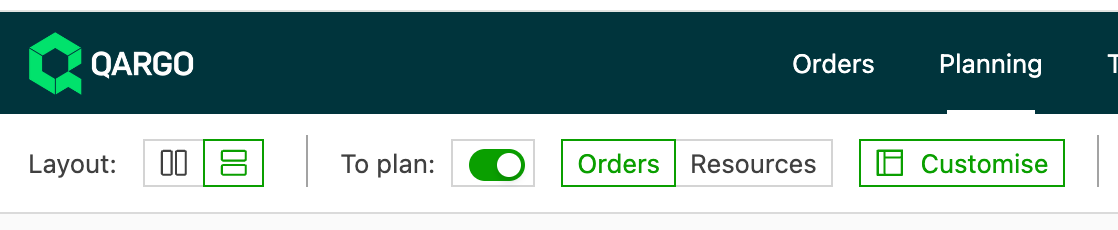
Then activate the Container status column:
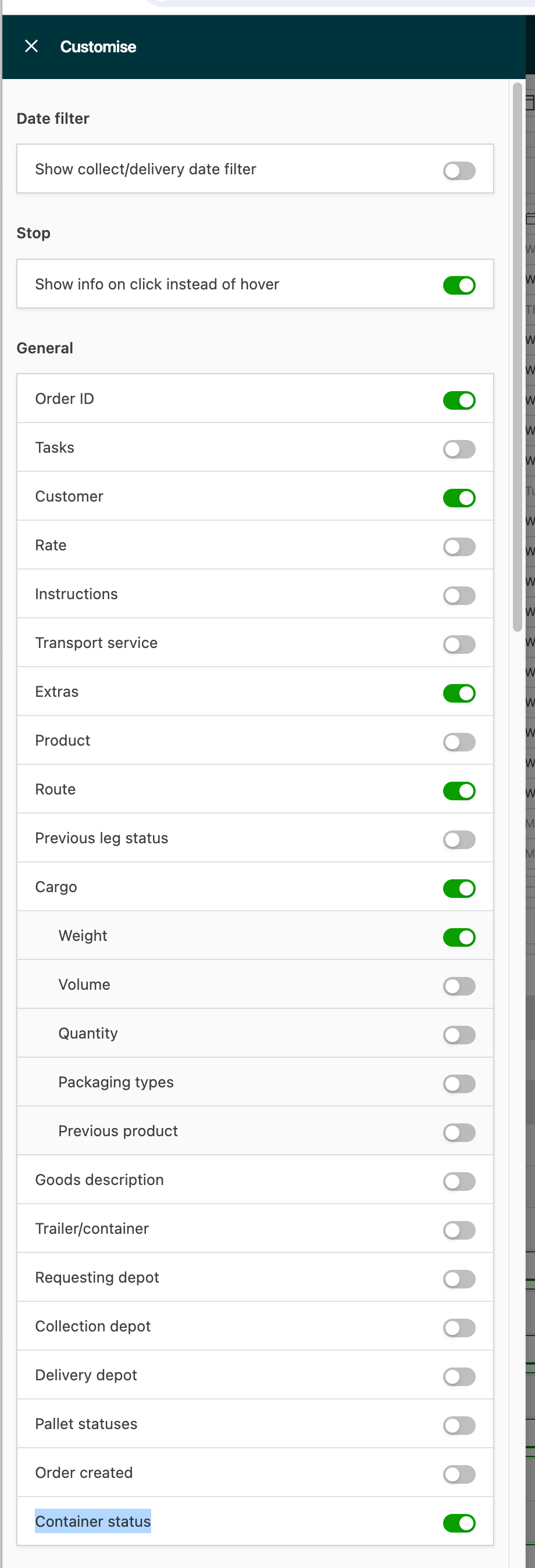
The container status is then visible on the To plan screen.
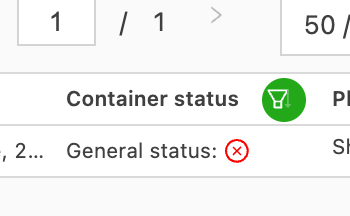
The To plan screen also has a dedicated container terminal booking screen:

Clicking this button opens an overview of all container terminal statuses:

Configuration done by Qargo
Configuration: Tasks
Go to the task configuration:

An additional Container terminals section should be visible, with the following tasks:
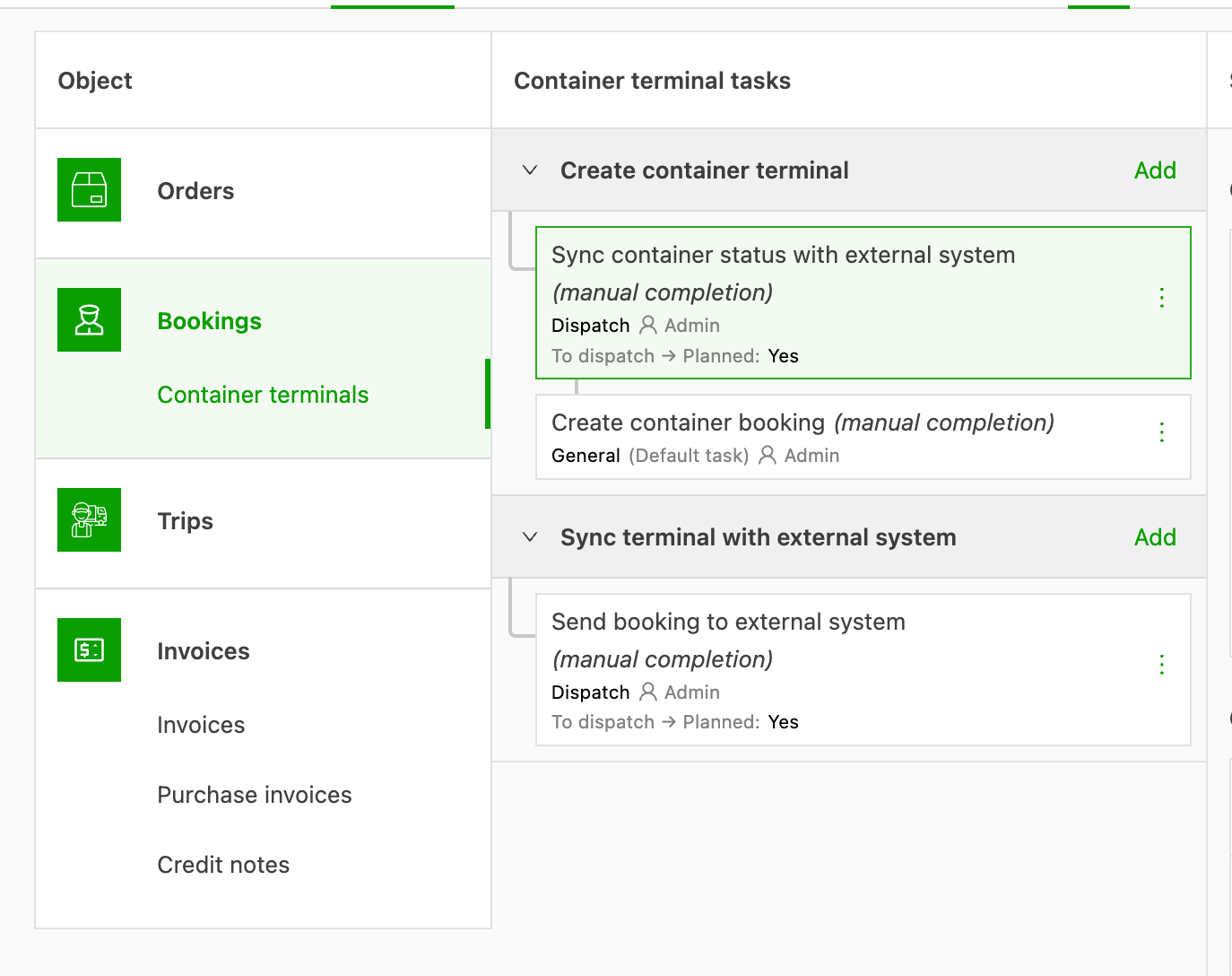
If those tasks are missing, click Add tasks and then Start from template. The following should appear:
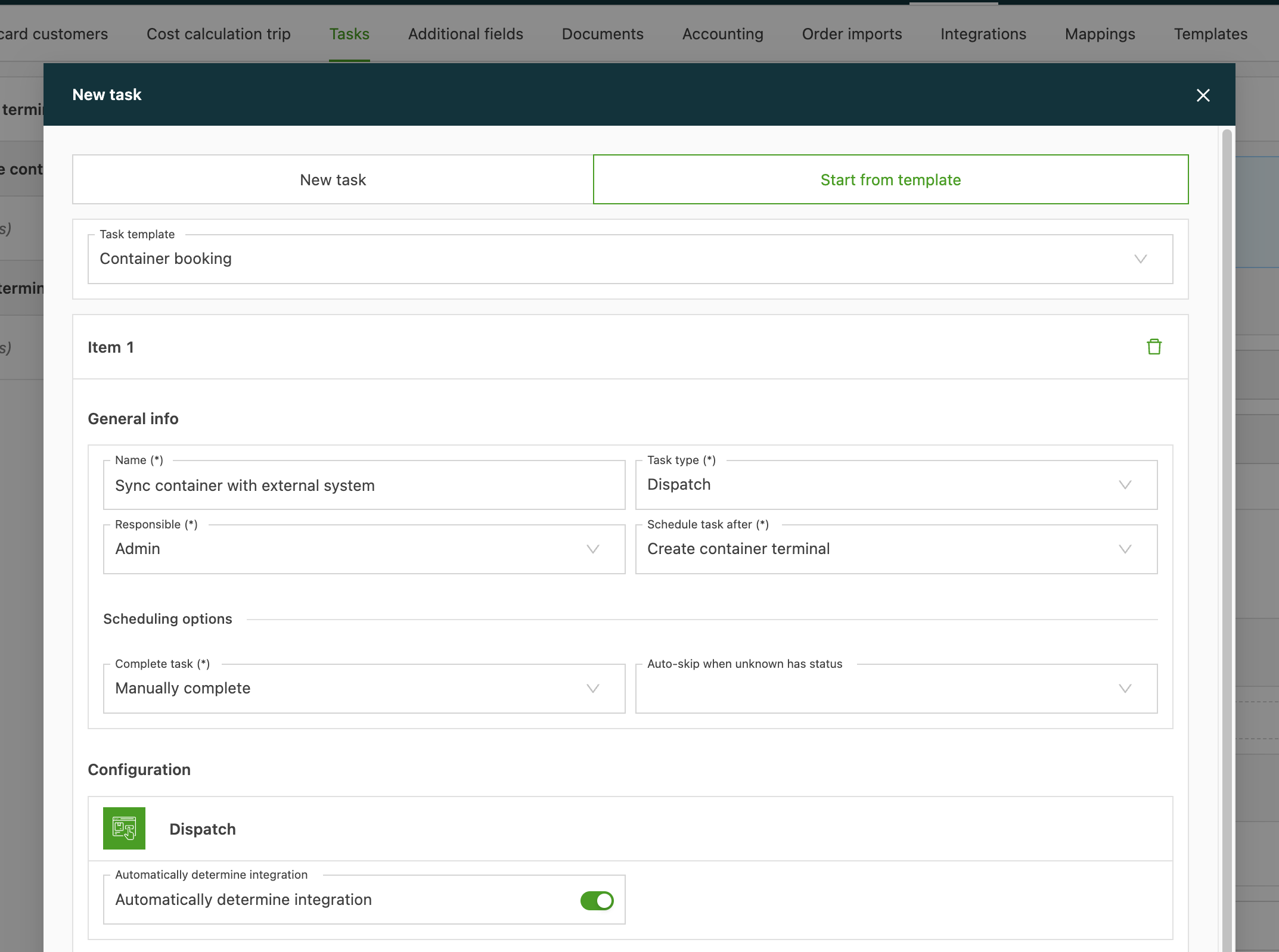
Then click Save.
The following tasks should now be visible:
-
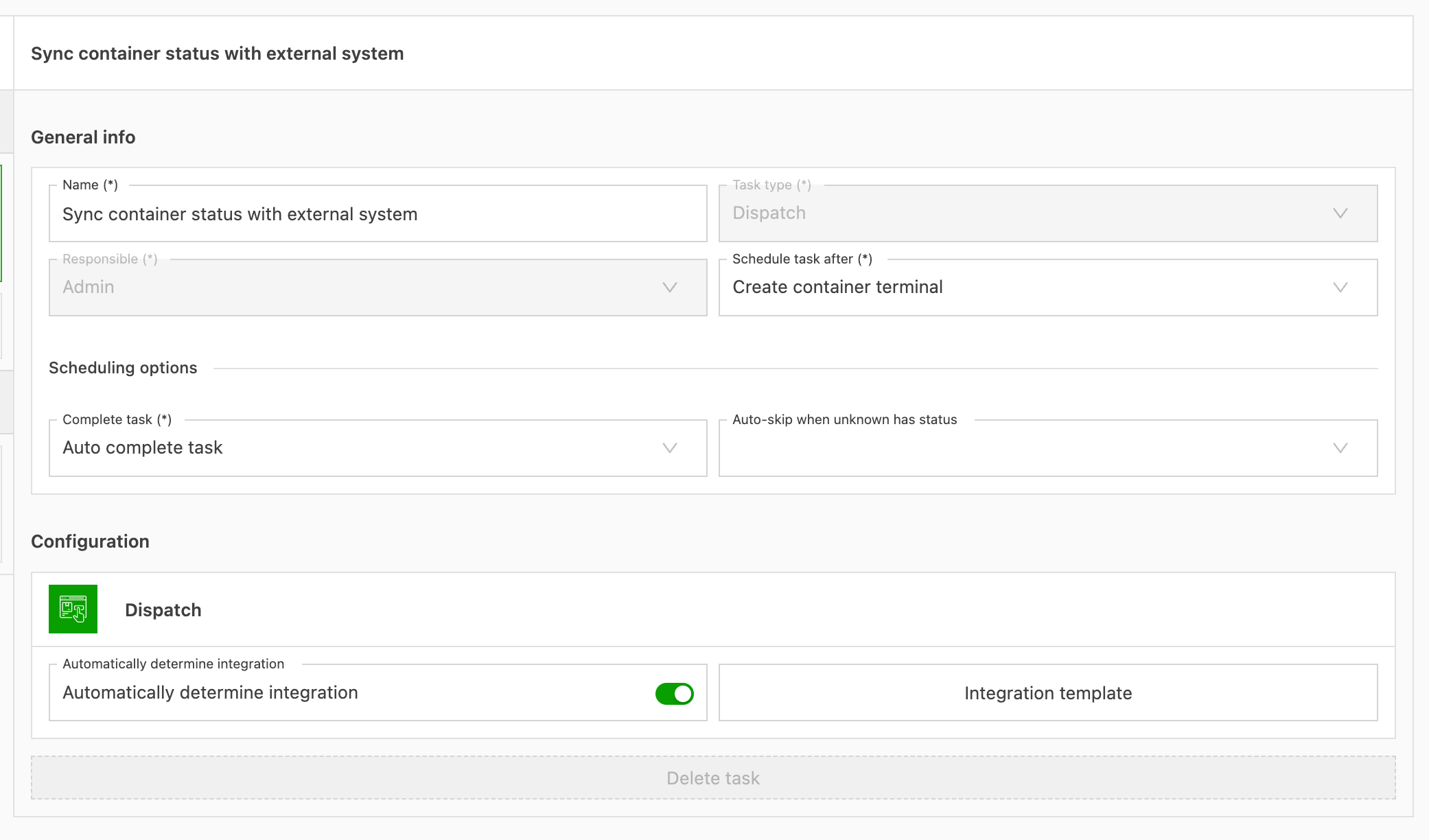
Sync container status with external system: this task requests the status from DP World and displays it in Qargo. Ideally, this task is configured as Automatically complete.
-
Create container booking => This is not necessary for Destin8
-
Send booking to terminal => This is not necessary for Destin8
Configuration: Organization settings

The feature flag for container bookings should be active:

If it is not, contact the Qargo customer support team to activate it.
Configuration: Integrations
Under Configuration > Integrations, the Destin8 integration should be visible:
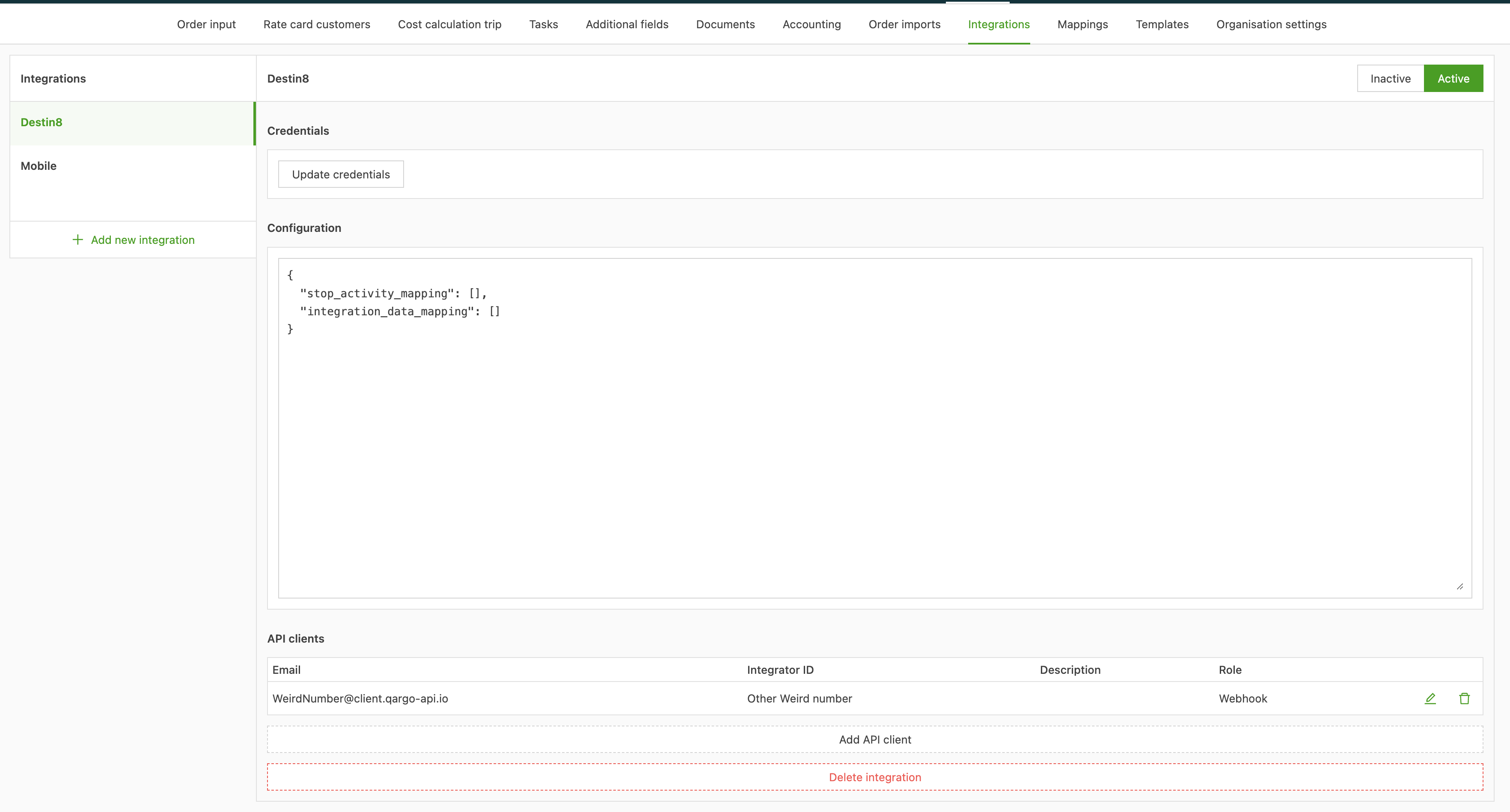
If it is not there, contact the Qargo customer support team to activate it.