Creating an order template from an existing order
Navigate to the existing order and choose from the copy options.
Click the copy order option to use:
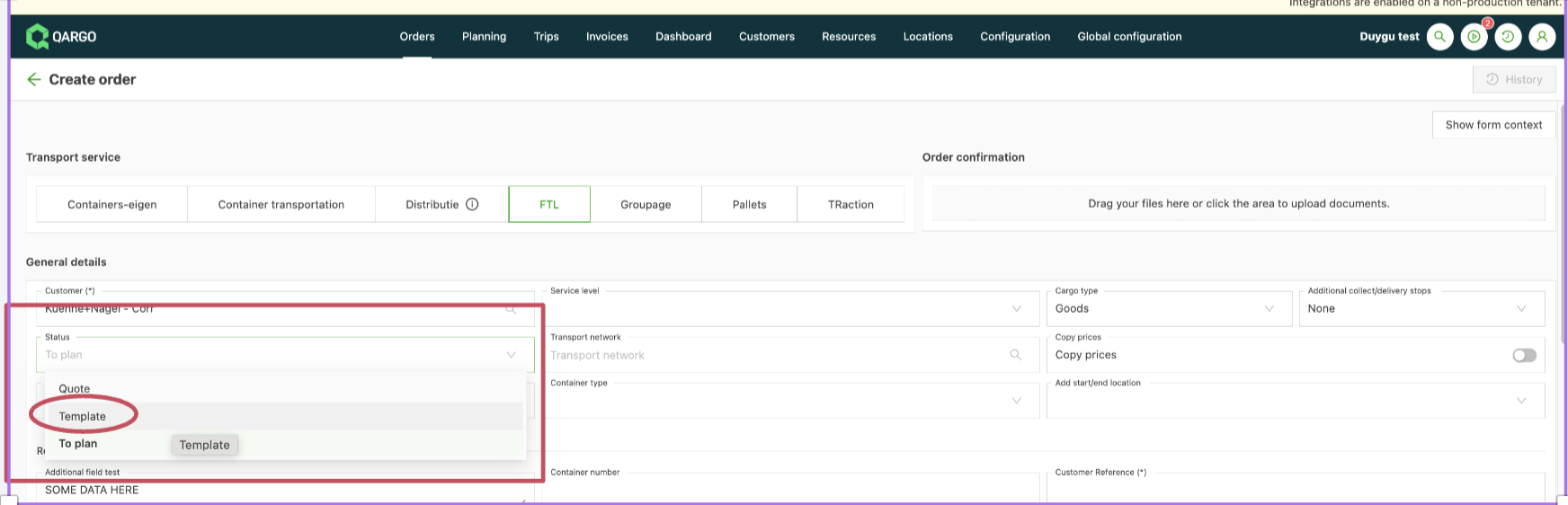
On the order creation page, select Template instead of To Plan.
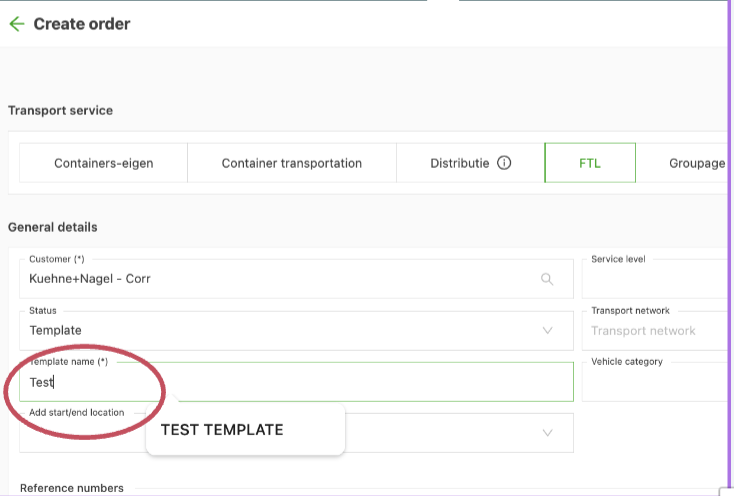
Name the template:
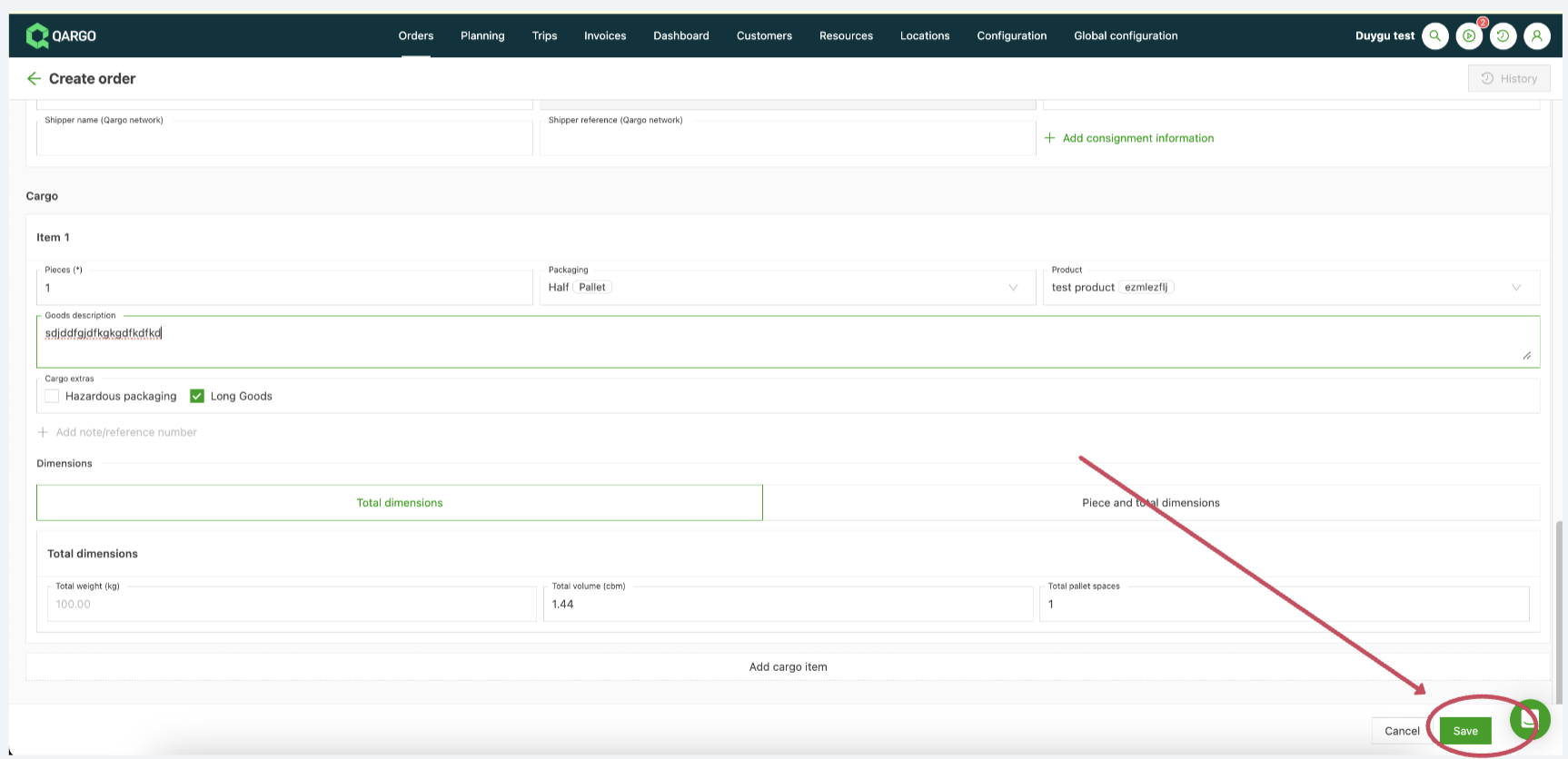
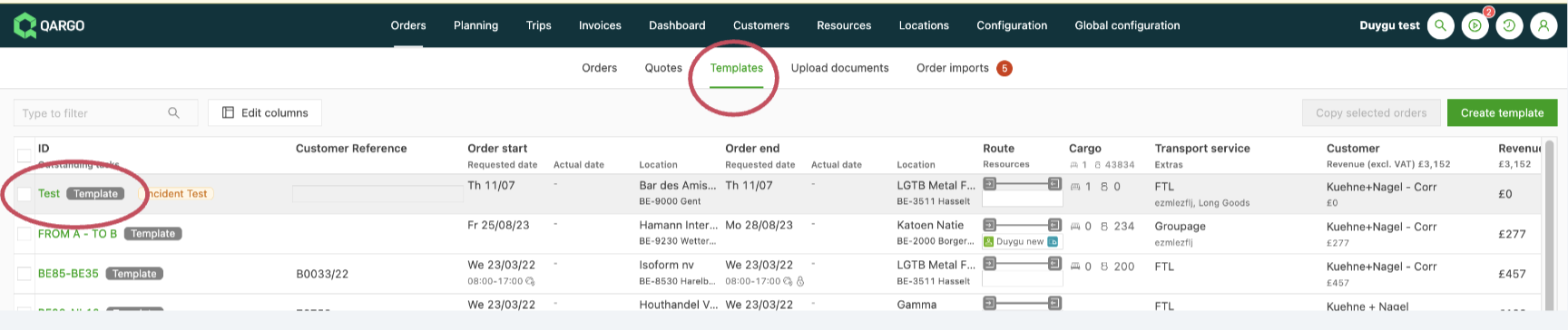
After making any necessary adjustments to other fields, click Save to list this file under templates: