A4 labels
How to work with palletline A4 self-adhesive and non-self-adhesive labels
Operational workflow
Palletline offers the option to print A4 labels in case customers don’t have Zebra printers.
The customer must be configured to use A4 labels:
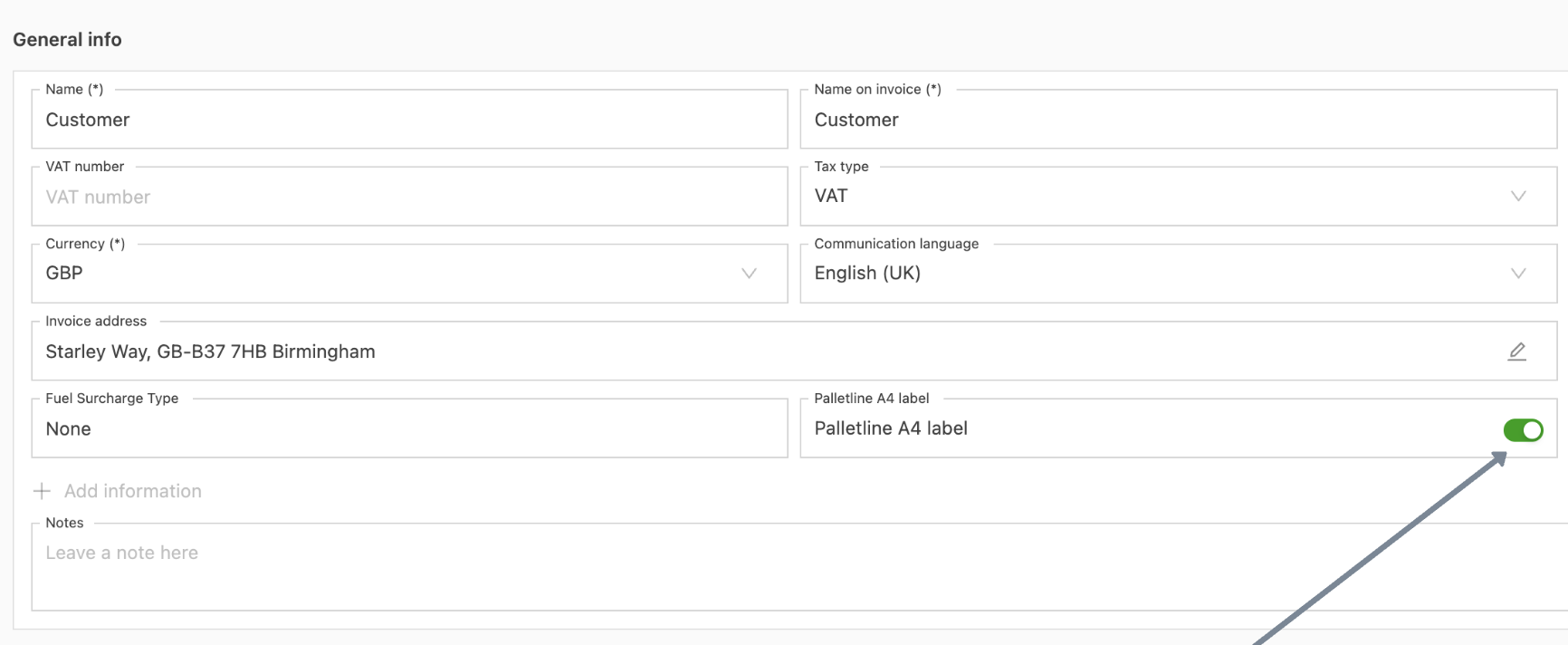
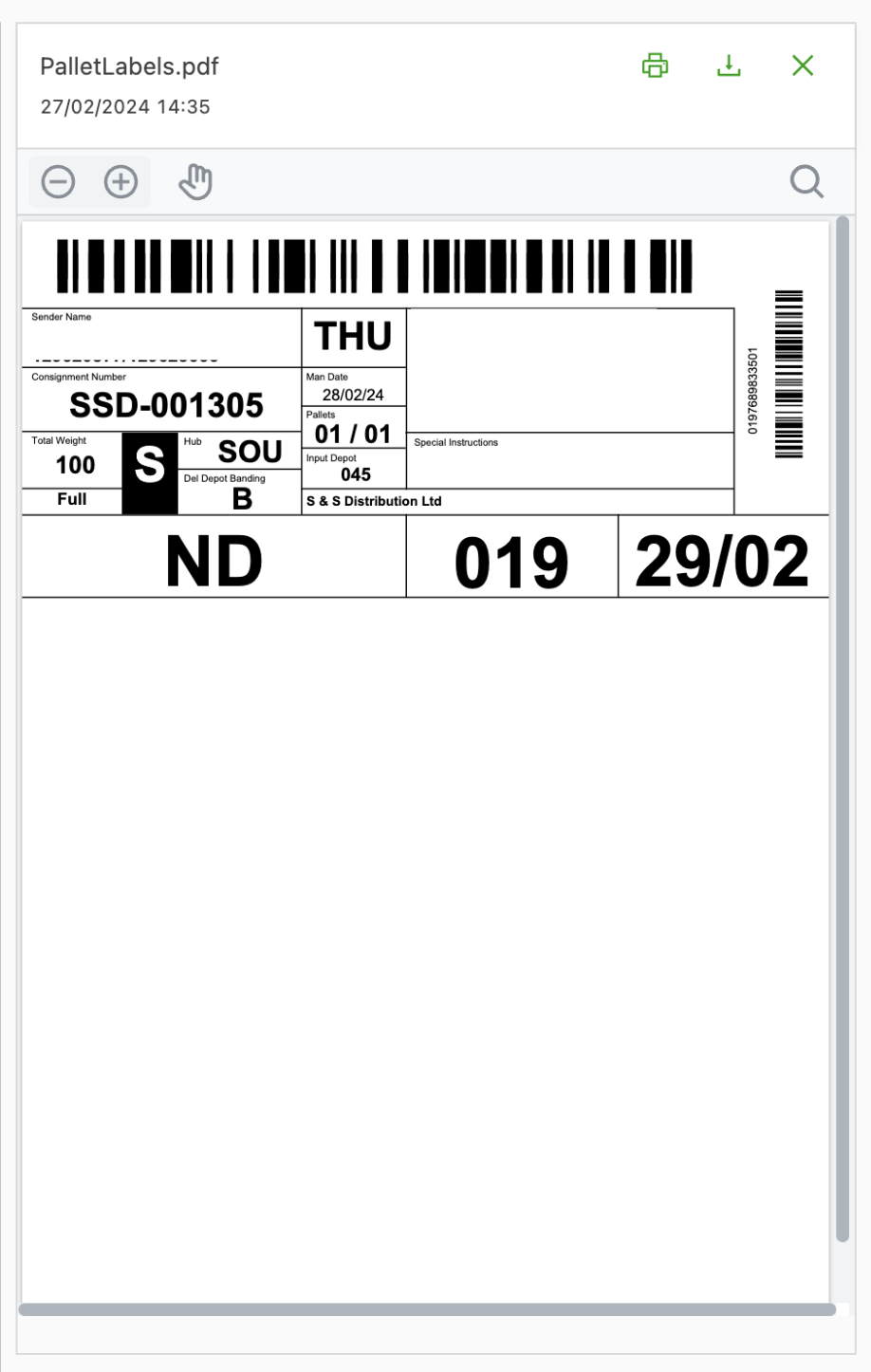
The customer then gets A4 labels generated. These need to be printed horizontally.
-
Example label
-
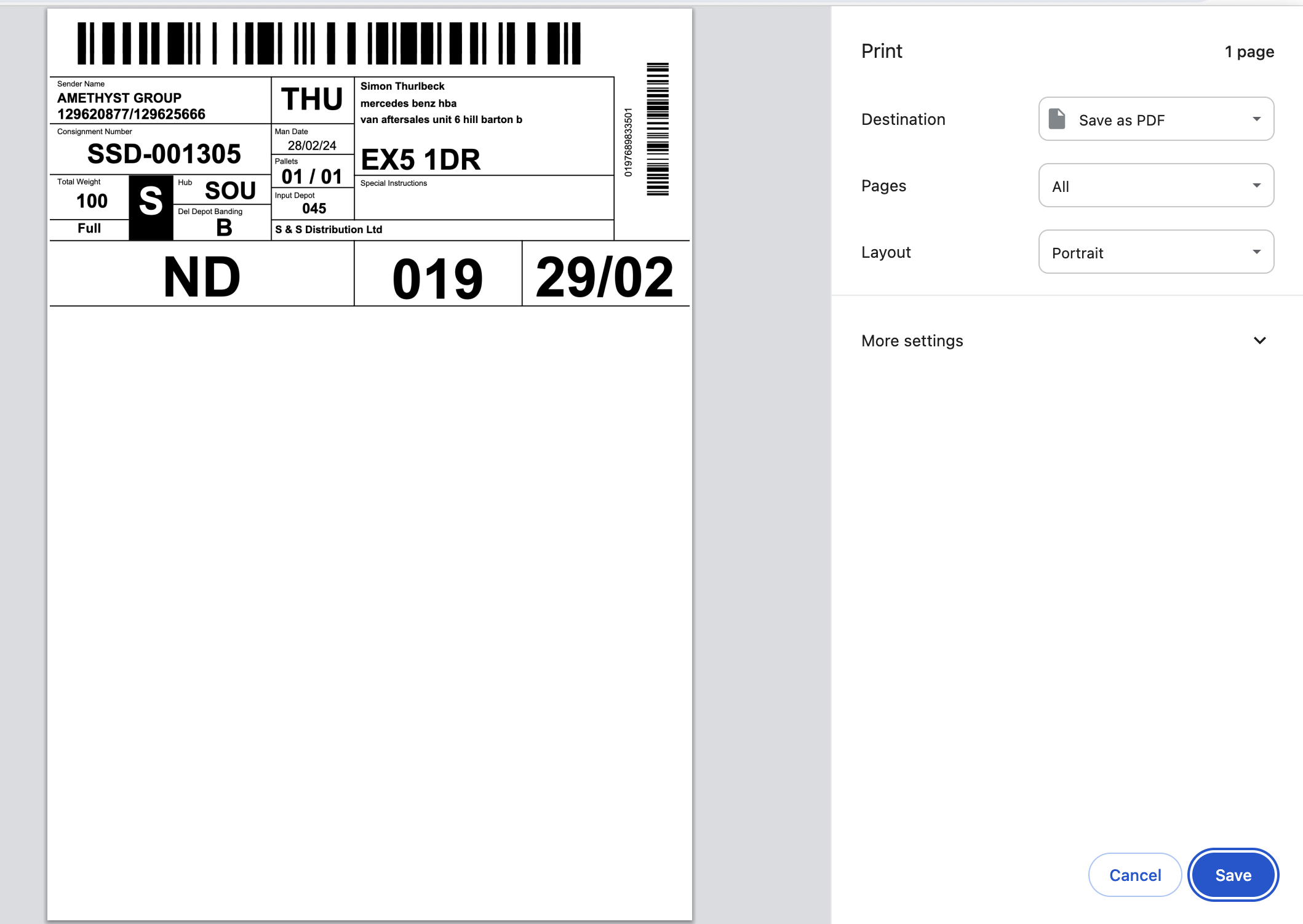
Print horizontally (portrait layout):
The labels can then be bought in the palletline webshop:
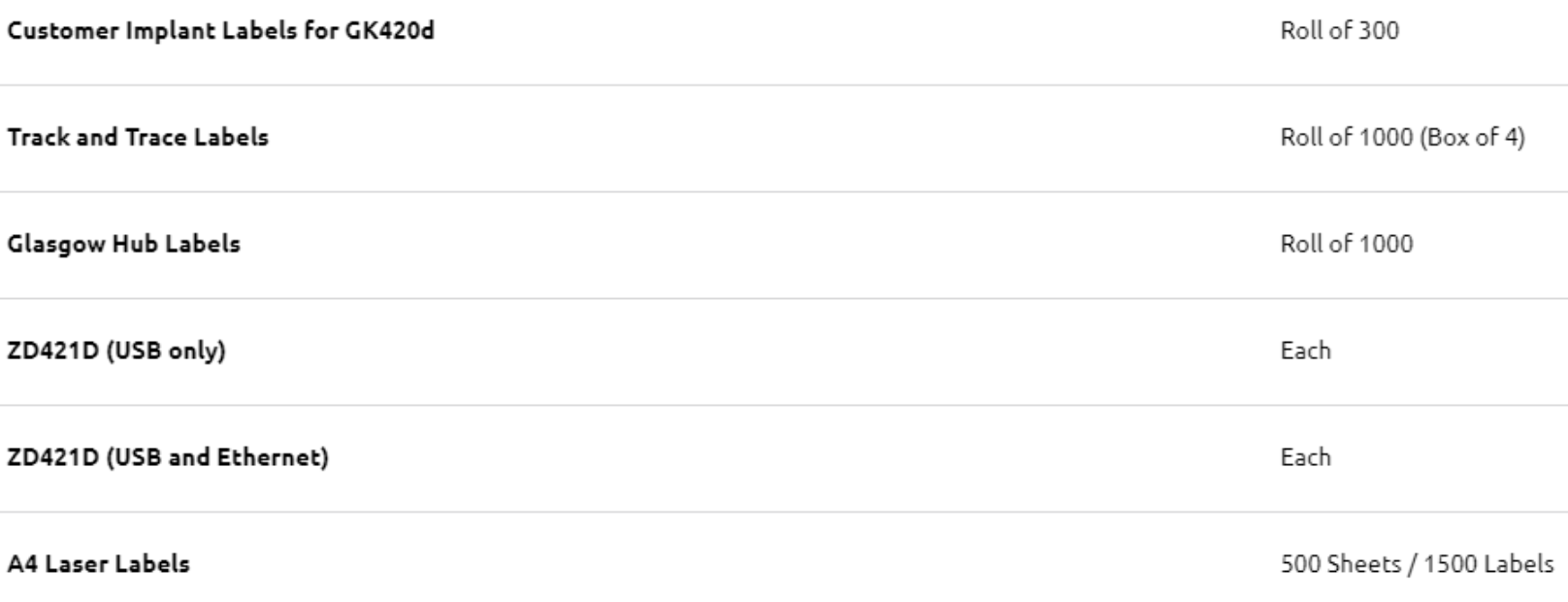
The following can then be bought:
- Option 1: Customer implant labels – Thermal rolls of labels for a Zebra printer
- Option 6: A4 laser labels – Self-adhesive, 3 per page. Exact size of a palletline label for non-ADR freight
These can be sent to customers to label their freight.
Configuration (contact customer support for this)
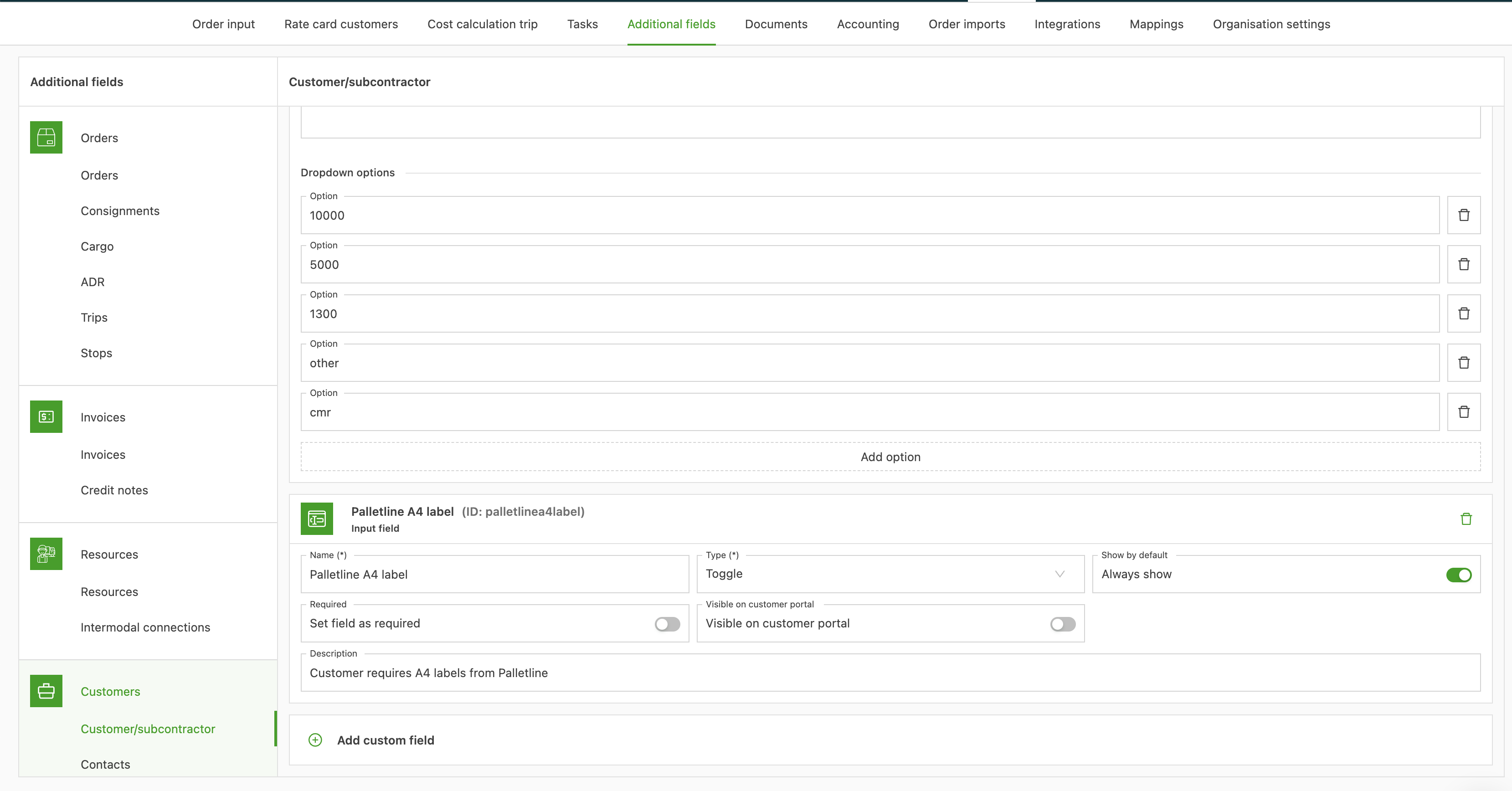
The following additional field must be configured on the customer:
- Name: Palletline A4 label
- Type: Toggle
- Always show: active