
Add an intermodal operator
This article gives a general overview of creating an intermodal operator
From the Resources main menu, select Intermodal operators to open the intermodal operators list. The default view shows a list of operators. The tabs also allow easy navigation to show inactive or all operators.
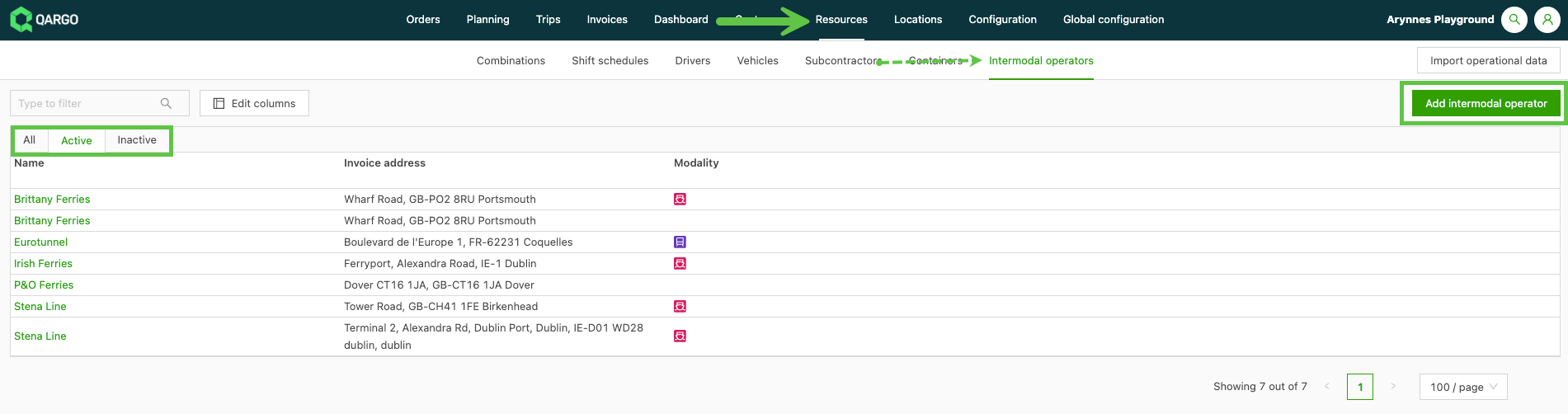
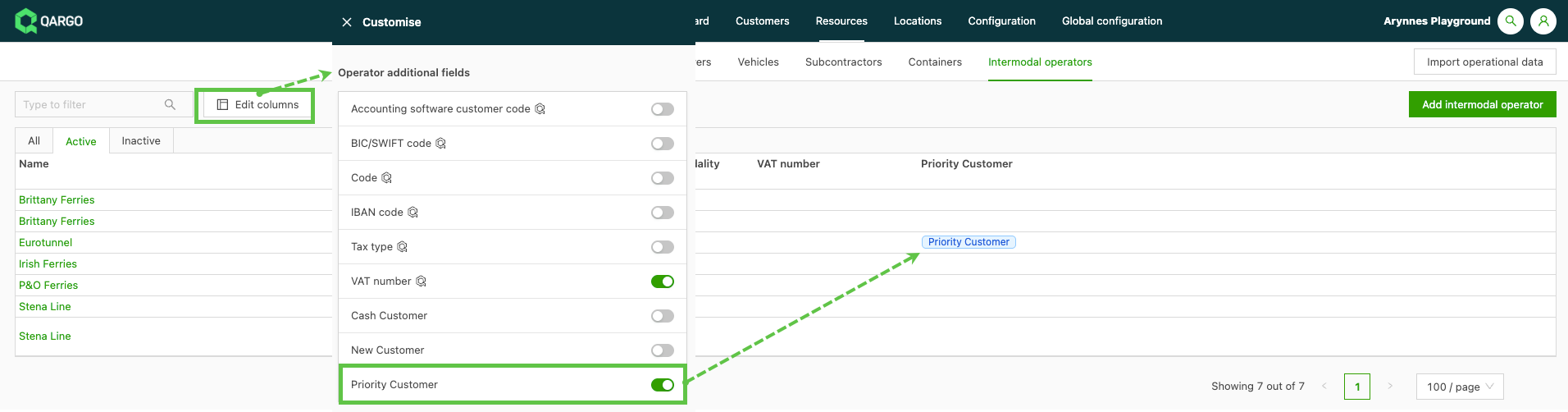
It is possible to customize the view and the data that is visible on the operators list. Click the Edit columns button to open a side menu. Additional columns can be toggled on or off to improve the visibility of key information.
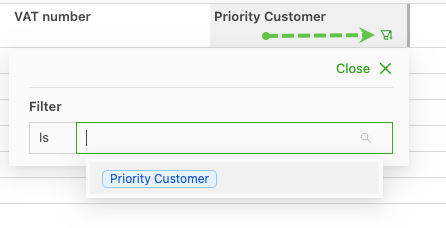
It is possible to further modify the view by using the individual filter options in the column headers. Place the cursor in the column header, and the filter icon appears in the bottom right corner. Click the icon to open the menu options for additional filters.
Add an intermodal operator
Click Add intermodal operator to open a new page. Enter the name of the operator to add. Qargo has compiled a list of all intermodal operators. As the name is entered, suggestions start to appear in the list.
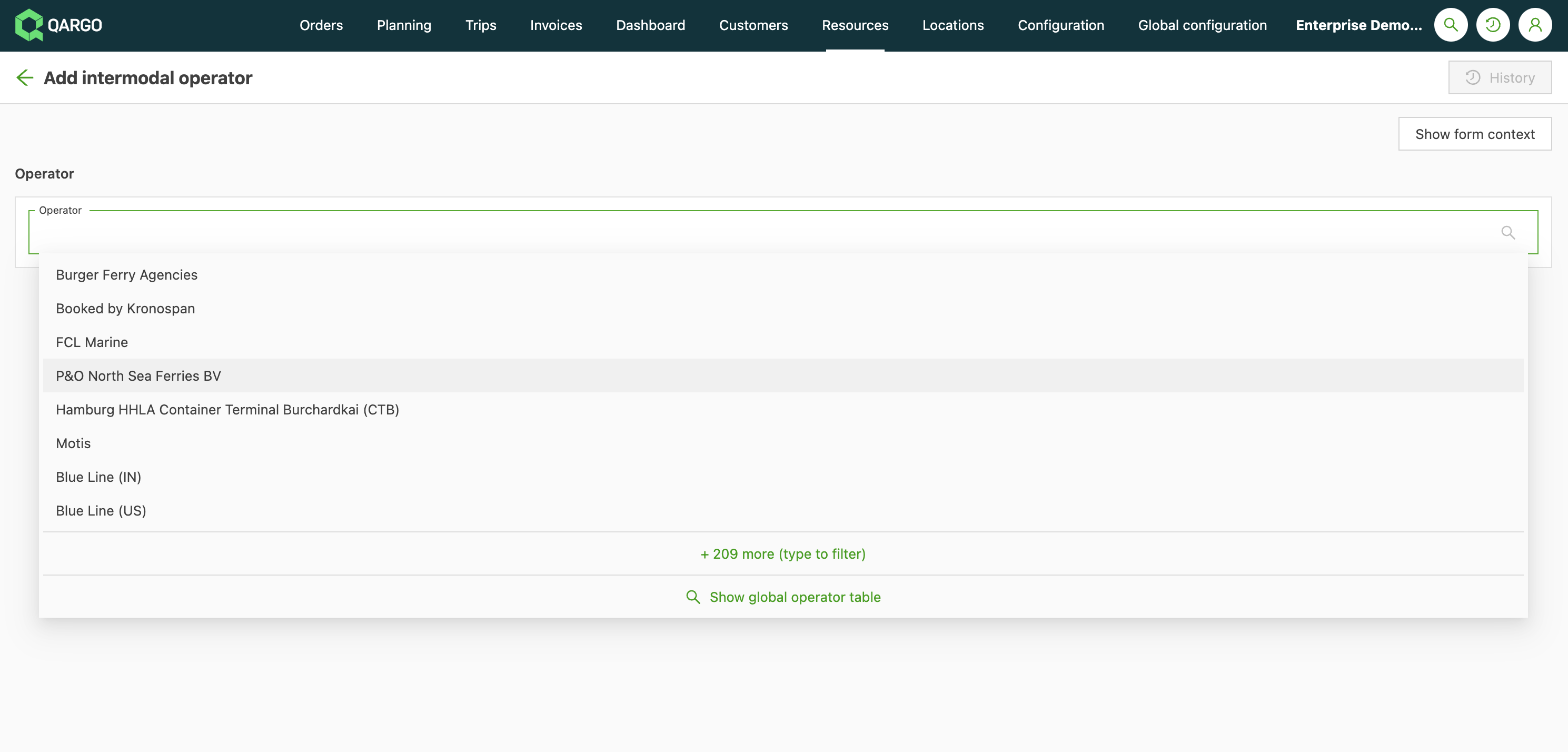
- Click the required intermodal operator.
- Complete the necessary fields.
- Save it.
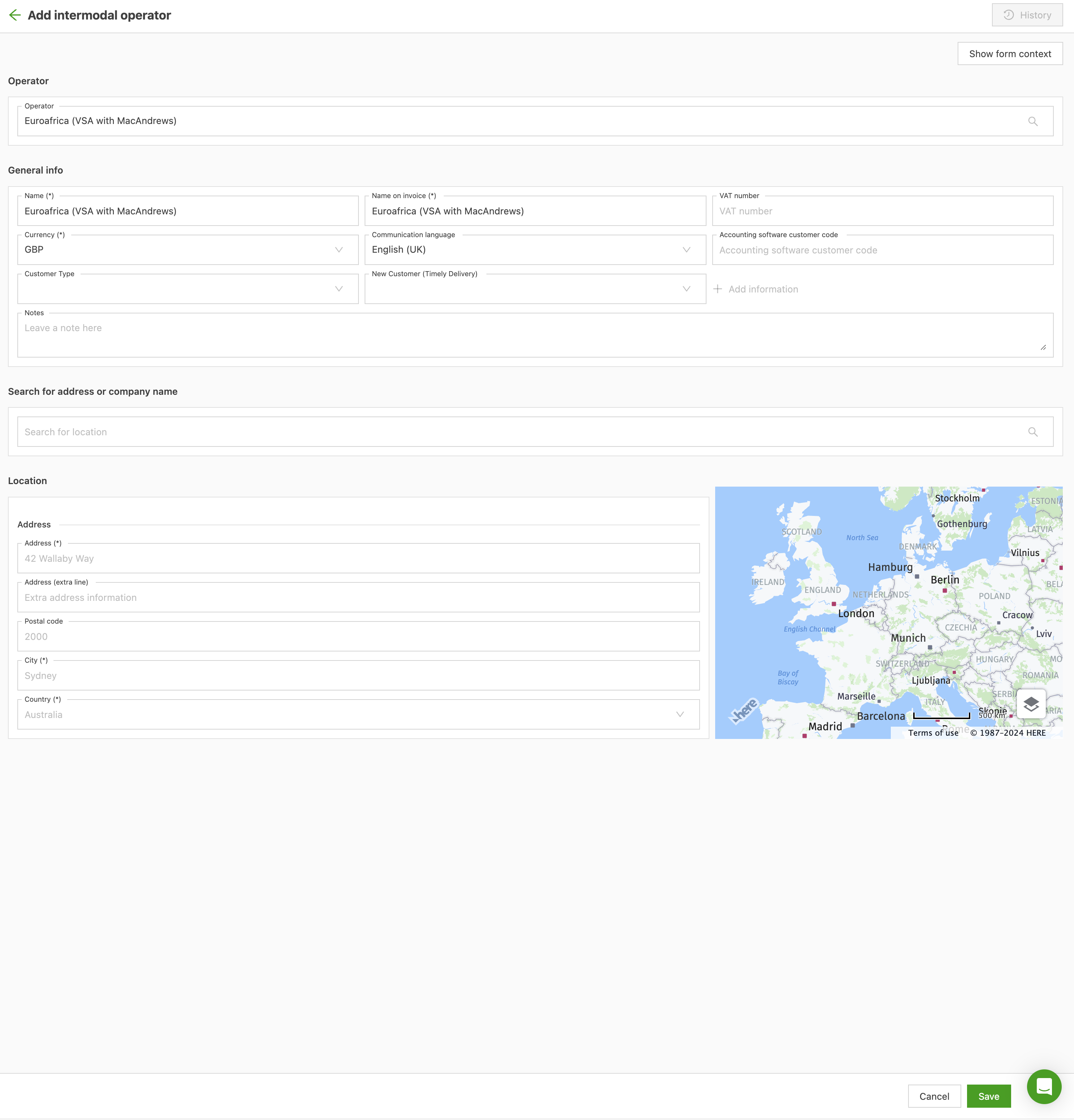
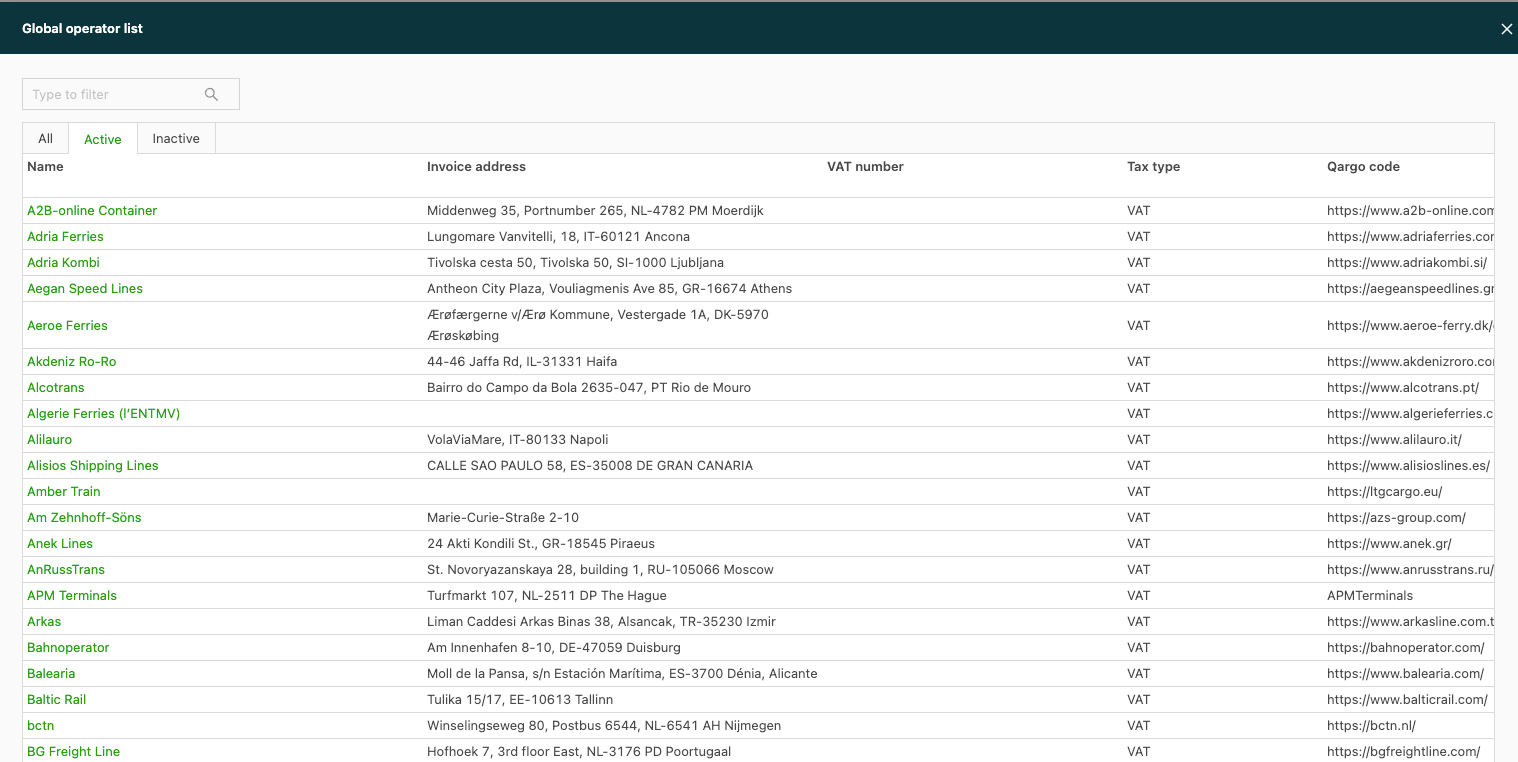
Alternatively, click Show global operator table for a list. Click a name to select it. The information is prefilled and can be saved.
Once the new resource has been added, it is possible to configure the fields that should be visible.