Add a resource combination
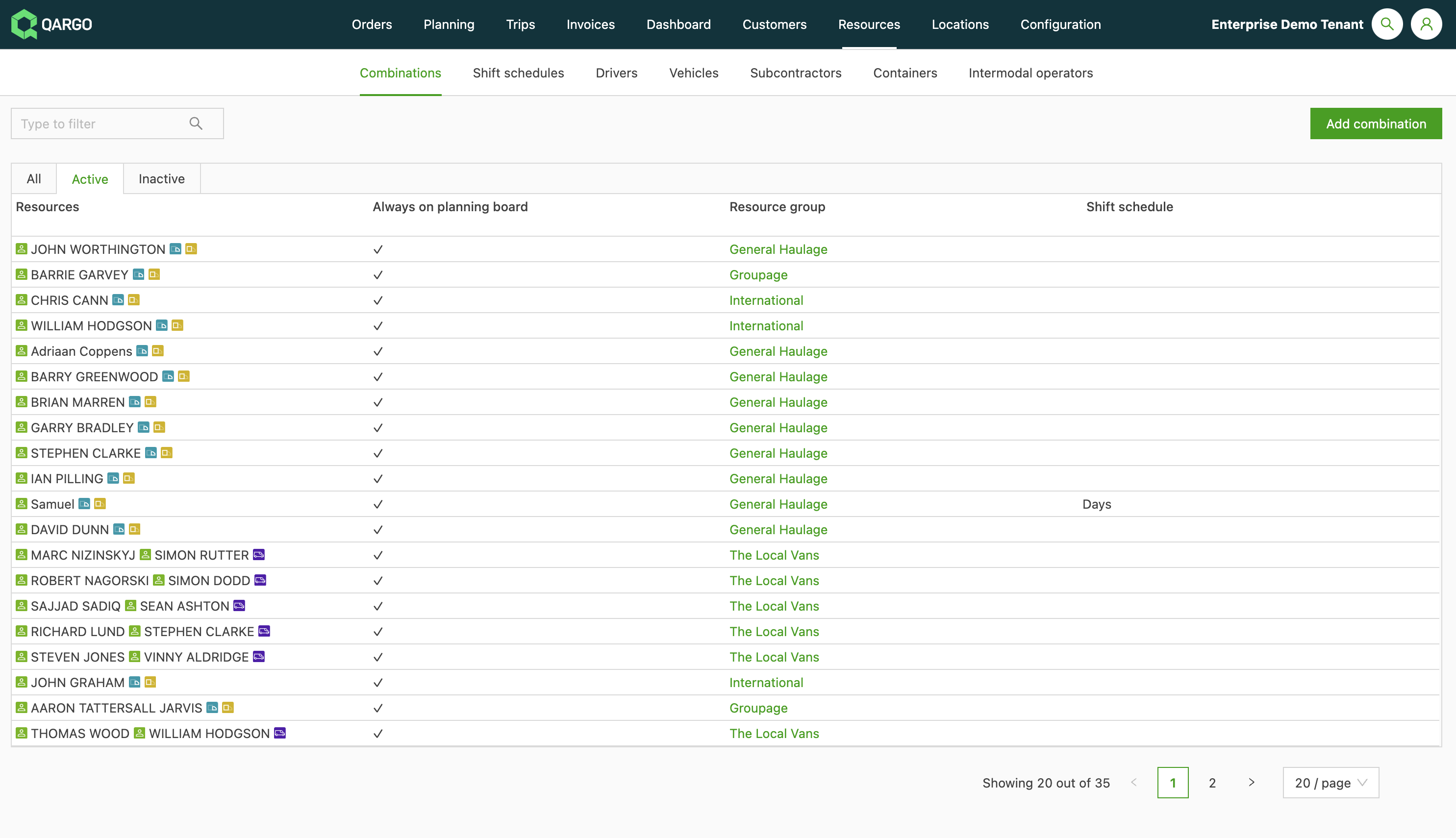
A combination can be added in Resources. For example, if a driver always drives the same truck, add that combination. That way, the driver and truck don’t have to be combined manually each time a load is planned.
- Navigate to Resources
- Click Combinations in the header.
- Click Add combination.
- Complete the required fields.
- Save the combination.