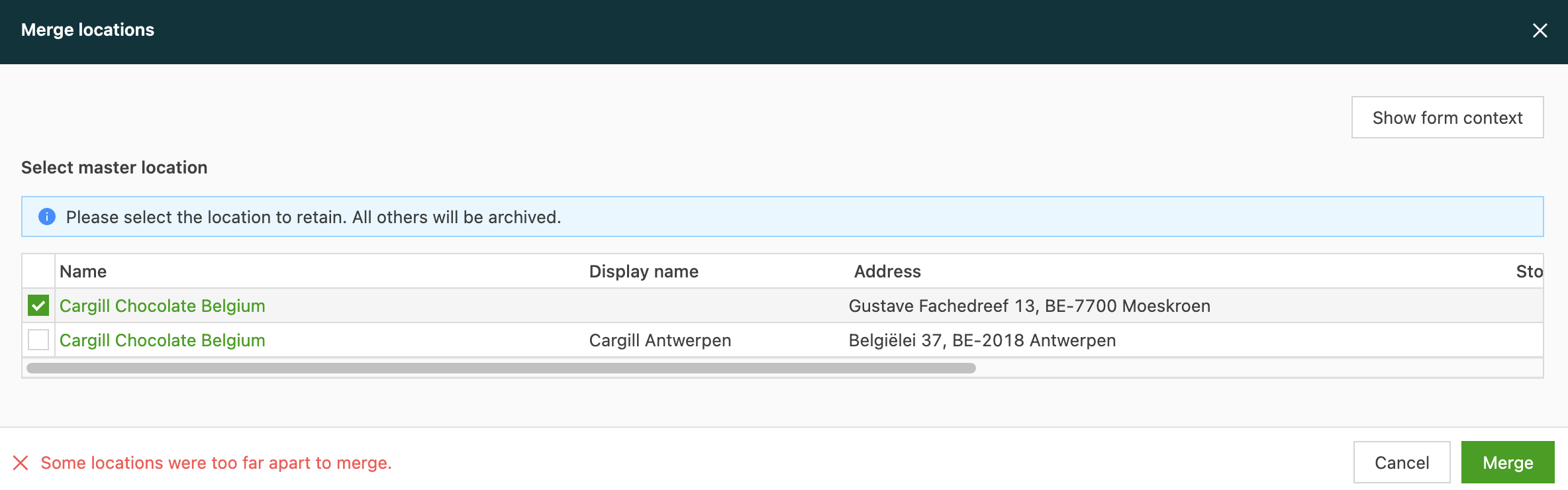
Merge locations
Duplicate locations, or locations that don’t make sense, can be merged at any time.
- Navigate to Locations.
- Click Locations.
- Click the select boxes on the left side.
- Click Merge locations.
- Choose the location to keep in the pop-up.
- Merge.
Locations that are too far apart can’t be merged.