Container types
From Rates > Order input, click Container types.
This page lists the categories available in the fleet.
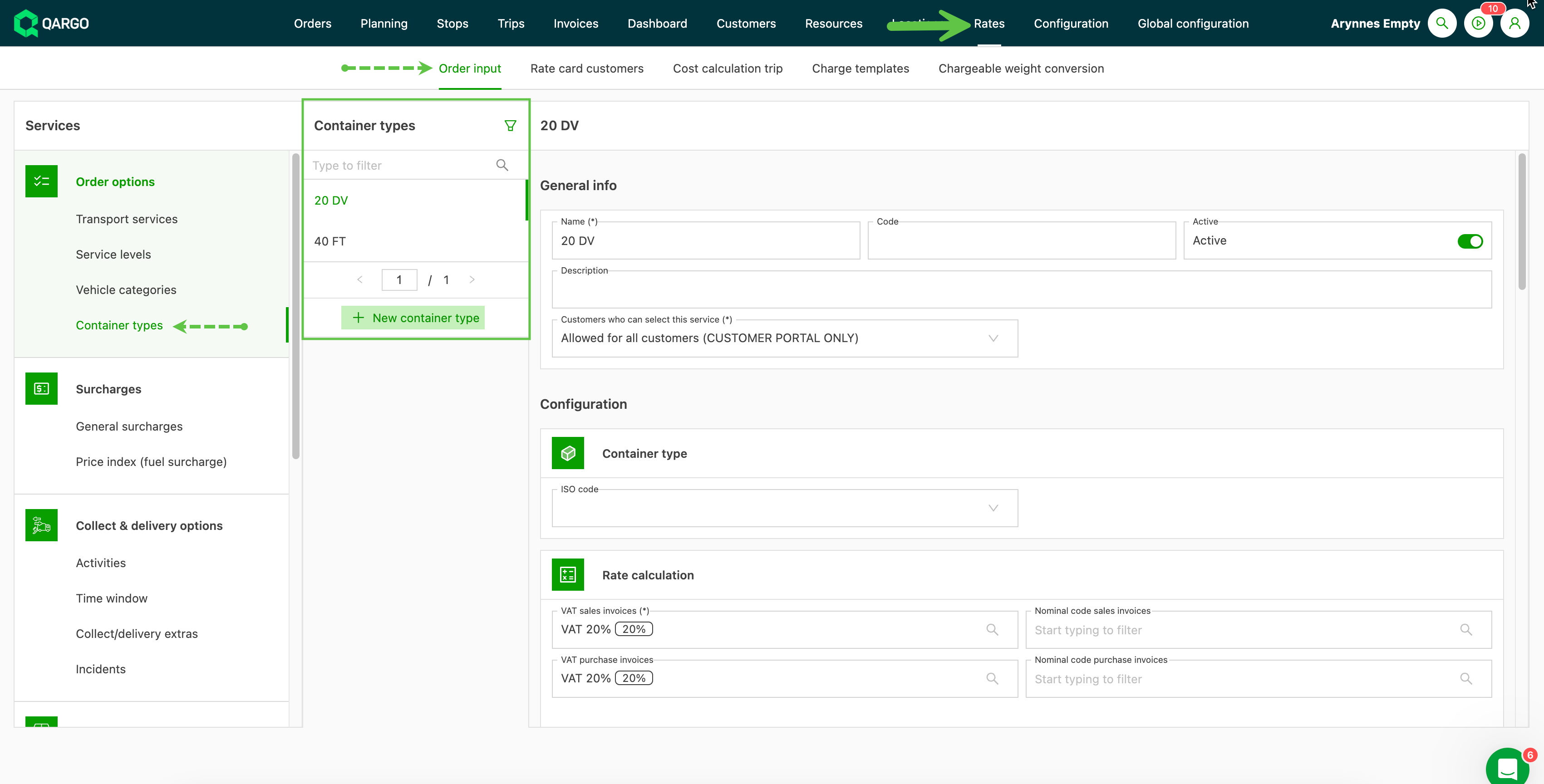
To add a new container type, click + New container type and give the new category a name. If the container type is available to customers via the portal, complete this option and add any specific customers if required.
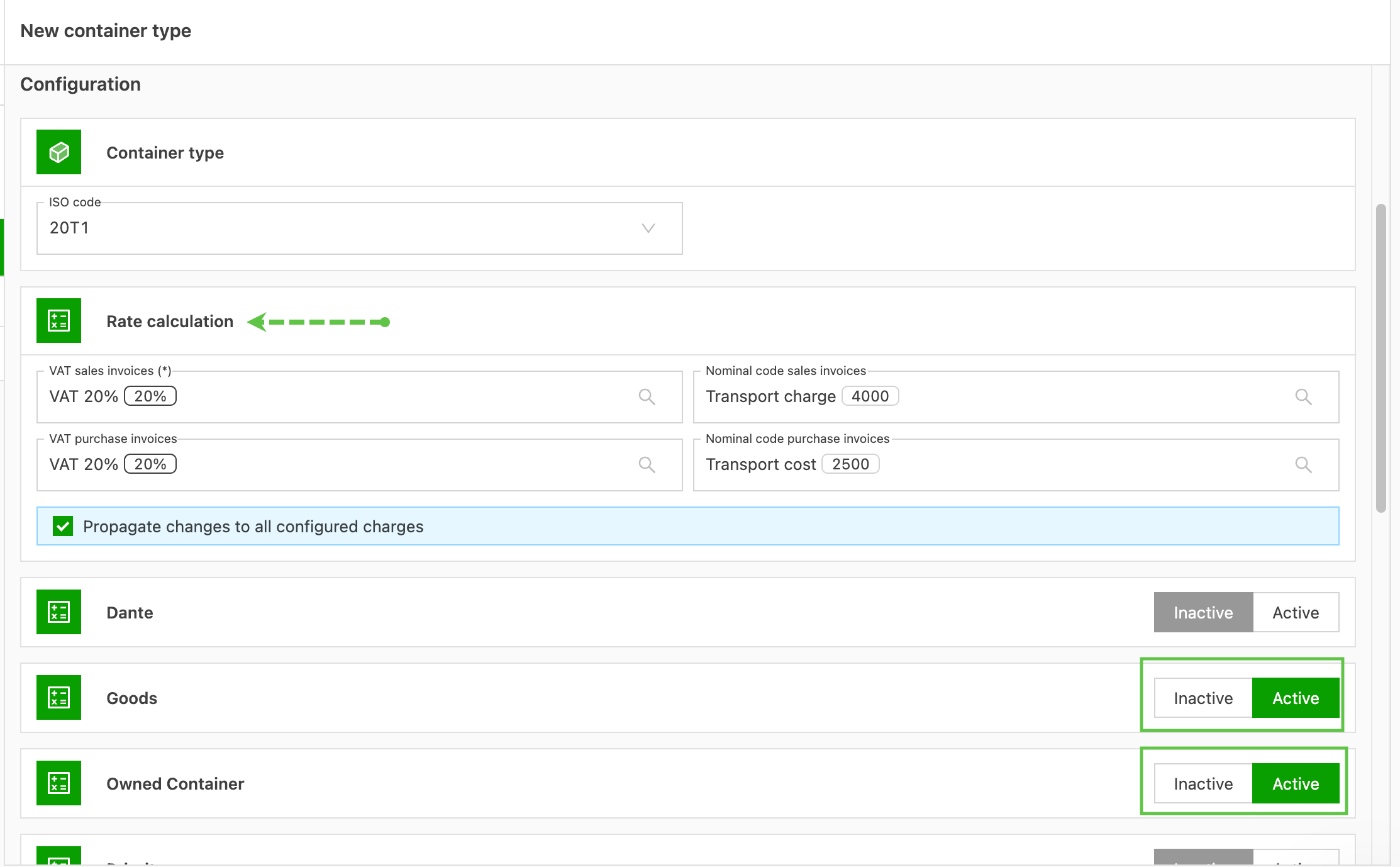
Add the appropriate ISO code for the specific container type.
Complete as much of the profile as possible. Adding the tax and GL codes helps make imports into accounting software efficient. Additional configuration includes
-
which transportation service the vehicle category is active on.