
Understanding resource icons in Qargo
Icons are a quick and easy way to see the active integrations assigned to resources. This article helps identify what is shown.
Table of contents
Description
Qargo currently shows an icon for integrations, including the Qargo mobile app, the carrier portal, the fleet management service (FMS) and telematics.
Where a specific partner is integrated, its name is displayed.
- Resource on map view
Trailers are now displayed on the map with a separate icon.
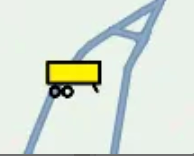
The colors of the resources have also changed: yellow for trailers, and blue for trucks and other resources.
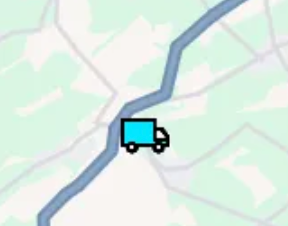
-
Qargo mobile app
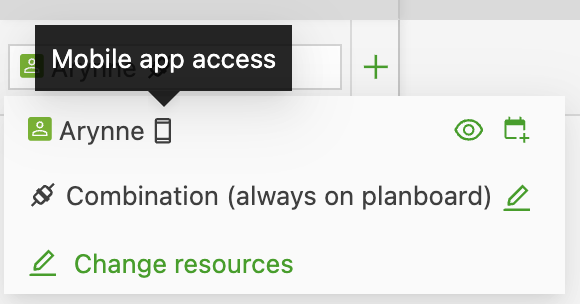
-
Carrier portal
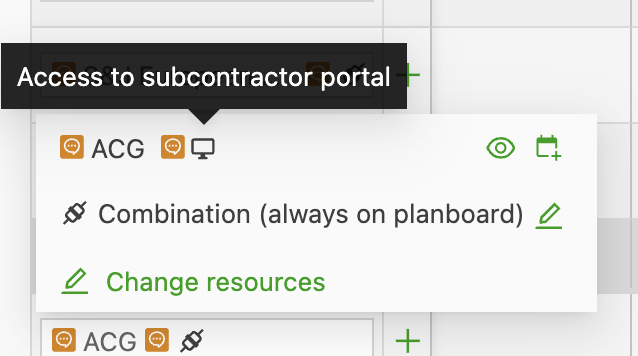
-
Fleet management service (FMS):
The name of the integrated FMS is displayed:
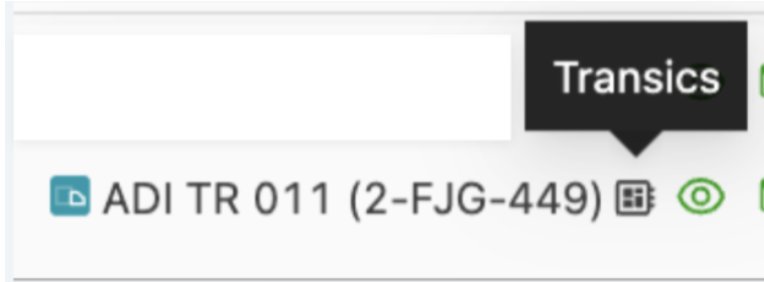
Supported integrations include:
- Transics
- Trimble
- Rietveld
- Webfleet
- Chep
-
Telematics:
The name of the integrated telematics solution is displayed:
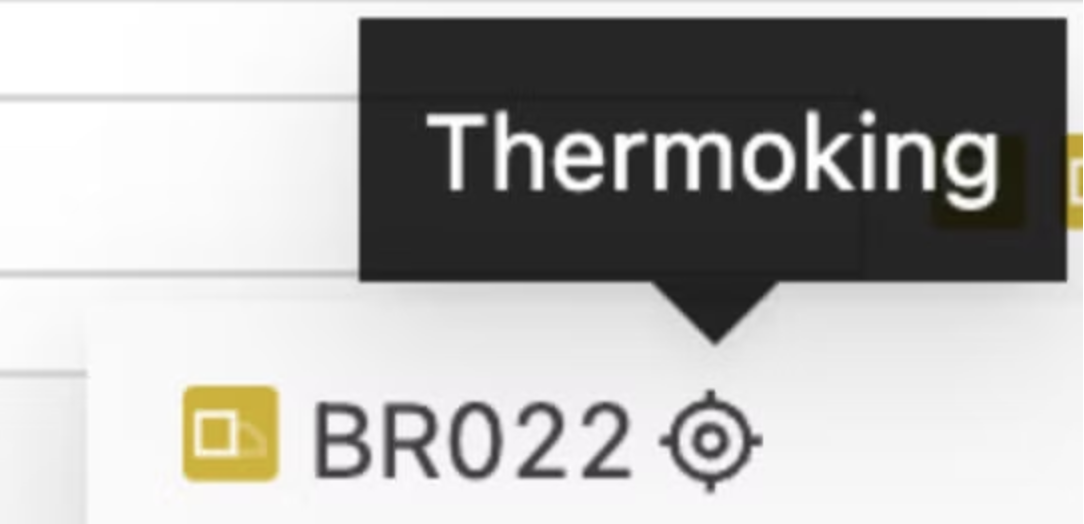
Supported integrations include:
- Cubo
- Mapon
- Samsara
- Thermoking
- Verizon Connect