Create an external driver/vehicle
When working with contract carriers that have a certain number of drivers working for the company on a daily basis, while the company does their planning, these drivers need to be created as external drivers.
An external driver is not on the company’s payroll, but on the contract carrier’s payroll.
An external driver is created in the same way as an owned driver, but it is linked to the contract carrier on the driver detail. The same applies to external vehicles.
Configuration:
\
If the resource does not exist yet: {#h_890be9f8c6}
To configure this, simply navigate to the Resources tab and select driver/vehicle.
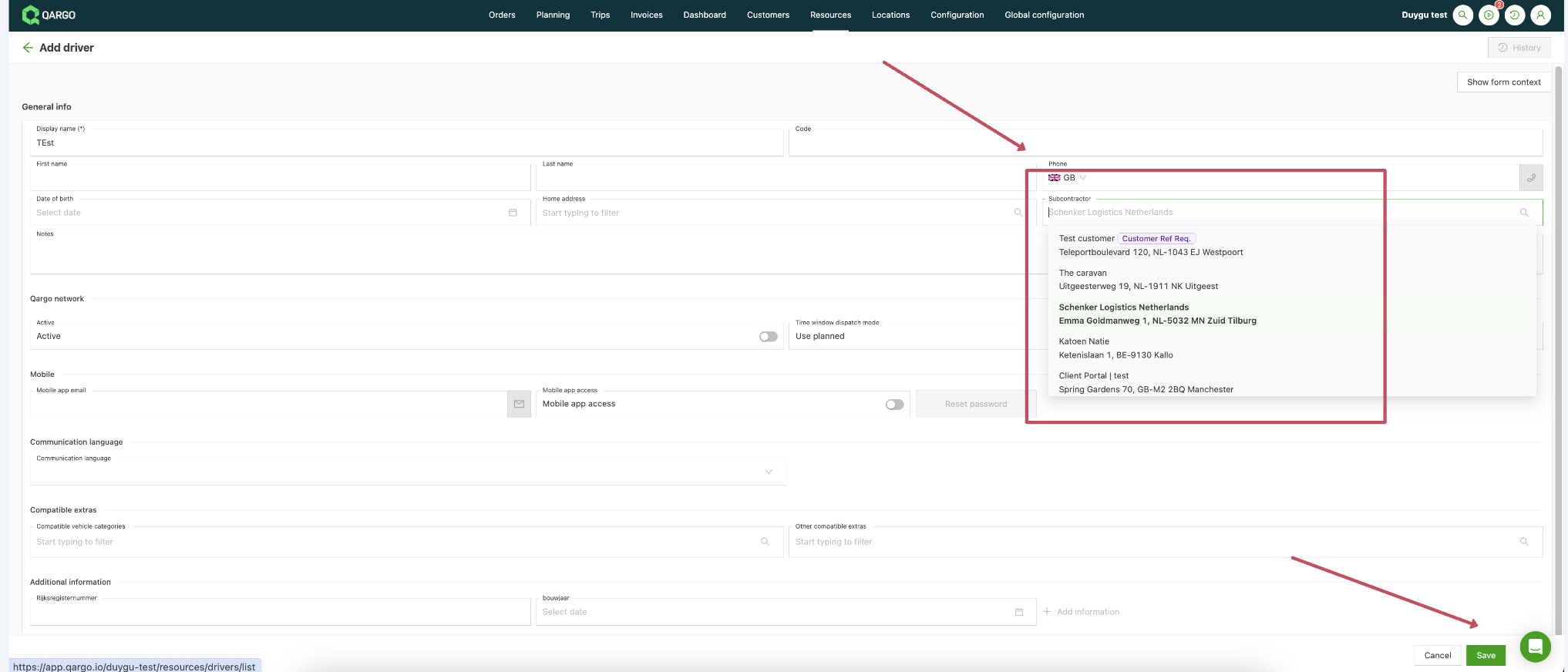
Click Add driver (or Add vehicle)
While filling in the details, also link the resource to the related contract carrier
Save the data
**If the resource already exists:**
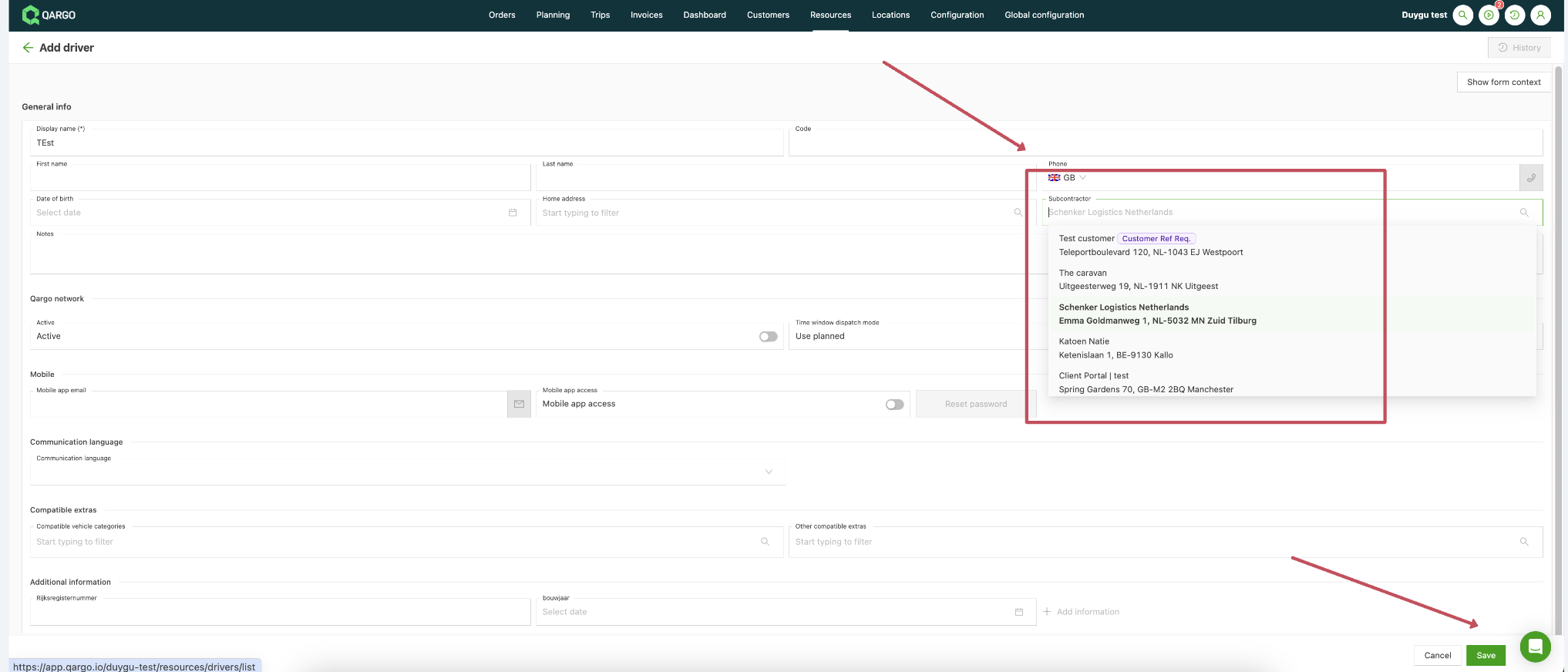
To configure this, simply navigate to the Resources tab and locate the driver/vehicle to register as external
Select the contract carrier from the list
Save the data
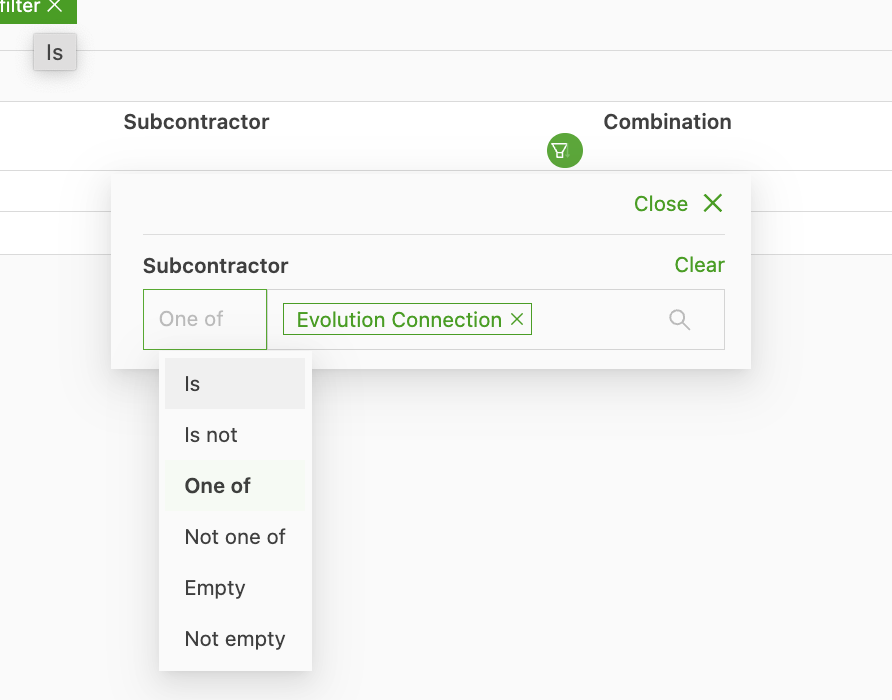
The full list overview of the resources also allows filtering on the contract carriers that resources are linked to, making it possible to track/locate the external resources:
Filter options:
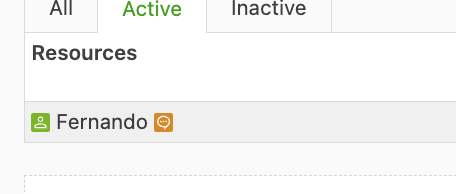
Visualization of external resources in the system:
An external resource is shown in the system as below, with an orange box next to it that represents the contract carrier company: