
ETA import/export
Table of contents
Concept
Palletline requests its terminals to provide ETAs for the deliveries they’re executing.
This is very useful for Palletline members. Syncing the expected ETA between the Palletline system and Qargo allows the end customer to view the ETA for their shipment on the Qargo customer portal.
This reduces the terminals’ administrative workload. They need to take fewer calls from their customers, as they can simply refer them to the portal.
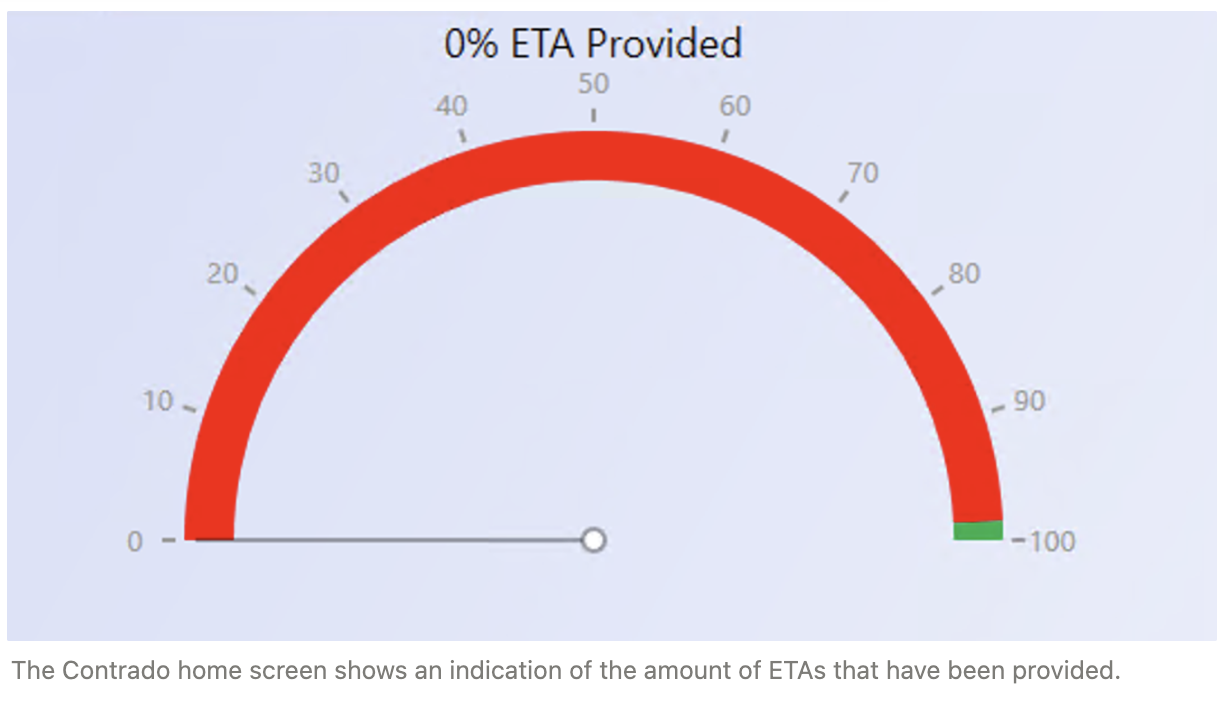
Palletline maintains a KPI on this for the terminals, which can be viewed in Contrado:
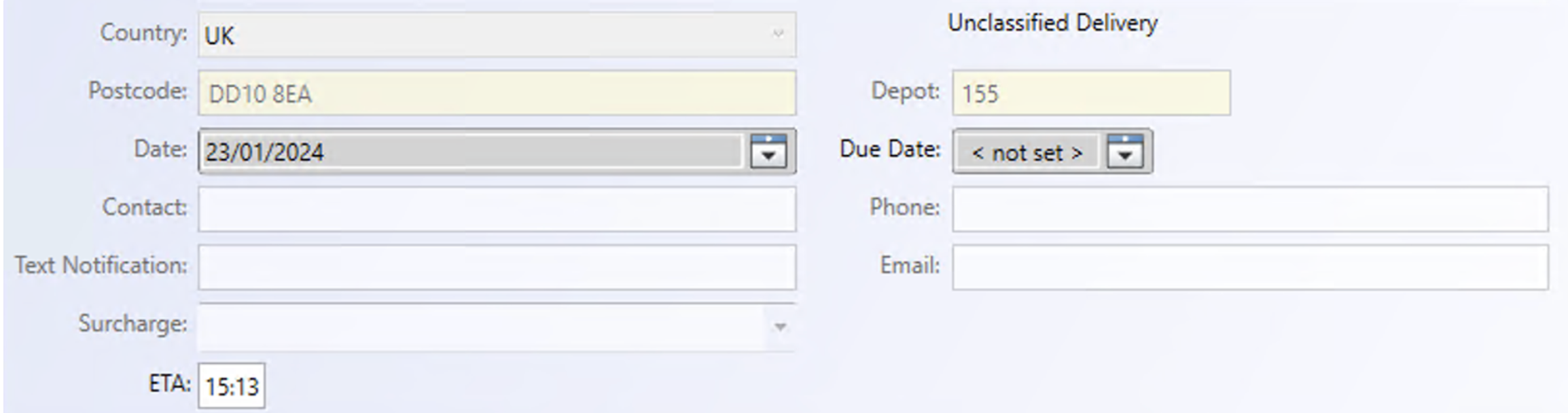
When an ETA has been uploaded to Contrado, it appears in the Contrado UI like this:
\
Implementation in Qargo {#h_a242fbf259}
ETA download
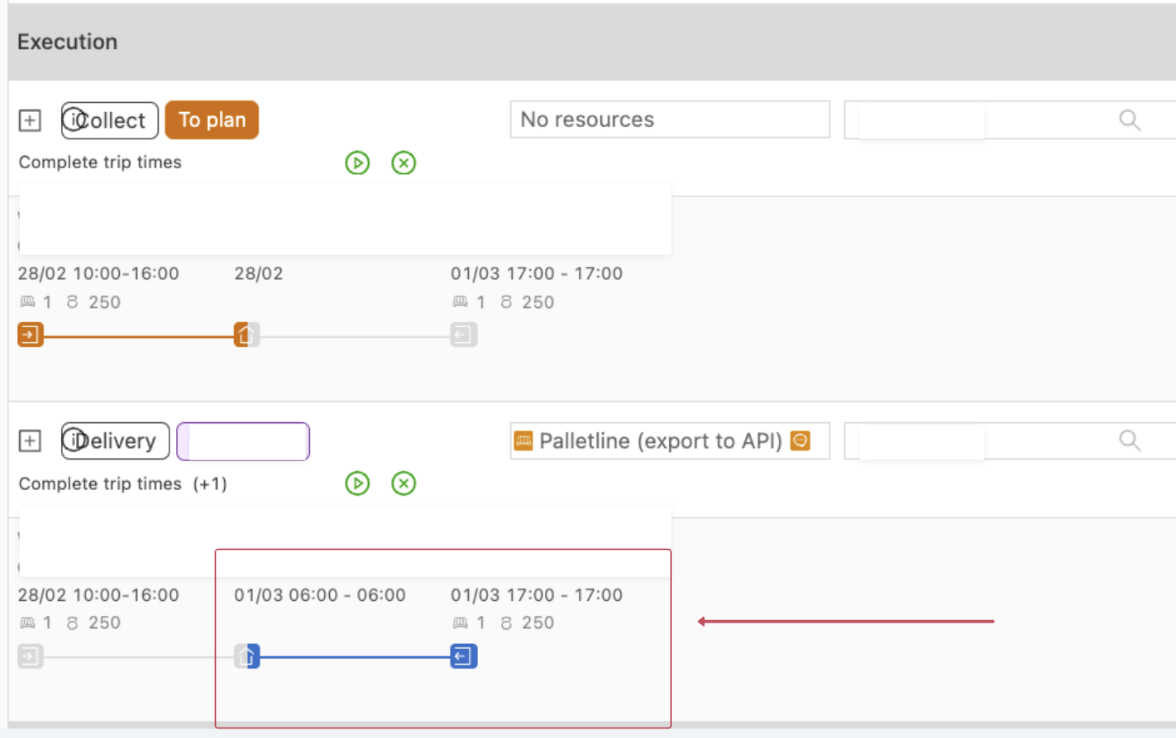
The ETA download updates the delivery stop start timestamp (the start timestamp is updated with the retrieved ETA, and the stop time is set to fixed).
The ETA updates are only applied if the terminal is the requesting terminal and not the delivery terminal, and if the stop has not been started yet.
ETA upload
The ETA upload sends the ETAs to Contrado when the estimated start timestamp of a stop changes. This happens when a route calculation takes place. For example, when the driver departs on delivery 1 on the load, the ETAs for delivery 2 onward are recalculated and sent to Contrado.
The ETA updates are only exported when:
- the load is in progress
- the individual stop has not been started yet
- the terminal is the delivery terminal for the shipment
So ETAs are sent for each stop on the load once the load is in progress, each time the route calculation changes (i.e., when the driver departs on delivery 1 on the load, the ETAs for delivery 2 onward are recalculated and sent to Contrado).
However, although the ETAs are always sent, Contrado only picks them up if there was a valid DPDV scan on the shipment beforehand.