
Invalid PDF structure for PDF labels
What to do if an error appears and the label is not generated
Table of contents
When an “Invalid PDF structure” error appears while generating Palletline shipment labels, the cause is typically either missing data or a temporary API communication failure.
The error looks like this:
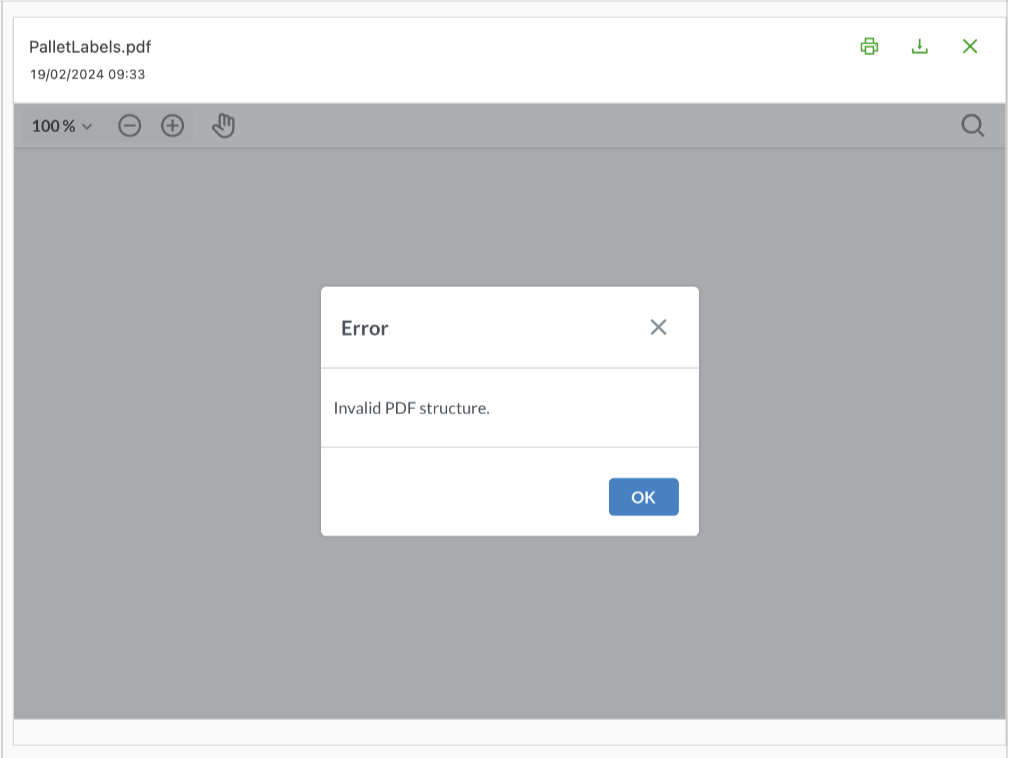
The steps below explain how to diagnose and resolve the error:
Missing or incorrect shipment data
Incomplete or invalid data in the shipment details is a common cause of a failed label.
-
Go to the shipment details and check that the following fields are filled in correctly:
- Weight
- Packaging size
- Service level
- PCS information
- Pallet spaces
-
Delete the invalid label, then retrigger the dispatch task to the network.
Palletline API failure
Occasionally, the Palletline API fails with a technical error, often reported as “Unknown Username or Incorrect Password.” This failure prevents valid PDF content from being returned, which results in the “Invalid PDF structure” error in the web client.
When an invalid label appears and the manifest date of the Palletline shipment is today or in the future, these two steps force a regeneration:
- Delete the invalid label: Locate the invalid label in the shipment details and delete it.
- Retrigger the dispatch: Manually retrigger the dispatch task.
This resends the label request and generates new, valid labels.