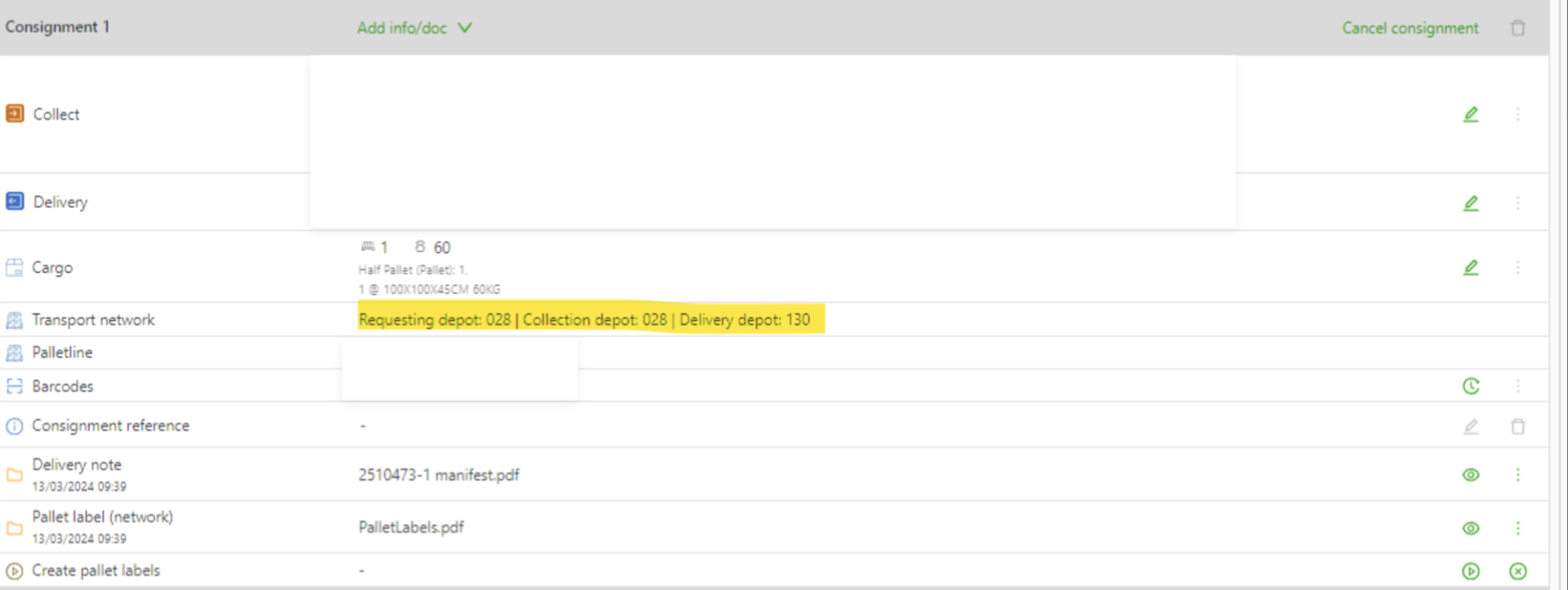
Set up local zones for transport networks
This article shows how to set up allocated local zones for transport networks. Zones set here override the official gazetteer zones.
This article covers how to configure local zones for the network. It also covers how to add zones that are not officially allocated to the company but that the company does serve. Accurate ZIP code zone configuration is essential to make sure resources such as terminals, trucks, or placeholder resources are allocated efficiently. Misconfigurations could lead to unintended assignments or operational inefficiencies.
The ZIP codes and terminals assigned in this table override the official “gazetteer”. This override helps automate resource assignments and makes sure terminal stops are correctly added to orders. This prevents misrouting or skipped critical steps.
Efficient transport operations depend heavily on well-configured ZIP code zones. Misconfigurations can affect order routing, resource allocation, and terminal processing, potentially causing delays or inefficiencies.
Navigate to the Locations > Transport networks tab to add local zones to the system.
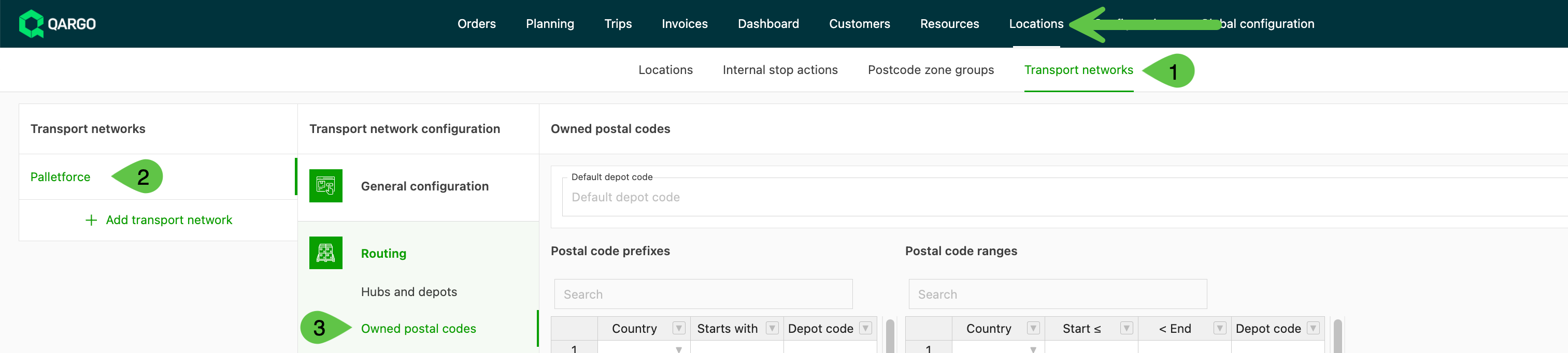
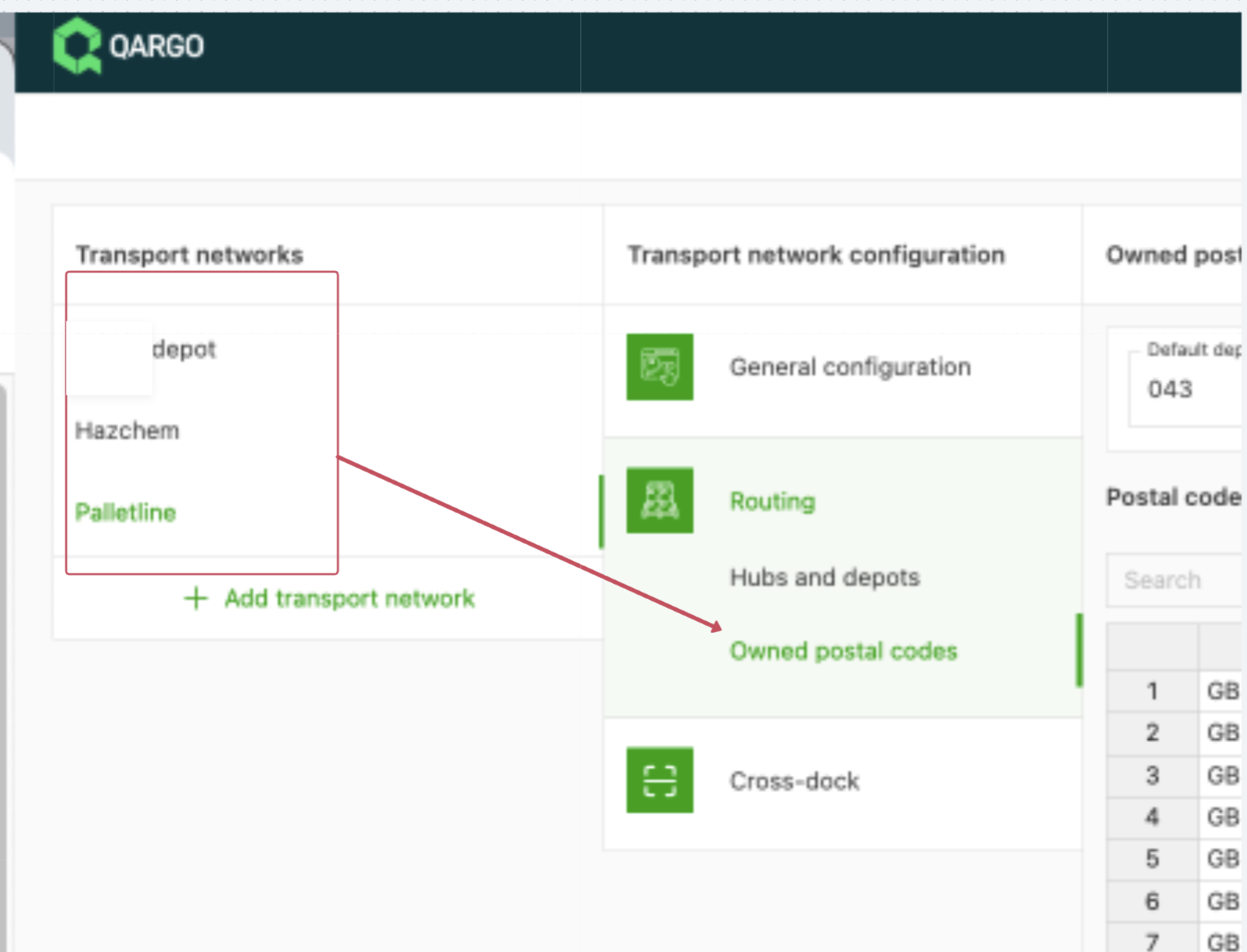
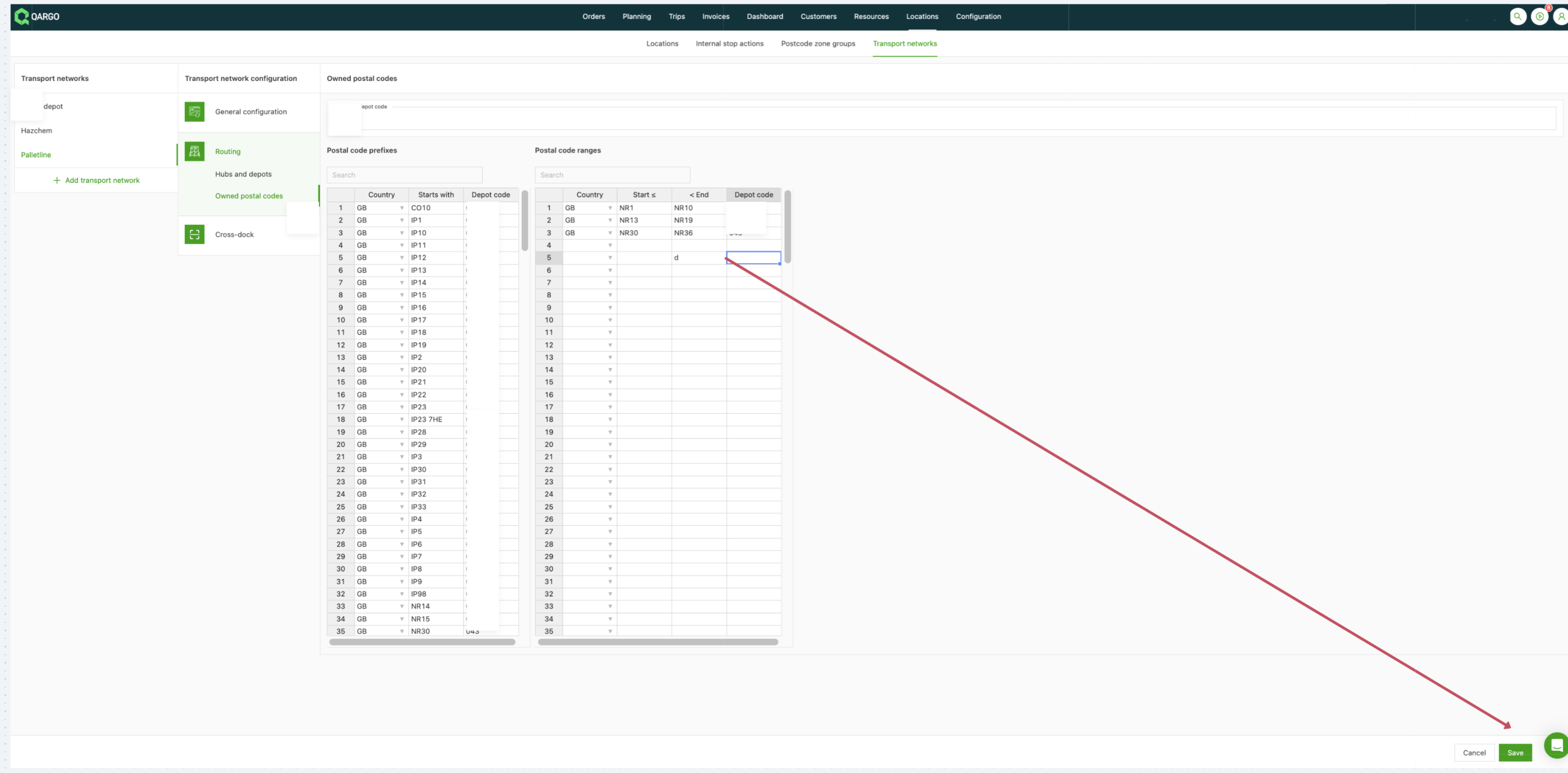
- Select the transport network where the local zones need to be set up or adjusted, and navigate to Owned postal codes
The table has options to enter the country code, the ZIP code, and the terminal code.
Use the table on the left for full ZIP codes and “starts with” ZIP codes.
Use the table on the right to enter ZIP code ranges.
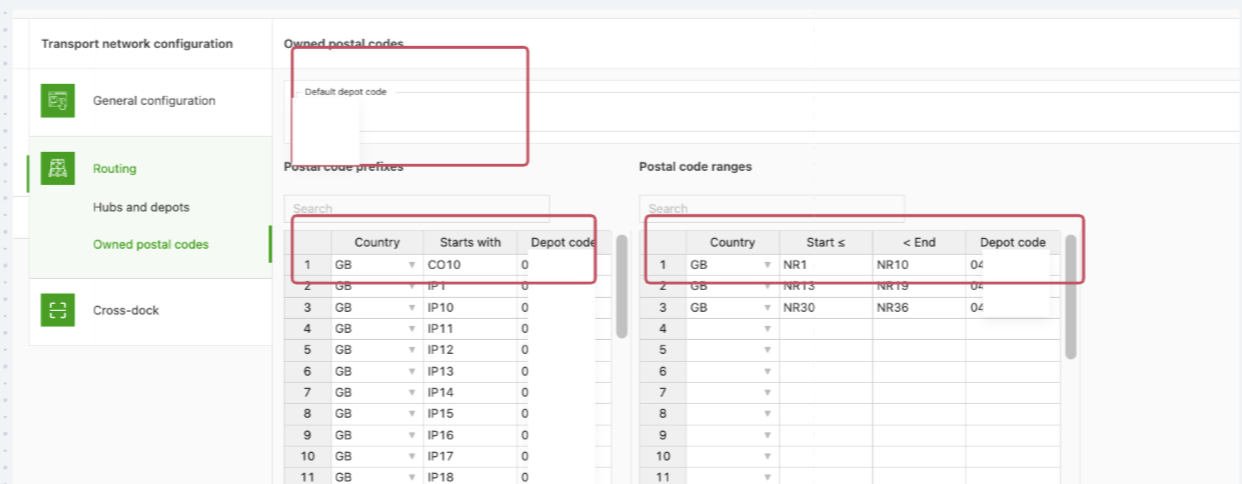
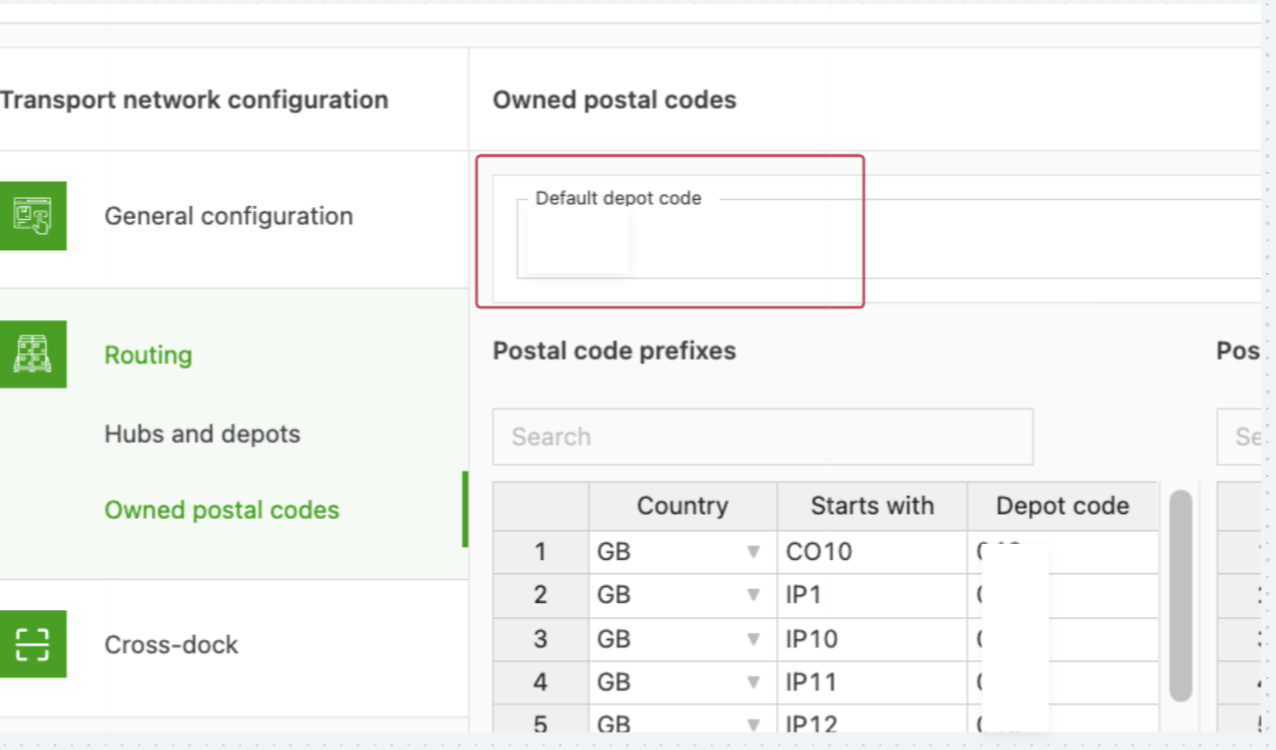
The default terminal code makes sure shipments are assigned to the correct terminal when the ZIP code cannot be found in the tables below.
Save the changes after adding all the data
Note: If no terminal is set up for the pickup and delivery points in the shipment, the default zone is applied automatically. Placeholder resources such as ‘Dummy OA’ may also be assigned automatically in these cases, which could result in unintended routing. Review the configuration periodically to address such issues.